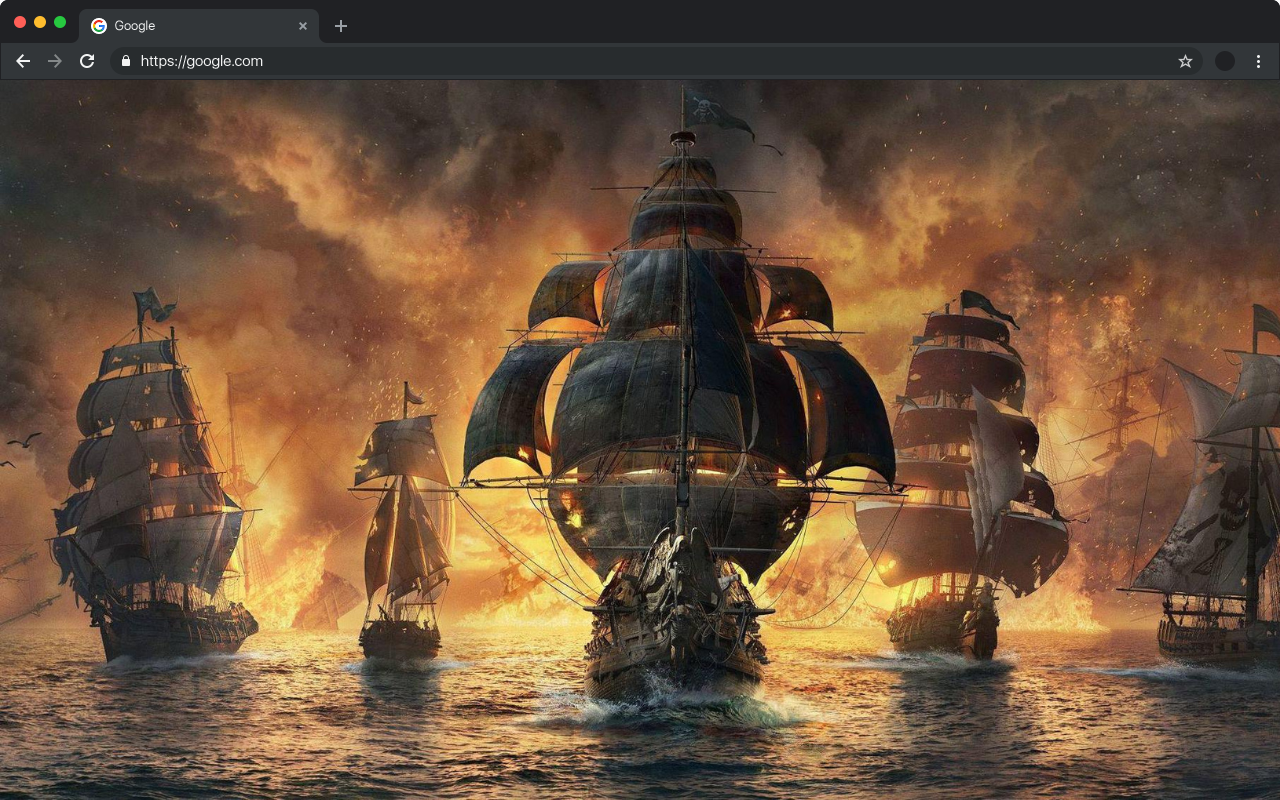
If you love dark aesthetics, gothic art, and bold visual design, the Skulls and Bone Wallpapers extension is built for you. This browser extension replaces your default new tab with high-definition skull and bone artwork, turning an otherwise blank page into a striking visual experience. Whether you are into punk culture, tattoo art, horror themes, or simply appreciate edgy design, this extension delivers that atmosphere every time you open a new tab.
Skulls and Bone Wallpapers
What Is the Skulls and Bone Wallpapers Extension?
The Skulls and Bone Wallpapers extension is a new tab replacement tool for Chrome that automatically loads a fresh piece of dark-themed wallpaper artwork each time you open a new browser tab. The collection includes everything from classic pirate skulls and anatomical bone illustrations to intricate gothic and steampunk designs. Beyond the visuals, the extension also packs a full suite of productivity tools directly into your new tab page, so you never have to sacrifice function for style.
Key Features
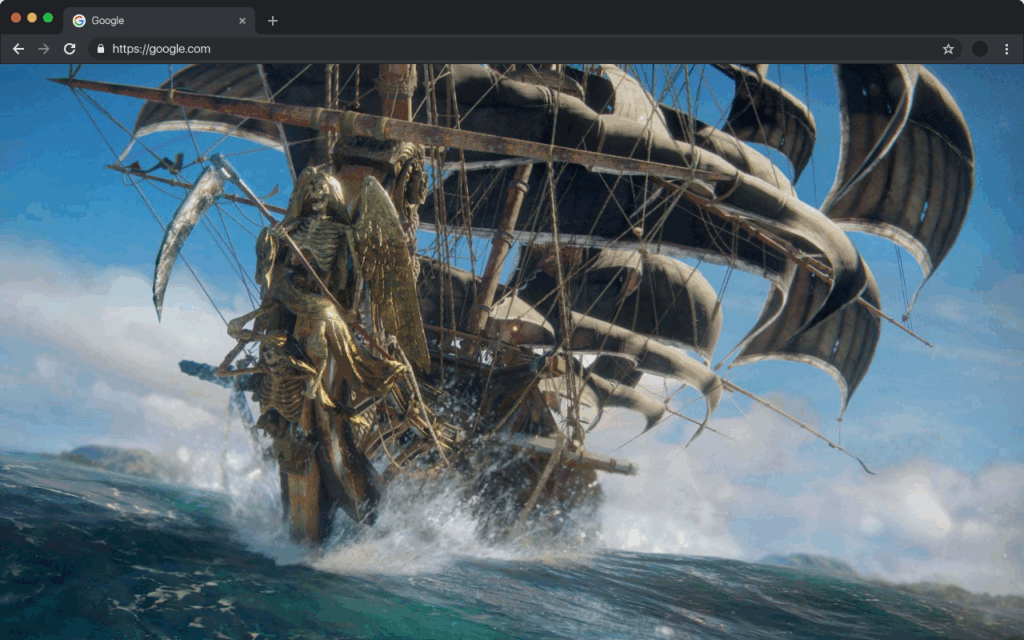
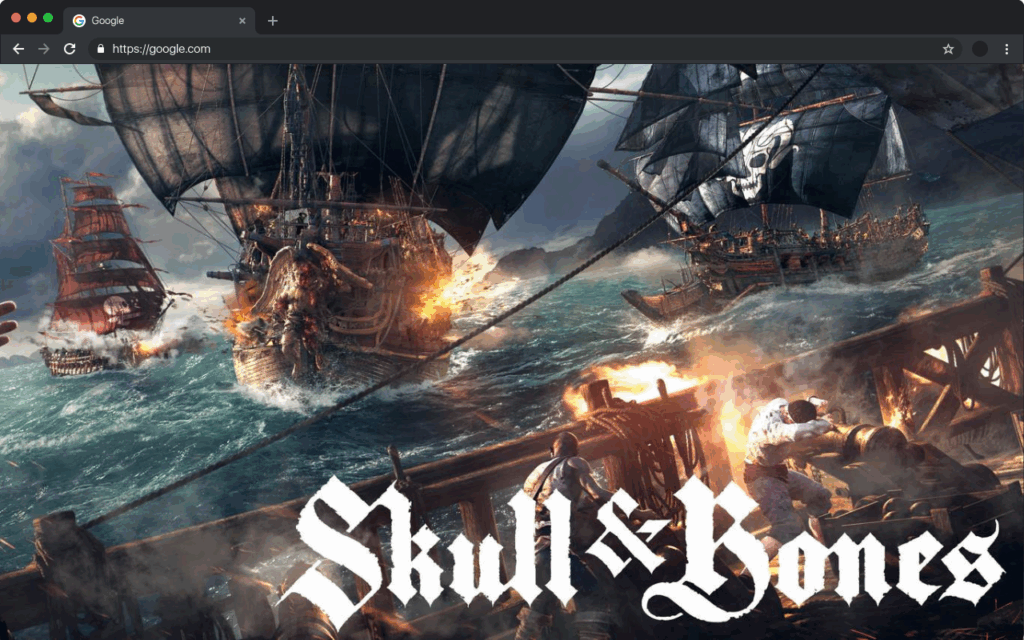
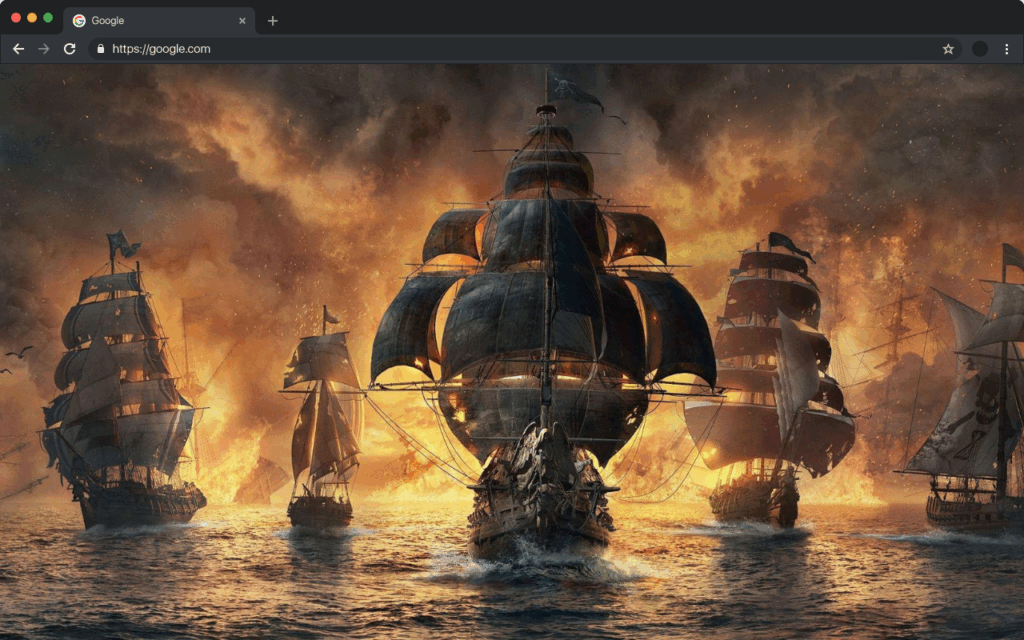
Rotating HD Skull Wallpapers
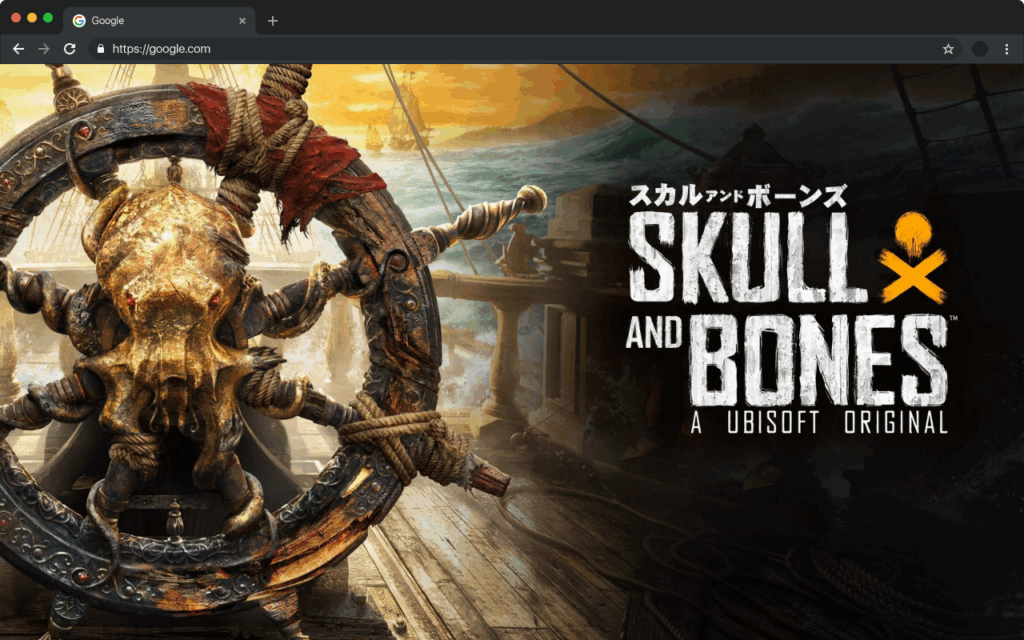
Every new tab loads a different high-definition skull or bone-themed wallpaper from a curated collection of dark artwork. The images are crisp, detailed, and span a range of styles including gothic, anatomical, horror, and decorative skull art. You will never get bored staring at the same background twice.
Built-In Google Search Bar
A prominent Google search bar sits at the center of your new tab, letting you search the web instantly without navigating away. This keeps your browsing workflow fast and uninterrupted, saving you the extra step of opening a search engine separately.
Live Digital Clock
A clean digital clock is displayed in the corner of your new tab so you always know the time at a glance. It blends naturally into the dark wallpaper aesthetic without cluttering the screen or distracting from the artwork.
Quick Access Bookmarks
Pin your most-visited websites as bookmark shortcuts directly on your new tab page. This makes it easy to jump to your favorite sites in a single click, helping you stay organized and saving time during your daily browsing sessions.
Recent Search History
Your recent searches are accessible right from the new tab, so you can quickly revisit something you looked up without retyping it. This small but practical feature keeps your browsing history within reach at all times.
Real-Time Weather Information
The extension displays current weather conditions based on your location, including temperature and basic forecasts. You can check the weather without opening a separate app or website, making your new tab a genuinely useful dashboard.
Social Media Shortcuts
Stay connected with subtle social media integration that gives you fast access to your preferred platforms. These shortcuts are unobtrusive and fit neatly into the overall layout without overwhelming the visual design of the page.
Customizable Settings Panel
A built-in settings menu lets you control which widgets appear on your new tab, how often the wallpaper rotates, and other personal preferences. You are in full control of how your new tab looks and behaves without needing any technical knowledge.
How to Install the Extension
- Open the Chrome Web Store in your Chrome browser.
- Search for Skulls and Bone Wallpapers in the search bar.
- Click the extension listing to open its detail page.
- Click the Add to Chrome button and confirm the installation prompt.
- Open a new tab to immediately start seeing your dark skull wallpapers and productivity tools.
Why Dark Theme Fans Love It
Users who gravitate toward gothic aesthetics, tattoo culture, Halloween-inspired design, or horror themes find this extension to be a natural fit for their browsing environment. It replaces a generic, forgettable new tab page with something that actually reflects personal style. At the same time, the built-in tools mean productivity is not sacrificed in favor of looks. The combination of dark visual art and practical browser features is what keeps users coming back to this extension over more generic alternatives.
Screenshots
Frequently Asked Questions
Is the Skulls and Bone Wallpapers extension free to use?
Yes, the extension is completely free to install and use. All wallpapers and built-in features are included at no cost.
Can I control which features appear on my new tab?
Absolutely. The settings panel allows you to show or hide individual widgets such as the clock, weather, bookmarks, and search history according to your preferences.
Will the wallpaper change automatically or do I have to update it manually?
The wallpaper rotates automatically each time you open a new tab, so you always see a fresh image without needing to do anything manually.
Does the extension affect my browser speed or performance?
The extension is lightweight and designed to load quickly. It replaces only the new tab page and does not interfere with your regular browsing or other extensions.
What style of skull wallpapers are included in the collection?
The collection covers a wide range of styles including gothic skulls, anatomical bone art, pirate-themed skulls, steampunk designs, and decorative dark fantasy artwork.
If you are ready to give your browser a darker, more personalized look, the Skulls and Bone Wallpapers extension is the perfect place to start. Install it today and make every new tab a reflection of your unique aesthetic.