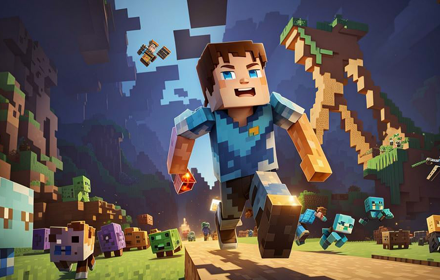
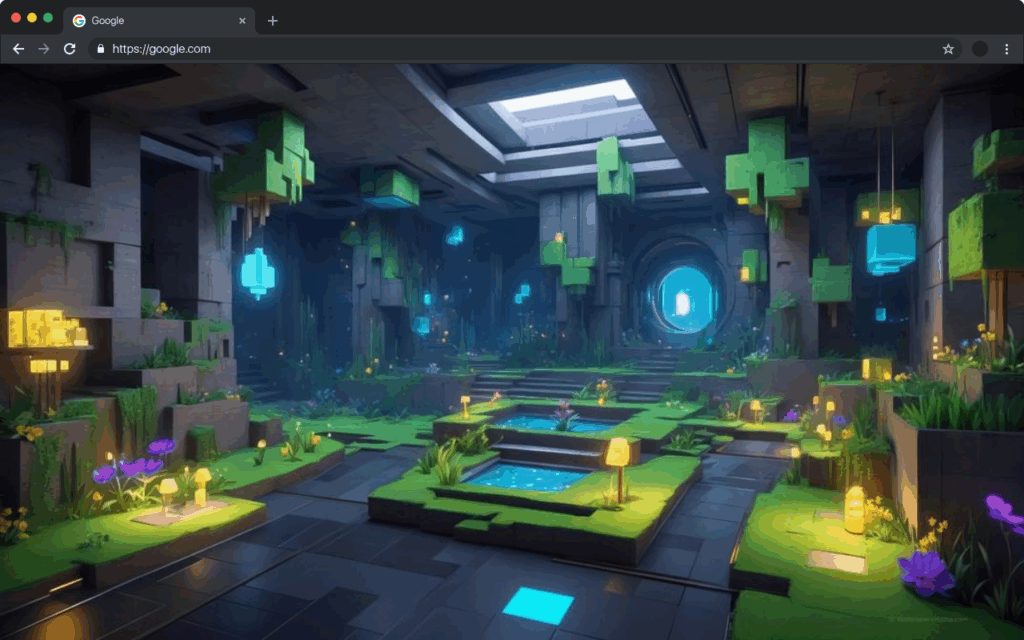
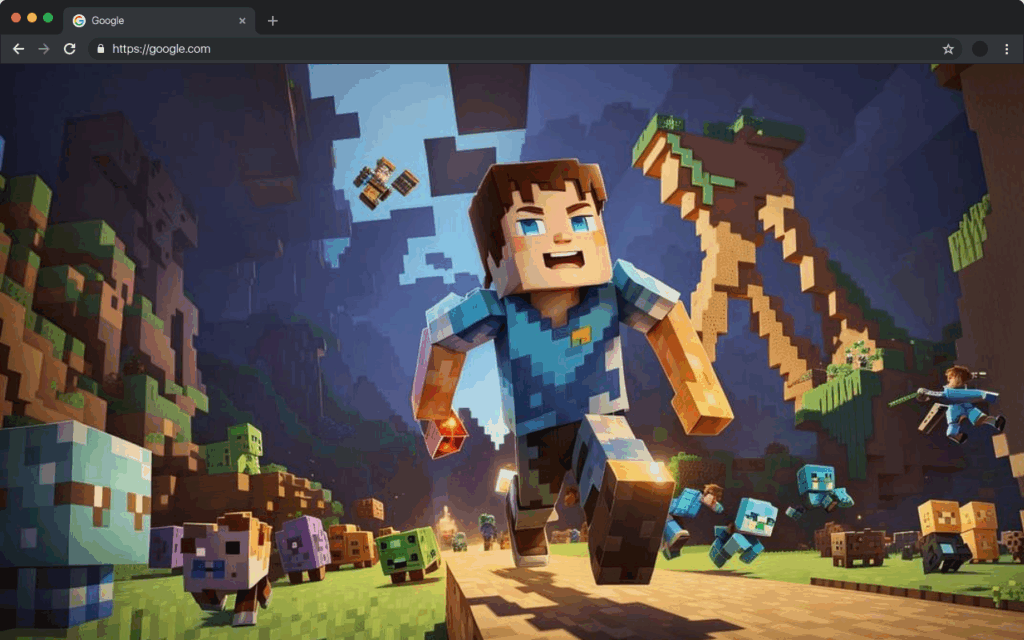
If you spend hours in the world of Minecraft, why should your browser look any different? The Minecraft new tab wallpaper Chrome extension lets you bring the blocky, creative universe of Minecraft directly to your browser. Every time you open a new tab, you are greeted by a high-definition Minecraft scene — from lush forests and ocean biomes to Nether portals and iconic characters like Steve and Alex.
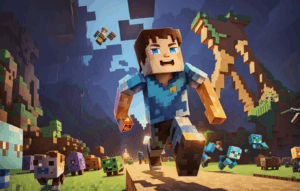
What Is the Minecraft New Tab Wallpaper Extension?
The Minecraft New Tab Wallpaper extension replaces your default Chrome new tab page with a dynamic, visually rich Minecraft-themed experience. It is designed for players, builders, educators, and anyone who loves what Minecraft represents — creativity, exploration, and imagination. Beyond the wallpapers, the extension packs a set of practical tools that keep your browsing productive and organized, all without leaving your new tab.
Key Features of Minecraft New Tab Wallpaper
Dynamic Rotating Wallpapers
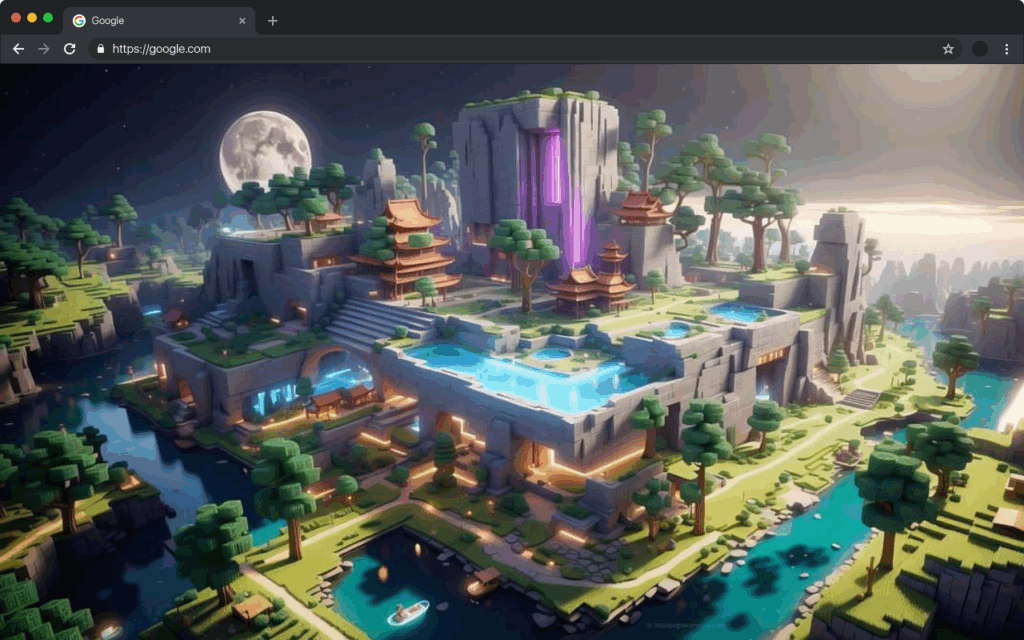
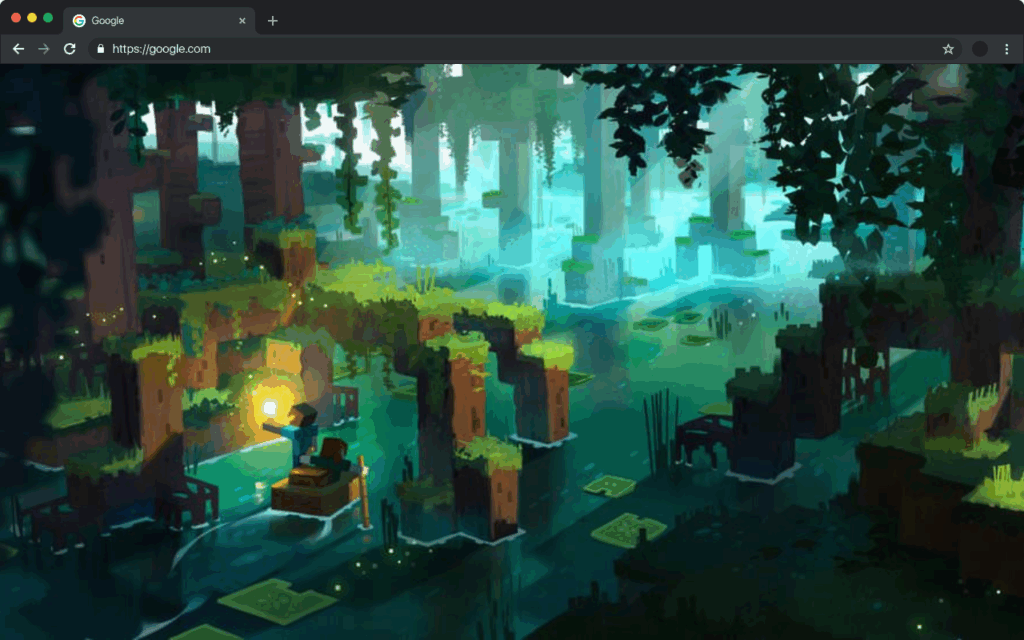
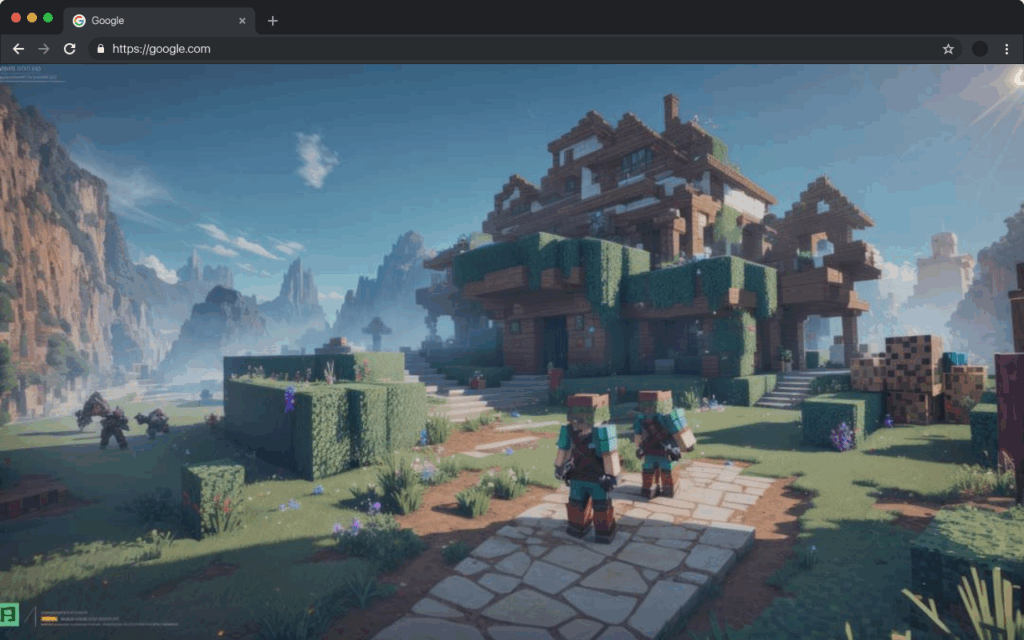
Each time you open a new tab, the extension automatically loads a different high-resolution Minecraft wallpaper. The rotating collection covers a wide range of themes including biomes, mobs, iconic builds, and in-game environments, so the experience stays fresh every single day.
Integrated Google Search Bar
A centered Google search bar is built directly into the new tab page, so you never need to navigate away just to run a quick search. It keeps your workflow smooth and eliminates the extra step of opening a new page or typing in the address bar.
Real-Time Digital Clock
A clean, readable clock is displayed on the new tab so you can keep track of time without checking your phone or taskbar. It sits unobtrusively on screen, fitting naturally into the Minecraft-themed layout.
Quick Access to Search History
The extension gives you one-click access to your recent search history right from the new tab page. This makes it easy to return to something you were researching earlier without digging through browser menus.
Bookmark Shortcuts
Your most-visited and saved websites are surfaced as shortcut icons on the new tab, giving you instant access to the pages you use most. This replaces the need to open your bookmarks bar or remember URLs manually.
Weather Information Widget
Stay informed about current conditions with a built-in weather widget that shows real-time temperature, forecasts, and local weather data. It is a small but genuinely useful addition for daily planning right from your browser.
Social Media Integration
Light social media shortcuts are included so you can check in on your platforms without disrupting your browsing session. The integration is designed to be subtle and unobtrusive, keeping the focus on your work or browsing.
Customizable Shortcuts Panel
You can add, remove, and rearrange shortcut links to match your personal browsing habits. Whether it is a news site, a Minecraft wiki, or a productivity tool, your most-used destinations are always within reach.
Personalized User Settings
The settings menu lets you control wallpaper rotation frequency, toggle widgets on or off, and adjust the overall layout to suit your preferences. This level of customization ensures the extension works the way you want it to, not the other way around.
How to Install the Minecraft New Tab Wallpaper Extension
- Open the Google Chrome browser on your desktop or laptop.
- Go to the Chrome Web Store and search for “Minecraft New Tab Wallpaper.”
- Click on the extension listing to open the detail page.
- Select “Add to Chrome” and confirm by clicking “Add Extension” in the popup.
- Once installed, open a new tab to see your Minecraft wallpaper experience immediately.
Why Minecraft Fans Love This Extension
For dedicated Minecraft players, this extension is more than a cosmetic upgrade — it is a daily reminder of a game that has shaped the way millions of people think about creativity and problem-solving. The rotating wallpapers bring variety and visual interest to what is otherwise one of the most overlooked parts of a browser. Combined with practical tools like search, bookmarks, and weather, the extension genuinely improves how you interact with your browser on a daily basis. Teachers who use Minecraft in the classroom also find it a fun and motivating touch for their workflow.
Screenshots
Frequently Asked Questions
Does this extension work on all versions of Chrome?
The Minecraft New Tab Wallpaper extension is built for Google Chrome and is compatible with all recent versions of the browser. It is recommended to keep Chrome updated for the best performance.
Will this extension slow down my browser?
The extension is lightweight and optimized to load quickly. The wallpapers and widgets are designed to have minimal impact on browser speed or system resources.
Can I choose which Minecraft wallpapers are displayed?
The extension rotates through a curated collection of HD Minecraft wallpapers automatically. The settings menu allows you to adjust how frequently the wallpaper changes to suit your preference.
Is the weather widget accurate for my location?
Yes, the weather widget uses your location data to provide real-time local weather conditions and forecasts. You may be prompted to allow location access when first using this feature.
Can I remove widgets I do not want to see?
Absolutely. The built-in settings panel lets you toggle individual widgets on or off, so you can keep only the features you find useful and maintain a clean, uncluttered new tab layout.
If you are ready to make every new tab feel like stepping into the world of Minecraft, this extension is the perfect addition to your Chrome browser. Install it today and turn an ordinary browser moment into an immersive Minecraft experience.