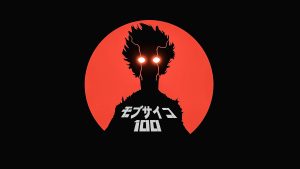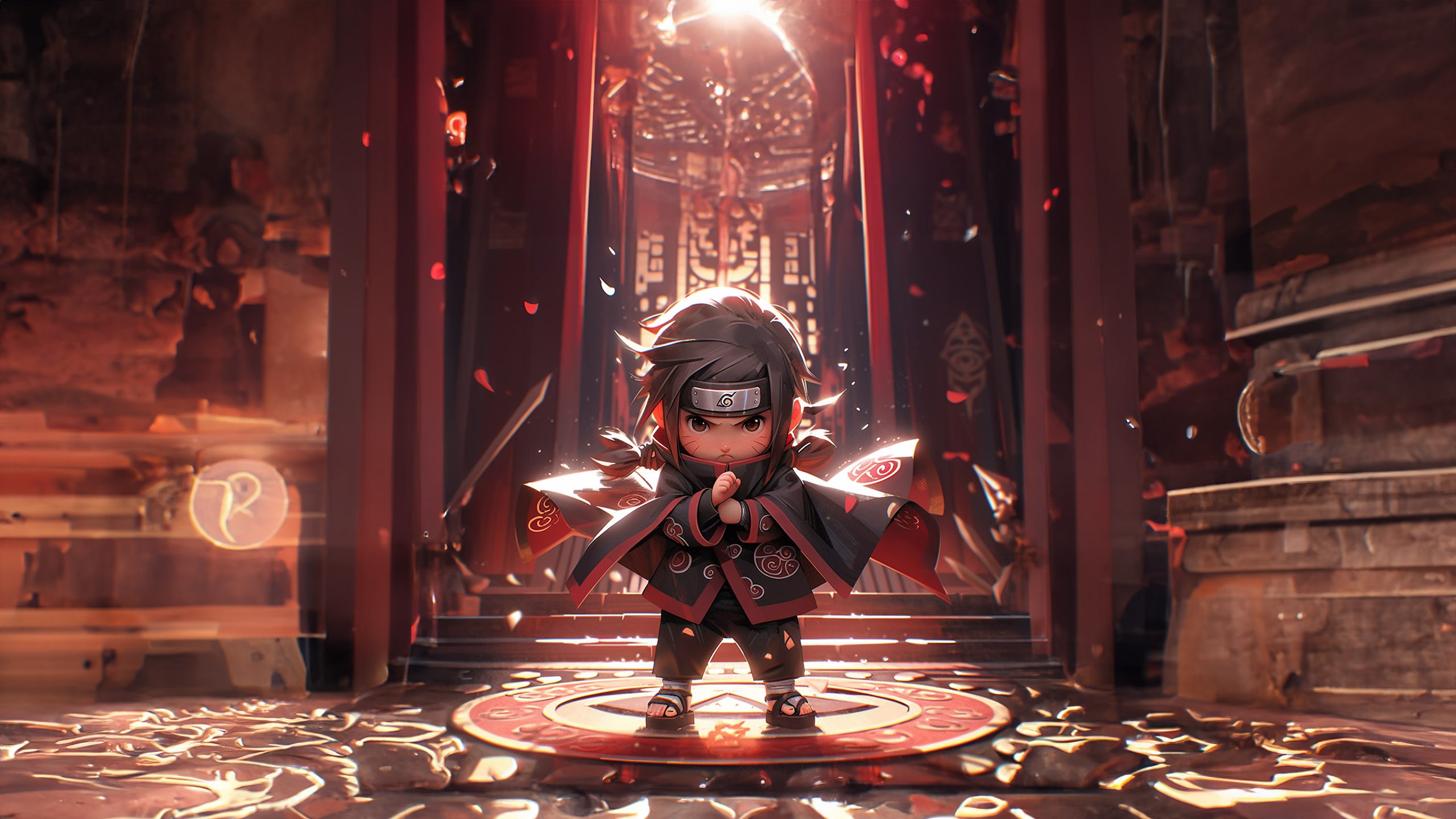
If you love anime and want your browser to reflect that passion, the chibi wallpaper Chrome extension is exactly what you need. Every time you open a new tab, you are greeted with high-definition chibi-style anime artwork and iconic Black Clover scenes, turning an otherwise blank page into something worth looking at. Beyond the visuals, the extension packs in a set of genuinely useful tools that make your daily browsing faster and more organized.
What Is the Chibi Wallpaper Chrome Extension?
The Chibi Wallpaper Chrome Extension is a new tab replacement for Google Chrome that displays rotating HD anime wallpapers inspired by chibi art style and the Black Clover series. It is designed for anime fans who want a browser that feels personal and visually engaging without sacrificing functionality. The extension overlays productivity tools directly onto the wallpaper, so you get beauty and utility in one place.
Key Features of the Chibi Wallpaper Extension
HD Black Clover and Chibi Anime Wallpapers
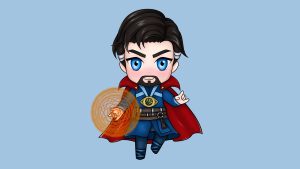
The extension delivers a curated rotating gallery of high-definition Black Clover artwork and chibi character illustrations. Every image is optimized for clarity across screen sizes, so whether you are on a laptop or a widescreen monitor, the visuals remain sharp and vibrant. The collection refreshes automatically, keeping your new tab feeling new each time you open it.
Quick Access Site Shortcuts
A row of one-click shortcuts sits on your new tab page, giving you instant access to popular platforms like YouTube, Instagram, Twitter, and ChatGPT. These pre-configured links eliminate the need to type URLs or dig through bookmarks when you want to navigate to a frequently used site. It is a small feature that saves a noticeable amount of time throughout the day.
Custom Website Shortcut
In addition to the default shortcuts, the extension lets you add one custom website of your choice to the shortcut bar. This could be your work dashboard, a news site you check daily, or your preferred email client. Having that personalized link front and center means one less step every time you sit down to browse.
Integrated Search Bar
The built-in search bar connects directly to your default search engine, so you can start a search the moment you open a new tab without navigating anywhere first. It supports whatever search engine you have set in Chrome, meaning there is no forced redirect to an unfamiliar provider. Searches feel natural and do not interrupt your workflow.
Clock and Date Display
A clean, minimalist clock and date widget sits on the new tab page so you always know the time at a glance. The design is intentionally understated, complementing the wallpaper artwork rather than competing with it. It is a simple addition that adds genuine day-to-day usefulness without adding visual clutter.
More Options Menu
The More Options menu gives you easy access to extension settings, the privacy policy, uninstall instructions, and a feedback form. It also surfaces links to other extensions if you want to explore more customization tools. Everything is organized in one accessible panel so you are never hunting through Chrome settings to manage the extension.
How to Install the



Wallpaper Extension
- Open Google Chrome on your desktop or laptop computer.
- Go to the Chrome Web Store and search for Chibi Wallpaper.
- Locate the official extension in the search results and click on it to open the listing.
- Click the Add to Chrome button and confirm by selecting Add Extension in the popup dialog.
- Once installed, open a new tab to see your first chibi anime wallpaper along with all the productivity tools.
Why Anime Fans Love This Extension
Anime fans appreciate that this extension does not feel like a generic wallpaper tool with a thin anime skin. The artwork is specific, recognizable, and curated for people who actually follow the Black Clover series and enjoy chibi character art. The productivity features mean it is not just decorative — it genuinely replaces the default new tab in a way that feels like an upgrade rather than a novelty. Users also highlight how lightweight the extension feels, with no noticeable impact on browser performance.
Screenshots
Frequently Asked Questions
Does the chibi wallpaper extension work on all versions of Chrome?
Yes, the extension is compatible with all modern versions of Google Chrome on Windows, macOS, and Linux. It is designed to meet current Chrome Web Store standards and is updated regularly to maintain compatibility.
Can I use my own search engine with this extension?
Absolutely. The integrated search bar respects the default search engine you have configured in your Chrome settings, so you are not locked into any specific provider.
Will this extension slow down my browser?
The extension is built to be lightweight and has minimal impact on browser speed or memory usage. Most users report no difference in Chrome performance after installing it.
How often do the wallpapers change?
The wallpaper rotates through the curated gallery automatically each time you open a new tab, so the image you see is consistently fresh without any manual input required.
Is the extension free to use?
Yes, the Chibi Wallpaper Chrome Extension is completely free to download and use with no hidden fees or premium tiers.
Ready to give your browser a personality that matches your anime interests? Install the Chibi Wallpaper Chrome Extension today and experience HD Black Clover art, smart shortcuts, and a built-in search bar every time you open a new tab — completely free.