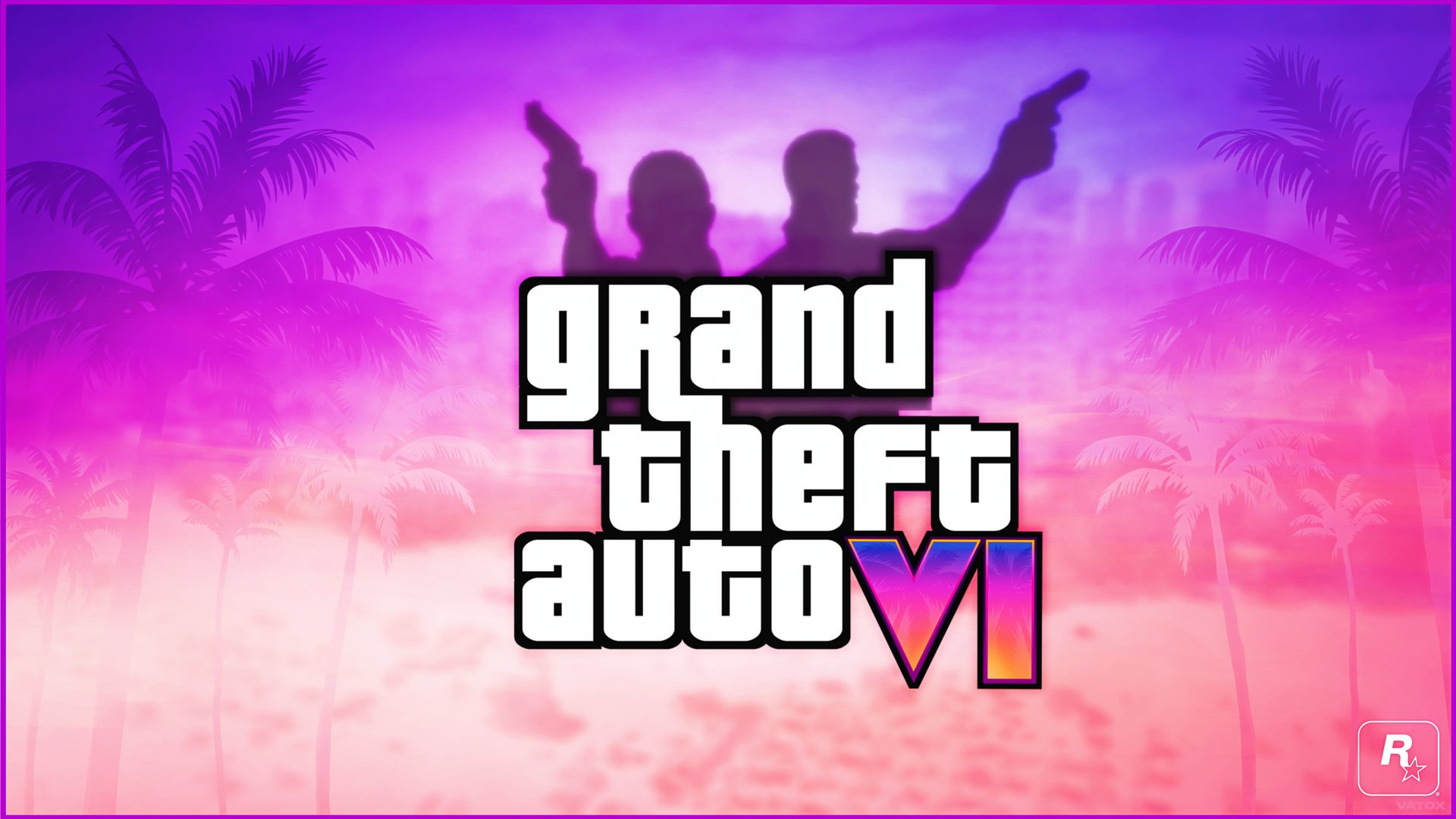
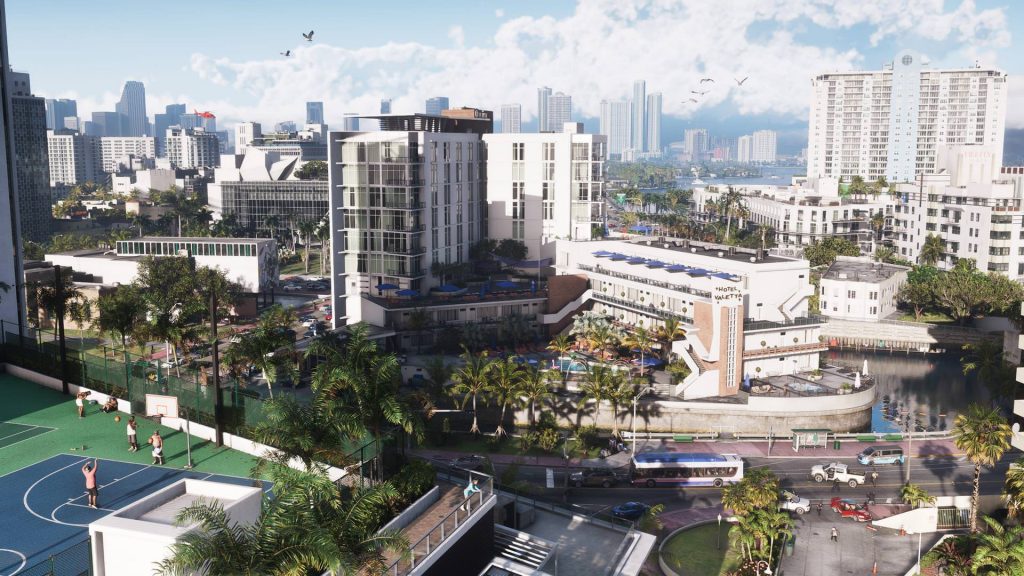
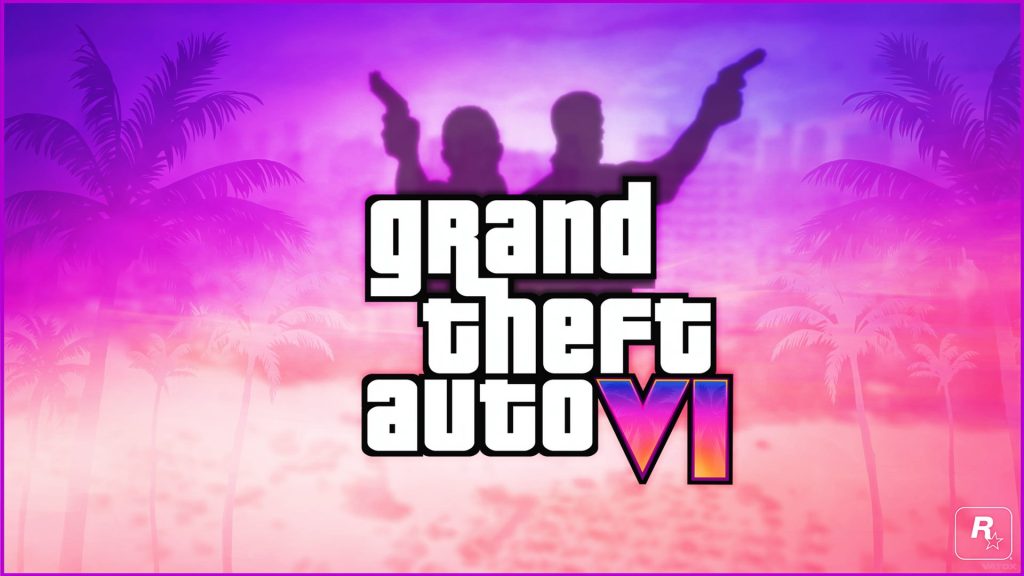
The GTA 6 Wallpapers New Tab extension brings the most anticipated game in Rockstar history directly to your Chrome browser. Every time you open a new tab, you are greeted with high-definition GTA 6 wallpapers featuring Vice City landscapes, iconic characters, and stunning in-game environments. If you are a Grand Theft Auto fan counting down the days until release, this is the easiest way to keep the hype alive while you browse.

What Is GTA 6 Wallpapers New Tab?
GTA 6 Wallpapers New Tab is a free Chrome extension that replaces your default new tab page with a rotating gallery of high-quality Grand Theft Auto 6 imagery. Developed for dedicated GTA fans and open-world gaming enthusiasts, the extension combines visually immersive backgrounds with practical browser tools. Rather than staring at a blank tab, you get a dynamic display of GTA VI artwork every single time you open a new window or tab.
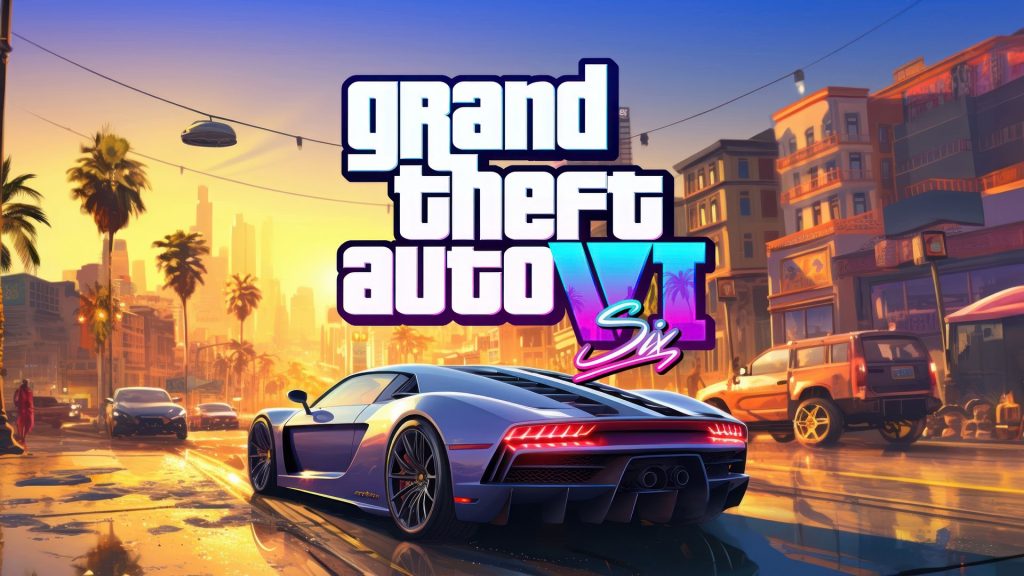
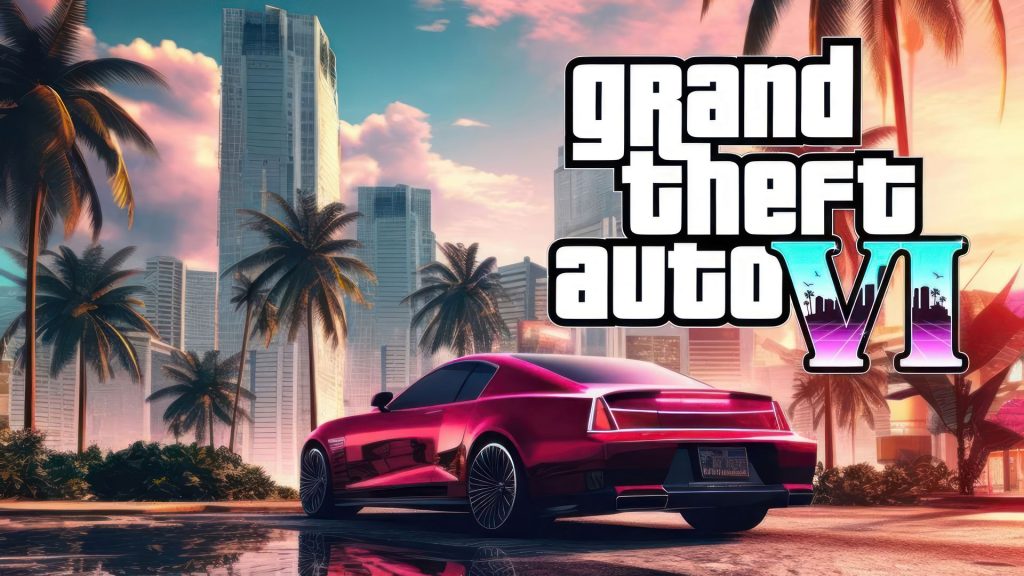
The extension draws from a curated collection of GTA 6 visuals — ranging from neon-soaked Vice City streetscapes to detailed character renders and action-packed scenes. It is built specifically for Chrome and is lightweight enough to have no impact on browser performance.
Key Features of GTA 6 Wallpapers New Tab
HD GTA 6 Wallpaper Collection
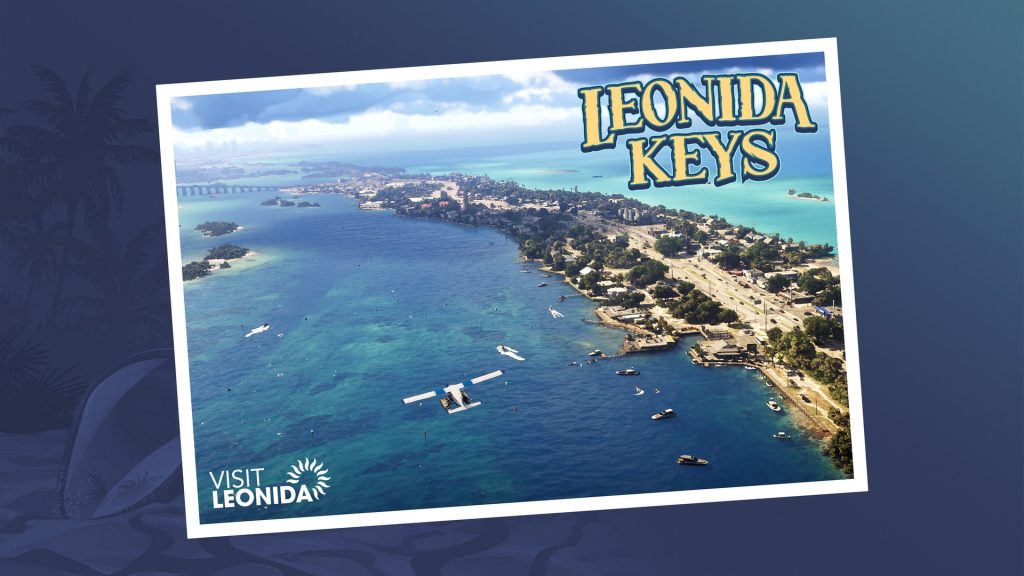
The extension serves a wide variety of high-definition GTA 6 wallpapers that automatically rotate with each new tab. Every image is optimized for full-screen display, ensuring crisp detail whether you are viewing atmospheric Vice City scenes, vehicle showcases, or character artwork from the game.
Popular Site Shortcuts
Built-in one-click shortcuts for popular platforms like YouTube, Instagram, Twitter, Reddit, and ChatGPT are displayed cleanly over your wallpaper. These shortcuts let you jump to your most-visited sites instantly without cluttering your browsing experience or covering the artwork in an obtrusive way.
Custom Website Shortcuts
Beyond the preset shortcuts, you can add your own favorite websites to the quick-access bar. This is especially useful for GTA fans who regularly visit gaming news sites, Rockstar’s official pages, GTA forums, or streaming platforms — all accessible with a single click from any new tab.
Clean and Minimal Interface
The extension is designed to stay out of your way. The interface is uncluttered, placing the GTA 6 artwork front and center while keeping navigation tools neatly organized. There are no intrusive pop-ups, no auto-redirects, and no bloated toolbars competing with your wallpaper.
Lightweight Chrome Performance
Unlike some browser extensions that slow down tab loading times, GTA 6 Wallpapers New Tab is optimized to load quickly and consume minimal system resources. You get a visually rich experience without any noticeable drag on your browser speed.
How to Install GTA 6 Wallpapers New Tab
- Open the Chrome Web Store and search for GTA 6 Wallpapers New Tab.
- Click the extension listing to open its detail page.
- Select Add to Chrome and confirm by clicking Add Extension in the prompt.
- Once installed, open a new tab to see your first GTA 6 wallpaper automatically displayed.
- Use the settings icon to customize shortcuts and personalize your new tab layout.
Why GTA Fans Love This Extension
Grand Theft Auto has one of the most passionate gaming communities in the world, and the anticipation surrounding GTA 6 is unlike anything the franchise has seen before. This extension gives fans a simple, daily way to express that enthusiasm. Instead of a generic browser page, every new tab becomes a small celebration of one of gaming’s most iconic series.
Gamers who spend hours researching GTA 6 news, watching trailers, and following Rockstar updates appreciate having that energy carry into their everyday browsing. The extension also serves as a conversation starter — a well-placed Vice City wallpaper visible during a screen share or stream says a lot about your gaming taste without you having to say a word.
Screenshots

Frequently Asked Questions
Is the GTA 6 Wallpapers New Tab extension free?
Yes, the extension is completely free to install and use from the Chrome Web Store. There are no hidden fees or premium tiers required to access the full wallpaper collection.
Will this extension slow down my browser?
No. The extension is built to be lightweight and efficient. It loads wallpapers quickly and does not run background processes that would impact Chrome’s overall performance.
Can I choose which GTA 6 wallpapers are displayed?
The extension automatically rotates through a curated collection of wallpapers with each new tab. Manual selection options may vary depending on the version, but the rotation is designed to keep your new tab feeling fresh every day.
Does the extension collect personal data?
The extension does not collect personal browsing data. It functions locally within your Chrome browser to deliver wallpapers and shortcuts without monitoring your activity.
Is this extension officially affiliated with Rockstar Games?
No, this is an independent fan-made Chrome extension and is not affiliated with, endorsed by, or officially connected to Rockstar Games or Take-Two Interactive.
If you are a Grand Theft Auto fan who wants to bring some Vice City energy to your everyday browsing, the GTA 6 Wallpapers New Tab extension is worth adding to Chrome today. Search for it in the Chrome Web Store and upgrade your new tab experience.