What Is the Katsuki Bakugo Wallpapers New Tab Extension?
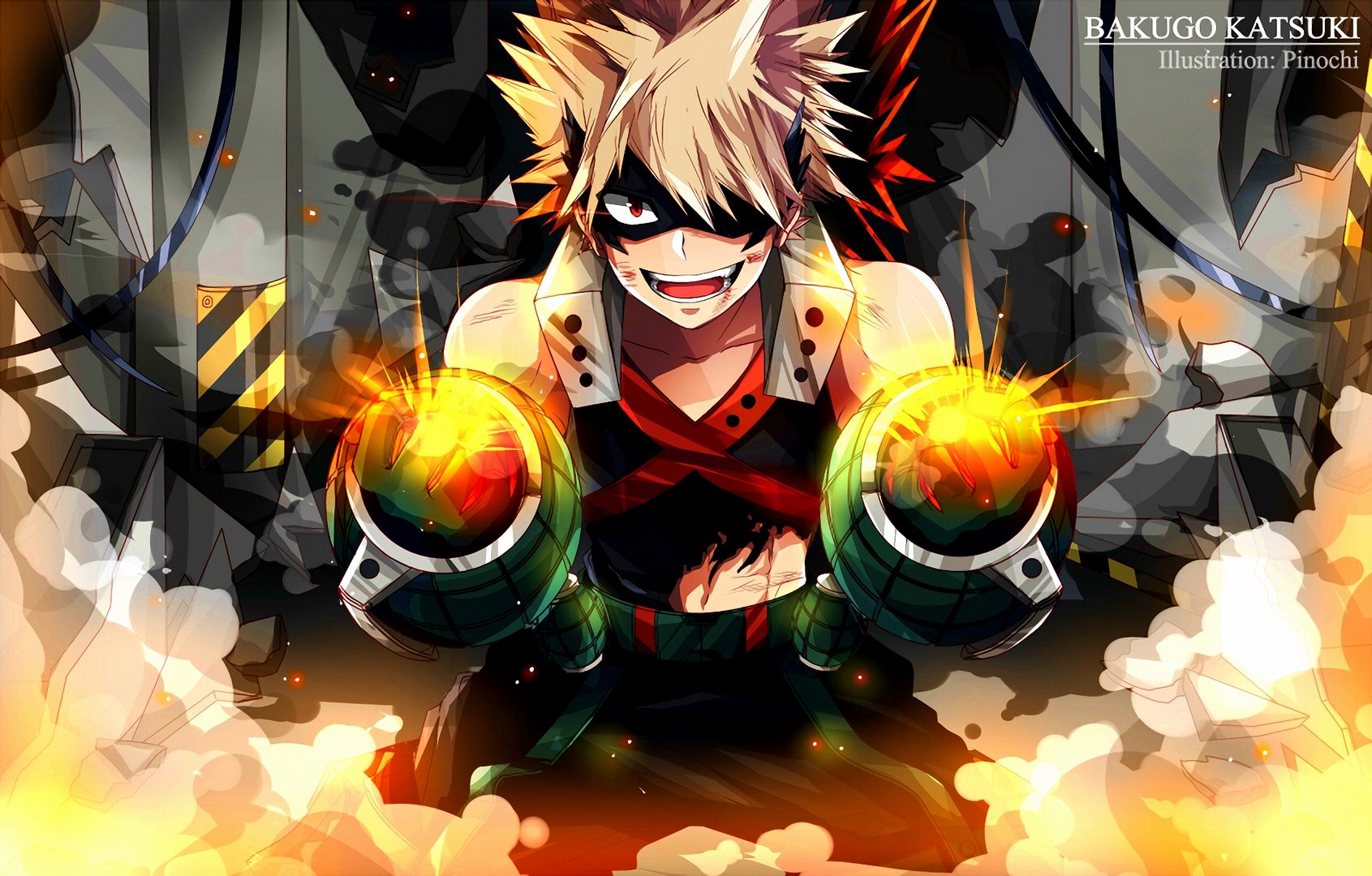
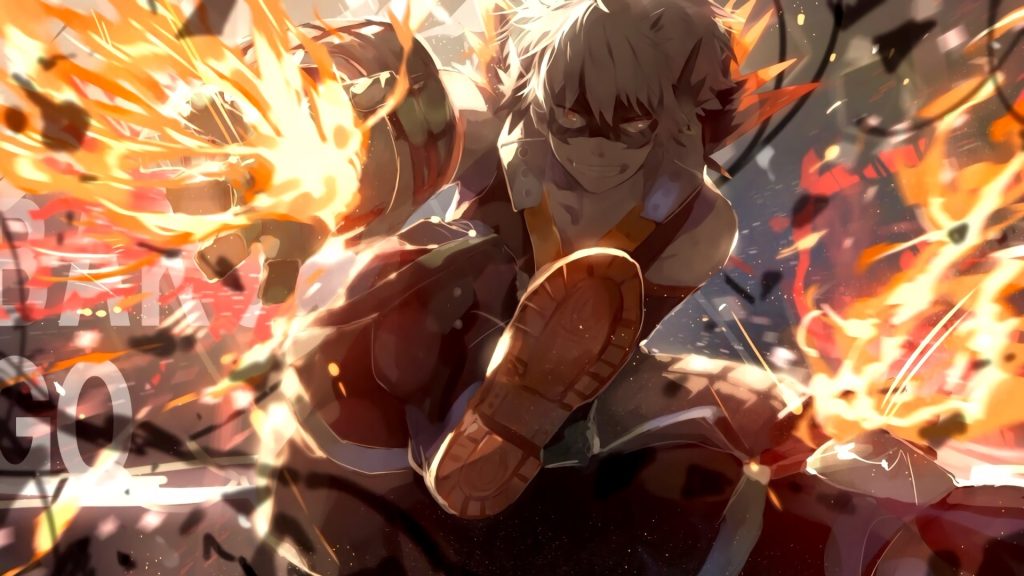
The Katsuki Bakugo Wallpapers extension replaces your Chrome new tab with a rotating gallery of high-definition images featuring one of My Hero Academia’s most iconic characters. Designed for dedicated MHA fans, this free browser extension delivers stunning katsuki bakugo wallpapers every time you open a new tab, keeping the fierce energy of the Explosion Hero front and center throughout your day. From intense battle scenes to character-defining moments, the extension transforms an otherwise blank tab into a vivid tribute to Bakugo’s journey from rivalry-fueled arrogance to genuine heroism.

Key Features of the Katsuki Bakugo Wallpapers Extension
HD Rotating Bakugo Wallpapers
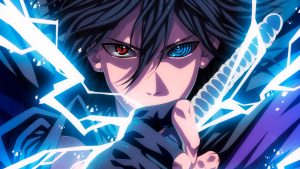
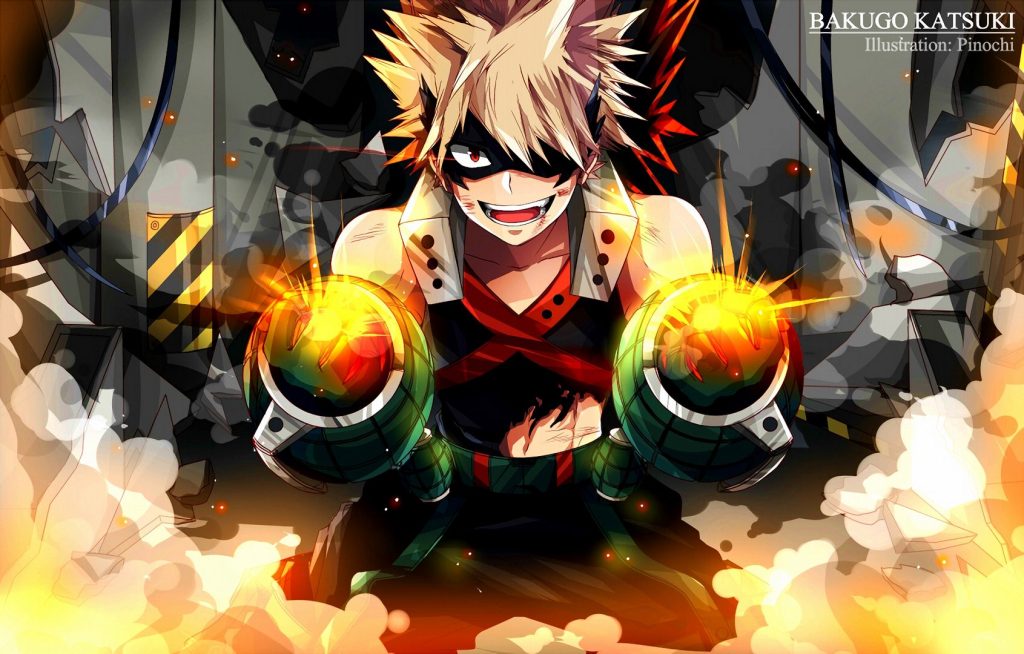
Every new tab loads a fresh, high-resolution image from a curated collection of Bakugo artwork and scenes. The wallpapers cover a wide range of moments — explosive combat sequences, hero costume upgrades, training arcs, and intense close-up expressions — all rendered in crisp HD quality that looks sharp on any screen size or resolution.
Popular Site Shortcuts
Built-in one-click icons for sites like YouTube, Instagram, Twitter, and ChatGPT sit cleanly over your wallpaper without cluttering the design. These shortcuts let you jump to your most-used destinations instantly, so you never have to sacrifice speed for style.
Custom Website Shortcuts
Beyond the default icons, you can add your own favorite URLs — anime streaming platforms, manga readers, MHA fan forums, or any site you visit regularly. The customization panel is straightforward and takes seconds to configure, giving you a truly personal new tab experience.
Clean, Distraction-Free Layout
The interface is designed to stay out of your way. Shortcuts and optional widgets are arranged to complement the wallpaper rather than cover it, keeping the focus on the artwork while still providing everything you need for productive browsing.
Automatic Wallpaper Refresh
You never see the same image twice in a row. The extension automatically cycles through the wallpaper library with each new tab, ensuring the experience stays fresh whether you open five tabs a day or fifty.
How to Install the Katsuki Bakugo Wallpapers Extension
- Open the Google Chrome browser on your desktop or laptop.
- Go to the Chrome Web Store and search for “Katsuki Bakugo Wallpapers New Tab.”
- Click the extension listing and select “Add to Chrome.”
- Confirm the installation when prompted by clicking “Add Extension.”
- Open a new tab — your first Bakugo wallpaper will load immediately.
- Use the settings icon to customize shortcuts and adjust any preferences.
Why My Hero Academia Fans Love This Extension
MHA fans who install this extension tend to keep it for the long haul, and it’s easy to understand why. Bakugo is one of the most emotionally complex characters in modern anime — his arc from self-centered rival to a hero driven by genuine conviction resonates with a wide audience. Having that energy reflected in your browser keeps the motivation tangible throughout the day.
Beyond the emotional connection, the practical layout wins people over. Unlike generic wallpaper extensions that feel cluttered or slow down the browser, this one loads quickly and keeps the interface clean. Fans also appreciate the variety in the wallpaper library — it doesn’t feel repetitive after a week of use. Whether you’re studying, working, or just browsing casually, opening a new tab becomes a small moment you actually look forward to.
Screenshots
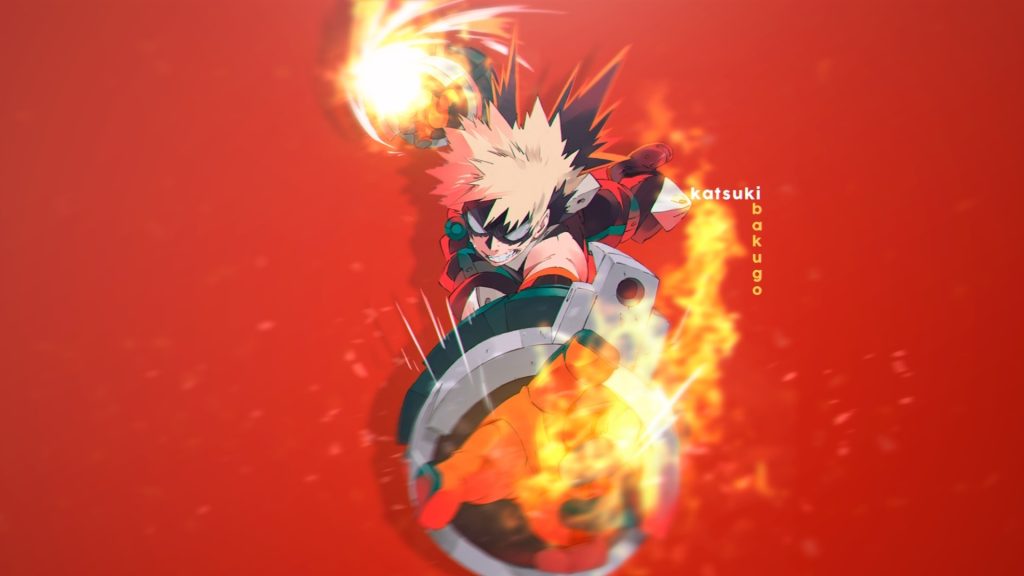
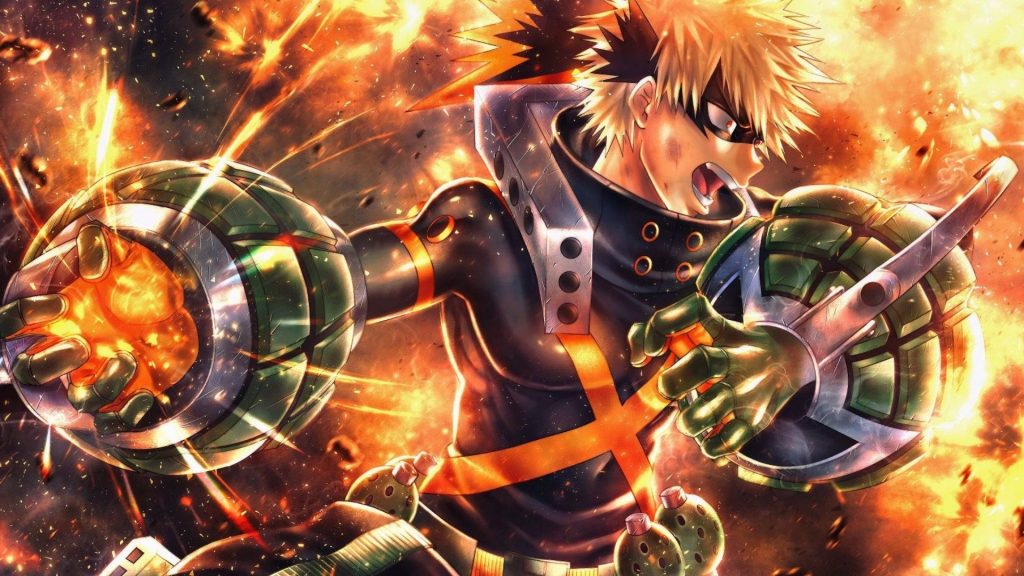
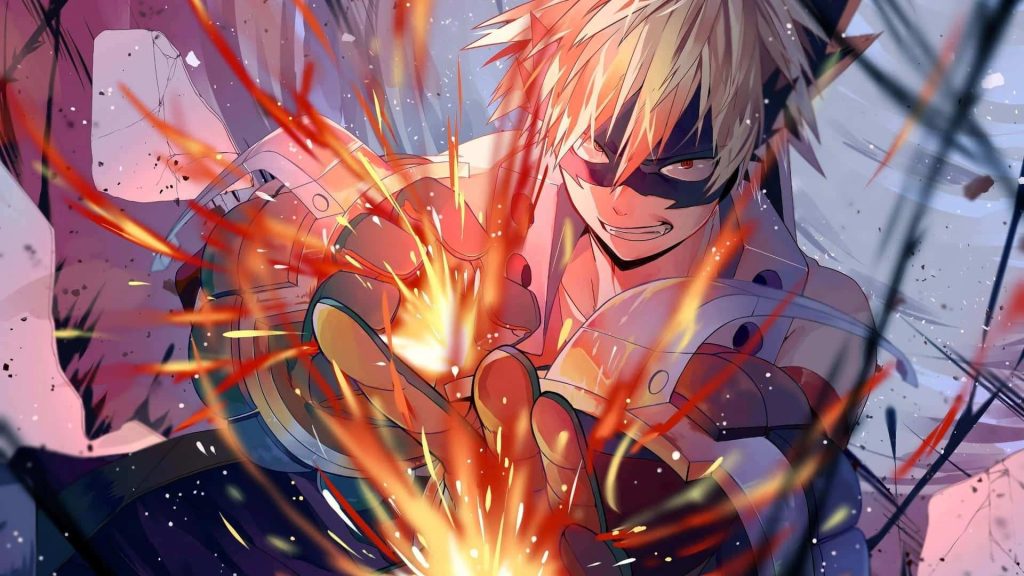
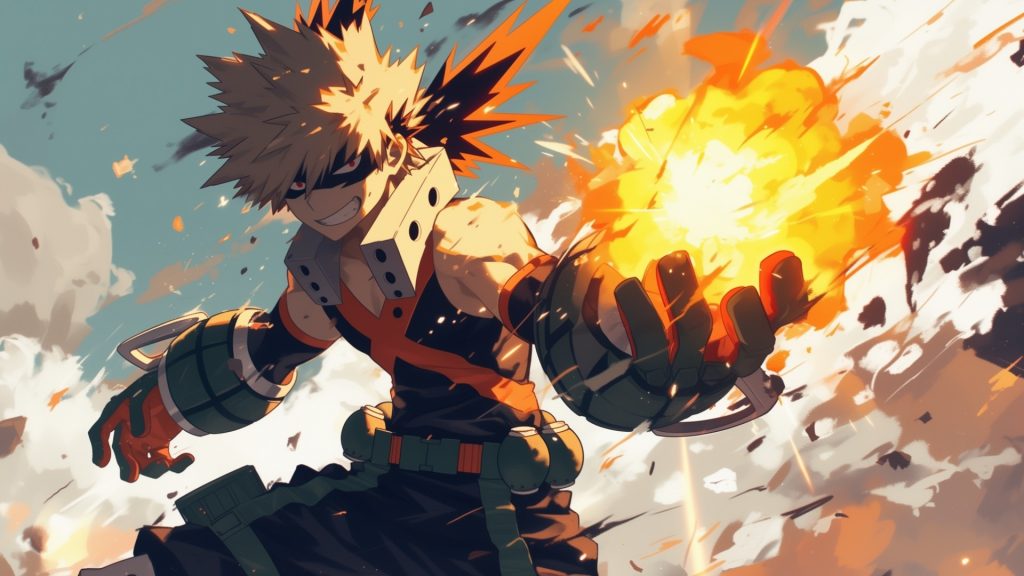
Frequently Asked Questions
Is the Katsuki Bakugo Wallpapers extension free?
Yes, the extension is completely free to install and use. There are no hidden fees, subscriptions, or premium tiers required to access the full wallpaper collection.
Will this extension slow down my Chrome browser?
No. The extension is lightweight and optimized for performance. It loads wallpapers efficiently without adding noticeable load time to your browser or new tab page.
Can I use this on browsers other than Chrome?
The extension is built specifically for Google Chrome. It may also be compatible with Chromium-based browsers like Microsoft Edge or Brave, but Chrome is the primary supported platform.
How many Bakugo wallpapers are included?
The library includes a large rotating collection of HD images covering various moments from My Hero Academia. New images are periodically added to keep the gallery updated and varied.
Can I revert my new tab back to default if I uninstall?
Yes. Removing the extension from Chrome instantly restores your browser’s default new tab page. No settings are permanently altered by installing the extension.
If you’re a My Hero Academia fan looking to bring some of Bakugo’s explosive personality into your daily browsing routine, this extension is worth adding to your Chrome setup. Install it today and make every new tab a reminder of what it means to aim for the top.