What Is the Porsche 911 Wallpapers New Tab Extension?
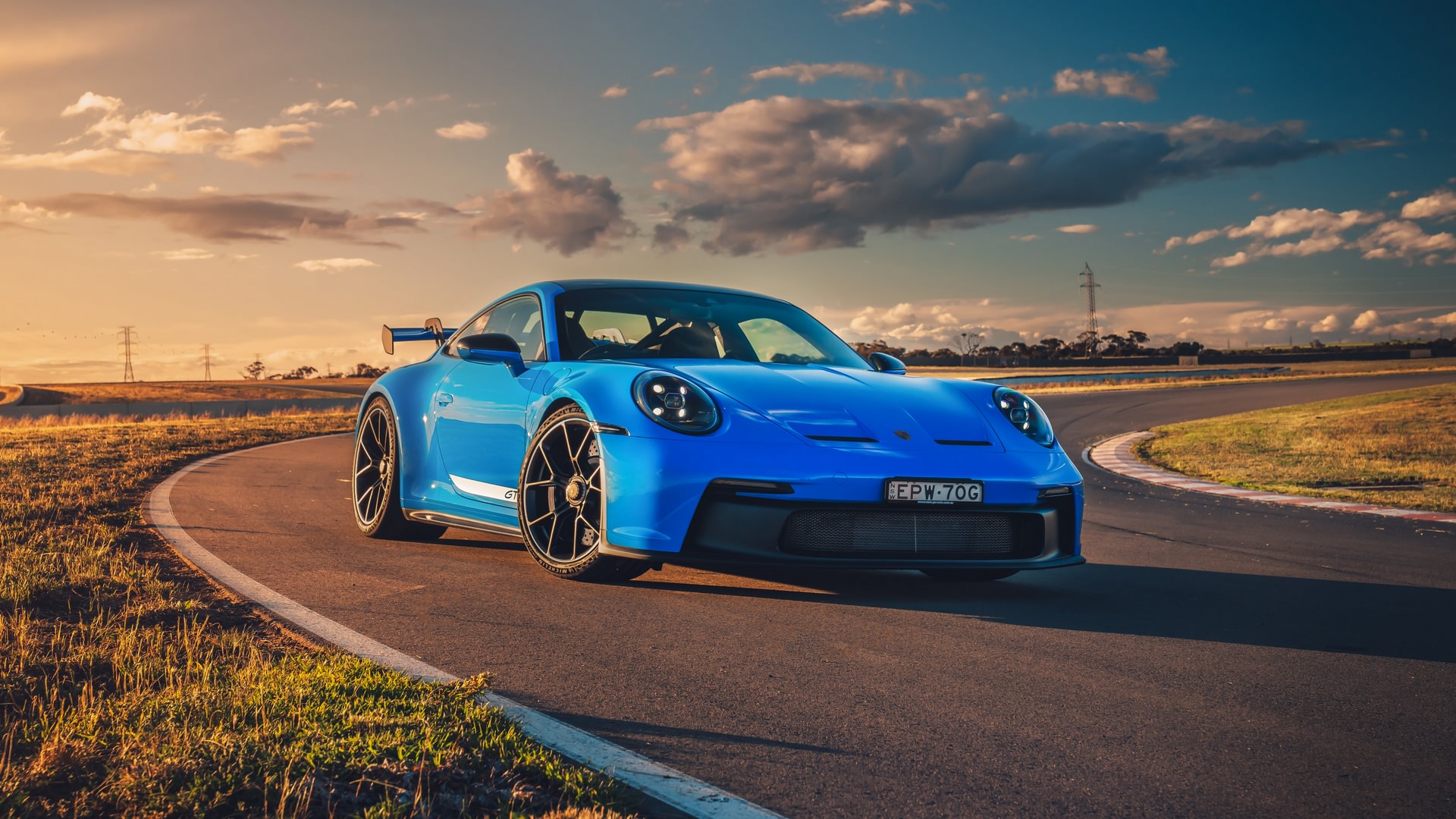
The Porsche 911 Wallpapers extension replaces your default new tab page with a rotating gallery of high-definition 911 imagery. If you are a fan of Porsche 911 wallpapers, this extension delivers a curated collection of automotive photography every time you open a new tab — no manual downloads required. From classic air-cooled models of the 1960s to the current 992 generation, you get a premium browsing experience built around one of the most iconic sports cars ever made.
Key Features of Porsche 911 Wallpapers New Tab
HD 911 Wallpaper Collection
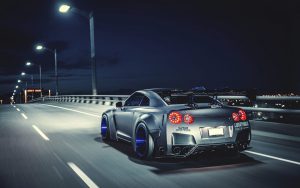
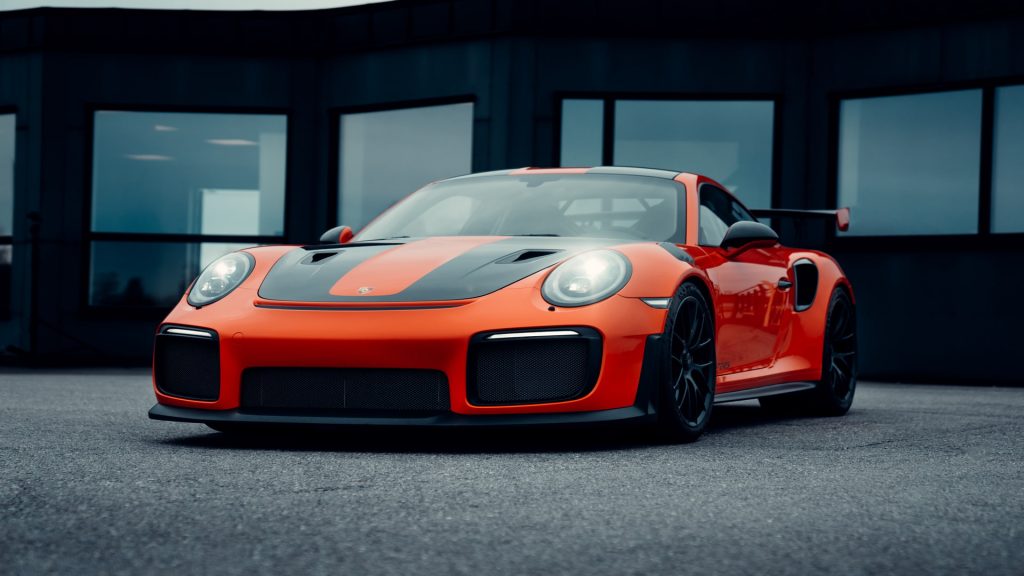
The extension includes an extensive library of high-resolution Porsche 911 images that rotate automatically with each new tab. The collection covers a wide range of models including the GT3 RS, Turbo S, Targa, Carrera 4S, and limited-edition variants, captured in locations from the Nürburgring to coastal mountain roads. Every image is selected for its composition and clarity, so your browser always looks sharp.
Auto-Rotating Backgrounds
Rather than showing the same image every session, the extension cycles through the wallpaper library automatically. This means you are regularly exposed to new angles, color palettes, and 911 variants without any extra effort on your part.
One-Click Popular Site Shortcuts
Pre-loaded shortcuts to popular platforms like YouTube, Instagram, Twitter, and ChatGPT are embedded directly in your new tab layout. These icons are displayed cleanly over the wallpaper so navigation stays fast without cluttering the automotive aesthetic.
Custom Website Shortcuts
Beyond the default shortcuts, you can add your own links to any site you visit frequently — whether that is a Porsche owners forum, a motorsport news outlet, or a car configurator page. Custom shortcuts are easy to add and always visible at a glance when you open a new tab.
Integrated Search Bar
A clean search bar sits prominently on the new tab page, letting you search the web using your preferred search engine without navigating away. The design is minimal and intentional, keeping focus on the wallpaper while still giving you fast access to search functionality.
How to Install Porsche 911 Wallpapers New Tab
- Open the Chrome Web Store and search for Porsche 911 Wallpapers New Tab.
- Click the Add to Chrome button on the extension listing page.
- Confirm the installation by clicking Add Extension in the popup dialog.
- Open a new tab in your browser — your first 911 wallpaper will appear immediately.
- Use the settings panel to add custom shortcuts or adjust display preferences.
Why Porsche Fans and Car Enthusiasts Love It
For anyone who has a genuine appreciation for German automotive engineering, opening a browser tab is no longer a mundane action. The extension appeals to a broad audience — from daily drivers who own a 911 to collectors tracking rare models and motorsport fans following GT racing. The wallpapers are not generic stock images; they reflect the specific character of each 911 variant, whether that is the stripped-back aggression of a GT3 or the refined elegance of a classic 1973 Carrera RS. The added utility of shortcuts and search means productivity is not sacrificed for aesthetics. Users consistently note that the extension makes their browser feel more personal and less generic.
Screenshots
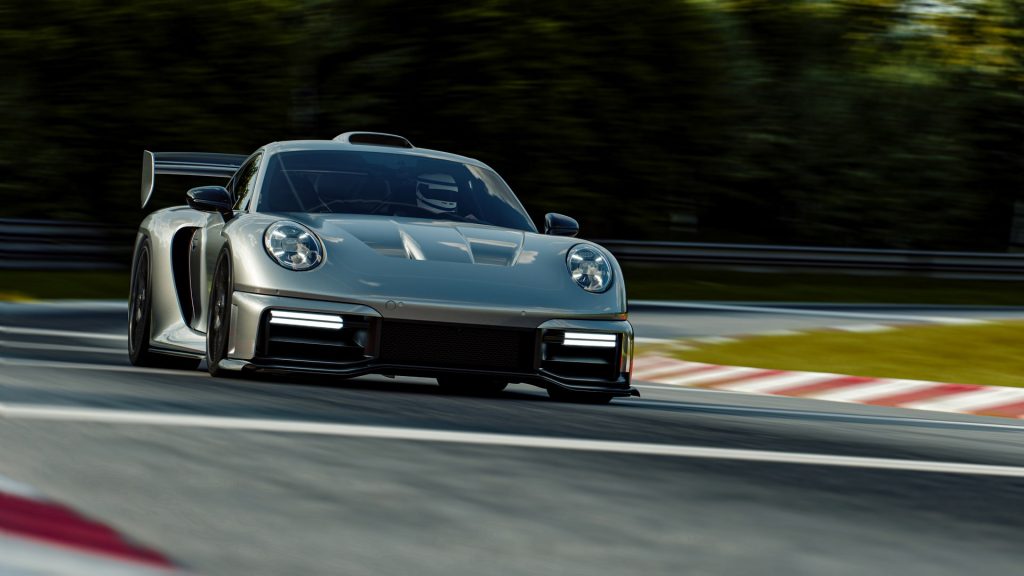
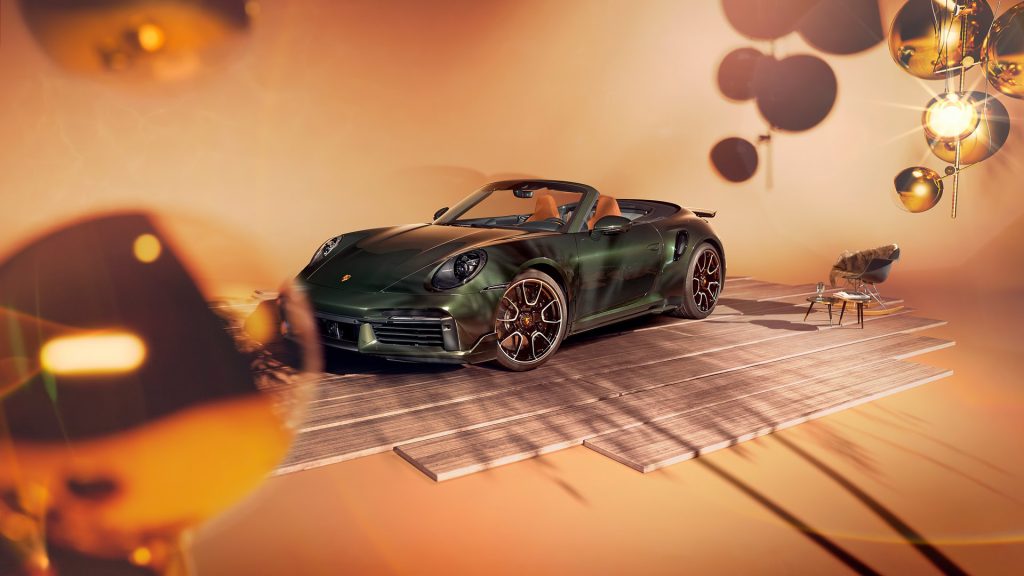
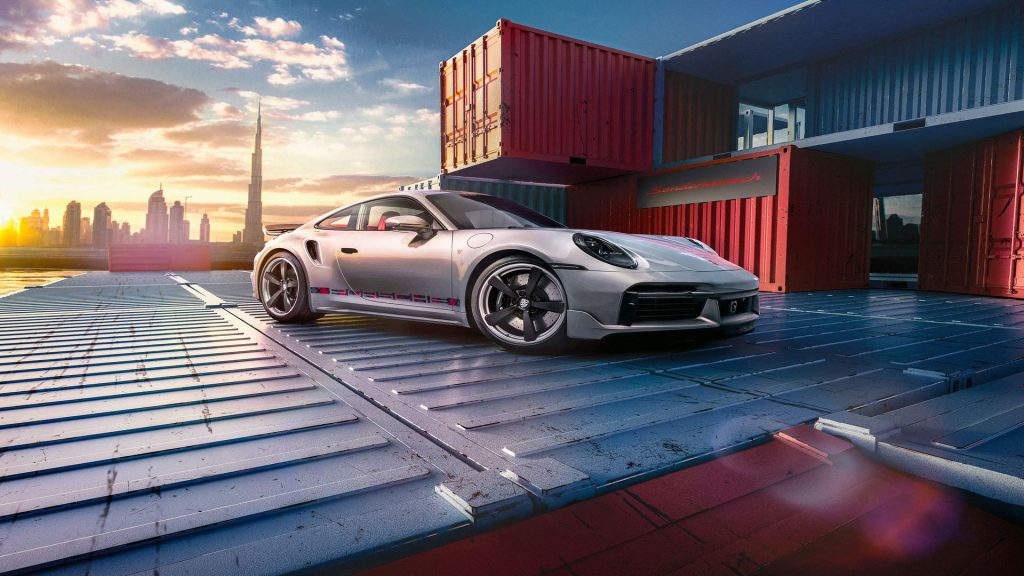
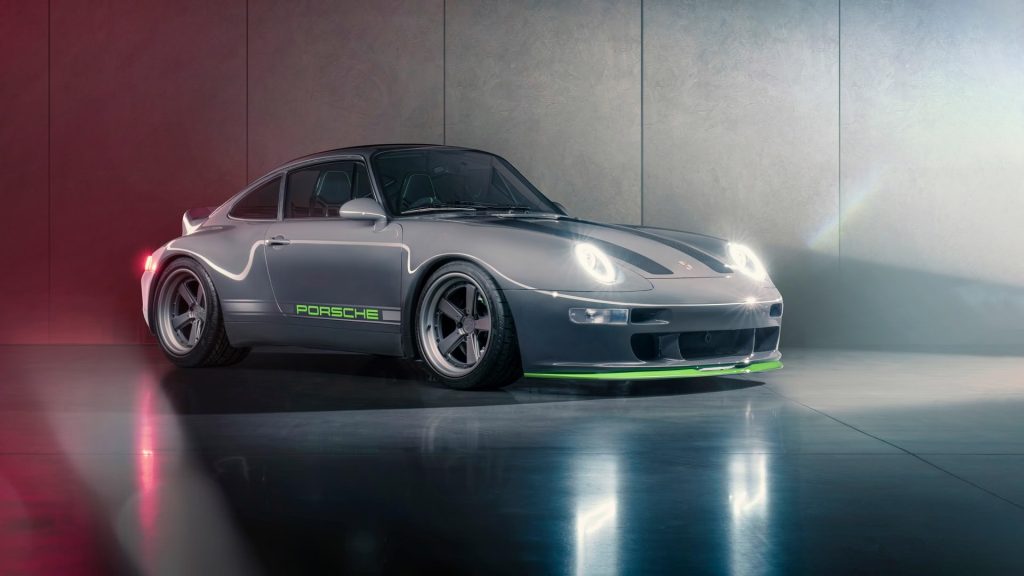
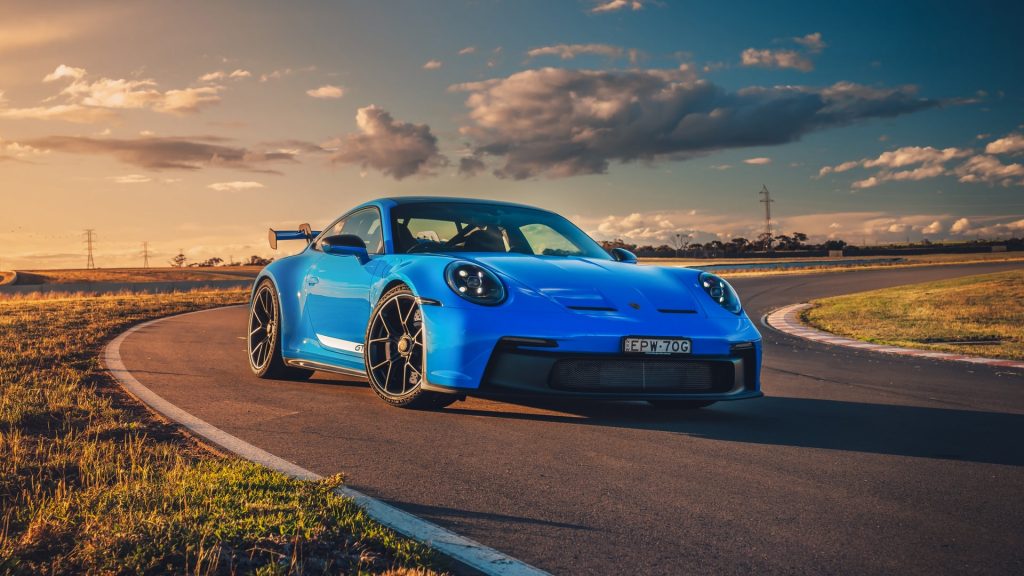
Frequently Asked Questions
Is the Porsche 911 Wallpapers extension free to use?
Yes, the extension is completely free to install and use. There are no subscription fees or premium tiers required to access the full wallpaper library.
How often do the wallpapers change?
Wallpapers rotate with each new tab you open, so you will typically see a different image every session. The library is large enough that repetition is infrequent during normal daily use.
Can I use this extension on browsers other than Chrome?
The extension is built primarily for Google Chrome. Compatibility with other Chromium-based browsers such as Microsoft Edge or Brave may be possible, but Chrome is the officially supported platform.
Will it slow down my browser?
The extension is designed to be lightweight. Image assets are optimized so they load quickly without placing a significant drain on system memory or CPU resources.
Can I remove the shortcuts if I do not want them?
Yes, the interface allows you to hide or remove shortcuts you do not need. The layout is customizable so you can keep only the elements that are useful to you.
If you want your browser to reflect your passion for one of the world’s greatest sports cars, the Porsche 911 Wallpapers New Tab extension is a straightforward and effective choice. Install it today and turn every new tab into a showcase of automotive excellence.