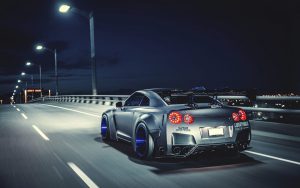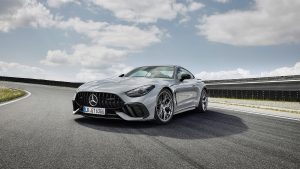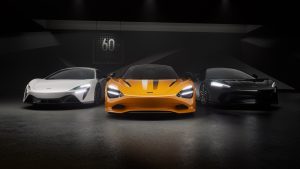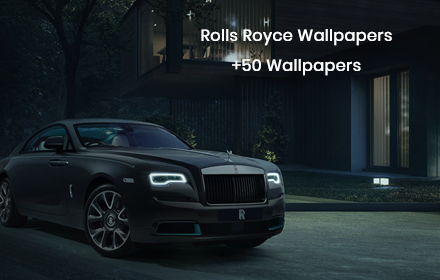
If you have a passion for the world’s most prestigious automobiles, the Rolls-Royce HD Wallpapers extension is built for you. This free Chrome extension replaces your default new tab page with breathtaking, high-definition images of iconic Rolls-Royce models — including the Phantom, Ghost, Wraith, Dawn, and Cullinan — so every new tab feels like a visit to the finest showroom on earth.
Rolls-Royce HD Wallpapers
What Is the Rolls-Royce HD Wallpapers Extension?
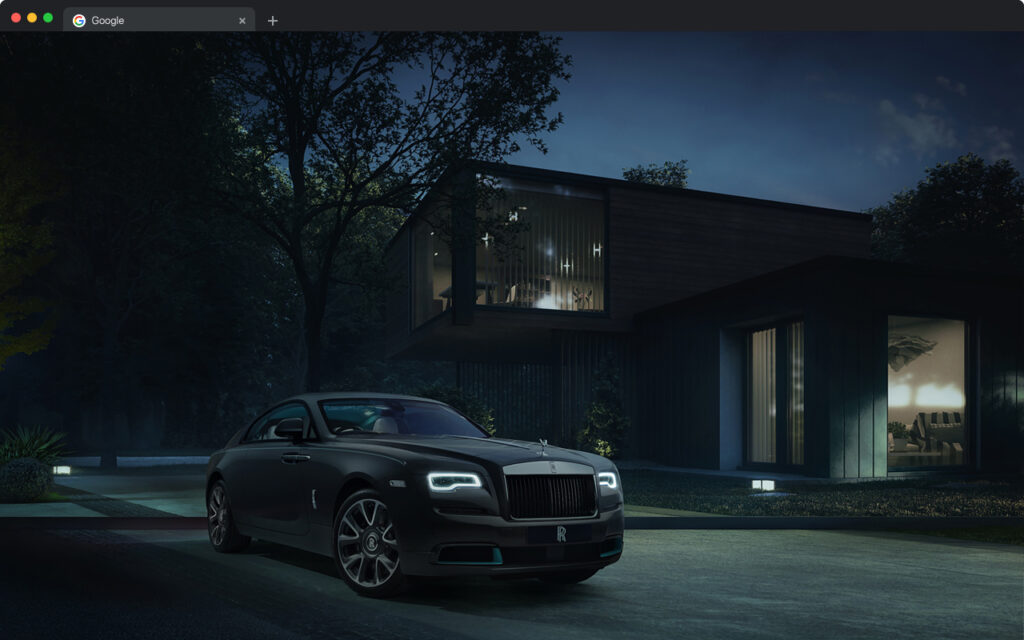
The Rolls-Royce HD Wallpapers extension is a Chrome new tab customization tool that automatically displays a rotating gallery of high-quality Rolls-Royce wallpapers each time you open a new browser tab. Instead of a plain white page or a generic search box, you are greeted with the commanding elegance of some of the most expensive and beautifully crafted cars ever made.
Beyond aesthetics, the extension integrates a set of practical productivity tools directly into the new tab layout, making it useful for everyday browsing — not just visually impressive. It is completely free to install and requires no account or subscription.
Key Features of the Rolls-Royce HD Wallpapers Extension
Premium High-Definition Wallpapers
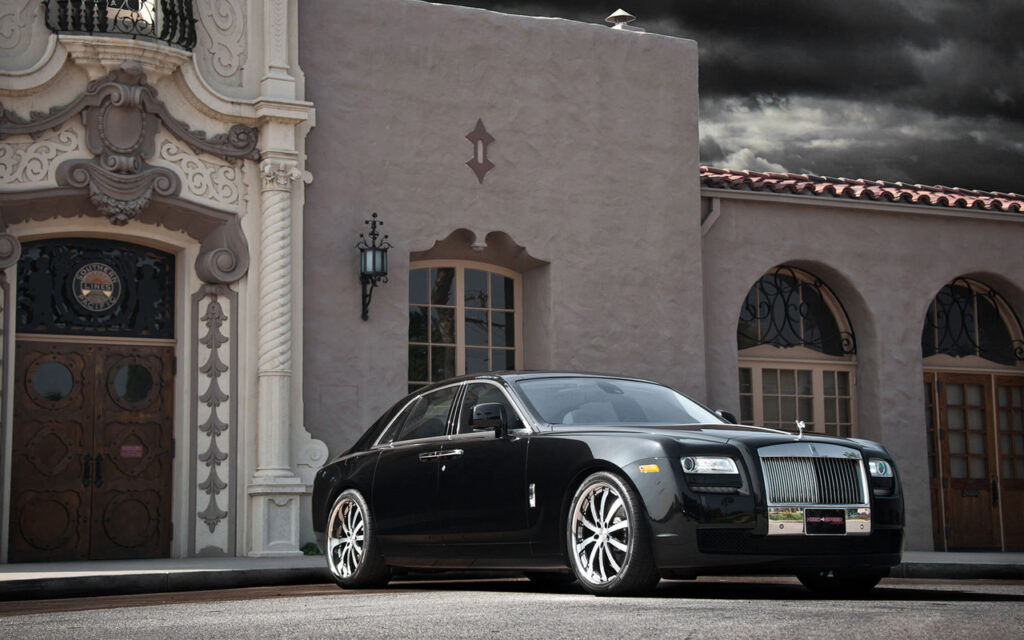
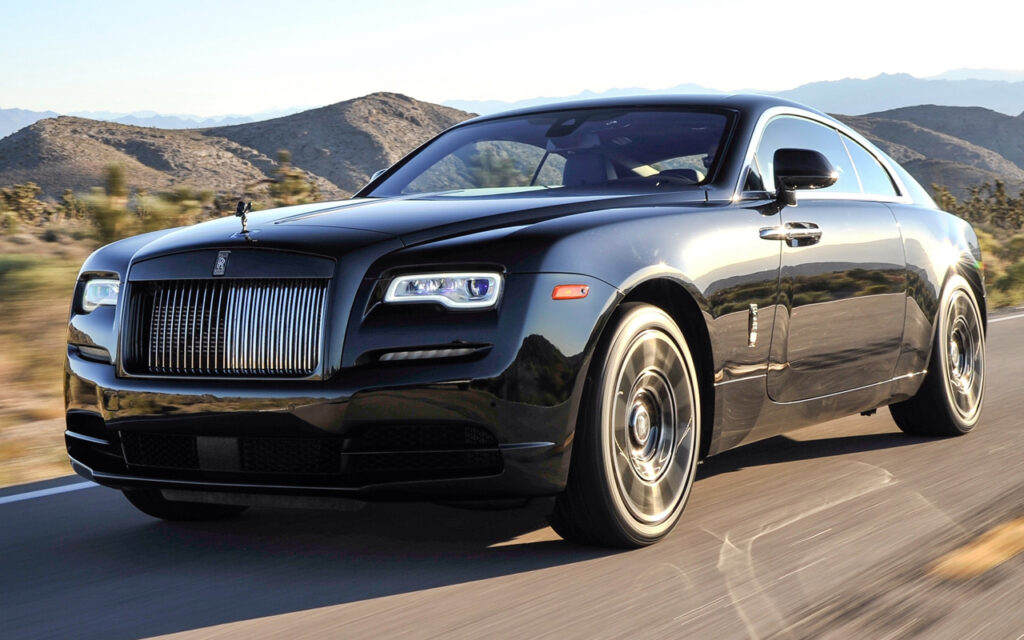
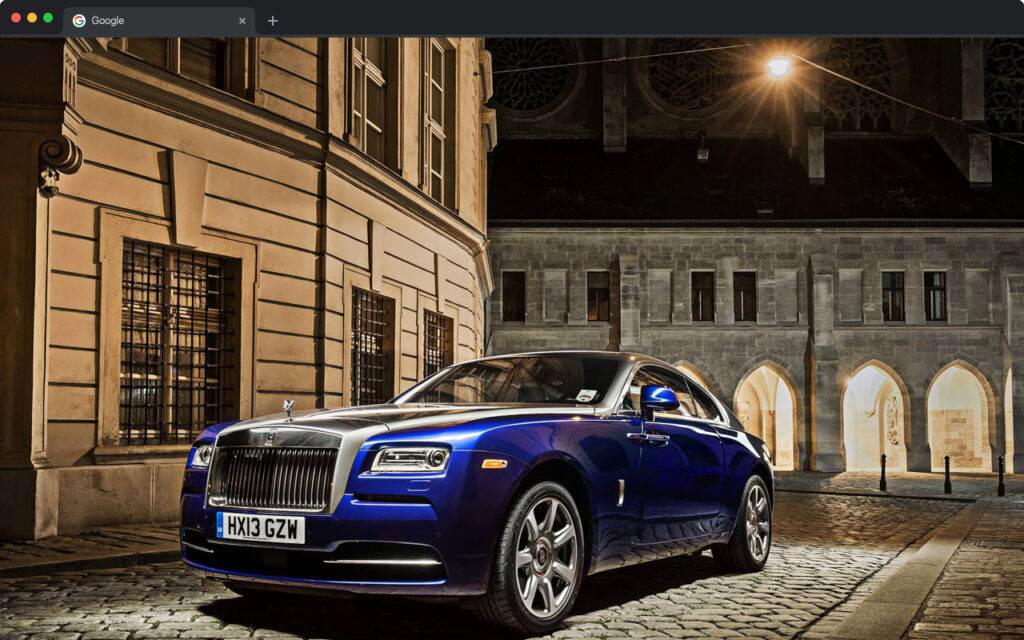
Every new tab loads a fresh, high-resolution Rolls-Royce wallpaper drawn from a curated collection of official-quality images. The collection covers multiple models and angles — from sweeping exterior shots on open roads to close-up details of hand-stitched leather interiors — ensuring the visuals never feel repetitive.
One-Click Popular Site Shortcuts
Preloaded shortcut icons give you instant access to the sites you visit most, including YouTube, Instagram, Twitter (X), and ChatGPT. These shortcuts are displayed cleanly over the wallpaper so they are always visible without cluttering the design.
Custom Website Shortcuts
In addition to the default shortcuts, you can add your own custom links for any website you choose. Whether you follow automotive news outlets, specific YouTube channels, or personal dashboards, your most-used pages are always one click away from the moment a new tab opens.
Built-In Search Bar
A search bar is embedded directly into the new tab page and uses your default search engine, so you can search the web without navigating away or opening a separate tab. This keeps your workflow smooth and your browsing efficient.
Clock and Date Display
An elegant clock and date display is built into the layout, styled to complement the luxury theme rather than distract from it. It is a small but practical detail that makes the new tab genuinely functional for daily use.
Settings and Options Menu
The extension includes a dedicated options menu where you can access the privacy policy, find uninstall instructions, explore additional extensions, and submit feedback. Everything is organized in one place so managing the extension is straightforward and transparent.
How to Install the Rolls-Royce HD Wallpapers Extension
- Open the Google Chrome browser on your desktop or laptop.
- Go to the Chrome Web Store and search for Rolls-Royce HD Wallpapers.
- Click the extension listing to open the detail page.
- Select Add to Chrome and confirm the prompt by clicking Add Extension.
- Once installed, open a new tab to immediately see your first Rolls-Royce wallpaper.
Why Luxury Car Enthusiasts Love This Extension
For anyone who appreciates fine automotive engineering and design, this extension turns an overlooked corner of the browser into a daily source of inspiration. Rolls-Royce represents the absolute pinnacle of craftsmanship — every curve, every detail, and every material is chosen for perfection — and having that on your screen throughout the day is genuinely motivating for collectors, dreamers, and professionals alike.
The extension is also popular among people who simply want a more personalized and visually refined browser experience. Unlike generic wallpaper extensions, this one focuses entirely on a single iconic brand, which makes the quality and consistency of the imagery noticeably higher. The added productivity tools mean you are not sacrificing functionality for style.
Screenshots
Frequently Asked Questions
Is this extension free to use?
Yes, the Rolls-Royce HD Wallpapers extension is completely free. There are no premium tiers, subscriptions, or in-app purchases required to access any of its features.
Which Rolls-Royce models are included in the wallpaper collection?
The extension includes high-definition images of the Phantom, Ghost, Wraith, Dawn, and Cullinan, covering both exterior and interior photography across multiple settings and color variants.
Will this extension slow down my browser?
No. The extension is lightweight and designed to load quickly. It only activates when a new tab is opened and does not run background processes that would affect your browser’s performance.
Can I add my own website shortcuts?
Yes. The extension allows you to add custom shortcuts to any URL alongside the preloaded popular site icons, giving you full control over your new tab layout.
Does the extension work on all operating systems?
The extension works on any device running Google Chrome, including Windows, macOS, and ChromeOS computers.
If you want a browser experience that reflects your appreciation for luxury and elite design, the Rolls-Royce HD Wallpapers extension is a simple and satisfying upgrade. Search for it on the Chrome Web Store and transform your new tab today.