What Is AMOLED Wallpapers HD?
AMOLED Wallpapers HD is a Chrome extension that replaces your default new tab page with high-definition, dark black backgrounds specifically optimized for OLED and AMOLED displays. If you are searching for AMOLED wallpapers new tab solutions that combine visual quality with practical display benefits, this extension delivers exactly that. It is built for users who want their browser to reflect the same deep contrast and energy efficiency that makes AMOLED screens stand out from traditional LCD panels.
Unlike generic wallpaper extensions, this one is designed around a core principle: true black pixels on OLED screens are turned off entirely, which saves battery life and reduces the risk of screen burn-in. The result is a browsing experience that looks premium and performs efficiently at the same time.

Key Features of AMOLED Wallpapers HD
Premium Dark Wallpaper Gallery
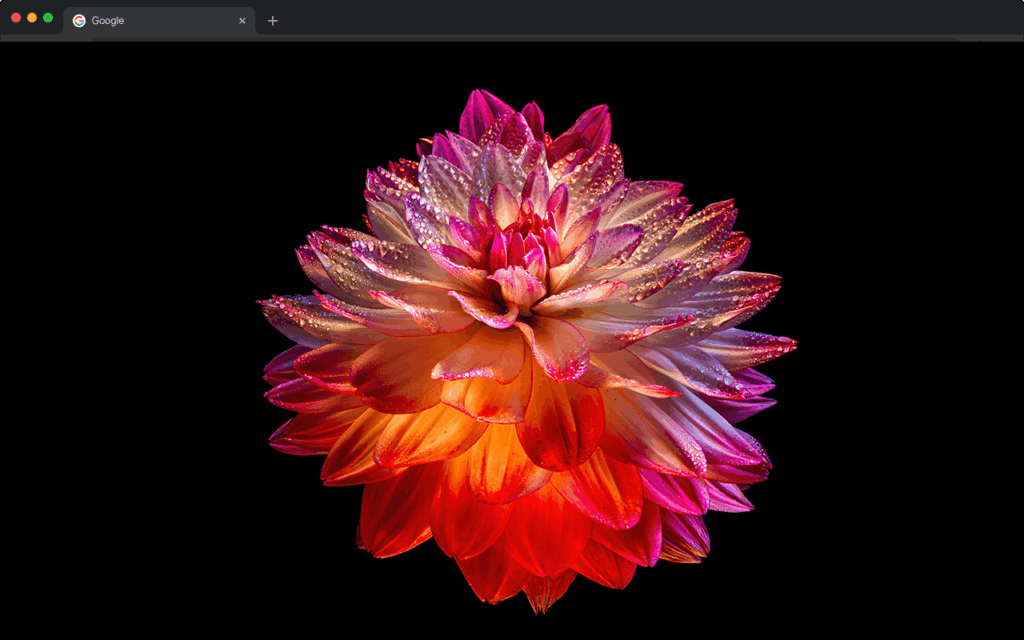
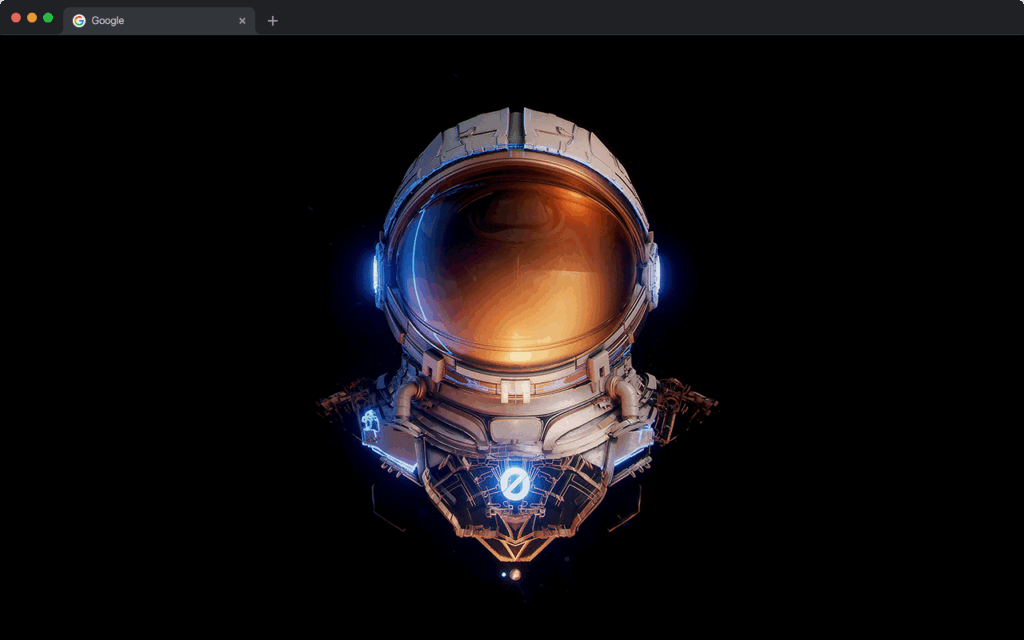
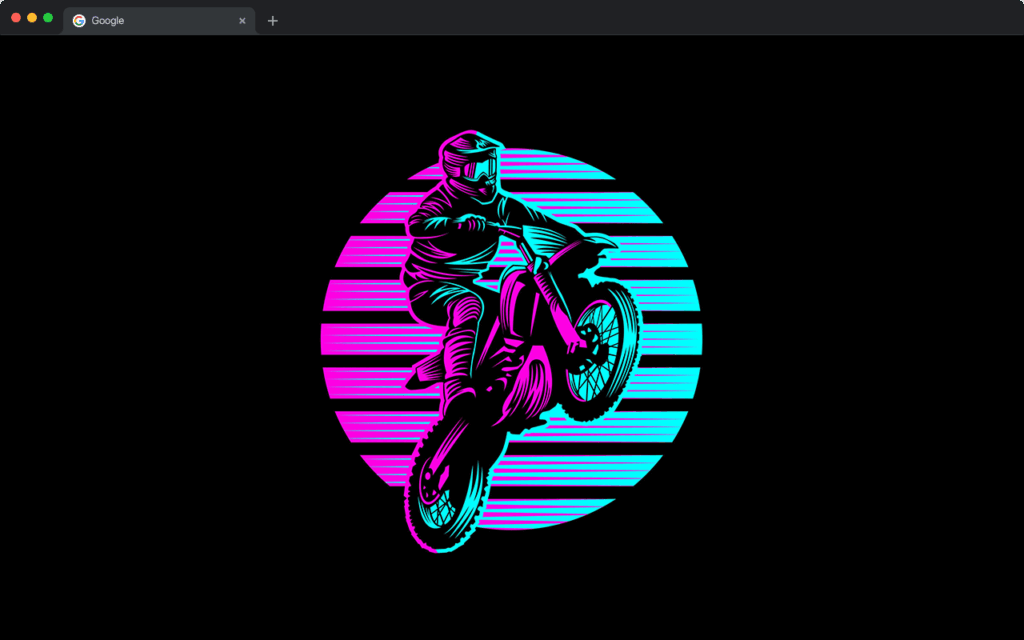
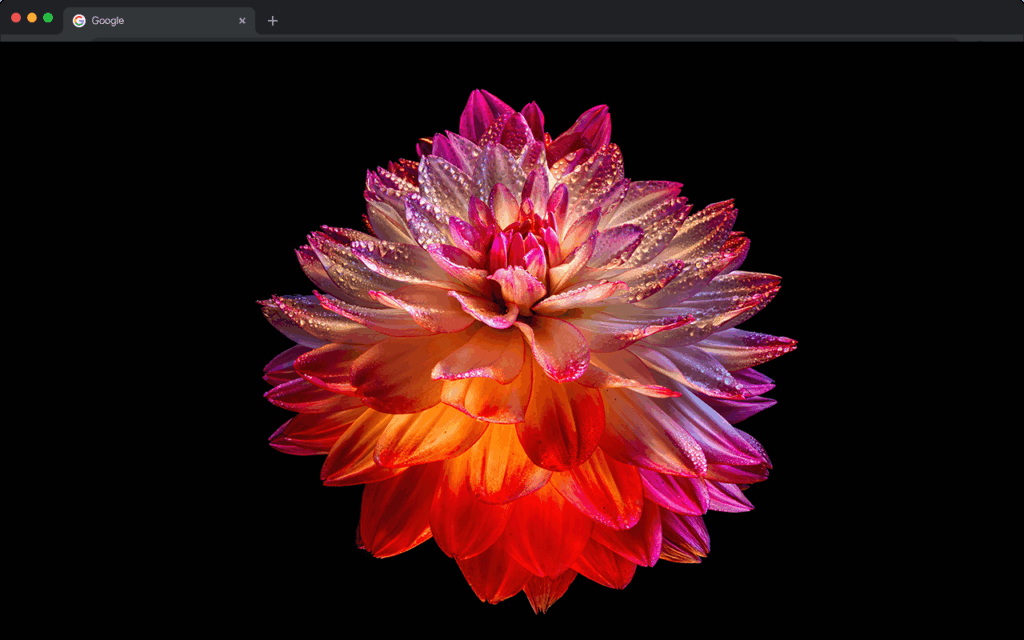
The extension includes a curated rotating gallery of wallpapers featuring pure black gradients, minimalist abstract patterns, cyberpunk themes, and nature scenes enhanced for OLED contrast. Each wallpaper is handpicked to maximize the visual impact of dark displays while keeping the aesthetic clean and modern.
Pure Black Backgrounds for OLED Efficiency
On OLED and AMOLED screens, displaying true black means individual pixels are switched off rather than lit to a dark color. This extension uses genuine deep black backgrounds that take full advantage of this technology, helping reduce power consumption and extend your display’s lifespan over time.
Built-In Search Bar
A functional search bar is embedded directly in the new tab page, allowing you to run searches using your default search engine without navigating away. This keeps your workflow fast and uninterrupted while maintaining the sleek dark interface.
One-Click Shortcuts to Popular Sites
Quickly access frequently visited platforms such as YouTube, Instagram, Twitter, ChatGPT, Google Drive, and Netflix directly from your new tab. These shortcuts are neatly arranged and styled to complement the dark theme without cluttering the layout.
Clock and Date Widget
A minimal, easy-to-read clock and date display sits on the new tab page so you always know the time at a glance. The widget is styled to blend seamlessly with dark backgrounds, making it useful for professionals, students, and anyone who wants an organized browsing environment.
Lightweight Performance
The extension is built to run efficiently without slowing down your browser. It uses minimal memory and does not run unnecessary background processes, so you get a visually rich experience without any performance trade-offs.
How to Install AMOLED Wallpapers HD
- Open the Google Chrome browser on your desktop or laptop.
- Navigate to the Chrome Web Store and search for AMOLED Wallpapers HD.
- Click the extension listing to open the detail page.
- Select the Add to Chrome button and confirm the installation when prompted.
- Once installed, open a new tab to see your dark AMOLED wallpaper immediately.
Why OLED and AMOLED Users Love It
Users with OLED laptops, phones, and high-end monitors choose this extension because it aligns with how their hardware actually works. Generic dark themes often use very dark gray rather than true black, missing the efficiency benefits entirely. This extension is built from the ground up for AMOLED screens, so every wallpaper and background element is chosen with pixel-off technology in mind.
Night owls and professionals working in low-light conditions also appreciate the reduced eye strain that comes with genuine dark backgrounds. The combination of aesthetic quality, practical display benefits, and useful new tab tools makes this one of the more thoughtful dark theme extensions available for Chrome.
Screenshots
Frequently Asked Questions
Does this extension work on non-OLED screens?
Yes, the extension works on any screen. While users with OLED and AMOLED displays get the most functional benefit from the true black backgrounds, anyone who prefers a dark browsing aesthetic will find the wallpapers visually appealing on LCD or IPS panels as well.
Will this extension slow down my browser?
No. The extension is designed to be lightweight and efficient. It does not run persistent background scripts or consume significant memory, so your browser speed should remain unaffected after installation.
Can I customize which wallpaper appears on my new tab?
The extension features a rotating gallery that cycles through a selection of premium AMOLED wallpapers. Depending on the version, you may have options to select a preferred style or allow automatic rotation for variety each time you open a new tab.
Does it replace my current Chrome new tab page entirely?
Yes, once installed, AMOLED Wallpapers HD replaces the default Chrome new tab page with its own dark-themed layout that includes the wallpaper, search bar, shortcuts, and clock widget.
Is the extension free to use?
The core features of the extension are available for free through the Chrome Web Store. Some premium wallpaper collections or advanced customization options may vary depending on the current version of the extension.
If you use an OLED or AMOLED display and want a new tab experience that is both visually striking and genuinely optimized for your screen, AMOLED Wallpapers HD is worth adding to your Chrome browser today.