If you live and breathe motorcycles, the Kawasaki Ninja wallpapers new tab extension turns every browsing session into a celebration of one of the most iconic sportbike lineups ever built. From the supercharged Ninja H2 to the track-ready ZX-10R and the accessible Ninja 400, each new tab delivers a fresh, high-definition image that captures the raw performance and aggressive styling the Ninja name is known for worldwide.

What Is Kawasaki Ninja Wallpapers New Tab?
Kawasaki Ninja Wallpapers New Tab is a free Chrome extension that replaces your default new tab page with a rotating gallery of HD Kawasaki Ninja motorcycle images. Designed for riders, racing fans, and anyone who appreciates Japanese sportbike engineering, the extension pairs stunning visuals with practical tools like site shortcuts and a clean layout — so your browser looks great without slowing you down.
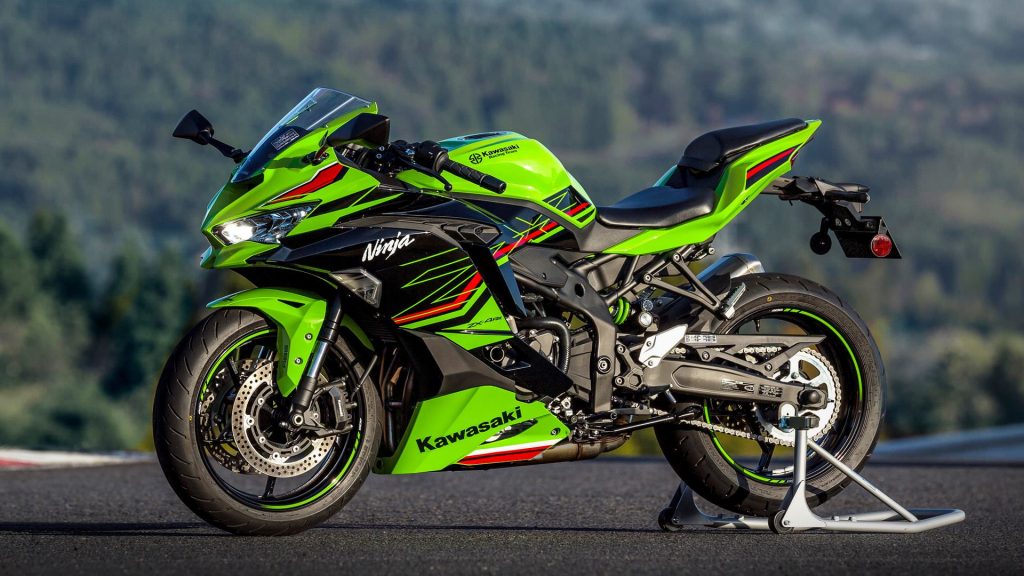
The Kawasaki Ninja series has defined performance motorcycling for decades. This extension brings that legacy to your screen, showcasing everything from aggressive aerodynamic fairings and signature Kawasaki green liveries to the kind of race-ready details that make these machines stand apart on both the street and the circuit.
Key Features of Kawasaki Ninja Wallpapers New Tab
Rotating HD Kawasaki Ninja Wallpapers
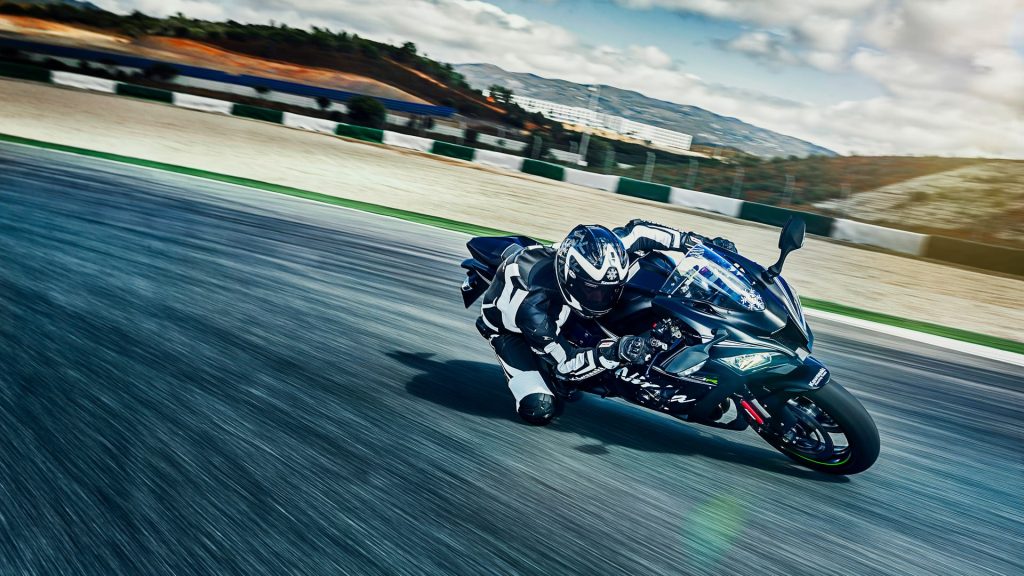
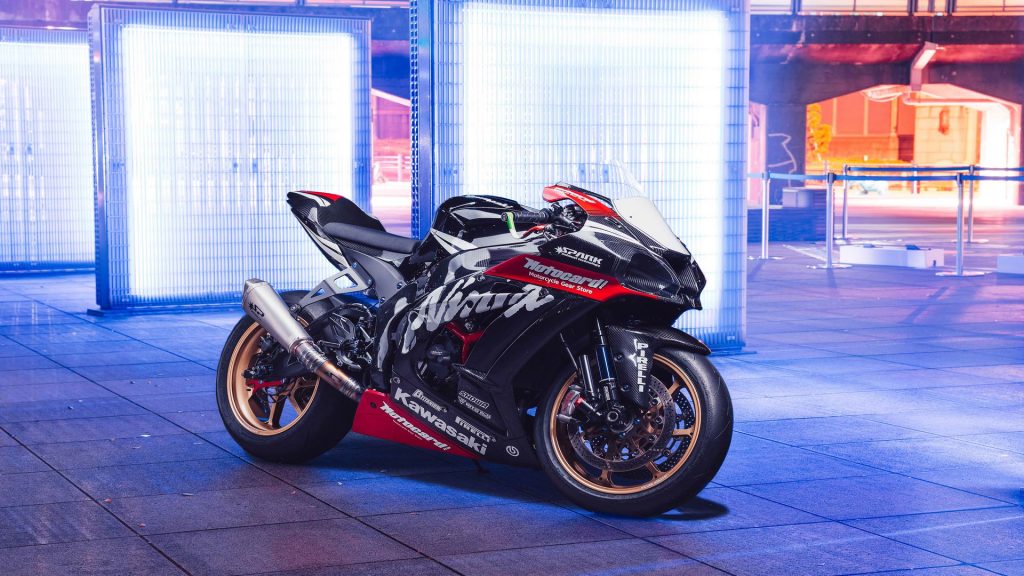
Every time you open a new Chrome tab, you get a different high-definition Ninja wallpaper pulled from a curated collection. The images cover the full Ninja lineup — ZX-10R, H2, Ninja 650, Ninja 400 — and are optimized to display crisply on any screen resolution, from standard HD monitors to high-DPI displays.
Popular Site Shortcuts
Quick-access icons for popular sites like YouTube, Instagram, Twitter, and ChatGPT are built directly into the new tab layout. These shortcuts sit neatly over the wallpaper so you can jump to your most-used destinations without cluttering your bookmark bar or losing any of the visual impact of the background.
Custom Website Shortcuts
Beyond the default shortcuts, you can add your own frequently visited sites — motorcycle forums, gear shops, racing news outlets, or anywhere else you browse regularly. Custom shortcuts make your new tab page genuinely useful rather than just decorative, saving you real time every day.
Clean, Distraction-Free Layout
The interface is intentionally minimal so the wallpaper takes center stage. There are no aggressive popups, no cluttered widgets, and no intrusive notifications — just a fast-loading new tab that respects both your screen space and your time.
Free and Lightweight
The extension is completely free to install and runs without noticeably affecting browser performance. It is built to be lightweight so Chrome stays snappy even on older machines, making it accessible to every Kawasaki fan regardless of their hardware setup.
How to Install Kawasaki Ninja Wallpapers New Tab
- Open the Google Chrome browser on your desktop or laptop.
- Search for “Kawasaki Ninja Wallpapers New Tab” in the Chrome Web Store.
- Click the extension listing to open its detail page.
- Select “Add to Chrome” and confirm by clicking “Add Extension” in the popup dialog.
- Open a new tab — your first Kawasaki Ninja wallpaper will load immediately.
Why Motorcycle Fans Love This Extension
For riders and enthusiasts, keeping a connection to the sport throughout the day matters. Most people open dozens of new tabs while working or browsing, and this extension turns each of those moments into a quick visual reminder of why they love motorcycles. It is a small but meaningful way to personalize a browser without any complicated setup or ongoing cost.
Kawasaki Ninja fans in particular appreciate how the extension covers the breadth of the lineup rather than focusing on a single model. Whether your preference is the street-legal insanity of the H2R, the supersport dominance of the ZX-10R, or the balanced performance of the Ninja 650, you will see your favorite machines represented in the rotation.
The practical features also matter to daily users. Having site shortcuts embedded in a wallpaper page means one less reason to keep a cluttered bookmark bar open, and the ability to customize those shortcuts means the extension genuinely adapts to how each individual browses.
Screenshots
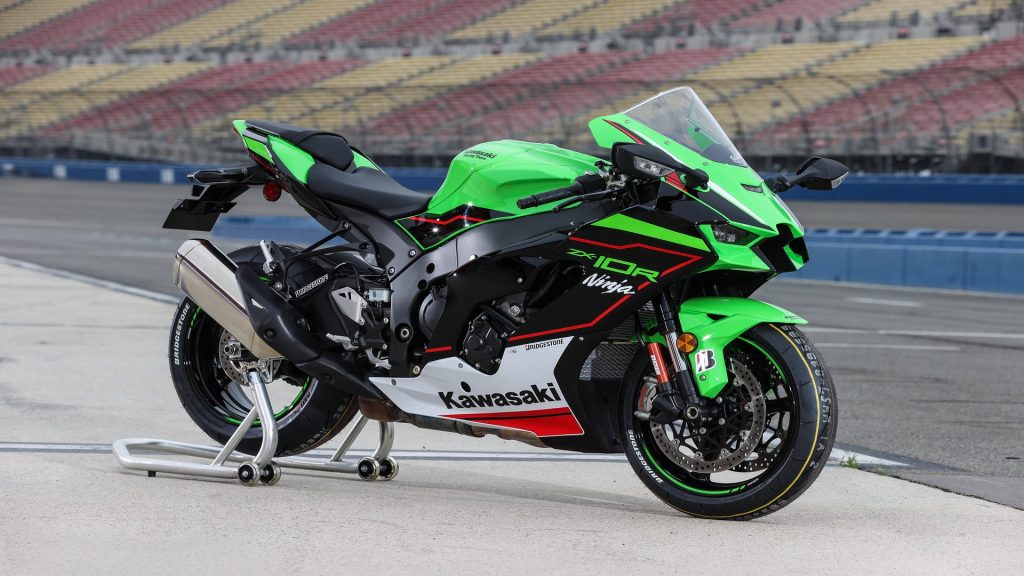

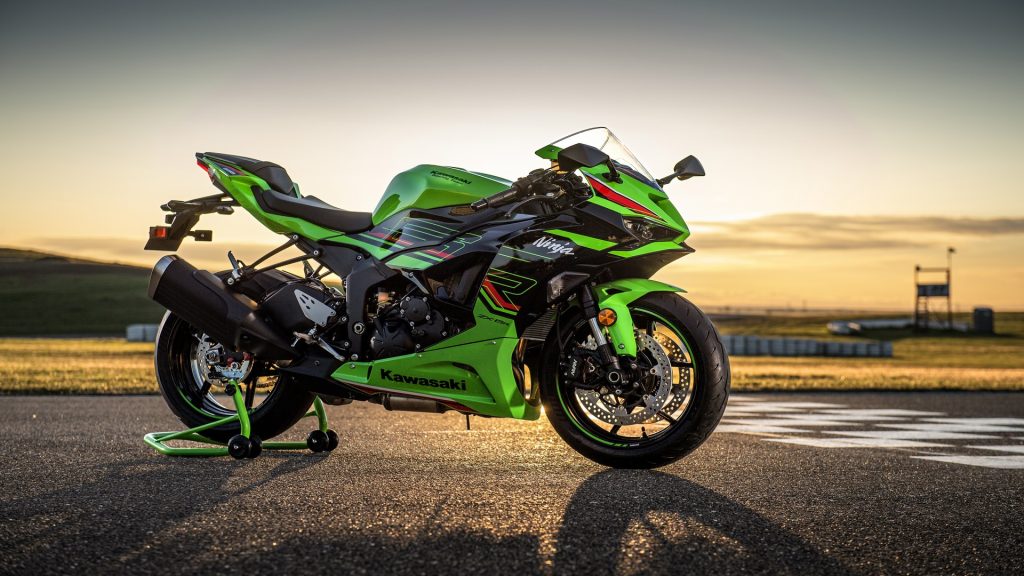
Frequently Asked Questions
Does this extension work on all versions of Chrome?
Yes, the extension is compatible with current and recent versions of Google Chrome on Windows, macOS, and Linux. It is not available for mobile browsers.
Will this extension slow down my browser?
No. The extension is built to be lightweight and only activates when a new tab is opened. It does not run background processes that would affect general browsing speed.
Can I control which Ninja models appear in the wallpaper rotation?
The rotation cycles through the full curated collection automatically. The variety is part of the experience, ensuring you see a wide range of Ninja models rather than the same image repeatedly.
Is the extension really free?
Yes, the Kawasaki Ninja Wallpapers New Tab extension is completely free with no hidden subscriptions or premium tiers required to access the full wallpaper collection.
How do I remove the extension if I want to?
You can uninstall it at any time by right-clicking the extension icon in Chrome’s toolbar and selecting “Remove from Chrome,” or by navigating to chrome://extensions and clicking the remove button next to it.
If you want a faster, more personalized browsing experience that reflects your passion for Kawasaki Ninja motorcycles, this extension is worth adding to your Chrome setup today. Install it once and enjoy a fresh piece of Ninja imagery every time you start a new tab.