

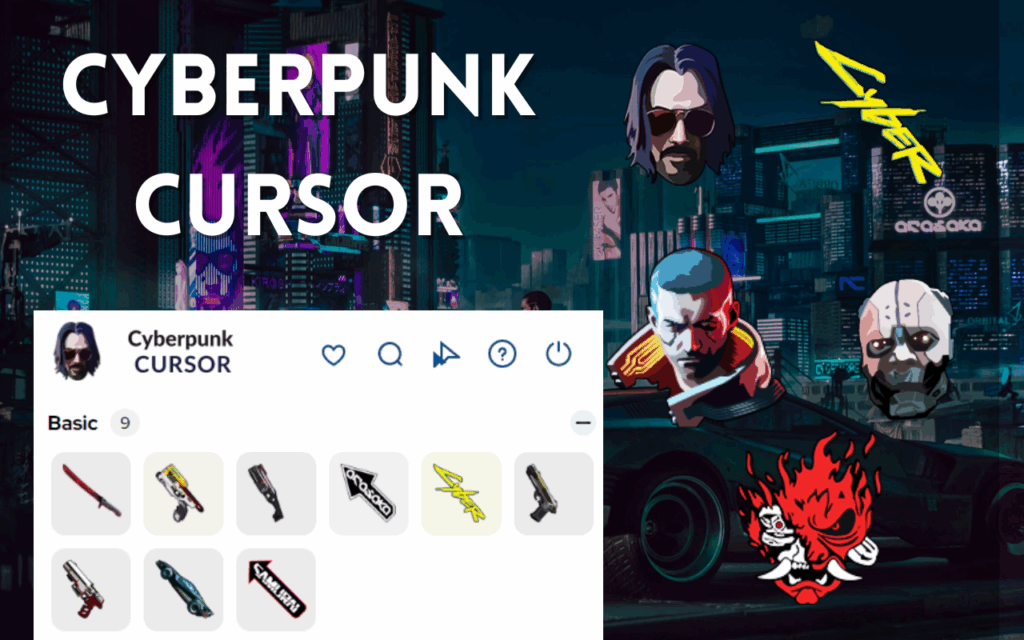
Transform your browsing experience with the Cyberpunk Cursor Chrome extension, bringing the futuristic world of neon-lit dystopias directly to your screen. This comprehensive guide covers everything you need to know about customizing your browser with iconic cursors inspired by cyberpunk culture, digital metropolises, and high-tech sci-fi aesthetics.
What is the Cyberpunk Cursor Extension?
The Cyberpunk Cursor Chrome extension is a free browser customization tool that replaces your standard mouse pointer with animated cursors featuring futuristic designs, neon colors, holographic effects, and cyberpunk-inspired elements. This extension allows tech enthusiasts and sci-fi fans to personalize their browsing experience while celebrating the iconic cyberpunk aesthetic.
This extension is perfect for:
- Cyberpunk and sci-fi enthusiasts
- Tech professionals and programmers
- Digital artists and UI/UX designers
- Gamers who love futuristic themes
- Anyone interested in cyberpunk culture
🎯 Key Features and Benefits
⚡ Cyberpunk Cursors Collection
Choose from an extensive library of futuristic cursor designs featuring:
- Neon Data Streams 💾 – Experience the flow of digital information
- Holographic Interfaces 🔮 – Navigate with augmented reality style
- Robotic Arms 🤖 – Feel the power of cybernetic enhancement
- Circuit Board Patterns ⚡ – Display electronic pathway designs
- Glitch Effects 📺 – Showcase digital corruption aesthetics
- Neon Grid Lines 🌐 – Represent the digital matrix
- Cyber Security Icons 🔒 – Highlight digital protection themes
🎨 Premium Design Features
- High-Quality Graphics – Crisp, detailed visuals that capture the cyberpunk aesthetic
- Customizable Cursor Size – Adjust dimensions from 16px to 64px for perfect visibility
- Multiple Animation Speeds – Control how fast your animated cursors move
- Favorites System ⭐ – Save and quickly access your most-loved cursors
- Color Variants – Choose from different neon color schemes for each design
- Easy Toggle On/Off – Instantly switch between custom and standard cursors
🚀 Performance Optimization
- Zero Performance Impact – Lightweight design ensures smooth browsing
- Quick Loading – Instant cursor switching with no delays
- Memory Efficient – Uses less than 50MB of system resources
- Battery Friendly – Minimal power consumption on laptops and mobile devices
- Seamless Integration – Works perfectly with other Chrome extensions
Installation Guide: Step-by-Step Process
Method 1: Chrome Web Store Installation
- Navigate to Chrome Web Store
- Open Google Chrome browser
- Visit chrome.google.com/webstore
- Search for “Cyberpunk Cursor”
- Install the Extension
- Click “Add to Chrome” button
- Confirm installation when prompted
- Wait for automatic download and setup
- Initial Setup
- Look for the extension icon in your toolbar
- Click the icon to open settings panel
- Browse available cursor themes
- Select your preferred design

🎮 How to Use the Cyberpunk Cursor Extension
📥 Installation Steps
- Install the extension from the Chrome Web Store
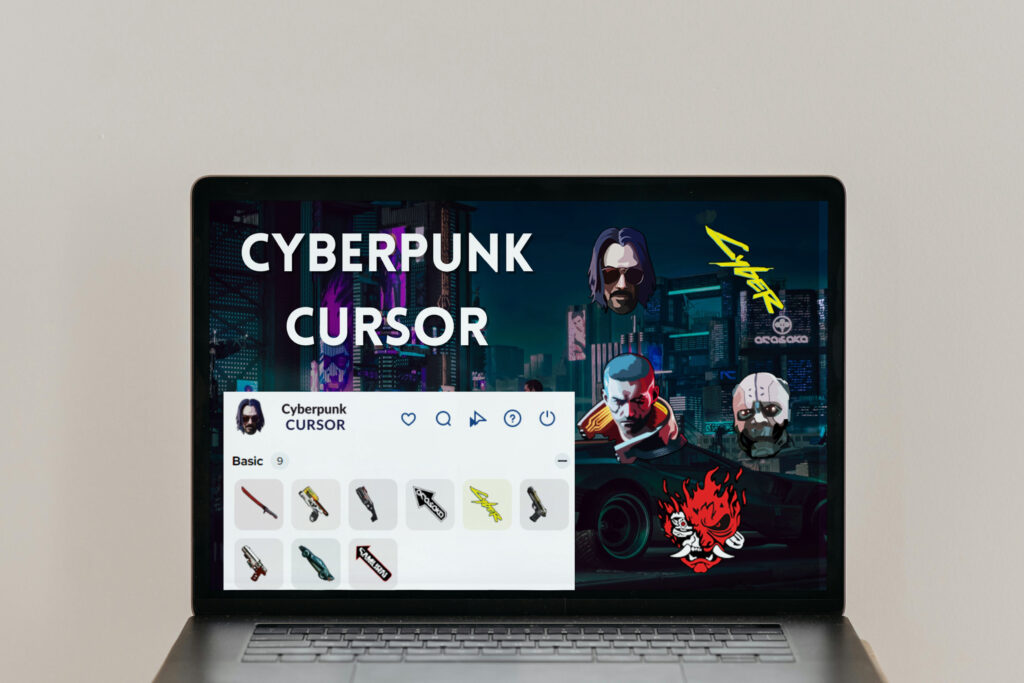
- Click the Cyberpunk Cursor icon 🔮 in your browser toolbar
- Browse through available cursor designs featuring futuristic themes
- Select your preferred cursor for normal browsing
- Adjust cursor size using the size slider if needed
- Enjoy your new cyberpunk-themed browsing experience! ⚡
⚙️ Advanced Settings
- Clock and Date 🕐 – Track time with digital precision while browsing
- Quick Access Shortcuts ⚡ – Navigate with cyber-enhanced efficiency
- Play Games 🎮 – Find entertainment in the digital realm
- Search Bar 🔍 – Discover secrets across the cyber universe
- More Extensions 🔧 – Enhance your browser with additional cyberpunk features
Compatibility and System Requirements
Browser Compatibility
- Google Chrome: Version 88 and higher
- Microsoft Edge: Chromium-based versions
- Brave Browser: All current versions
- Opera: Version 74 and higher
Operating System Support
- Windows: 10, 11 (32-bit and 64-bit)
- macOS: 10.14 Mojave and newer
- Linux: Ubuntu 18.04+, Chrome OS
- Mobile: Limited support on Android Chrome
Safety and Privacy Considerations
Data Protection
The Cyberpunk Cursor extension prioritizes user privacy:
- No Data Collection: Extension doesn’t track browsing habits
- Local Storage Only: All settings stored on your device
- No External Connections: Works entirely offline after installation
Security Features
- Malware Protection: Regular security scans and updates
- Permission Transparency: Clear explanation of required permissions
- Safe Installation: Only from verified Chrome Web Store sources
- Regular Updates: Consistent security patches and improvements
💡 SEO-Optimized FAQ Section
❓ Frequently Asked Questions
Q: Is the Cyberpunk Cursor extension free to use? A: Yes, the extension is completely free to download and use. There are no hidden costs or premium features requiring payment.
Q: Can I use this extension on multiple devices? A: Yes, if you’re signed into Chrome with the same Google account, your cursor preferences will sync across all your devices.
Q: Does this extension work with other browsers besides Chrome? A: The extension is primarily designed for Chrome but also works with Chromium-based browsers like Edge, Brave, and Opera.
Q: Is it safe to install this extension? A: Yes, the extension is safe when downloaded from the official Chrome Web Store. It doesn’t collect personal data or require suspicious permissions.



