
Today’s Nintendo Switch Online update finally introduces a feature players have been asking for since 2018
No borders, no boundaries.
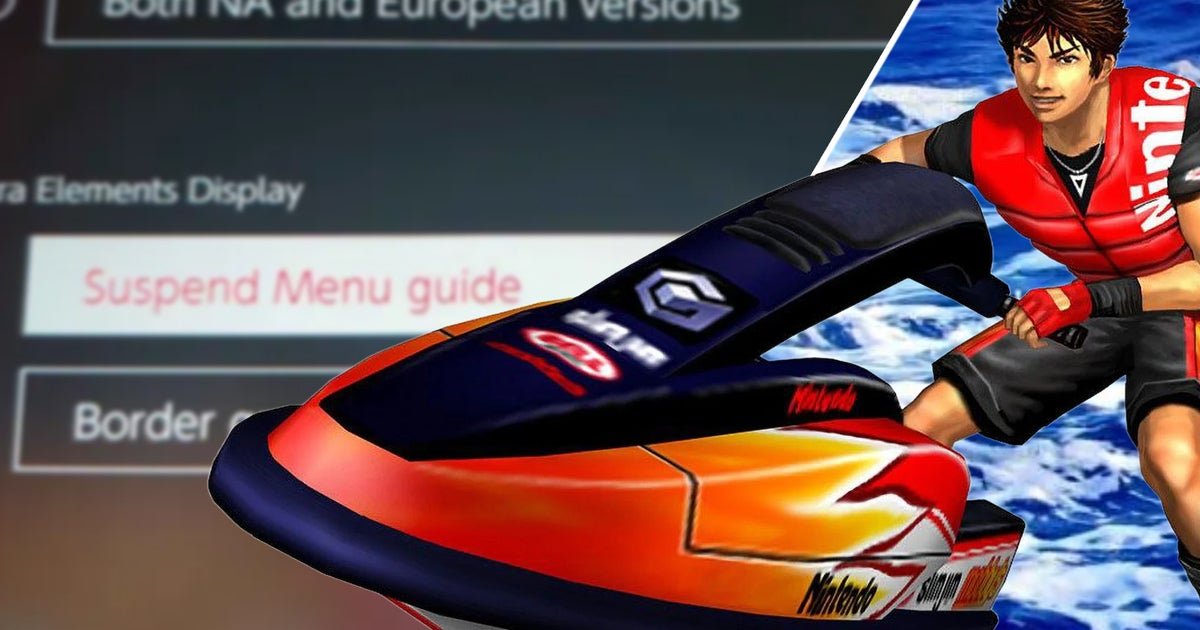
There’s been an exciting addition to the Nintendo Classics GameCube app today, as users have discovered a small – but oft-requested – change in the software’s Version 2.2.0.
This new option arrived fairly quietly as part of an update that otherwise introduced Wave Race: Blue Storm to the Nintendo Classics – GameCube lineup. That addition may have generated the most headlines, but it’s this one little toggle that’s getting many players exicted.
Why is this such a big deal? Previously, the bordered image on the 4:3 aspect ratio games contained lots of little dots, and players complained that these were distracting at best, and casused discomfort on the eyes whilst playing at worst. Other players worried it would contribute to screen burn-in on older televsion sets. As part of the new update, you can simply border your games with plain black – a tiny revision, but one that you can already see online communities celebrating. The player icon (another UI element that attracts derision) is still present, however, but as one comment summarises: “it’s a step in the right direction”.

“Oh my gawd, I’ve been wanting this! I hate the checkered on the side, it clashed with every game I tried,” says one social media user.” Players have been complaining about these borders and UI elements since Nintendo Classics was introduced on the Nintendo Switch back on 18th September, 2018. So it’s taken a good eight years for Nintendo to – finally – implement a change.
In order to change the border yourself, you need to head to the game library selection screen on the Nintendo Classics app, navigate to the game settings, and locate the option to toggle this border graphic in the “Extra Elements Display” tab. Hit the button and – bang – you’re done. At the time of writing, this option only appears on the GameCue app, and only on Switch 2, but people on social media are already asking Nintendo to enable it across the original Switch and other apps in the library, too.
Not everyone is happy with the ‘slowly, slowly’ approach Nintendo is taking towards implementing these changes, though. “Why can’t we expect the full step with no graphic at all?” asks one irritated poster on Reddit. “Why do you have to deal with these half assed implementations for a paid deluxe subscription service?”
“Oh well, probably gotta wait another 10 years for the next improvement” says another. Another slightly more constructive user outlines what helpful additons might look like, noting that adding a “blurred zoomed in image of the game to fill out the background, or just extending the colors outward into the border, or maybe something fun like a CRT TV-looking border like the NES and SNES Classic had” would go a long way to make the retro experience better on the consoles.


6 comments