
What Is Aladdin Cursor?
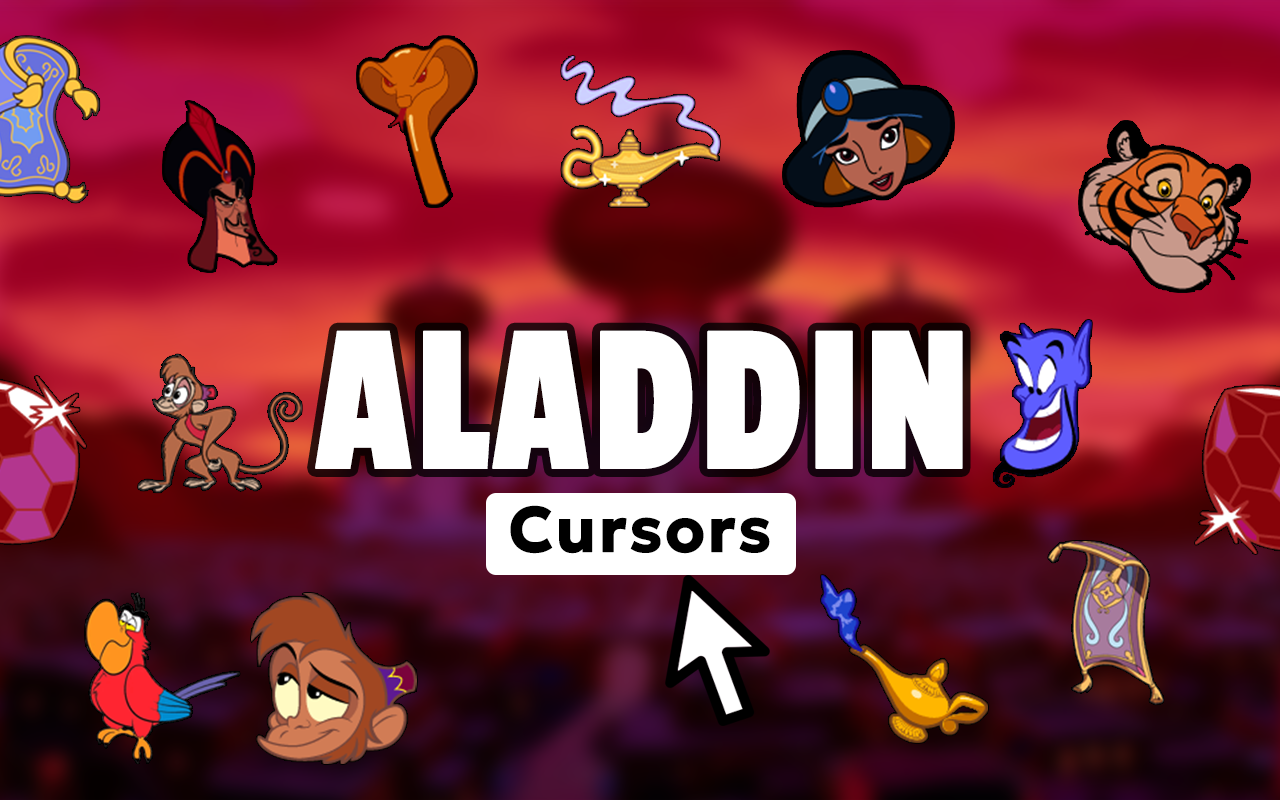
The Aladdin cursor for Chrome is a custom cursor extension that replaces your standard mouse pointer with beautifully crafted designs inspired by Disney’s iconic animated film. From Aladdin and Princess Jasmine to the lovable Genie and magical lamps, every element of Agrabah comes alive on your screen with each move and click. Whether you’re a lifelong Disney fan or simply want a more personalized browsing experience, this extension brings a touch of Arabian Nights charm to your everyday internet use.

Key Features of the Aladdin Cursor Extension
Extensive Disney Aladdin Cursor Collection
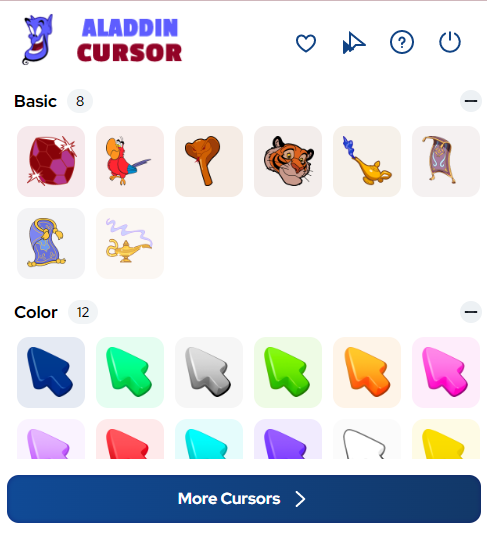
The extension includes a wide variety of cursor designs showcasing fan-favorite characters and iconic imagery from the film. Choose from Aladdin, Princess Jasmine, Genie, Abu the monkey, magic carpets, golden lamps, and other elements that capture the spirit of Agrabah perfectly.
High-Definition Graphics
Every cursor is rendered in crisp, high-resolution detail that stays true to Disney’s original animation style. The vibrant colors and clean line work ensure your cursor looks sharp on any screen size or display resolution.
Adjustable Cursor Size
A built-in size slider lets you scale your cursor up or down to match your personal comfort and visibility preferences. This makes the extension equally suitable for large desktop monitors and compact laptop displays.
Quick-Access Favorites
You can save your preferred Aladdin cursor designs to a favorites list for fast and easy switching throughout the day. No need to browse the full gallery every time — your go-to designs are always just one click away.
Lightweight and Optimized Performance
The extension is engineered to run efficiently in the background without consuming extra system resources. You’ll experience no noticeable lag, slowdown, or interference with your normal browsing activities.
Instant Toggle On and Off
Switching between your custom Aladdin cursor and the default system pointer takes a single click from the toolbar icon. This is especially handy when you need the standard cursor for work tasks or presentations.
How to Install the Aladdin Cursor Extension
- Open the Chrome Web Store and search for “Aladdin Cursor.”
- Click the “Add to Chrome” button on the extension page.
- Confirm the installation prompt when it appears.
- Once installed, click the Aladdin Cursor icon in your Chrome toolbar.
- Browse the cursor gallery and select your favorite Disney-themed design.
- Use the size slider to adjust the cursor to your preferred dimensions.
- Start browsing — your magical cursor is now active on every webpage.
Why Disney and Aladdin Fans Love It
This extension resonates with Disney fans because it goes beyond simple decoration — it turns routine browsing into a nostalgic, immersive experience. Fans who grew up watching the 1992 animated classic feel an instant connection when they see Genie or the magic carpet gliding across their screen. For those who discovered the story through the live-action remake or other media, the cursor collection serves as a fun, subtle nod to a beloved universe. It’s also a great conversation starter when sharing your screen during casual calls or study sessions. The attention to detail in each cursor design shows genuine respect for the source material, which Disney fans tend to notice and appreciate immediately.
Screenshots
Frequently Asked Questions
Is the Aladdin Cursor extension free to use?
Yes, the extension is free to install and use. You can access the full cursor gallery and all core features without any subscription or payment required.
Will the extension slow down my browser?
No. The extension is built with a lightweight architecture specifically designed to avoid placing any additional load on Chrome. Most users report no perceptible difference in browser speed after installation.
Can I use multiple cursor designs on different days?
Absolutely. The favorites feature lets you save several designs, and switching between them takes just a moment. Many users rotate through different characters depending on their mood or the time of day.
Does it work on all websites?
The cursor displays correctly on the vast majority of standard websites. On a small number of sites with custom-built cursor overrides, the extension cursor may not appear, but this is uncommon.
Is my browsing data collected by this extension?
The Aladdin Cursor extension does not collect, store, or share your personal browsing data. Its sole function is to change the appearance of your mouse pointer within the Chrome browser.
If you’re ready to add a little Disney magic to your daily browsing routine, the Aladdin Cursor extension is exactly what you’re looking for. Install it today and experience the wonder of Agrabah every time you move your mouse.





