
What Is the Aqua Teen Cursor Extension?
The Aqua Teen cursor is a Chrome extension that replaces your standard mouse pointer with custom designs inspired by Aqua Teen Hunger Force, the legendary Adult Swim animated series. Instead of a generic arrow, your cursor becomes Meatwad, Frylock, Master Shake, or another fan-favorite character from the show. If you have ever wanted a small but satisfying way to show your love for one of the most absurdist cartoons ever made, this extension delivers exactly that with zero hassle.
Key Features of the Aqua Teen Cursor
Complete Character Cursor Collection
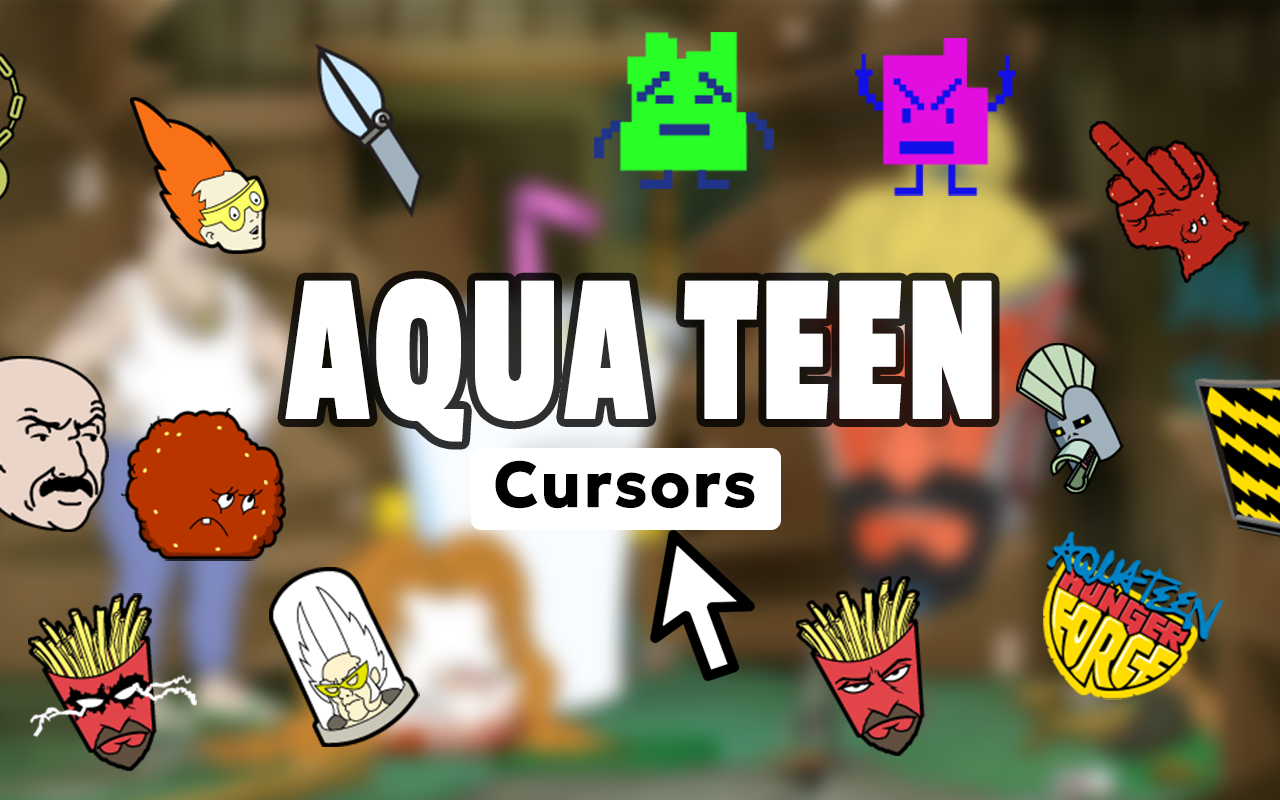
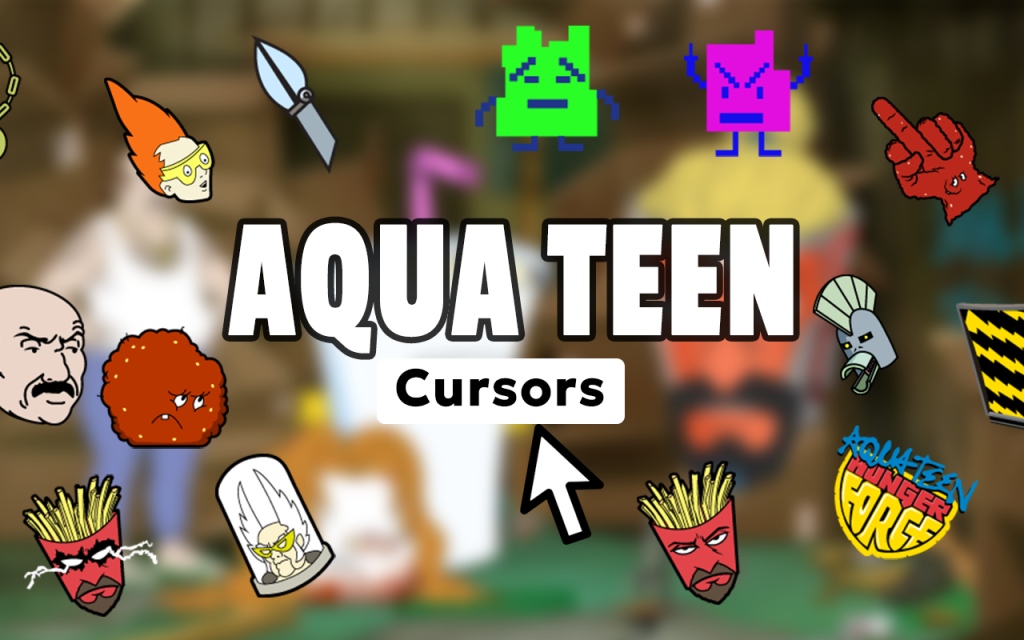
The extension includes cursor designs featuring the full cast — Meatwad, Frylock, Master Shake, Carl Brutananadilewski, the Mooninites, and even iconic props like the Foreigner Belt. Every major element from the show is represented so fans always have a cursor that fits their mood. You are never stuck with just one option.
Premium Quality Graphics
Each cursor is rendered with crisp, detailed artwork that captures the show’s distinctive lo-fi aesthetic without looking pixelated or blurry on modern displays. The designers stayed true to the original animation style, so everything feels authentically Aqua Teen rather than a generic cartoon knockoff.
Adjustable Cursor Size
A built-in size slider lets you scale your cursor up or down to match your screen resolution and personal preference. Whether you are using a compact laptop display or a large desktop monitor, you can dial in the perfect size for comfortable and visible browsing.
Quick-Access Favorites
Save your most-used cursor designs to a favorites list so you can switch between them in seconds. If you love cycling between Meatwad one day and the Mooninites the next, the favorites system makes that instant and effortless.
Lightweight and Fast
The extension is built to be ultra-lightweight, meaning it runs in the background without consuming noticeable browser resources. Your Chrome performance stays smooth and unaffected even while the cursor is active across multiple tabs.
One-Click Toggle
Need to temporarily switch back to your default cursor? A single click on the extension icon disables or re-enables the Aqua Teen cursor instantly. There is no need to uninstall or dig through settings every time you want a quick toggle.
How to Install the Aqua Teen Cursor
- Open the Chrome Web Store and search for “Aqua Teen Cursor.”
- Click the “Add to Chrome” button on the extension page.
- Confirm the installation when the browser prompts you.
- Once installed, click the Aqua Teen Cursor icon in your Chrome toolbar.
- Browse the full gallery of character and prop cursor designs.
- Select your preferred cursor and adjust the size using the slider.
- Start browsing with your new Aqua Teen cursor active across all websites.
Why Adult Swim Fans Love This Cursor
Aqua Teen Hunger Force has been a cult classic since its debut in the early 2000s, and its fanbase has only grown as new viewers discover it on streaming platforms. This cursor extension gives longtime fans and newcomers alike a small daily reminder of the show they love. It works particularly well for people who spend long hours at their computer — having a character like Frylock glide across your screen turns mundane browsing into something slightly more entertaining. It is also a great conversation starter during screen shares or video calls, where an unexpected cartoon cursor never fails to get a reaction.
Screenshots

Frequently Asked Questions
Does the Aqua Teen cursor work on all websites?
Yes, the cursor replaces your pointer across virtually all websites you visit in Chrome. A small number of sites with strict content security policies may restrict custom cursors, but this is uncommon.
Will this extension slow down my browser?
No. The extension is designed to be extremely lightweight and has no measurable impact on Chrome’s speed or memory usage during normal browsing.
Can I use multiple cursor designs, or am I limited to one?
You can switch between any cursor in the collection at any time. The favorites feature also lets you save preferred designs for faster access without scrolling through the full gallery each time.
Is the Aqua Teen cursor free to use?
The extension is available through the Chrome Web Store. Check the store listing for the most current details on pricing and any available premium features.
Does it work on Chromebook devices?
Yes, because it is a standard Chrome extension, it works on any device that runs the Chrome browser, including Chromebooks, Windows PCs, and Mac computers.
If you are ready to add some genuine Aqua Teen Hunger Force personality to your daily browsing, install the extension and start exploring the full cursor collection. Your mouse pointer will never feel generic again.





