
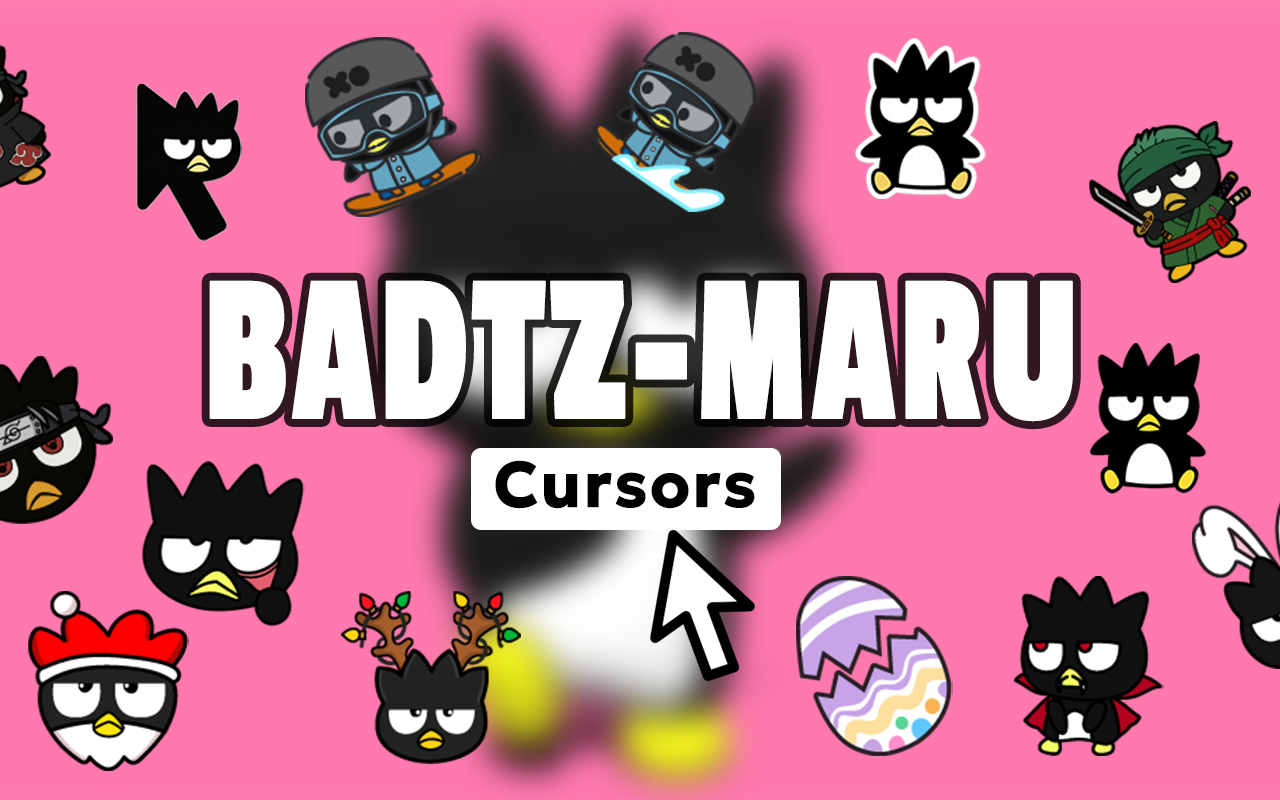
The Badtz-Maru cursor for Chrome lets you swap your plain browser pointer for one of Sanrio’s most iconic characters — the scowling, mischievous penguin with a serious attitude. Whether you grew up collecting Sanrio merchandise or you just discovered Badtz-Maru’s rebellious charm, this extension brings his signature personality to every click and scroll you make online.
What Is the Badtz-Maru Cursor Extension?
The Badtz-Maru Cursor extension is a Chrome browser add-on that replaces your default mouse pointer with custom-designed cursors based on the beloved Sanrio character. Badtz-Maru, the straight-faced penguin known for his punk edge and bad-boy attitude, is the star of the collection. The extension also includes designs featuring his loyal alligator companion Pochi, as well as skulls, guitars, and other edgy kawaii elements that match the character’s universe. It is lightweight, easy to set up, and works across all websites you visit.
Key Features
Wide Collection of Cursor Designs
The extension includes multiple cursor designs showcasing Badtz-Maru in different moods and poses. You will also find cursors featuring Pochi the alligator and various rebellious motifs that stay true to the character’s aesthetic.
High-Quality Sanrio-Inspired Graphics
Every cursor is crafted with sharp, clean visuals that faithfully reproduce Badtz-Maru’s signature scowl and Sanrio’s well-known design quality. The graphics look crisp on all screen resolutions, including high-DPI and Retina displays.
Adjustable Cursor Size
A built-in size slider lets you scale the cursor up or down to fit your screen and personal preference. This makes the extension comfortable to use whether you’re on a small laptop or a large external monitor.
Favorites System
You can bookmark your preferred cursor designs so you don’t have to browse the full collection every time you want to switch styles. The favorites system keeps your go-to Badtz-Maru cursors just one click away.
Zero Performance Impact
The extension is built with a lightweight architecture that runs efficiently in the background. Your Chrome browser will not slow down, stutter, or use excess memory while the cursor is active.
Easy Toggle On and Off
Switching between the custom Badtz-Maru cursor and your system default is instant. A simple toggle in the extension popup lets you flip back to normal whenever a situation calls for it, with no need to uninstall or disable the extension entirely.
How to Install the Badtz-Maru Cursor Extension
- Search for the Badtz-Maru Cursor extension in the Chrome Web Store and click Add to Chrome.
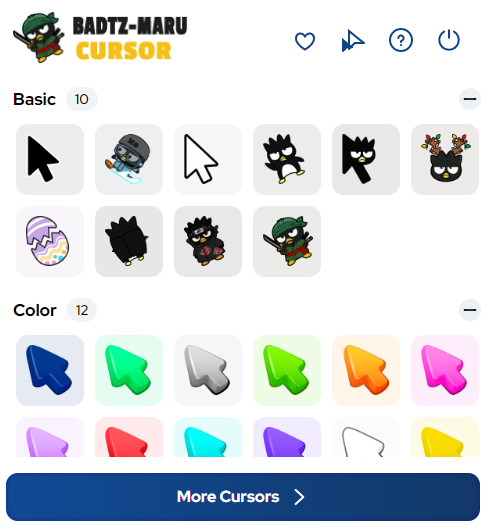
- Once installed, click the extension icon in your Chrome toolbar to open the cursor picker.
- Browse the full collection of Badtz-Maru and Sanrio-themed cursor designs.
- Click any cursor to apply it instantly to your browser.
- Use the size slider to adjust the cursor dimensions to your liking.
- Save your favorites using the bookmark icon so you can switch between them quickly later.
Why Sanrio and Kawaii Fans Love It
Badtz-Maru has always stood apart from other Sanrio characters because of his attitude. He does not smile — and that is exactly the point. Fans who are drawn to edgy kawaii style, punk-inspired aesthetics, or just a character with a little more personality than the average cute mascot find this extension a natural fit for their browsing setup. It is also a great conversation starter when sharing your screen, and it adds a personal touch to an otherwise ordinary part of your desktop experience. Longtime Sanrio collectors appreciate the attention to detail in the cursor designs, while newer fans enjoy discovering the character through a fresh, interactive format.
Screenshots
Frequently Asked Questions
Does this extension work on all websites?
Yes, the Badtz-Maru cursor replaces your pointer across virtually all websites you visit in Chrome. There may be rare exceptions on certain browser system pages where Chrome restricts extension behavior by default.
Will it slow down my browser?
No. The extension is designed to be as lightweight as possible, using minimal memory and CPU resources so your browsing speed is not affected.
Can I use multiple cursor designs from the collection?
Absolutely. You can browse the full collection at any time and switch between designs with a single click. The favorites feature makes it even easier to toggle between your top picks.
Is the cursor size fixed or can I change it?
The cursor size is fully adjustable. An in-built slider inside the extension popup allows you to make the cursor larger or smaller depending on your screen size and personal comfort.
Do I need a Sanrio account or any subscription to use this?
No account or subscription is required. The extension is self-contained and works right after installation with no sign-in or additional setup needed.
If you want a browser experience that reflects your love for Badtz-Maru’s iconic attitude, this cursor extension is a simple and satisfying way to make it happen. Install it today and let every click carry a little rebellious Sanrio spirit.





