
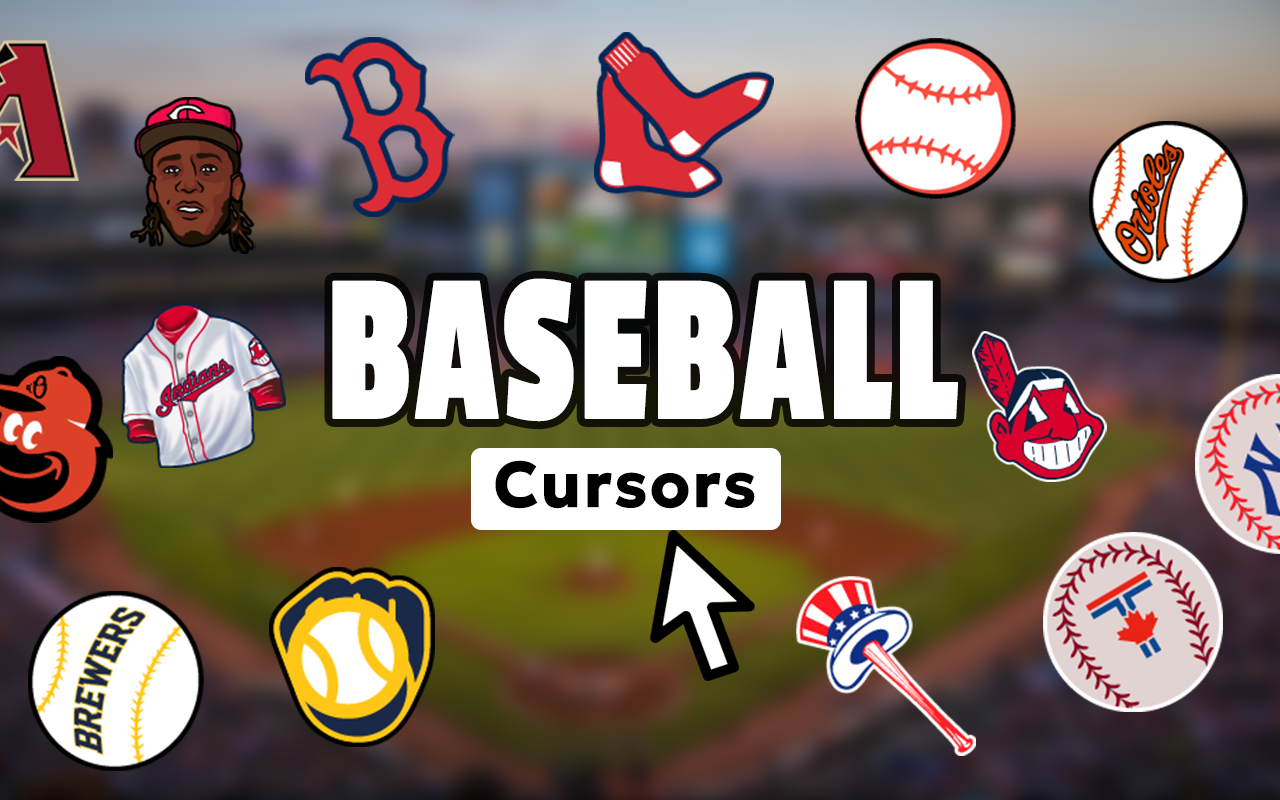
What Is the Baseball Cursor Extension?
The Baseball Cursor for Chrome is a lightweight browser extension that replaces your default mouse pointer with baseball-themed cursor designs. From classic baseballs and wooden bats to catcher’s mitts and home plate icons, every element is crafted to bring the feel of the ballpark straight to your screen. Whether you’re browsing box scores, checking MLB standings, or managing your fantasy roster, this extension keeps your love for the game front and center with every single click.

Key Features of the Baseball Cursor
Complete Baseball Cursor Collection
The extension includes a wide variety of cursor designs covering all the iconic elements of the sport. You’ll find baseballs, bats, batting helmets, catcher’s mitts, home plate graphics, and stadium-inspired visuals — giving you plenty of options to match your style or your favorite team’s vibe.
High-Resolution Graphics
Each cursor is designed with sharp, high-resolution artwork that looks clean on any screen size or display type. The detailed visuals accurately represent real baseball equipment, so your cursor always looks polished and professional rather than pixelated or generic.
Adjustable Cursor Size
A built-in size slider lets you scale your cursor up or down to suit your monitor, resolution, and personal preference. Whether you’re on a compact laptop or a large desktop display, you can dial in the exact size that keeps your pointer comfortable and easy to track.
Quick-Access Favorites
Save your most-used cursor designs to a favorites list for instant access whenever you want to switch things up. Instead of scrolling through the full collection every time, your preferred baseball cursor is always just one click away.
Instant Enable and Disable Toggle
A simple on/off switch lets you activate or deactivate the extension in seconds without uninstalling anything. This makes it easy to switch back to your default cursor for work or presentations, then return to your baseball theme whenever you’re ready.
Zero Performance Impact
The extension is built to be ultra-lightweight, meaning it runs in the background without consuming noticeable memory or slowing down your browser. You get a fully customized cursor experience without any trade-off in Chrome’s speed or responsiveness.
How to Install the Baseball Cursor Extension
- Search for the Baseball Cursor extension in the Chrome Web Store.
- Click the “Add to Chrome” button and confirm the installation prompt.
- Once installed, click the Baseball Cursor icon in your Chrome toolbar to open the panel.
- Browse the full collection of baseball-themed cursor designs.
- Click on any cursor design to set it as your active pointer immediately.
- Use the size slider to adjust the cursor dimensions to your preference.
- Start browsing — your baseball cursor is now active across all tabs.
Why Baseball Fans Love This Cursor Extension
This extension resonates with a wide audience of baseball enthusiasts because it’s personal, expressive, and completely effortless to use. MLB fans enjoy representing their passion even while doing everyday browsing tasks. Little League coaches, softball players, fantasy baseball managers, and sports memorabilia collectors all find a way to connect with the game through this small but meaningful customization. It’s the kind of detail that puts a smile on your face when you notice your baseball cursor gliding across a stats page or a highlights reel. For people who truly live and breathe baseball, it’s a natural extension of who they are.
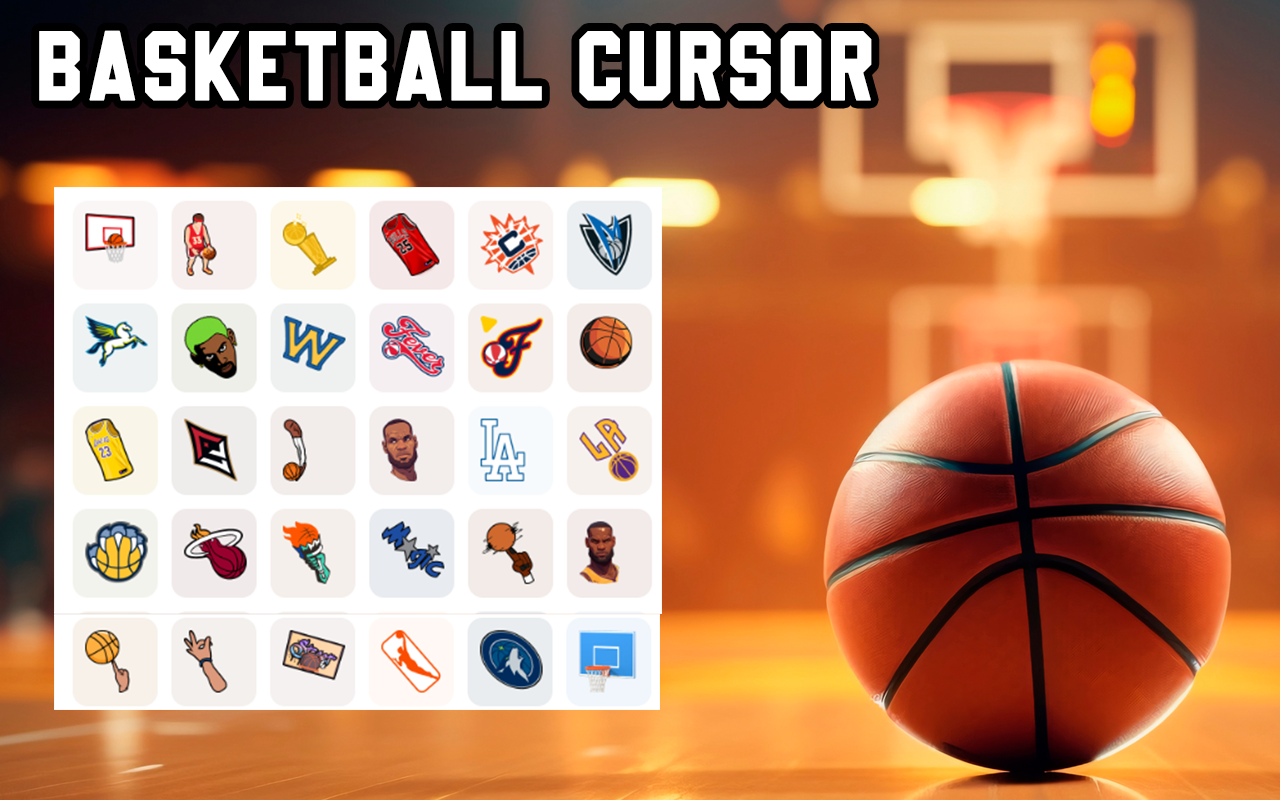
Screenshots
Frequently Asked Questions
Does the Baseball Cursor work on all websites?
Yes, the cursor is active across virtually all websites you visit in Chrome. A small number of sites with custom web-based cursors built into their own interface may override the extension temporarily, but standard browsing experiences will always display your chosen baseball cursor.
Will this extension slow down my browser?
No. The extension is engineered to be extremely lightweight and has no measurable impact on Chrome’s performance. It runs quietly in the background without affecting page load times, memory usage, or overall browser speed.
Can I use multiple cursor designs or only one at a time?
You can only have one cursor active at a time, but switching between designs is instant. You can save multiple favorites and toggle between them freely depending on your mood or the content you’re browsing.
Is the Baseball Cursor extension free to use?
The core extension and its cursor collection are free to install and use. Simply add it to Chrome and start enjoying baseball-themed browsing right away without any subscription or payment required.
Does it work on Chrome for Windows and Mac?
Yes, the extension works on Google Chrome across both Windows and macOS. As long as you’re using a compatible version of the Chrome browser, the baseball cursor will function the same way on either operating system.
If you’re a baseball fan who wants to bring a little extra personality to your daily browsing, the Baseball Cursor extension is a simple and satisfying way to do it. Add it to Chrome today and make every click feel like game day.





