

The Country Flags Cursor Chrome extension is one of the most unique browser customization tools available today. It replaces your default mouse pointer with a beautifully designed national flag cursor, letting you browse the web with a personal touch that reflects your heritage, travel passion, or love for world culture.
What Is the Country Flags Cursor Extension?
Country Flags Cursor is a lightweight Chrome extension that swaps out your standard cursor for flag-themed pointer designs representing countries from around the globe. With support for over 40 national flags, it gives users a simple yet expressive way to personalize their browsing experience. Whether you are an expat staying connected to your roots, a sports fan during international tournaments, or an educator teaching geography, this extension adds a meaningful layer of identity to every browsing session.
Key Features of Country Flags Cursor
Large Global Flag Collection
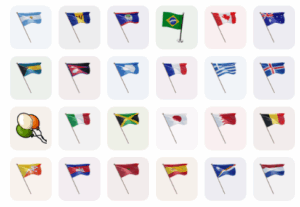
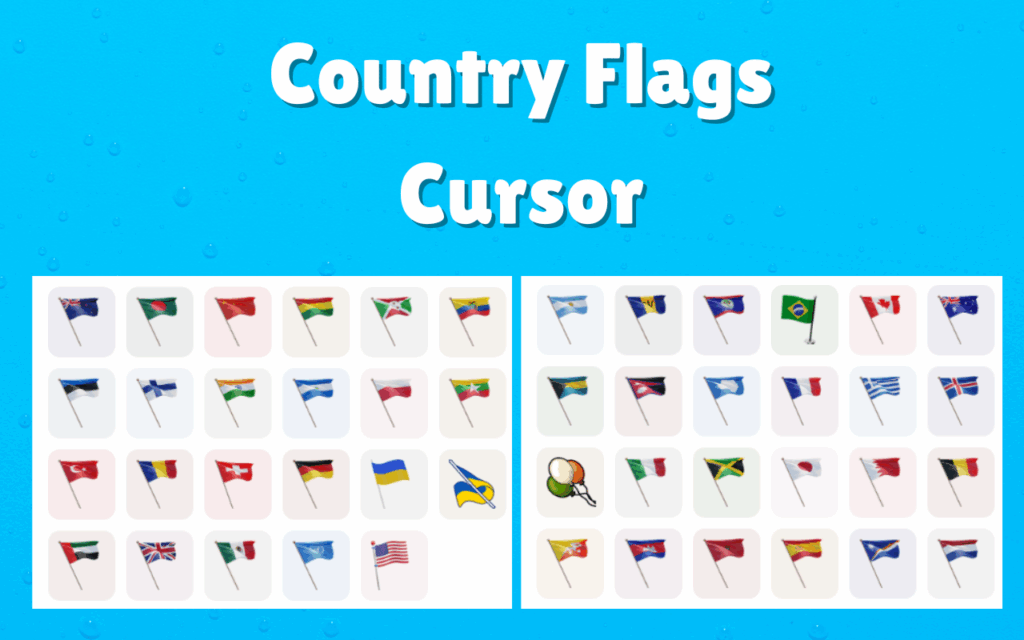
The extension includes over 40 high-quality national flag cursor designs spanning multiple continents. Popular options include the USA, UK, Canada, France, Germany, Japan, Brazil, India, and many more, with new additions regularly considered. Each flag is accurately proportioned and rendered in crisp, vibrant detail so it looks great on any screen resolution.
Dual Cursor Support
You can set a different flag cursor for your standard pointer and a separate one for when hovering over clickable elements like links and buttons. This dual-cursor setup allows for a more dynamic and visually polished experience that keeps things interesting as you navigate pages.
Favorites System
The built-in favorites feature lets you save the flag cursors you use most often for instant access. This is especially useful if you frequently switch between multiple countries — for example, if you follow international sports leagues or manage multilingual content.
Works Across All Websites
Unlike some cursor extensions that break on certain platforms, Country Flags Cursor is designed to work consistently across news sites, social media platforms, travel blogs, e-commerce stores, and educational portals. It integrates smoothly without interfering with the functionality of any webpage.
Zero Performance Impact
The extension is engineered to be extremely lightweight, adding no noticeable lag or slowdown to your browser. It runs quietly in the background so you get the visual personalization you want without sacrificing browsing speed or system resources.
Easy Toggle On and Off
A simple on/off toggle lets you disable the custom cursor whenever you need a more standard browsing setup. This is convenient for professional tasks, presentations, or any situation where a custom cursor might be distracting.
How to Install the Country Flags Cursor Extension
- Open the Google Chrome browser on your desktop or laptop.
- Navigate to the Chrome Web Store using the address bar.
- Type Country Flags Cursor into the search field and press Enter.
- Locate the extension in the search results and click on it to open the details page.
- Click the Add to Chrome button and confirm by selecting Add Extension in the popup.
- Once installed, click the extension icon in your Chrome toolbar to open the flag selector and choose your preferred cursor.
Why Geography and Culture Enthusiasts Love It
Beyond the visual appeal, this extension resonates with people who have a genuine connection to the countries it represents. Students studying international relations or world geography find it a fun way to stay engaged with the subject. Travelers use it to count down to upcoming trips by setting the cursor to their destination country’s flag. Sports fans switch flags depending on which national team they are cheering for during events like the FIFA World Cup or the Olympics. Expats and immigrants find quiet comfort in seeing their home country’s flag follow their cursor across the screen each day. It is a small detail that carries real emotional weight for those who care about global culture and national identity.
Screenshots
Frequently Asked Questions
How many countries are available in Country Flags Cursor?
The extension currently supports over 40 countries, covering major nations across every continent. The collection spans North America, Europe, Asia, South America, and beyond.
Will this extension slow down my Chrome browser?
No. Country Flags Cursor is built to be highly efficient and uses minimal system resources. Most users report no perceptible difference in browser speed after installing it.
Can I use two different flag cursors at the same time?
Yes. The dual cursor feature allows you to assign one flag to your default pointer and a different flag to your hover cursor for interactive elements. This gives you flexibility in how the extension looks during normal browsing.
Does it work on all websites including social media?
The extension is compatible with virtually all websites, including social media platforms, news sites, and online learning tools. In rare cases, certain websites with strict content security policies may limit cursor customization.
Can I switch flags easily after installation?
Absolutely. The extension popup makes it straightforward to switch between flags at any time. You can also save favorites to make your most-used selections even quicker to access.
If you want to bring a sense of national pride or global curiosity to your daily web browsing, the Country Flags Cursor Chrome extension is worth adding to your toolkit. Install it today and let your cursor tell a story about where you come from or where you want to go.





