
What Is the Fitness Cursor Extension?
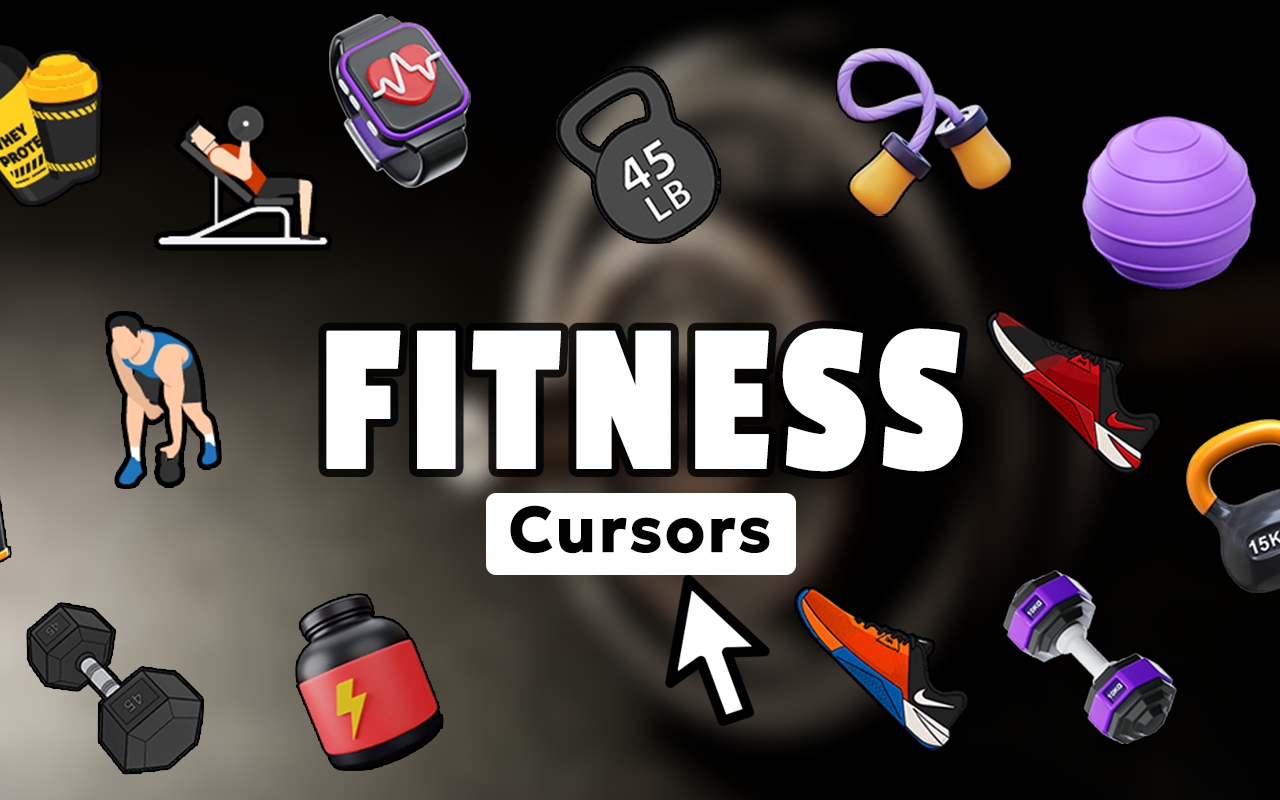
The Fitness Cursor for Chrome is a browser extension that replaces your default mouse pointer with custom cursor designs built around gym culture, exercise, and healthy living. Whether you are a personal trainer managing clients online, a gym enthusiast tracking your macros, or simply someone who wants their digital space to reflect their active lifestyle, this extension brings fitness motivation to every single click. Swap out your plain arrow cursor for icons featuring dumbbells, running shoes, protein shakers, yoga poses, kettlebells, and more — all without slowing down your browser.
Key Features of the Fitness Cursor Extension
Complete Fitness-Themed Cursor Collection
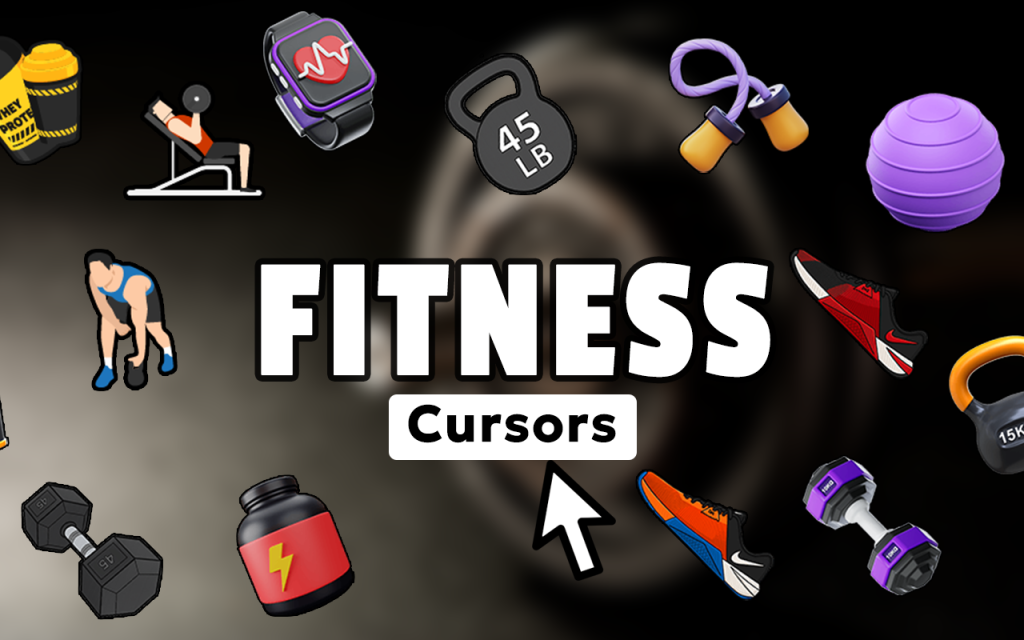
The extension includes a wide library of cursor designs drawn from the world of fitness and wellness. You will find icons representing free weights, barbells, resistance bands, yoga mats, water bottles, heart rate monitors, stopwatches, meditation symbols, and various workout equipment. The collection is broad enough to match any fitness niche, from powerlifting to Pilates.
Sharp, High-Quality Cursor Graphics
Every cursor design is rendered with clean, crisp visuals that look sharp on any screen resolution. The artwork captures the energy and discipline of fitness culture without looking cluttered or pixelated, giving your browser a polished, professional feel that matches your dedication to performance.
Adjustable Cursor Size
Not every screen is the same, and neither is every user’s preference. The built-in size slider lets you scale your cursor up or down to suit your display, whether you are working on a large desktop monitor during a meal prep planning session or browsing on a laptop between gym sets.
Favorites System for Quick Access
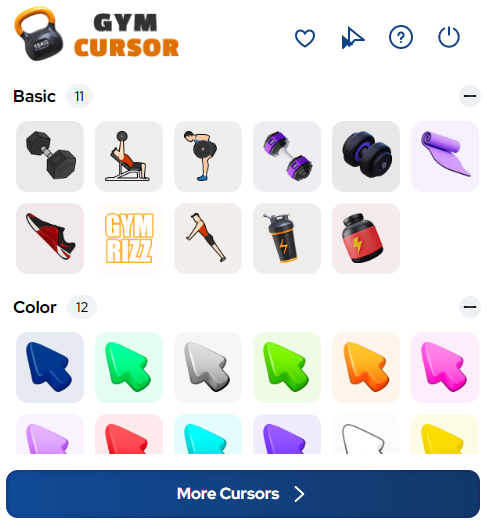
Found a cursor design you keep coming back to? The favorites system lets you save your most-used fitness cursors for instant one-click access. You can organize cursors around different training themes — leg day, cardio, recovery — and switch between them without scrolling through the full collection each time.
Zero Performance Impact
The extension is built to be lightweight so it never competes with your browser for resources. It runs quietly in the background without increasing memory usage, slowing down page loads, or draining battery life on portable devices. Your browser stays fast while your cursor stays motivated.
Easy Toggle On and Off
Need to switch back to your default cursor temporarily? A single click on the extension icon in your Chrome toolbar toggles the fitness cursor on or off instantly. There is no need to uninstall or change any settings — the switch is seamless and immediate.
How to Install the Fitness Cursor Extension
- Open the Chrome Web Store and search for “Fitness Cursor.”
- Click the extension listing and select “Add to Chrome.”
- Confirm the installation when prompted by your browser.
- Click the Fitness Cursor icon that appears in your Chrome toolbar.
- Browse the cursor collection and click any design to activate it.
- Use the size slider to adjust the cursor dimensions to your preference.
- Star your favorite designs to save them for quick future access.
Why Fitness Enthusiasts and Wellness Professionals Love It
This extension resonates strongly with people whose identity is tied to health and movement. Gym owners, personal trainers, yoga instructors, nutritionists, wellness bloggers, CrossFit athletes, marathon runners, and bodybuilders all find value in keeping their fitness mindset present even during desk work. When every cursor movement reinforces your passion for health, mundane online tasks — scheduling sessions, researching exercises, updating a fitness blog — feel more connected to the lifestyle you have built. It is a small but consistent reminder of your goals and values every time you move your mouse.
Screenshots
Frequently Asked Questions
Does the Fitness Cursor extension work on all websites?
Yes, the cursor replacement applies across all websites you visit in Chrome. The custom fitness cursor remains active on every tab unless you manually toggle the extension off.
Will this extension slow down my browser?
No. The extension is designed to be ultra-lightweight. It does not run background scripts that consume CPU or RAM, so your browsing speed and performance remain completely unaffected.
Can I use multiple cursor designs at different times?
Absolutely. You can switch between any cursor in the collection at any time by opening the extension panel and selecting a new design. The favorites feature makes it easy to rotate between your preferred options quickly.
Is the Fitness Cursor extension free to use?
The core extension and its cursor library are available to Chrome users directly through the Chrome Web Store. You can start using fitness-themed cursors immediately after installation.
Does it work on mobile or only desktop Chrome?
Custom cursor extensions are specific to desktop browsers since mobile devices use touch input rather than a mouse pointer. The extension is best experienced on a desktop or laptop running Google Chrome.
If you want your online workspace to reflect the same energy and commitment you bring to your workouts, the Fitness Cursor extension is a simple, satisfying way to make that happen. Install it today and let your cursor keep your fitness mindset front and center.





