
What Is the Forsaken Cursor Extension?
The Forsaken cursor extension is a free Chrome browser add-on that replaces your default mouse pointer with custom dark fantasy and gothic-themed cursor designs. From skull motifs and ancient runes to cursed weapons and shadowy wraiths, this extension brings atmospheric, hand-crafted visuals to every page you browse. Whether you are deep into dark fiction, gothic aesthetics, or simply want your browser to reflect a darker creative identity, this extension delivers instant visual impact without slowing down your workflow.
Key Features of the Forsaken Cursor Extension
Large Collection of Dark Fantasy Cursor Designs
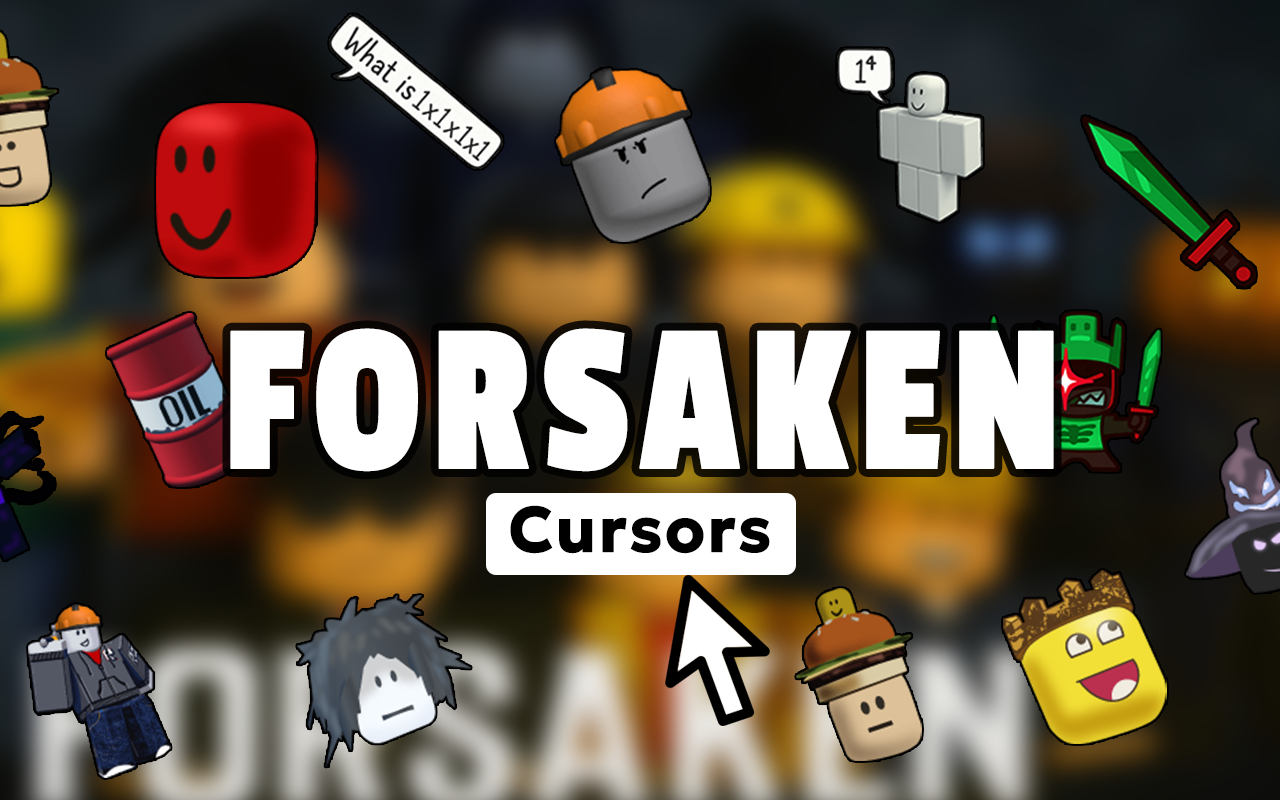
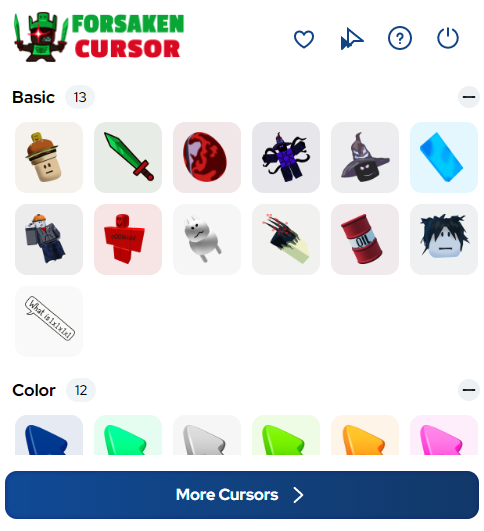
The extension includes an extensive library of cursor designs rooted in dark fantasy lore. You will find options featuring skulls, demon sigils, gothic crosses, raven feathers, ancient grimoires, blood moons, shadowy wraiths, cursed swords, forbidden runes, and more. Each design is crafted to reflect the visual language of gothic and dark fantasy worlds, giving you genuine variety rather than a handful of similar-looking options.
High-Definition Atmospheric Graphics
Every cursor in the collection is rendered in sharp, high-definition detail with deep shadow work and rich textures. The artwork captures the moody, haunting quality of dark fantasy aesthetics rather than relying on generic clip-art style icons. This level of visual quality makes a noticeable difference on modern high-resolution displays.
Adjustable Cursor Size
A built-in size slider lets you scale your chosen cursor up or down to match your screen resolution and personal preference. Larger cursors are easier to spot on wide monitors, while smaller sizes keep things subtle without losing the gothic detail. This flexibility means the extension works well across laptops, desktops, and external displays alike.
Favorites System for Quick Switching
You can bookmark your preferred cursor designs using the built-in favorites system, making it easy to switch between different styles without browsing the full collection each time. This is especially useful if you rotate between a few designs depending on your mood or the type of content you are working on.
Zero Performance Impact
The extension is coded to be lightweight and efficient, running quietly in the background without consuming extra memory or slowing down page load times. You get the full visual experience without any trade-off in browser speed or responsiveness.
Easy On/Off Toggle
A single click on the extension icon lets you switch back to your standard cursor instantly. This makes it practical for situations where you need a neutral browsing environment, such as screen sharing during a meeting or working in a professional context, while keeping your dark theme ready to activate again at any moment.
How to Install the Forsaken Cursor Extension
- Open the Chrome Web Store and search for Forsaken Cursor.
- Click the Add to Chrome button on the extension listing page.
- Confirm the installation when prompted by clicking Add Extension.
- Once installed, click the Forsaken Cursor icon in your Chrome toolbar to open the cursor menu.
- Browse the collection and click any design to set it as your active cursor.
- Use the size slider to adjust the cursor to your preferred dimensions.
- Save your favorites for quick access and start browsing with your new dark fantasy cursor.
Why Dark Fantasy and Gothic Fans Love This Extension
This extension resonates with a specific audience that takes their online aesthetic seriously. Dark fantasy novel readers, gothic subculture members, tabletop RPG players who prefer grim campaigns, horror game enthusiasts, metal music fans, and lovers of occult or Victorian-era art all find something genuinely satisfying in having their browser reflect their interests. It is a small but meaningful way to personalize a tool you use for hours every day. Unlike wallpapers or browser themes that only affect the background, a cursor replacement is always present and always visible, making it one of the most effective forms of browser personalization available.
Screenshots
Frequently Asked Questions
Does the Forsaken cursor extension work on all websites?
The custom cursor works on the vast majority of standard websites. On a small number of sites that override cursor styling programmatically, the default cursor may appear instead, but this is uncommon and not specific to this extension.
Will this extension slow down my browser?
No. The extension is built to be resource-efficient and has no measurable impact on browser speed or page load performance under normal usage conditions.
Can I use multiple cursor designs at the same time?
You can only have one active cursor design at a time, but the favorites system makes switching between your preferred designs quick and straightforward.
Is the extension free to use?
Yes, the Forsaken cursor extension is free to install and use directly from the Chrome Web Store with no subscription or payment required.
Does it work on Chrome for Windows and Mac?
Yes, the extension is compatible with Google Chrome on both Windows and macOS operating systems.
If you are ready to bring a darker edge to your everyday browsing, the Forsaken cursor extension is one of the easiest and most effective ways to do it. Install it today and make every click feel like a step deeper into shadow.






It’s smaller than I expected
You can change the size
Yes, you can.
good
it is my game favourite¡¡¡¡¡¡¡¡ i love the game ¡¡¡