
What Is Gems Cursor?
The Gems Cursor for Chrome is a free browser extension that replaces your standard mouse pointer with beautifully crafted gemstone and crystal designs. From shimmering diamonds to deep emeralds and vivid sapphires, this extension brings the luxury and elegance of precious stones directly to your browsing experience. Whether you are a jewelry enthusiast, a crystal collector, or simply someone who loves adding a personal touch to their browser, this extension delivers instant visual flair with zero hassle.
Key Features of the Gems Cursor Extension
Extensive Gemstone Cursor Collection
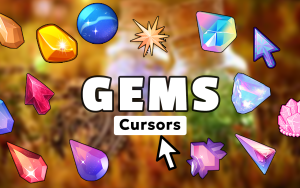
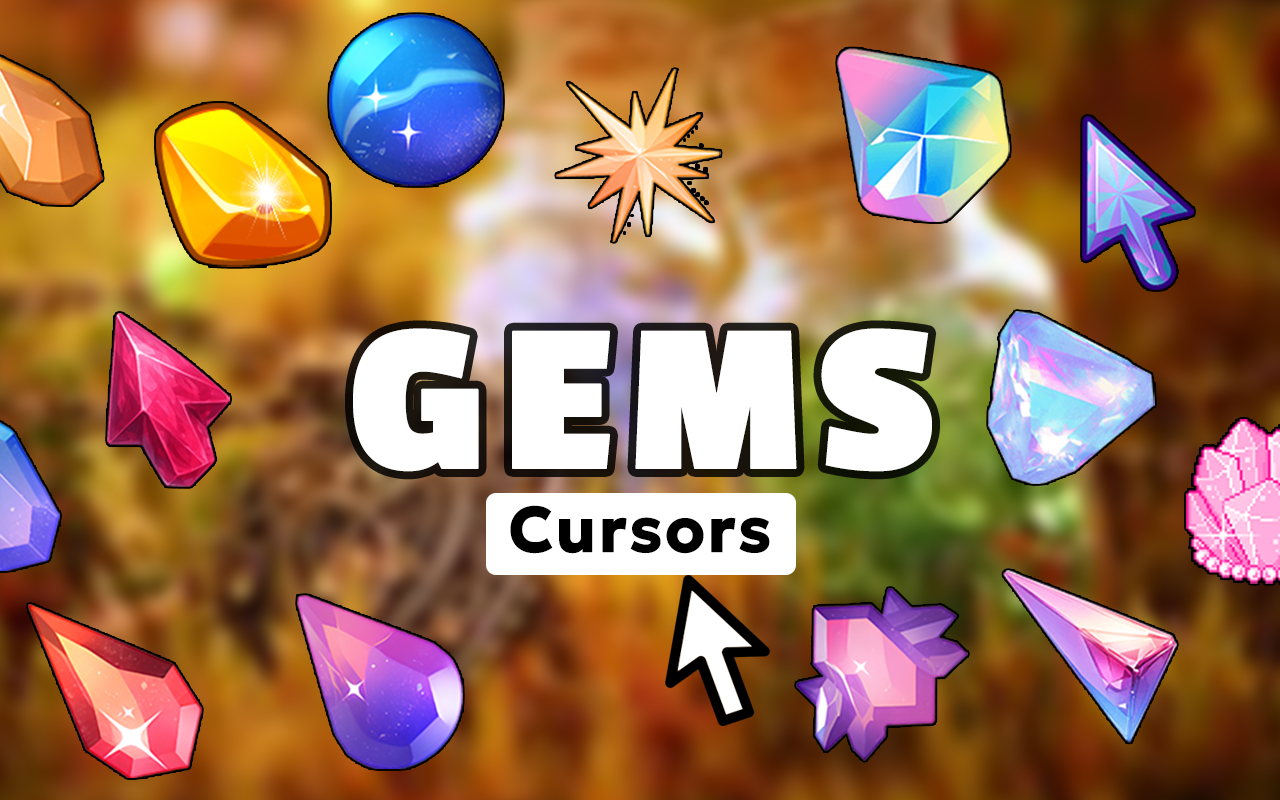
The extension offers a wide-ranging library of cursor designs inspired by real precious stones and crystals. You will find options featuring diamonds, rubies, emeralds, sapphires, amethysts, opals, topaz, geodes, and sparkling crystal formations — each designed to capture the natural brilliance and color depth of the real thing.
Premium HD Cursor Graphics
Every cursor in the collection is rendered in high definition with realistic reflections, gem-cut facets, and vibrant color gradients. The attention to detail ensures that each design looks polished and professional, not cartoonish, making it suitable for everyday browsing without feeling distracting.
Customizable Cursor Size
A built-in size slider lets you scale your cursor up or down to match your screen size and personal preference. Larger cursors make the gemstone details more visible on high-resolution displays, while a smaller size keeps things subtle and refined for a more understated look.
Favorites System
Save your most-loved gem cursor designs to a personal favorites list for fast access anytime you want to switch things up. This feature is especially useful if you like rotating between different stones depending on your mood or the type of website you are browsing.
Zero Performance Impact
The extension is built with a lightweight architecture that places no noticeable load on your browser. Your tabs, videos, and web applications continue to run at full speed while the cursor replacement works seamlessly in the background.
Easy Toggle On and Off
A single click on the extension icon in your Chrome toolbar enables or disables the gem cursor instantly. This makes it easy to switch back to your default pointer whenever you need to, such as during professional presentations or screen recordings.
How to Install the Gems Cursor Extension
- Open the Chrome Web Store and search for “Gems Cursor.”
- Click the “Add to Chrome” button on the extension listing page.
- Confirm the installation when the browser prompts you.
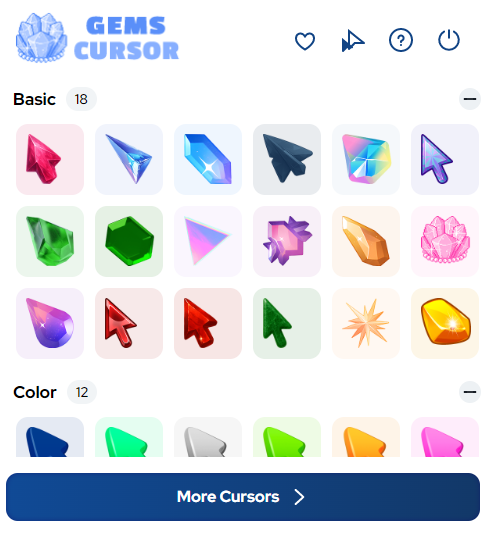
- Once installed, click the Gems Cursor icon in your Chrome toolbar to open the cursor picker.
- Browse the gemstone collection and click on any design to activate it as your cursor.
- Use the size slider to adjust the cursor to your preferred dimensions.
- Save your favorites for quick access and enjoy your sparkling new browsing experience.
Why Crystal Lovers and Jewelry Enthusiasts Love It
This extension resonates strongly with gemstone collectors, jewelry designers, crystal healers, mineralogy students, and fashion-forward users who want their digital workspace to reflect their personal aesthetic. Unlike generic cursor packs, the Gems Cursor extension focuses entirely on the world of precious stones, meaning every design feels intentional and on-theme. It also appeals to anyone who simply enjoys personalizing their browser beyond wallpapers and themes — because your cursor is something you interact with every single second you spend online. The combination of high-quality visuals, easy customization, and smooth performance makes it a genuinely satisfying addition to Chrome.
Screenshots
Frequently Asked Questions
Is the Gems Cursor extension free to use?
Yes, the extension is completely free to install and use. You get access to the full cursor collection without any subscription or in-app purchases required.
Will this extension slow down my browser?
No. The extension is optimized for minimal resource usage and will not affect your browser speed, tab loading times, or video playback in any way.
Can I use this cursor on all websites?
The gem cursor works across virtually all websites you visit in Chrome. There may be rare exceptions on sites with custom cursor overrides built into their own code, but these cases are uncommon.
How do I switch back to my default cursor?
Simply click the Gems Cursor icon in your Chrome toolbar and toggle the extension off. Your browser will immediately revert to the standard system cursor.
Does the extension work on Chromebook?
Yes, since the extension runs inside the Chrome browser, it is fully compatible with Chromebooks as well as Windows and macOS devices.
If you have been looking for a simple and beautiful way to personalize your Chrome browser, the Gems Cursor extension is a perfect choice. Install it today and bring the radiant beauty of precious gemstones to every click and scroll.





