
What Is the Hiking Cursor for Chrome?
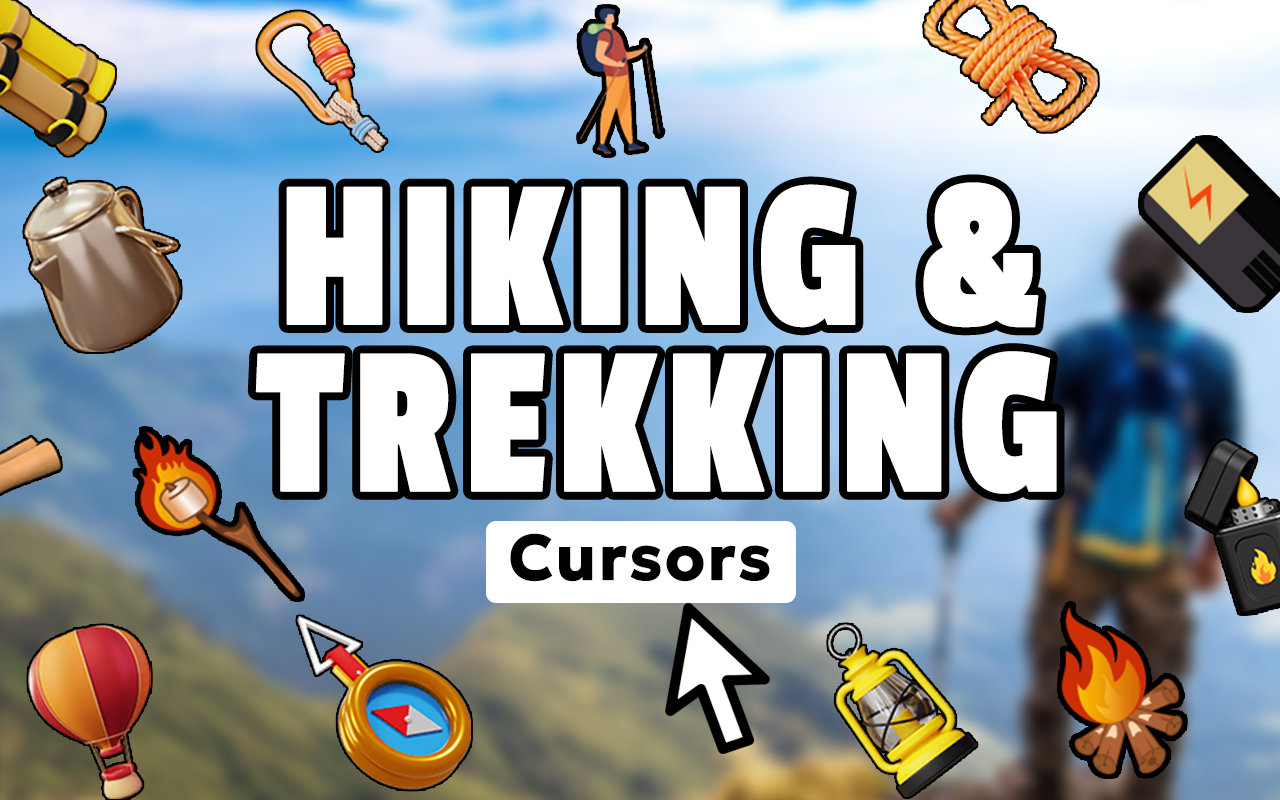
The hiking cursor for Chrome is a browser extension that replaces your default mouse pointer with outdoor and trail-inspired cursor designs. Built for hikers, backpackers, mountain climbers, and anyone who feels at home on a nature trail, this extension lets you carry that adventurous spirit into your everyday browsing. From hiking boots and trekking poles to compass symbols and mountain silhouettes, every cursor in the collection reflects the rugged beauty of outdoor exploration.
Whether you spend your evenings planning next weekend’s trek, researching trail conditions, or shopping for new gear, this extension keeps your love for the outdoors front and center — right at the tip of your mouse.

Key Features of the Hiking Cursor Extension
Extensive Outdoor Cursor Collection
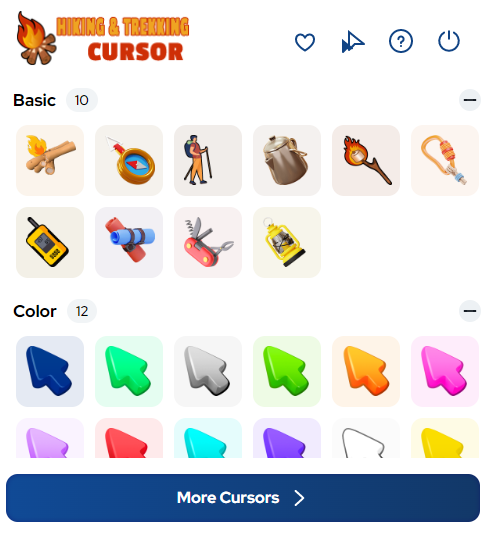
The extension includes a wide range of cursor designs themed around hiking and wilderness adventure. You will find options featuring hiking boots, backpacks, carabiners, trail markers, camping tents, water bottles, compasses, forest elements, and mountain peaks. Each design is crafted to celebrate the culture and gear of outdoor exploration, giving you plenty of variety to match your mood or current adventure plans.
High-Definition Cursor Graphics
Every cursor in this collection is rendered in crisp, high-resolution detail that holds up across different screen types and resolutions. The designs capture authentic outdoor aesthetics without looking pixelated or blurry, even on larger displays. You get a polished, visually satisfying experience that reflects the quality of your outdoor passion.
Adjustable Cursor Size
A built-in size slider lets you scale your cursor up or down to suit your display and personal preference. Whether you are working on a large desktop monitor or a smaller laptop screen, you can fine-tune the cursor dimensions for the best visibility. This is especially useful when switching between devices or different screen brightness settings during trip planning sessions.
Favorites System for Quick Access
The extension includes a favorites feature that lets you save the cursor designs you use most often. Instead of scrolling through the full library every time, you can pin your go-to hiking or mountain cursor and switch to it instantly. This makes it easy to rotate between different trail themes depending on your browsing session or current adventure headspace.
Lightweight with Zero Performance Impact
Despite its rich collection of cursor designs, the extension is built to be extremely lightweight. It runs quietly in the background without slowing down your browser, eating into your RAM, or draining your laptop battery. You get a fully functional, visually engaging cursor experience without any noticeable performance trade-off.
Easy Toggle On and Off
With a single click on the extension icon in your Chrome toolbar, you can switch between the hiking cursor and your system default pointer. There is no complicated settings menu or restart required. This makes it simple to turn the extension on when you are in exploration mode and off when you need a more neutral browsing environment.
How to Install the Hiking Cursor Extension
- Open the Chrome Web Store and search for the Hiking Cursor extension.
- Click the “Add to Chrome” button on the extension listing page.
- Confirm the installation when prompted by your browser.
- Once installed, click the Hiking Cursor icon in your Chrome toolbar to open the cursor gallery.
- Browse the outdoor-themed cursor designs and click on your favorite to activate it.
- Use the size slider to adjust the cursor dimensions to your preference.
- Start browsing with your new trail-inspired pointer active on every page.
Why Outdoor Enthusiasts Love This Adventure Cursor
Hikers and nature lovers tend to carry their passion into every part of their life, and their browser is no exception. This extension gives outdoor enthusiasts a simple, low-effort way to personalize their Chrome experience with something that actually reflects who they are. It is not just a cosmetic tweak — it is a small daily reminder of the trails, summits, and open skies that motivate them. Users appreciate the quality of the cursor designs, the smoothness of the browsing experience, and how easy the extension is to manage without any technical setup.
Screenshots
Frequently Asked Questions
Will the hiking cursor work on all websites?
Yes, the cursor is applied globally across your browser, so it will appear on nearly every website you visit while the extension is active. A small number of sites with custom cursor settings may override it, but this is rare.
Can I use multiple cursor designs and switch between them?
Absolutely. You can browse the full collection at any time and switch to a different design with a single click. The favorites system also lets you save preferred cursors for even faster switching.
Does this extension collect any personal data?
No. The hiking cursor extension does not track your browsing activity, collect personal information, or send any data to external servers. It is a purely cosmetic tool designed for personalization.
Is the extension compatible with all versions of Chrome?
The extension is built for modern versions of Google Chrome and is regularly updated to maintain compatibility. It also works with other Chromium-based browsers such as Microsoft Edge and Brave.
What if I want to go back to my default cursor?
You can toggle the extension off at any time by clicking its icon in the Chrome toolbar. Your default system cursor will be restored immediately without any additional steps.
If you are an outdoor enthusiast who wants a browser experience that reflects your love for hiking and nature, the Hiking Cursor for Chrome is a simple and satisfying way to make that happen. Install it today and bring the trail to every tab you open.





