
What Is the Korean Reactions Cursor?
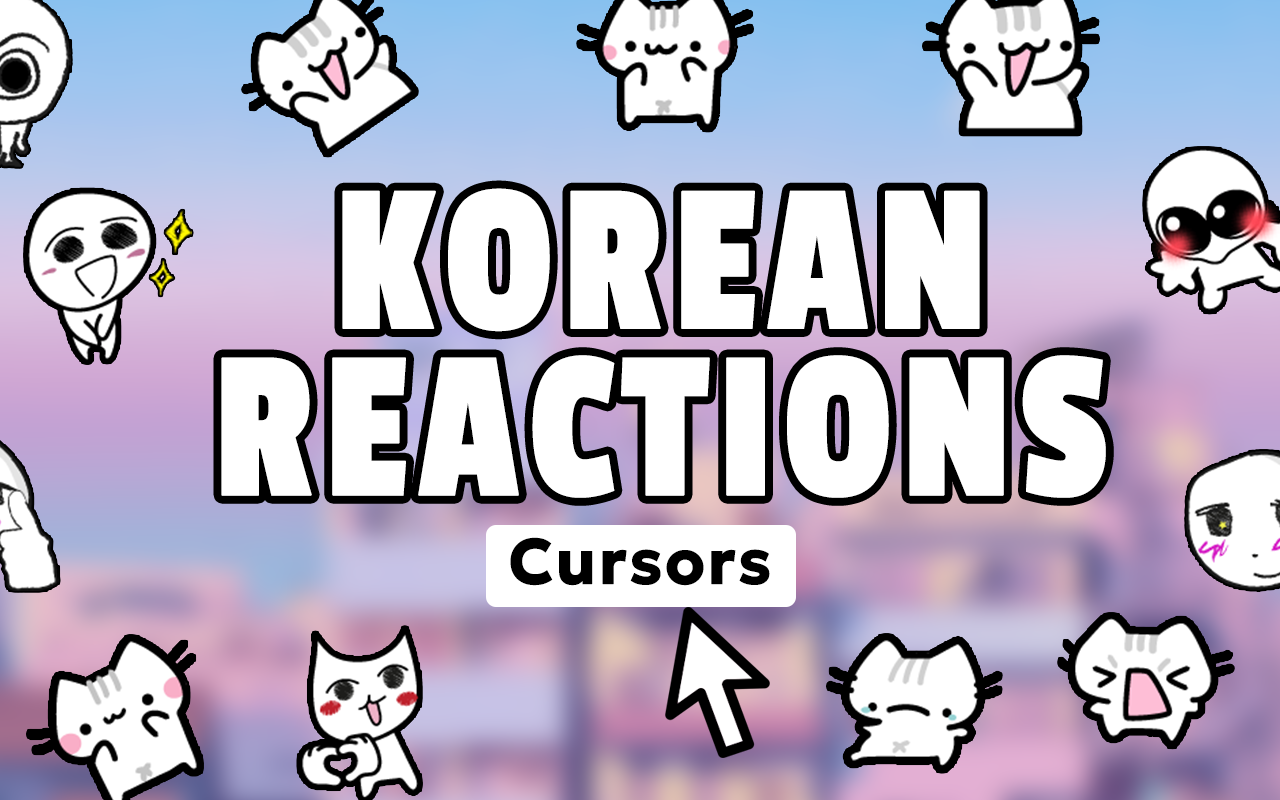
The Korean Reactions cursor is a Chrome extension that replaces your default mouse pointer with iconic designs from Korean internet and meme culture. From the beloved peach cat and crying cat to the wholesome seal and a wide range of expressive reaction images, this extension puts the humor and emotion of K-meme culture at your fingertips every time you move your mouse. If you spend time online chatting, browsing social media, or sharing memes, this extension adds a layer of personality and fun to every single click.

Key Features of the Korean Reactions Cursor Extension
Extensive Korean Reaction Cursor Collection
The extension includes a large library of cursor designs inspired by the most recognizable Korean meme and reaction images on the internet. You will find peach cat, crying cat variations, wholesome seal, shocked expressions, happy reactions, sad faces, confused looks, love reactions, and many more icons that define Korean online culture. Each design is carefully crafted to preserve the original charm and emotional tone that made these images go viral.
High-Quality Meme Graphics
Every cursor in the collection is rendered with sharp, clear visuals so the designs remain recognizable and expressive even at smaller sizes. The artwork stays faithful to the source material, ensuring fans of Korean internet culture will instantly recognize each reaction image as an authentic representation of the meme.
Adjustable Cursor Size
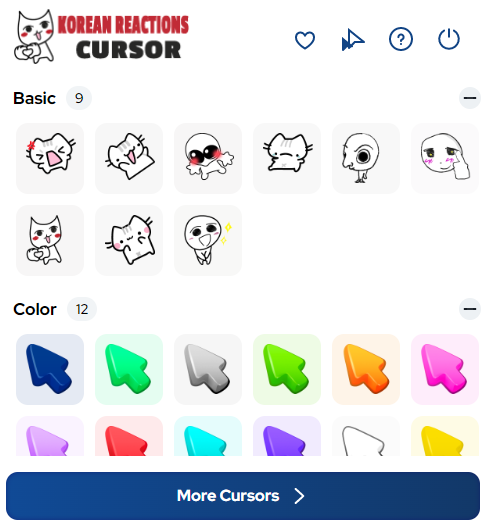
A built-in size slider lets you scale your cursor up or down to match your screen resolution and personal preference. Whether you want a subtle pointer or a bold, oversized reaction image that commands attention, the size control gives you full flexibility without requiring any technical knowledge.
Favorites System
You can save your most-used cursor designs to a dedicated favorites list for quick and easy access. Instead of browsing the entire collection every time you want to switch moods, your go-to reactions are always just one click away, making the experience seamless whether you are in a serious work session or a late-night meme browsing marathon.
Zero Performance Impact
The extension is built to be lightweight and efficient, meaning it runs quietly in the background without slowing down your browser or consuming significant system resources. Your tabs, videos, and web apps continue to load and perform normally while the cursor does its expressive work.
Easy Toggle On and Off
A simple on/off switch lets you instantly revert to your standard system cursor whenever the situation calls for it. Switching back to a professional look takes a single click, and re-enabling your Korean reaction cursor is just as fast when you are ready to bring the fun back.
How to Install the Korean Reactions Cursor
- Open the Chrome Web Store and search for Korean Reactions Cursor.
- Click the extension listing and select “Add to Chrome.”
- Confirm the installation prompt when Chrome asks for permission.
- Once installed, click the Korean Reactions Cursor icon in your Chrome toolbar.
- Browse the cursor collection and click any design to activate it immediately.
- Use the size slider to adjust the cursor to your preferred dimensions.
- Add your favorite designs to the favorites list for quick switching between emotions.
Why Meme Fans and K-Culture Enthusiasts Love It
Korean internet culture has produced some of the most recognizable and emotionally resonant reaction images on the web, and this extension gives fans a way to carry that culture into their everyday browsing. K-pop fans, meme collectors, and anyone who grew up laughing at peach cat or crying cat images will feel right at home with this collection. The extension also appeals to general meme enthusiasts who appreciate expressive, high-quality cursor art that goes far beyond the bland default arrow. It works seamlessly across all websites, so your cursor stays fun whether you are on a forum, a streaming site, a social platform, or anywhere else you spend time online.
Screenshots
Frequently Asked Questions
Does the Korean Reactions cursor work on all websites?
Yes, the cursor replacement applies globally across all websites you visit in Chrome, including social media platforms, video sites, forums, and productivity tools. There are no site-specific restrictions on where the meme cursors display.
Will this extension slow down my browser?
No. The extension is designed with a minimal footprint and does not run heavy background processes. Most users report no noticeable impact on browser speed or memory usage after installation.
Can I switch between different Korean reaction cursors easily?
Absolutely. You can switch between any cursor in the collection at any time through the extension popup. The favorites system also makes it easy to rotate between your top picks without scrolling through the full library every time.
Is the extension free to use?
The Korean Reactions cursor extension is available for free on the Chrome Web Store. You can access and use the full collection of reaction cursors without any subscription or payment required.
How do I go back to my normal cursor?
Simply open the extension popup and use the toggle switch to disable the custom cursor. Your browser will immediately revert to the default system pointer until you decide to turn the extension back on.
If you are ready to bring Korean meme culture into your daily browsing, the Korean Reactions cursor extension is the perfect addition to your Chrome browser. Install it today and let every click say exactly what words cannot.





