
What Is the Molang Cursor Extension?
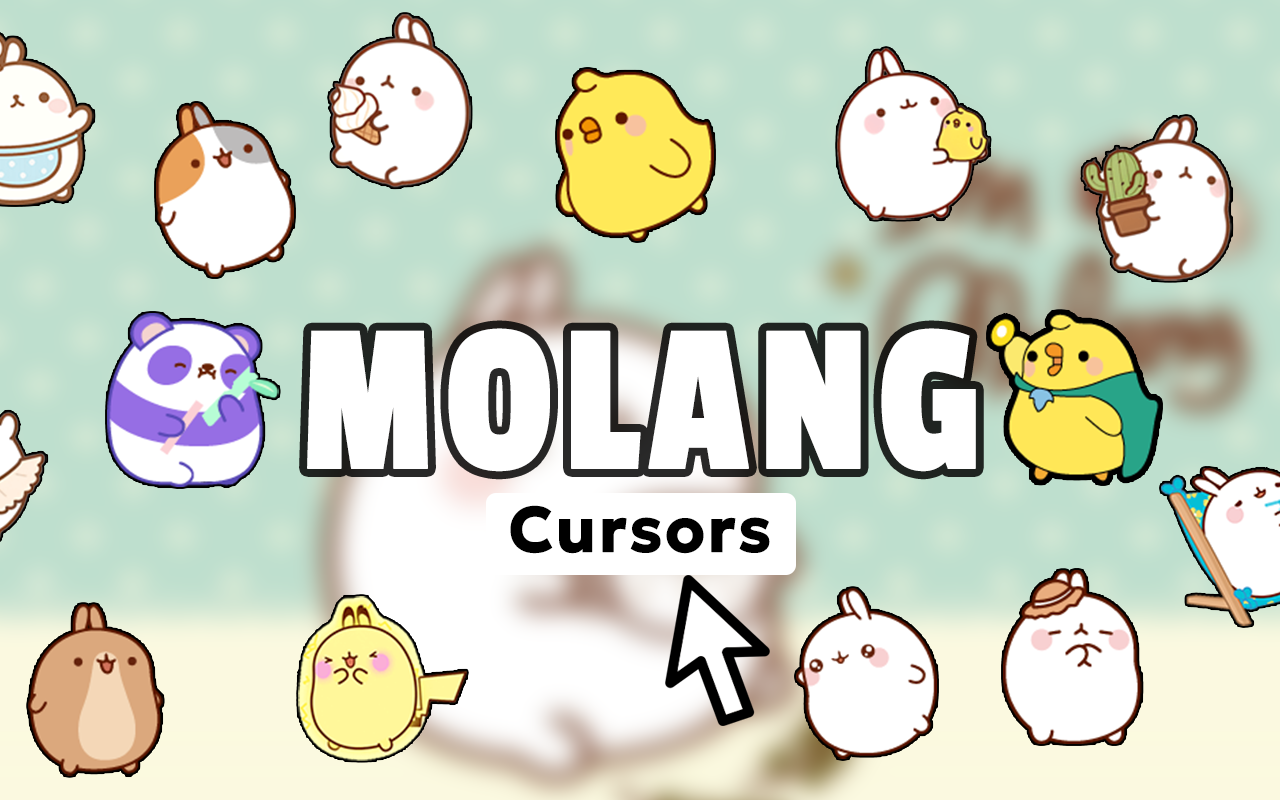
The Molang cursor for Chrome is a lightweight browser extension that replaces your default mouse pointer with charming, kawaii-style cursors inspired by the beloved Molang animated series. Featuring Molang the fluffy white bunny and Piu Piu the tiny chick, this extension brings the gentle warmth and positivity of the French-Korean animated show directly to your everyday browsing experience. Whether you are a longtime fan of the series or simply love pastel aesthetics and wholesome character designs, this extension adds a touch of heartwarming cuteness to every click.
Key Features of the Molang Cursor
Complete Molang and Piu Piu Cursor Collection
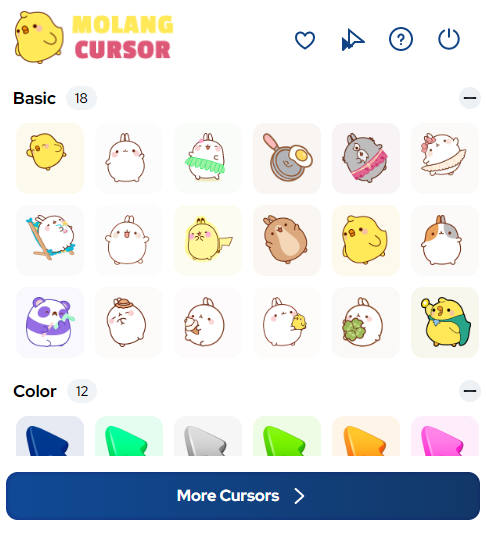
The extension includes a wide variety of cursor designs showcasing Molang in different poses, moods, and seasonal themes. From friendship moments and food adventures to hobby activities and emotional expressions, every cursor captures the simple, joyful spirit that makes the Molang series so universally loved across all age groups.
High-Quality Kawaii Graphics
Each cursor is designed with soft pastel colors, rounded shapes, and clean lines that stay true to the minimalist aesthetic of the original animation. The artwork is crisp and detailed enough to look polished on any screen resolution without appearing overly busy or distracting.
Adjustable Cursor Size
A built-in size slider lets you scale the cursor up or down to match your personal preference and display setup. This ensures the kawaii designs remain comfortable and visible whether you are working on a small laptop screen or a large desktop monitor.
Favorites System
You can save your preferred cursor designs to a favorites list for quick access at any time. Switching between different Molang moods or seasonal themes takes only a single click, making it easy to keep your browsing experience feeling fresh and personalized.
Zero Performance Impact
The extension is built to be extremely lightweight so it does not slow down your browser or interfere with other tabs and extensions. You get all the visual charm of custom kawaii cursors without any noticeable effect on page load times or system resources.
Easy Toggle On and Off
A simple on/off toggle lets you switch back to your standard system cursor instantly whenever needed. This is especially useful when switching between personal browsing and professional tasks without having to uninstall or reinstall the extension.
How to Install the Molang Cursor
- Open the Chrome Web Store and search for “Molang Cursor.”
- Click the “Add to Chrome” button on the extension page.
- Confirm the installation when prompted by clicking “Add Extension.”
- Once installed, click the Molang Cursor icon in your Chrome toolbar to open the popup.
- Browse through the cursor collection and click any design to activate it.
- Use the size slider to adjust the cursor to your preferred dimensions.
- Save your favorite designs for easy switching whenever you like.
Why Kawaii and Molang Fans Love This Extension
Fans of kawaii culture appreciate how faithfully this extension captures the aesthetic of the Molang universe without straying into generic cute-character territory. The designs feel intentional and on-brand, which means users who grew up watching the series or discovered it through social media stickers will immediately recognize and connect with the characters. Beyond pure fandom, the extension also appeals to anyone who wants to make their digital workspace feel more positive and personal. The gentle color palette and cheerful character poses have a surprisingly calming effect during long browsing sessions, making this extension a favorite among comfort content seekers and students alike.
Screenshots
Frequently Asked Questions
Does the Molang Cursor work on all websites?
The cursor works on the vast majority of websites you visit in Chrome. On a small number of pages with strict content security policies, the custom cursor may not display, and your default pointer will appear instead.
Will this extension slow down my browser?
No. The Molang Cursor extension is designed to be extremely lightweight and has no measurable impact on browser speed or memory usage during normal browsing.
Can I use multiple cursor designs?
Yes. The extension lets you switch between any cursor in the collection at any time. You can also save multiple designs to your favorites list for even faster switching.
Is the extension free to use?
The core cursor collection is available for free. Some extensions in this category may offer additional premium designs, so check the extension page for the most up-to-date details on available content.
Does it work on Chrome for Windows, Mac, and Linux?
Yes. Because it is a Chrome browser extension, it works on any operating system that supports Google Chrome, including Windows, macOS, and Linux.
If you are ready to add a daily dose of wholesome kawaii charm to your browsing, the Molang Cursor extension is a simple and delightful way to do it. Install it today and let Molang and Piu Piu bring a smile to every click.





