
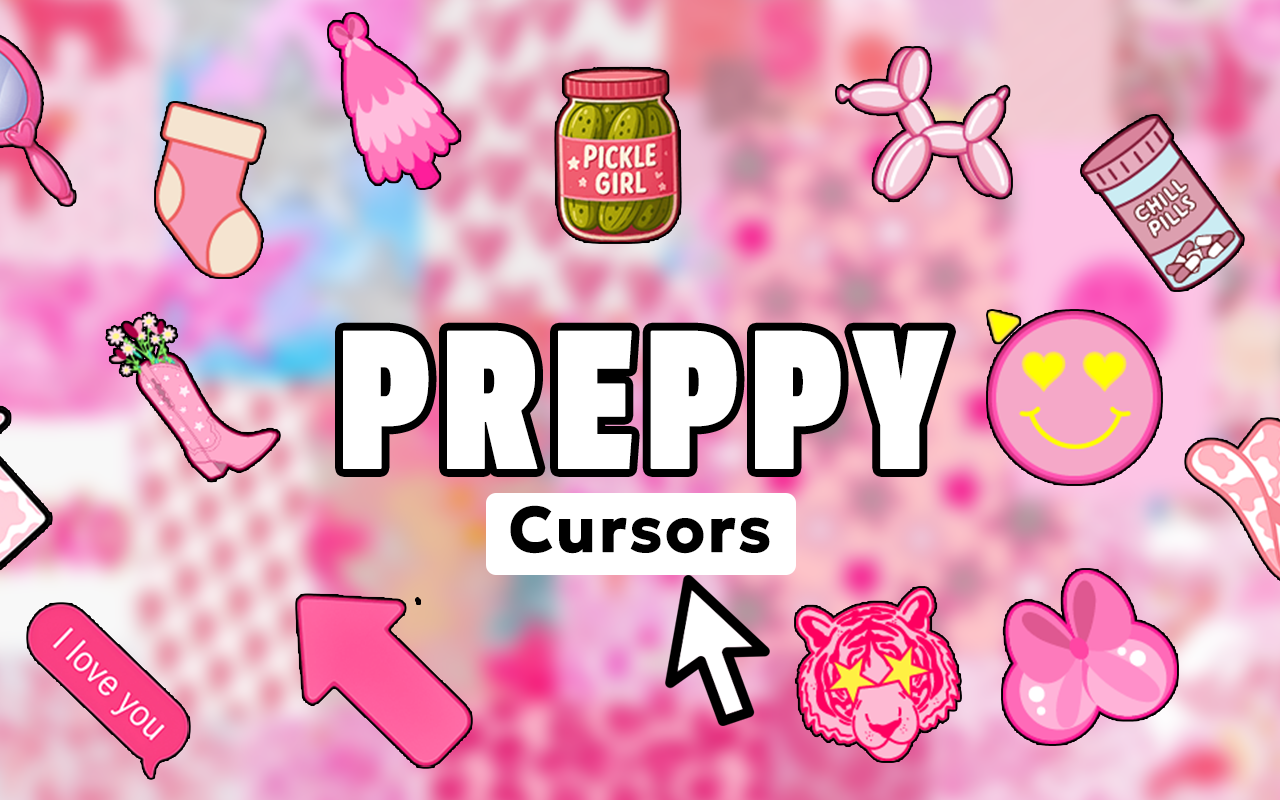
The preppy cursor for Chrome is a custom cursor extension that brings timeless, polished aesthetics to your everyday browsing. Designed for fans of classic preppy style, this extension replaces your default mouse pointer with refined designs inspired by argyle patterns, pearl accents, monogram initials, tennis motifs, bow ribbons, and nautical stripes. If you appreciate clean, elegant visuals and want your browser to reflect your personal aesthetic, this extension delivers exactly that.
What Is the Preppy Cursor Extension?
The Preppy Cursor extension is a lightweight Chrome browser tool that swaps your standard cursor for a curated collection of preppy-themed pointer designs. Drawing from the classic American prep aesthetic — think ivy league fashion, country club culture, and clean-cut style — each cursor is crafted to feel polished and visually cohesive. The extension is simple to use, easy to toggle on and off, and has no noticeable impact on browser performance. It is built for people who care about the details, right down to how their mouse pointer looks on screen.
Key Features of the Preppy Cursor Extension
Complete Preppy Cursor Collection
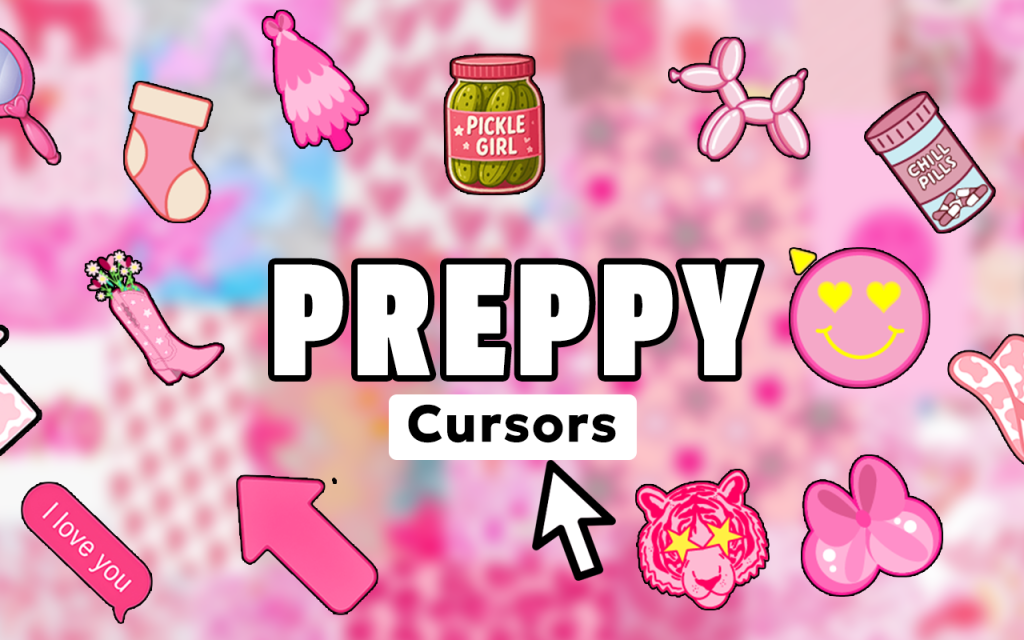
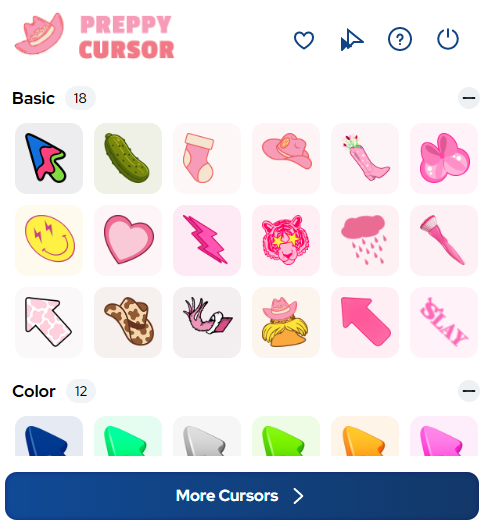
Access a wide library of cursor designs featuring argyle and plaid patterns, pearl jewelry elements, monogram letters, tennis and golf motifs, bow ribbons, varsity letters, pastel color palettes, and nautical stripes. Every design has been thoughtfully created to reflect authentic preppy visual culture. Whether you want something subtle or something that makes a clear style statement, the collection has options to suit your taste.
High-Quality Aesthetic Graphics
Each cursor is rendered with clean, refined artwork that holds up well at any zoom level or screen resolution. The designs capture the traditional visual language of preppy style without looking dated or cluttered. The result is a cursor that feels intentional and well-designed rather than like a novelty add-on.
Adjustable Cursor Size
Use the built-in size slider to scale your cursor up or down to match your screen setup and personal comfort. Larger cursors are great for high-resolution displays or accessibility needs, while smaller sizes keep things minimal and clean. You have full control over how prominent your cursor appears during any browsing session.
Favorites System
Mark your preferred cursor designs as favorites so you can return to them instantly without scrolling through the full collection each time. This is especially useful if you like switching between a few go-to styles depending on your mood or the type of content you are browsing. Your saved favorites persist between sessions so nothing gets lost.
Zero Performance Impact
The extension is built to be lightweight and efficient, meaning it runs quietly in the background without slowing down your browser or consuming unnecessary system resources. You get the full aesthetic experience without any lag, crashes, or technical headaches. It works smoothly alongside your other Chrome extensions.
Easy Toggle On and Off
Switch the preppy cursor on or off with a single click from the Chrome toolbar whenever you need to return to your default pointer. This makes it practical for situations where a standard cursor is preferred, such as during video calls or screen sharing. Flexibility is built into the core design of the extension.
How to Install the Preppy Cursor Extension
- Open the Chrome Web Store and search for Preppy Cursor.
- Click the extension listing and select the option to add it to Chrome.
- Once installed, click the Preppy Cursor icon in your Chrome toolbar to open the extension panel.
- Browse through the available cursor designs and click any one to activate it.
- Use the size slider to adjust the cursor to your preferred dimensions.
- Mark your favorite designs using the favorites feature for easy access later.
- Start browsing with your new preppy-style cursor active on every page.
Why Preppy Aesthetic Fans Love This Extension
People who are drawn to the preppy aesthetic tend to pay close attention to how things look and feel, from their wardrobe choices to the way they set up their workspace. This extension speaks directly to that mindset by bringing the same level of visual care to the browser environment. It is popular among fashion enthusiasts, lifestyle content creators, students with a classic style sensibility, and anyone who enjoys surrounding themselves with clean, polished visuals. The variety in the cursor collection means there is always something new to try, and the ease of use means the experience never feels like a chore.
Screenshots
Frequently Asked Questions
Does this extension work on all websites?
The preppy cursor is designed to appear across most standard web pages you visit in Chrome. There may be rare cases where certain browser pages or secure environments restrict custom cursor display, but for everyday browsing it works consistently.
Will this extension slow down my browser?
No. The extension is built to be minimal in its resource usage. It does not run heavy background processes or interfere with page loading speeds, so your browsing experience stays fast and smooth.
Can I use multiple cursors from the collection?
You can switch between any cursor in the collection at any time by opening the extension panel and selecting a new design. The favorites system makes it quick to jump between your preferred options without searching through the full library each time.
Is the extension free to use?
The core extension is available to install from the Chrome Web Store. Check the listing page for details on any available features or optional upgrades.
Can I revert to my normal cursor at any time?
Yes. The toggle feature lets you instantly switch back to your default system cursor whenever you need to, and switching back to the preppy cursor is just as quick when you are ready.
If you are ready to bring a touch of classic elegance to your Chrome browsing experience, the Preppy Cursor extension is the perfect finishing detail. Install it today and let every click reflect your timeless personal style.





