
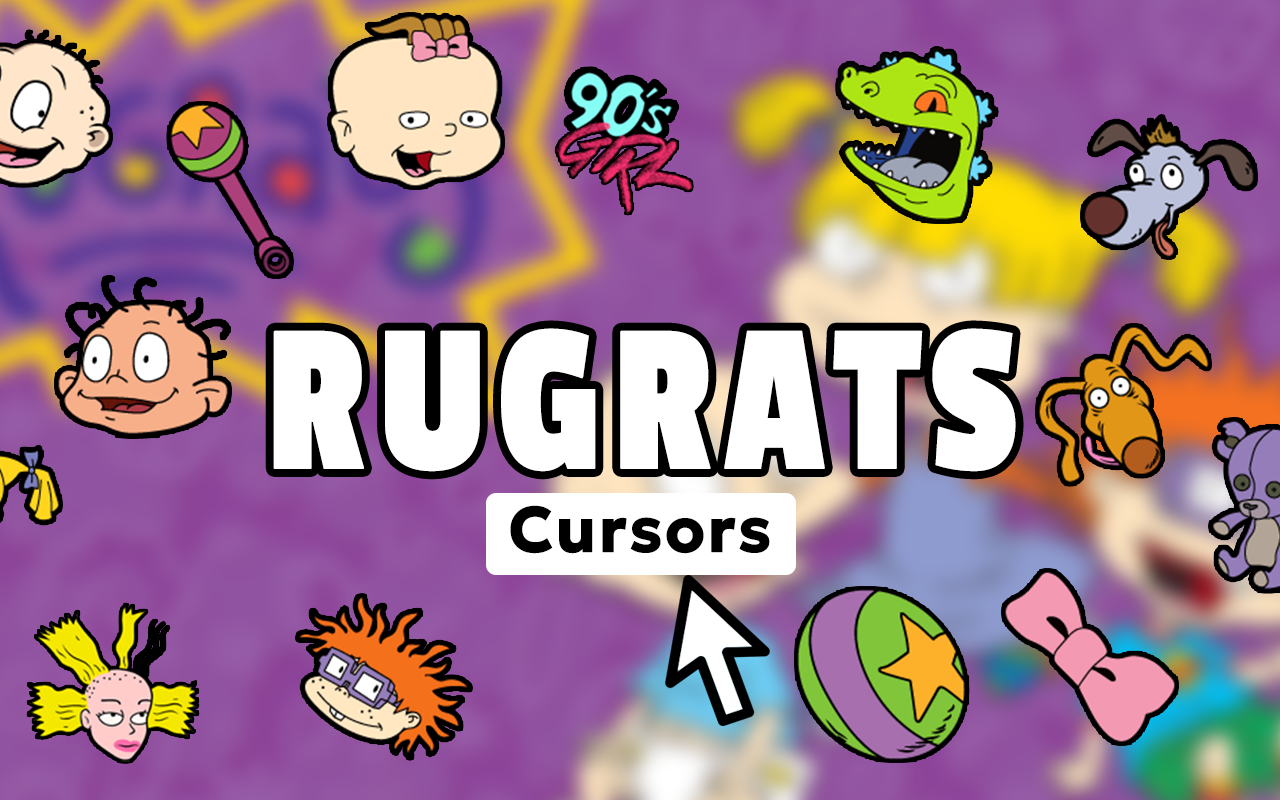
The Rugrats cursor for Chrome is a free browser extension that replaces your default mouse pointer with custom designs inspired by the iconic Nickelodeon animated series. Whether you grew up watching Tommy Pickles lead daring backyard adventures or you simply love classic 90s animation, this extension adds a playful, nostalgic touch to everyday browsing without slowing your browser down.
What Is the Rugrats Cursor Extension?
The Rugrats Cursor extension is a lightweight Chrome add-on that swaps your standard pointer for hand-crafted cursor designs based on the beloved Klasky Csupo animated series that aired on Nickelodeon throughout the 1990s and early 2000s. The extension gives fans a rotating collection of cursors featuring the show’s most recognizable characters and visual elements, making it one of the most charming ways to personalize your browser experience with a nostalgic cartoon theme.
Key Features of the Rugrats Cursor Extension
Complete Character Cursor Collection
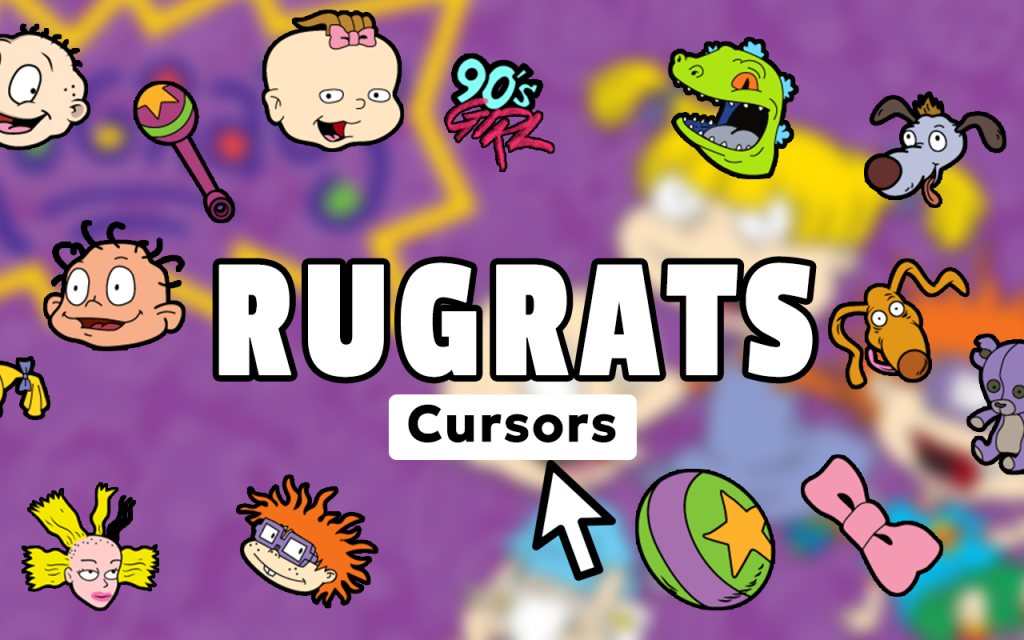
The extension includes a wide range of cursor designs covering the full Rugrats cast. You’ll find Tommy with his signature screwdriver, Chuckie with his distinctive glasses, Phil and Lil in their matching outfits, Angelica holding her Cynthia doll, baby Dil, Reptar the beloved dinosaur, and even Spike the family dog — giving fans plenty of options to match their favorite characters.
Authentic 90s Animation Style
Every cursor is designed to reflect the original hand-drawn aesthetic that made Rugrats instantly recognizable. The bold outlines, bright colors, and expressive character designs stay true to the Klasky Csupo visual style, so the cursors feel like they were pulled directly from the show rather than being generic cartoon imitations.
Adjustable Cursor Size
Not everyone works on the same screen size or resolution, which is why the extension includes a built-in size slider. You can scale your Rugrats cursor up or down to find the perfect fit for your display, ensuring the design is always clear and comfortable to use without cluttering your workspace.
Favorites System for Quick Switching
If you have a go-to Rugrats character, the favorites system lets you save preferred cursor designs for instant access. Instead of scrolling through the full collection every time you want to switch, saved favorites appear at the top so you can toggle between Tommy, Chuckie, or Reptar in just a couple of clicks.
Zero Performance Impact
The extension is built to be genuinely lightweight, meaning it won’t slow down page loading times or consume noticeable memory. You can run it alongside your other Chrome extensions without worrying about browser lag, making it practical for everyday use rather than just an occasional novelty.
Easy Toggle On and Off
A simple on/off toggle lets you switch between your Rugrats cursor and your default system pointer whenever needed. This is useful during video calls, presentations, or any situation where a cartoon cursor might not be appropriate, giving you full control without having to uninstall or reinstall the extension.
How to Install the Rugrats Cursor Extension
- Open the Chrome Web Store and search for “Rugrats Cursor.”
- Click the extension listing and select “Add to Chrome.”
- Confirm the installation prompt when it appears.
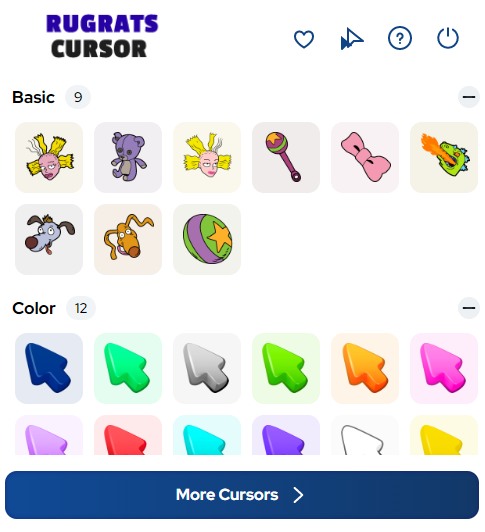
- Once installed, click the Rugrats Cursor icon in your Chrome toolbar to open the collection.
- Browse the available cursor designs and click any one to activate it immediately.
- Use the size slider to adjust the cursor to your preferred dimensions.
- Save your favorite designs using the favorites feature for quick access later.
Why 90s Kids and Nickelodeon Fans Love It
For anyone who spent Saturday mornings watching Tommy and his friends turn a simple backyard into a world of imagination, this extension is a small but meaningful way to keep that nostalgia alive. It resonates with a generation that grew up with Rugrats as a core part of their childhood and now wants to carry a piece of that into their daily digital life. The extension is equally popular among animation fans, collectors of 90s pop culture memorabilia, and parents introducing their kids to classic Nickelodeon content. It transforms something as mundane as moving a cursor across a screen into a small moment of joy.
Screenshots
Frequently Asked Questions
Does the Rugrats Cursor work on all websites?
Yes, the cursor replacement applies across all standard web pages you visit in Chrome. A small number of browser-restricted pages, such as the Chrome settings page or the New Tab page before extensions load, may display the default system cursor instead.
Will this extension slow down my browser?
No. The extension is designed to be lightweight and has a negligible impact on browser performance. It does not run background scripts or make external network requests during normal use.
Can I use multiple cursor designs, or am I limited to one at a time?
You can only have one cursor active at a time, but switching between designs is quick. The favorites feature makes it easy to keep your preferred characters accessible so you can change them in seconds.
Is the Rugrats Cursor extension free to use?
Yes, the extension is free to install and use. The full character collection is available without any subscription or in-app purchases required.
Does it work on Windows and Mac?
Yes. Because it operates as a Chrome browser extension rather than a system-level application, it works on any operating system that supports Google Chrome, including Windows, macOS, and ChromeOS.
If you’re ready to add a touch of classic Nickelodeon magic to your daily browsing, the Rugrats Cursor extension is a fun and completely free way to do it. Search for it in the Chrome Web Store and give your pointer a 90s upgrade today.





