
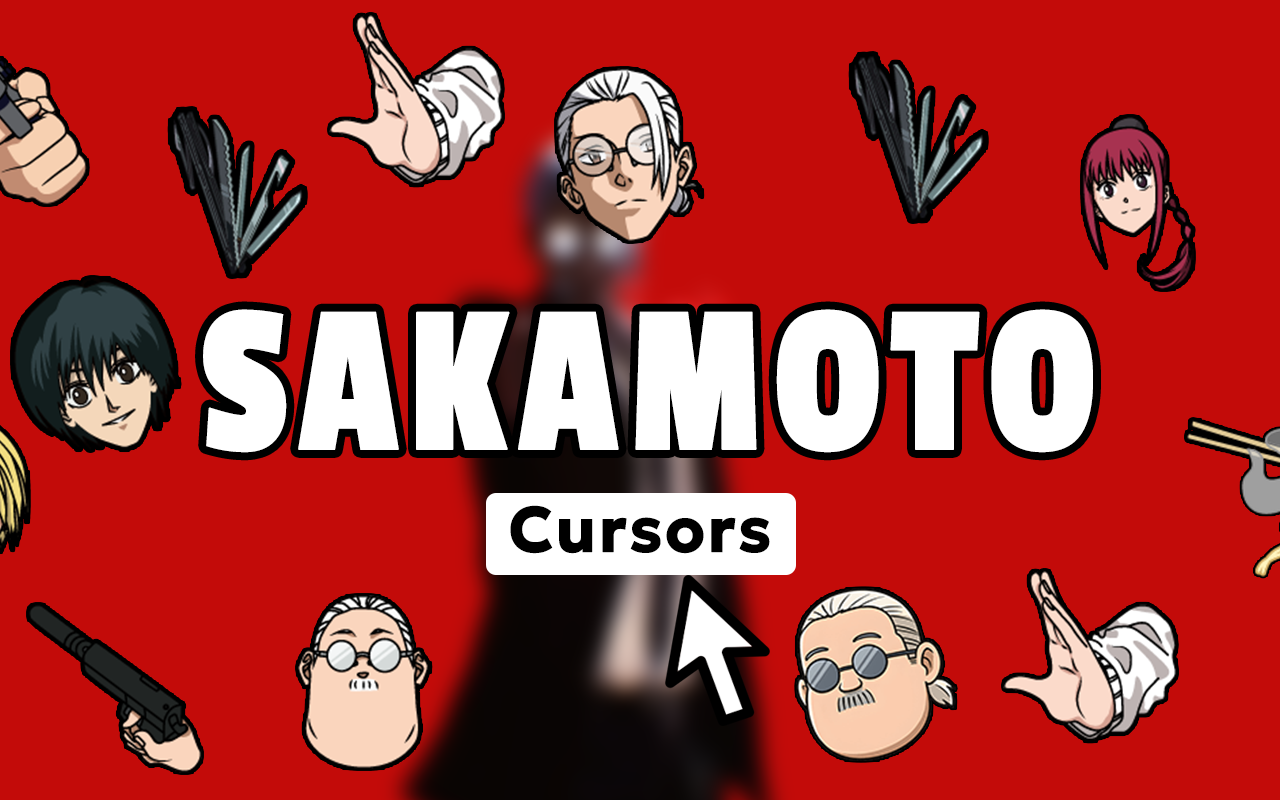
The Sakamoto cursor for Chrome brings the effortlessly cool world of Haven’t You Heard? I’m Sakamoto straight to your browser pointer. Whether you’re a longtime fan of Nami Sano’s iconic comedy manga or just discovered the anime, this extension lets you carry Sakamoto’s legendary composure into every click, scroll, and hover.
What Is the Sakamoto Cursor Extension?
The Sakamoto Cursor is a Chrome browser extension that replaces your default mouse pointer with custom-designed cursors inspired by the cult-classic anime series Haven’t You Heard? I’m Sakamoto. The show follows an impossibly suave high school student who handles every situation — no matter how absurd — with flawless grace and style. This extension captures that same energy, giving anime fans a fun and personalized way to interact with the web.
The cursor designs draw from Sakamoto’s most memorable moments: his perfectly adjusted glasses, signature school uniform poses, smooth classroom maneuvers, and the swooning reactions of those around him. It’s a small detail that makes your browsing experience feel unmistakably your own.
Key Features of the Sakamoto Cursor
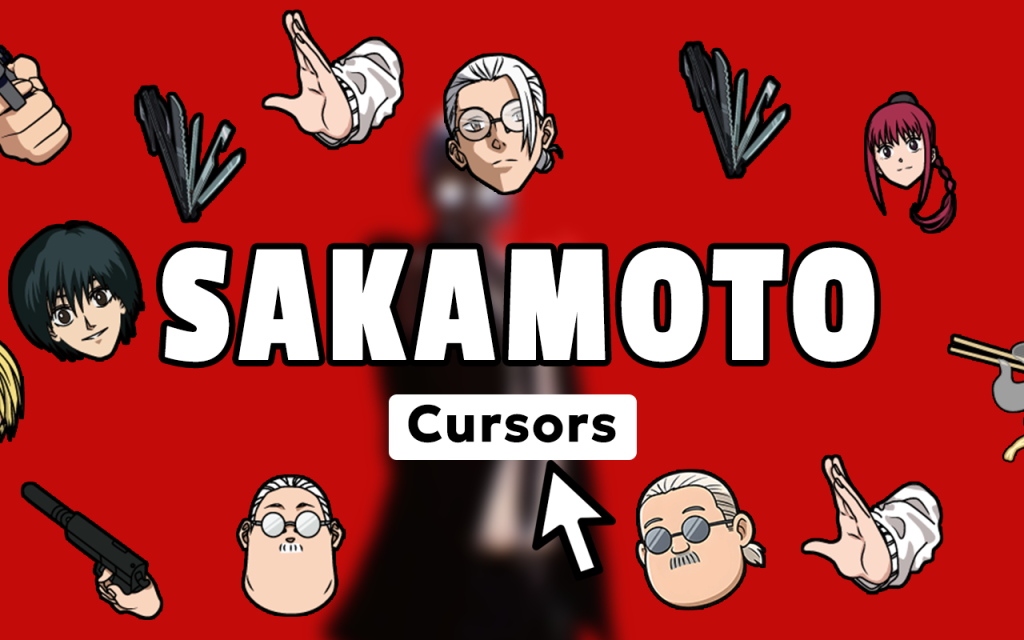
Complete Sakamoto Cursor Collection
The extension includes a wide variety of cursor designs pulled from across the anime series. You’ll find Sakamoto’s iconic poses, cool solutions to everyday problems, hallway scenes, dramatic lighting effects, and interactions with fan-favorite classmates like Atsushi, Yoshinobu, and Kubota — all rendered in sharp, recognizable style.
Crisp Anime-Style Graphics
Every cursor is designed to reflect the clean, elegant visual aesthetic of the Sakamoto anime. The artwork captures the character’s distinctive silhouette and expression with enough detail to be instantly recognizable, even at small sizes. The graphics look sharp across different screen resolutions and display settings.
Adjustable Cursor Size
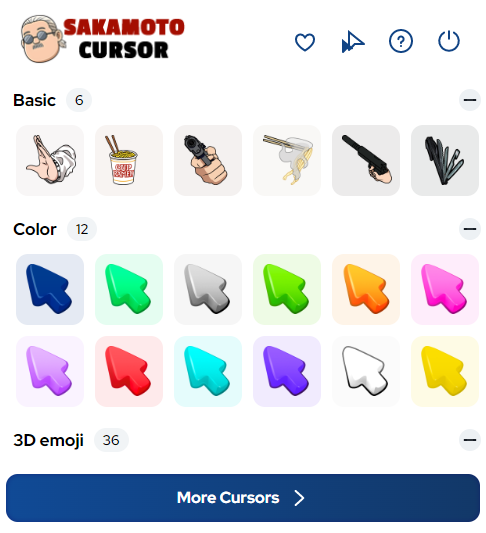
Not everyone wants the same cursor size, so this extension includes a simple slider that lets you scale the cursor up or down to your preference. Whether you like a subtle pointer or a more prominent design, you can dial it in without any complicated settings menus.
Favorites System
With multiple cursor options available, the favorites system lets you bookmark the designs you like most for quick access. Switching between different Sakamoto poses or scenes becomes instant, so you can match your cursor to your mood or the content you’re browsing.
Lightweight and Non-Intrusive
The extension is built to run quietly in the background without slowing down your browser. There’s no noticeable impact on page load speeds or system performance, which means you get the full Sakamoto experience without any trade-offs in browsing quality.
Easy Toggle On and Off
Sometimes you need your default cursor back — for work, presentations, or just a change of pace. The extension includes a straightforward toggle so you can switch between the Sakamoto cursor and your standard pointer in a single click, no uninstalling required.
How to Install the Sakamoto Cursor
- Search for the Sakamoto Cursor extension in the Chrome Web Store.
- Click the “Add to Chrome” button and confirm the installation prompt.
- Once installed, click the Sakamoto Cursor icon in your Chrome toolbar to open the extension panel.
- Browse through the available cursor designs and click any one to set it as your active cursor.
- Use the size slider to adjust the cursor dimensions to your liking.
- Use the favorites feature to save your go-to designs for easy access later.
Why Anime Fans Love This Cursor Extension
Fans of Haven’t You Heard? I’m Sakamoto are drawn to the show’s unique brand of deadpan humor and the absurd premise that one person can be inexplicably, unshakably cool in every situation. This extension taps directly into that appeal. It’s a low-key way to show appreciation for a beloved series while adding a personal touch to your browser setup.
Beyond the fandom angle, the cursor designs are genuinely well-crafted and visually satisfying to use day-to-day. Anime enthusiasts who enjoy customizing their digital environment will find this extension fits naturally alongside other personalization tools. It’s also a reliable conversation starter if you share your screen during casual settings.
Screenshots
Frequently Asked Questions
Does the Sakamoto Cursor work on all websites?
Yes, the cursor replacement applies across all standard web pages you visit in Chrome. There may be rare exceptions on certain browser-restricted pages like the Chrome settings screen or the New Tab page depending on your configuration.
Will this extension slow down my browser?
No. The extension is designed to be lightweight and has no meaningful impact on browser speed or memory usage. It runs passively in the background without interfering with page performance.
Can I use multiple cursor designs?
Yes. The extension gives you access to the full collection, and you can switch between designs at any time using the extension panel. The favorites feature makes it easy to cycle through your preferred options quickly.
Do I need to watch the anime to enjoy this extension?
Not at all. While fans of the show will appreciate the references, the cursor designs are visually striking enough to enjoy purely as stylish anime artwork. That said, the show is well worth watching if you haven’t already.
Is the extension free to use?
The Sakamoto Cursor extension is available as a free download from the Chrome Web Store with no subscription or payment required.
If you’re ready to browse with the effortless cool of the smoothest character in anime history, the Sakamoto Cursor extension is waiting for you. Install it today and let every click carry a little extra swagger.





