What Is the San-X Cursor Extension?
The San-X cursor for Chrome is a browser extension that replaces your default mouse pointer with adorable character designs from San-X, Japan’s beloved kawaii character company. Whether you’re a longtime fan of Rilakkuma’s laid-back charm or you’ve fallen in love with the shy Sumikko Gurashi creatures, this extension lets you bring those characters to life on every page you visit. San-X has been creating heartwarming mascots for over four decades, and this extension is a simple, delightful way to celebrate that legacy every time you open your browser.

Key Features of the San-X Cursor Extension
Complete San-X Character Collection
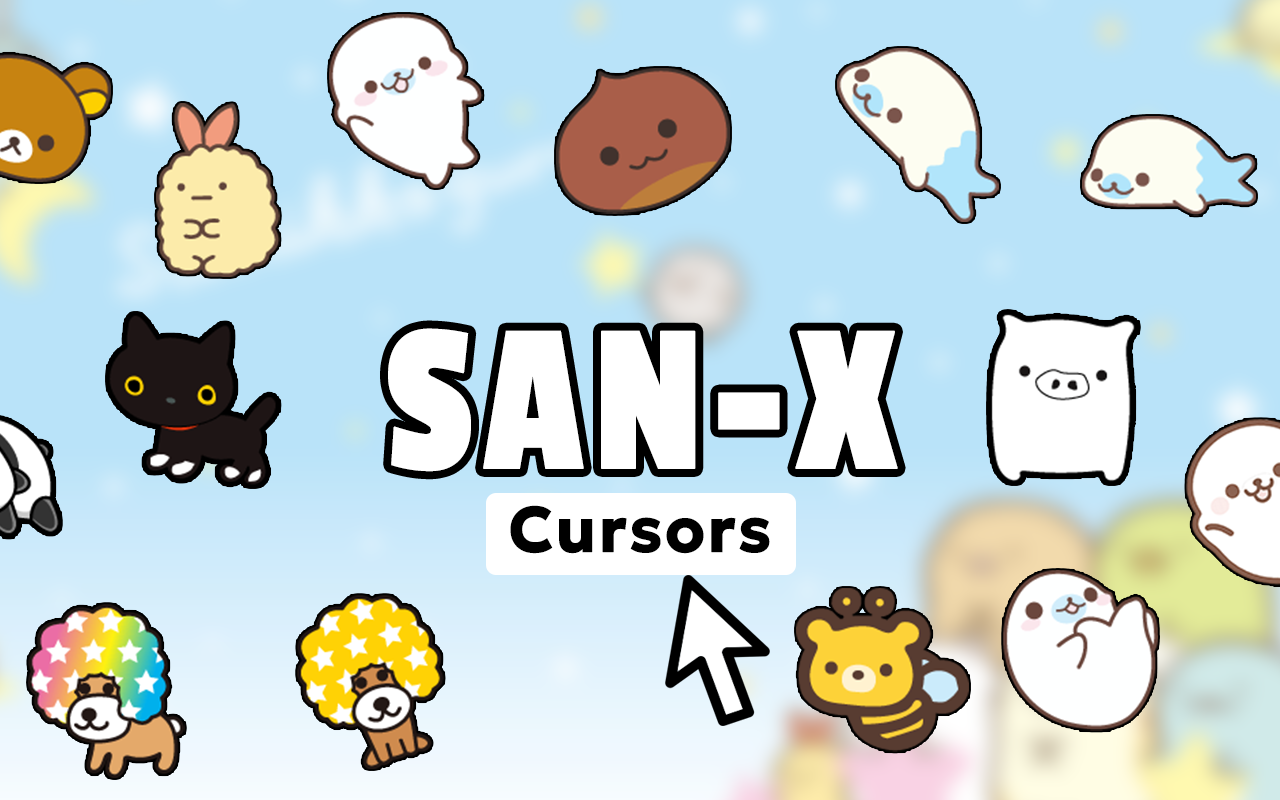
The extension includes cursor designs featuring a wide range of iconic San-X characters, including Rilakkuma, Korilakkuma, Kiiroitori, and the full cast of Sumikko Gurashi corner dwellers like Shirokuma, Penguin?, Tonkatsu, Neko, and Tokage. You’ll also find designs inspired by Tarepanda, Kogepan, and Jinbesan, giving fans of every era and series something to enjoy. The collection continues to grow, so there’s always something new to discover.
Authentic Kawaii Art Style
Every cursor is crafted to reflect the soft, rounded aesthetic that defines San-X character design. The graphics are crisp and clean so they look great across all screen resolutions without appearing pixelated or blurry. Fans who care about staying true to the original character designs will appreciate how carefully the art style has been preserved.
Adjustable Cursor Size
A built-in size slider lets you scale your cursor up or down to fit your personal preference and screen setup. Whether you prefer a small, subtle cursor or a larger one that really shows off the character detail, the control is entirely in your hands. This is especially useful on high-resolution displays where the default cursor size can feel too small.
Favorites System
Save your go-to San-X cursor designs so you can switch between them instantly without hunting through the full collection each time. This is perfect for users who like to rotate between characters depending on their mood or the season. The favorites system makes the whole experience feel organized and personal.
Lightweight and Non-Intrusive
The extension is designed to run quietly in the background without slowing down your browser or consuming unnecessary resources. You won’t notice any lag on content-heavy pages, and it won’t interfere with other extensions you use. It simply does its job and stays out of the way.
Easy On/Off Toggle
Sometimes you need to switch back to your default cursor, such as during work presentations or screen-sharing sessions. The extension includes a straightforward toggle so you can disable the custom cursor in one click and re-enable it just as easily whenever you’re ready.
How to Install the San-X Cursor Extension
- Open the Chrome Web Store and search for “San-X Cursor.”
- Click the extension listing and select “Add to Chrome.”
- Confirm the installation when prompted by your browser.
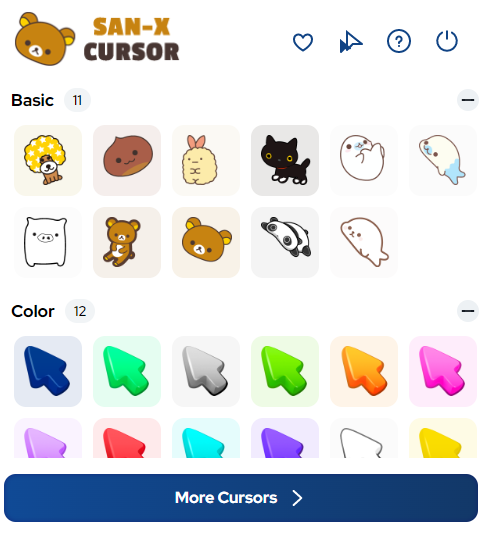
- Once installed, click the San-X Cursor icon in your Chrome toolbar to open the extension panel.
- Browse the character collection and click any cursor design to activate it.
- Use the size slider to adjust the cursor to your preferred dimensions.
- Star your favorite designs to save them for quick access later.
Why Kawaii Fans Love This Extension
San-X characters have always stood out for their emotional depth and relatable personalities. Rilakkuma embodies the comfort of doing nothing, Sumikko Gurashi characters find safety in corners, and Kogepan turns being a little burnt into an identity. Fans who connect with these themes find the cursor extension to be more than just a cosmetic change — it’s a small, consistent reminder of the things they love throughout their browsing day. For collectors, merchandise hunters, and anyone who spends time in kawaii online communities, this extension fits naturally into how they already use the internet. It also makes a great conversation starter when someone catches a glimpse of your screen.
Screenshots
Frequently Asked Questions
Does the San-X cursor work on all websites?
The custom cursor works on the vast majority of websites you visit in Chrome. There may be occasional exceptions on certain browser pages or sites with their own custom cursor code, but standard browsing will display your chosen San-X character consistently.
Will this extension slow down my browser?
No. The extension is intentionally built to be lightweight and has minimal impact on browser performance. It does not run background scripts that consume memory or processing power beyond what is needed to display the cursor.
Can I use multiple cursors from different San-X series?
Yes. You can switch between any cursor in the collection at any time through the extension panel. The favorites system makes it especially easy to keep a shortlist of designs from different series so you can rotate them freely.
Is the extension free to use?
Yes, the San-X Cursor extension is free to install and use directly from the Chrome Web Store with no subscription or payment required.
How often are new cursor designs added?
New designs are added periodically to expand the collection with more characters and seasonal themes. Keeping the extension updated ensures you always have access to the latest additions.
If you’ve been looking for a simple way to add some kawaii personality to your daily browsing, the San-X Cursor extension is worth trying. Install it today and let your favorite San-X characters tag along on every click.