What Is the Scooby-Doo Cursor Extension?
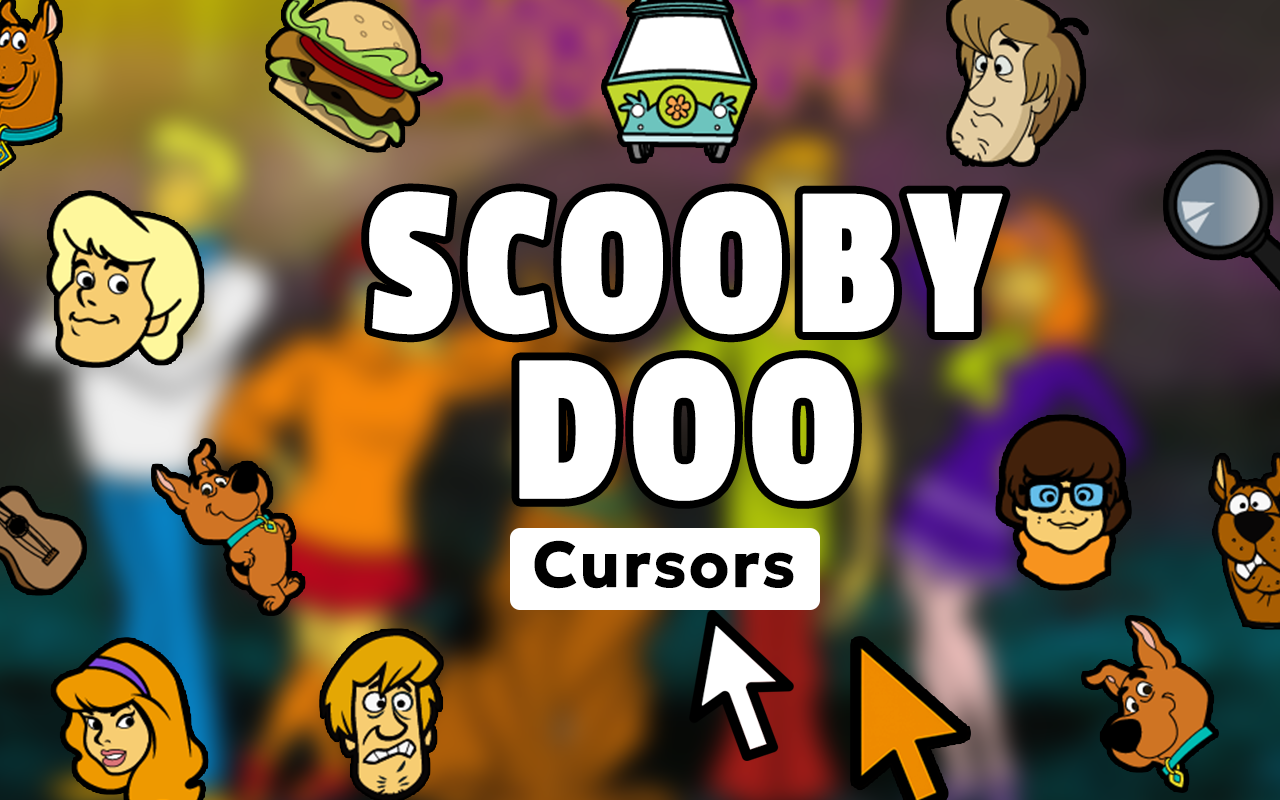
The Scooby-Doo cursor for Chrome is a free browser extension that replaces your default mouse pointer with fun, vibrant designs inspired by the classic Hanna-Barbera cartoon series. Whether you grew up watching Scooby and the gang unmask villains or you are rediscovering the show today, this extension brings a touch of Mystery Inc. charm to every click, scroll, and hover. Featuring characters like Scooby-Doo, Shaggy Rogers, Fred Jones, Daphne Blake, Velma Dinkley, and iconic props like the Mystery Machine and Scooby Snacks, it is a must-have for any fan of the beloved franchise.

Key Features of the Scooby-Doo Cursor Extension
Complete Mystery Inc. Cursor Collection
The extension includes a wide range of cursor designs pulling from over five decades of Scooby-Doo history. You will find cursors featuring every main character, classic monsters, the Mystery Machine van, famous catchphrase moments, and memorable scenes from both the original series and modern reboots.
Authentic Classic Cartoon Graphics
Each cursor is crafted to reflect the distinctive visual style that made Scooby-Doo iconic. The crisp, colorful artwork stays true to the original animation aesthetic so every pointer feels like it jumped straight out of the cartoon.
Adjustable Cursor Size
Not every screen or user preference is the same, which is why this extension includes a size slider. You can scale your cursor up or down to find the perfect fit for your display and browsing comfort.
Favorites System for Quick Switching
With so many designs available, it helps to save your top picks. The built-in favorites system lets you bookmark preferred cursors and switch between them instantly without scrolling through the entire collection every time.
Zero Performance Impact
The extension is built to be lightweight and efficient, running quietly in the background without slowing down your browser. There are no memory leaks, lag spikes, or unwanted background processes to worry about.
Easy Toggle On and Off
Need to switch back to your standard cursor quickly? The on/off toggle lets you disable the Scooby-Doo cursor in a single click and re-enable it just as fast whenever you are ready to bring the mystery back.
How to Install the Scooby-Doo Cursor
- Search for the Scooby-Doo Cursor extension in the Chrome Web Store.
- Click the “Add to Chrome” button and confirm the installation prompt.
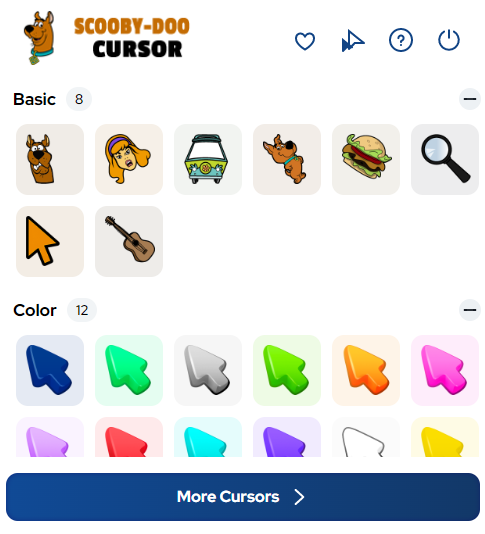
- Once installed, click the Scooby-Doo Cursor icon in your Chrome toolbar to open the extension panel.
- Browse the full collection of Mystery Inc. cursor designs.
- Click on any cursor to set it as your active pointer immediately.
- Use the size slider to adjust the cursor to your preferred dimensions.
- Mark your favorite designs with the star icon for easy access later.
Why Scooby-Doo Fans Love This Cursor Extension
Fans of all ages connect with Scooby-Doo for different reasons — nostalgia, humor, the teamwork of the gang, or simply the thrill of a good mystery. This cursor extension gives devoted fans a small but meaningful way to keep that love present in their daily browsing. Students doing homework, collectors browsing fan sites, and parents watching the show with their kids have all found this a fun and lightweight way to show off their fandom. Because it requires no technical knowledge to install and does not interfere with browsing performance, it is accessible and enjoyable for everyone from casual viewers to die-hard Mystery Inc. enthusiasts.
Screenshots
Frequently Asked Questions
Is the Scooby-Doo cursor extension free to use?
Yes, the extension is completely free. You can install it and access the full cursor collection without any subscription or payment required.
Will this extension slow down my Chrome browser?
No. The extension is designed to be lightweight and has a minimal footprint. It runs without affecting your browser speed or system resources.
Can I use the Scooby-Doo cursor on any website?
The custom cursor works across virtually all websites you visit in Chrome. A small number of browser system pages may display the default cursor instead, but standard websites work perfectly.
How many cursor designs are included?
The collection includes a broad range of designs covering main characters, villains, props, and iconic moments from across the Scooby-Doo franchise. New designs may be added in future updates.
Can I switch back to my normal cursor if needed?
Absolutely. The extension includes a simple toggle switch that lets you instantly revert to your default cursor and switch back to the Scooby-Doo designs whenever you like.
If you are a Scooby-Doo fan looking to add some mystery and fun to your everyday browsing, this cursor extension is a simple, free, and enjoyable way to do it. Search for the Scooby-Doo Cursor in the Chrome Web Store and start solving style mysteries today.