
What Is the Insects Cursor Extension?
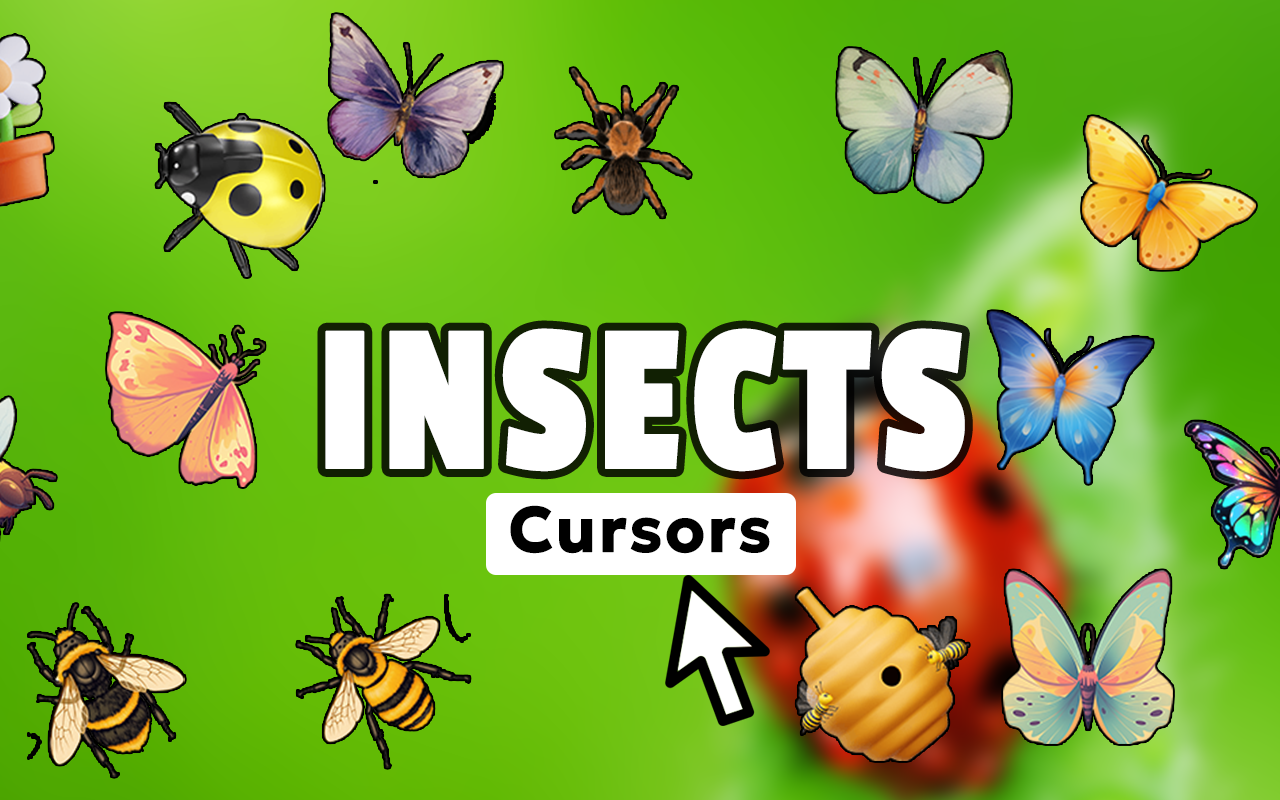
The Insects cursor for Chrome is a browser extension that replaces your default mouse pointer with detailed, nature-inspired cursor designs featuring bugs, beetles, butterflies, and other arthropods. Whether you are an entomology enthusiast, a biology student, or simply someone who appreciates the diversity of the natural world, this extension lets you bring a piece of that fascination to every browsing session. Instead of a plain arrow, your cursor becomes a vivid representation of one of nature’s most successful and varied life forms.
Key Features of the Insects Cursor Extension
Wide Variety of Insect Cursor Designs
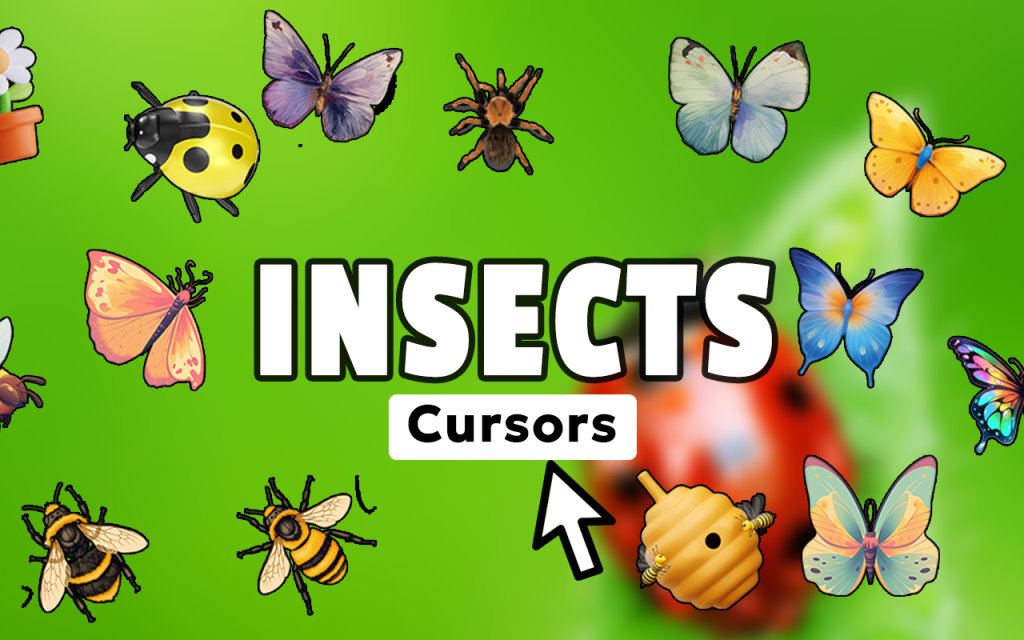
The extension includes cursor designs spanning a broad range of insect orders and arthropod families, including butterflies, beetles, dragonflies, ladybugs, bees, ants, praying mantises, fireflies, moths, and more. Each design is crafted to reflect the unique visual characteristics of the creature it represents, giving users a genuinely diverse collection to explore and enjoy.
High-Resolution Artwork
Every cursor in the collection is rendered in sharp, high-resolution detail that highlights intricate wing patterns, exoskeleton textures, and antenna structures. The quality of the artwork ensures that the cursors look crisp and clear across all screen resolutions and display sizes.
Adjustable Cursor Size
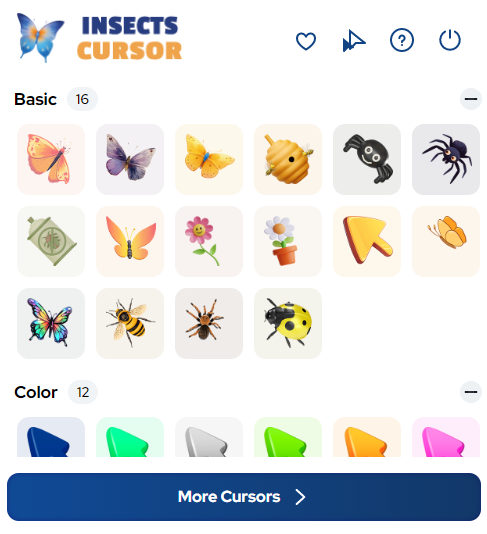
A built-in size slider allows you to scale your insect cursor up or down to suit your screen setup and personal preference. This makes the extension equally comfortable to use on compact laptop displays and large desktop monitors.
Favorites System
Found a beetle or butterfly design you keep coming back to? The favorites feature lets you save preferred cursor designs for quick access without having to browse the full collection each time. Switching between saved favorites takes just a single click.
Lightweight and Performance-Friendly
The extension is optimized to run efficiently in the background without consuming significant browser resources. You will not notice any slowdown in page loading or browsing performance, even when the extension is active across multiple tabs.
Easy On/Off Toggle
Need to switch back to your default cursor temporarily? The extension includes a simple toggle that lets you enable or disable the insects cursor instantly from the browser toolbar, without needing to uninstall or reconfigure anything.
How to Install the Insects Cursor Extension
- Open the Chrome Web Store and search for “Insects Cursor.”
- Click the extension listing and select “Add to Chrome.”
- Confirm the installation when prompted by the browser.
- Once installed, click the Insects Cursor icon in your Chrome toolbar.
- Browse the available insect cursor designs and select the one you want.
- Use the size slider to adjust the cursor to your preferred scale.
- Save your favorites for quick access and start browsing with your new cursor active.
Why Bug Lovers and Nature Enthusiasts Love It
This extension resonates strongly with a wide range of nature-focused users. Entomology students appreciate having a daily reminder of the subject they study. Insect photographers and collectors enjoy celebrating their hobby even during routine web browsing. Biology teachers have found it to be a fun, low-key way to express their passion for the natural sciences in a digital environment. Even casual users who simply find insects beautiful or fascinating enjoy the novelty of a cursor that reflects something meaningful to them. The extension turns an overlooked part of the browser interface into a small but consistent expression of personality and interest.
Screenshots
Frequently Asked Questions
Does the Insects Cursor extension work on all websites?
The extension works on the vast majority of websites visited through Chrome. On certain browser-restricted pages, such as the Chrome settings page or the Web Store itself, the custom cursor may not appear, which is a standard limitation for all Chrome extensions of this type.
Will this extension slow down my browser?
No. The extension is designed to be lightweight and runs with minimal impact on browser performance. It does not load heavy scripts or interfere with page rendering in any meaningful way.
Can I use multiple insect cursor designs on different days?
Absolutely. The favorites system and easy switching make it simple to rotate between different insect designs whenever you feel like a change. There is no limit to how often you can switch.
Is the extension free to use?
The core functionality of the Insects Cursor extension is available at no cost. You can access a wide selection of cursor designs and core features without any payment required.
Does it work on Windows and Mac?
Yes. Because the extension runs inside the Chrome browser, it is fully compatible with any operating system that supports Chrome, including Windows, macOS, and Linux.
If you have been looking for a simple, visually rewarding way to personalize your Chrome browsing experience, the Insects Cursor extension is worth adding to your toolkit. Install it today and give your cursor the natural world upgrade it deserves.





