
What Is the Kung Fu Panda Cursor Extension?
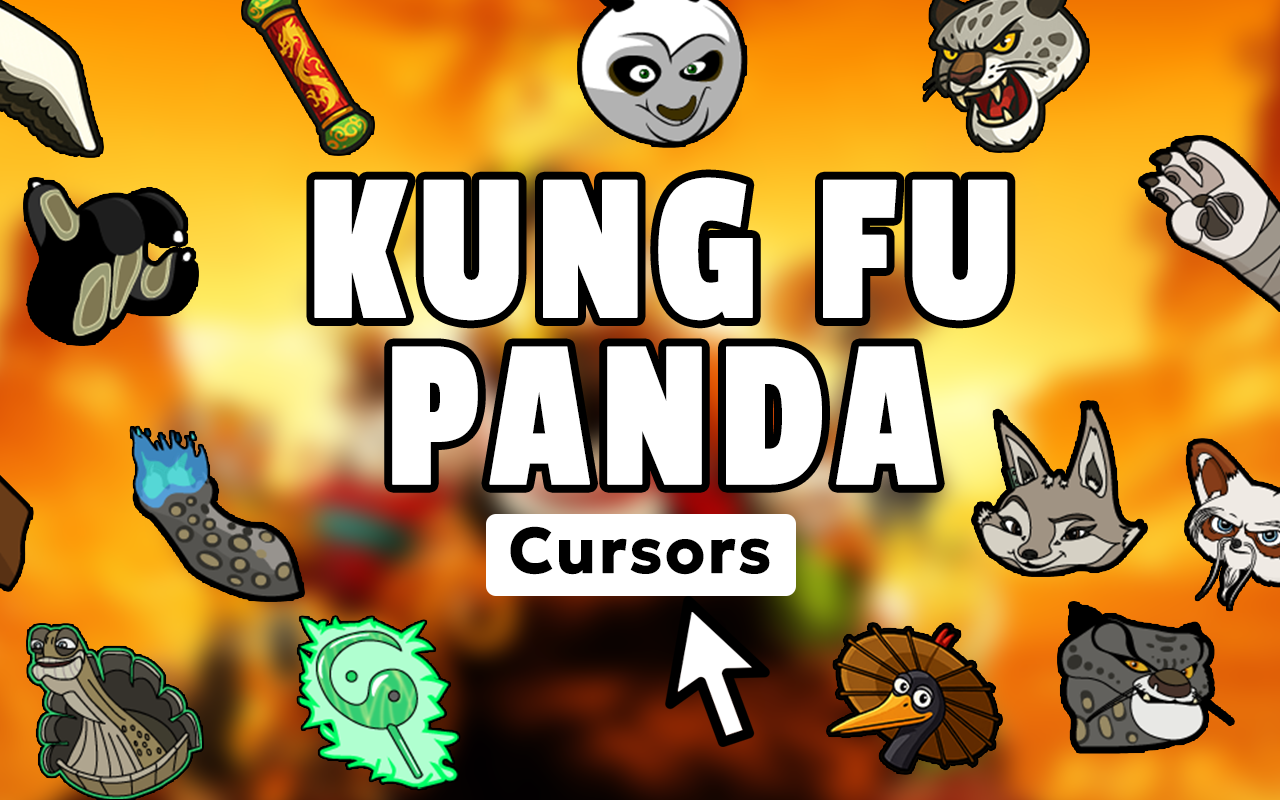
The Kung Fu Panda cursor is a Chrome browser extension that replaces your default mouse pointer with custom cursor designs inspired by DreamWorks’ beloved animated franchise. From Po the clumsy but determined Dragon Warrior to the wise Master Oogway and the fierce Furious Five, this extension brings the heart and humor of Kung Fu Panda directly to your everyday browsing experience. Whether you grew up watching the films or you’re introducing the series to a new generation, this is a fun and effortless way to personalize your browser.

Key Features of the Kung Fu Panda Cursor
Extensive Character Cursor Collection
The extension includes a wide range of cursor designs covering the full Kung Fu Panda universe. You’ll find Po, Master Shifu, Tigress, Crane, Monkey, Viper, Mantis, Tai Lung, Lord Shen, Kai, and symbolic elements like the Dragon Scroll and dumpling imagery — all faithfully designed to match the franchise’s iconic visual style.
Premium Animation-Quality Graphics
Each cursor is crafted with attention to the expressive character art and vibrant color palette that made Kung Fu Panda a visual standout in modern animation. The designs are sharp and clear at any screen resolution, so your cursor always looks polished whether you’re on a laptop or a large desktop monitor.
Adjustable Cursor Size
A built-in size slider lets you scale your cursor up or down to suit your personal preference and screen setup. This is especially useful for high-resolution displays where default cursors can appear too small, or for users who simply prefer a more visible pointer during long browsing sessions.
Favorites System for Quick Switching
Save your preferred cursor designs to a favorites list so you can swap between them instantly without scrolling through the full collection each time. This makes it easy to rotate between a Tigress cursor for action mode and an Oogway design when you’re feeling philosophical.
Lightweight and Zero Performance Impact
The extension is built to run quietly in the background without slowing down your browser or consuming noticeable system resources. You get a fully customized cursor experience without any compromise to page load speeds or browsing performance.
Easy Toggle On and Off
With a single click on the extension icon, you can switch between your Kung Fu Panda cursor and your system’s default pointer. This is handy when you need a standard cursor for professional tasks and want to jump back into fun mode the moment you’re done.
How to Install the Kung Fu Panda Cursor
- Open the Chrome Web Store and search for “Kung Fu Panda Cursor.”
- Click the “Add to Chrome” button on the extension listing page.
- Confirm the installation when prompted by your browser.
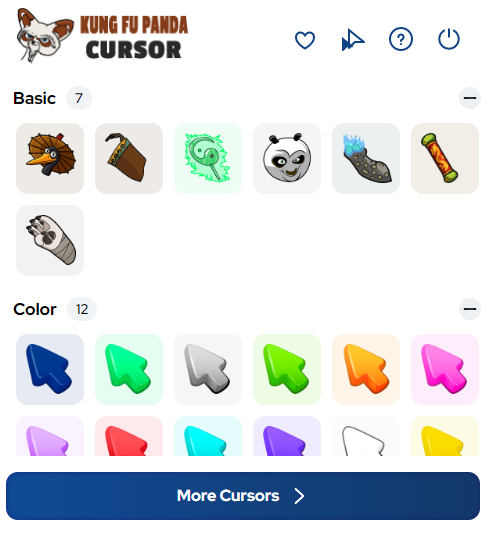
- Once installed, click the Kung Fu Panda Cursor icon in your Chrome toolbar to open the cursor picker.
- Browse the character collection and click any design to activate it as your cursor.
- Use the size slider to adjust the cursor dimensions to your liking.
- Optional: Mark your favorites for quick access in future browsing sessions.

Why Kung Fu Panda Fans Love This Extension
This extension resonates with fans because it goes beyond a simple cosmetic change — it’s a small but constant reminder of a franchise that genuinely connects with people of all ages. Kung Fu Panda’s message that anyone can achieve greatness through determination and self-belief lands differently when you see Po’s face every time you hover over a link. Parents and kids who share the films together enjoy using the cursors as a conversation piece, and longtime fans appreciate having a tasteful, well-designed tribute to the series always visible on their screen. It also makes a great option for content creators, streamers, and educators who want to add a touch of personality to screen recordings or live sessions without anything distracting or overwhelming.
Screenshots
Frequently Asked Questions
Does this extension work on all websites?
Yes, the Kung Fu Panda cursor works across virtually all websites you visit in Chrome. There are a small number of browser-protected pages, such as the Chrome settings screen, where custom cursors cannot be displayed due to browser security restrictions.
Is the extension free to use?
The core cursor collection is free to install and use. Some extensions in this category offer expanded packs or premium designs, so check the listing details for the most current information on available content.
Will it slow down my browser?
No. The extension is designed to be extremely lightweight. It has no background data collection or heavy scripts, so your browsing speed and system performance remain unaffected during normal use.
Can I use more than one cursor design at a time?
You can only have one active cursor at any given time, but the favorites system makes it simple to switch between your preferred designs quickly. There is no limit to how many designs you can save as favorites.
Is this extension officially affiliated with DreamWorks?
This is a fan-made extension created by independent developers. It is not produced or endorsed by DreamWorks Animation or any of its affiliated companies.
If you’re a Kung Fu Panda fan looking for a simple, well-made way to bring a bit of the Valley of Peace into your browser, this cursor extension is worth trying. Install it today and let every click carry a little Dragon Warrior energy.





