
What Is the Kuromi Cursor Extension?
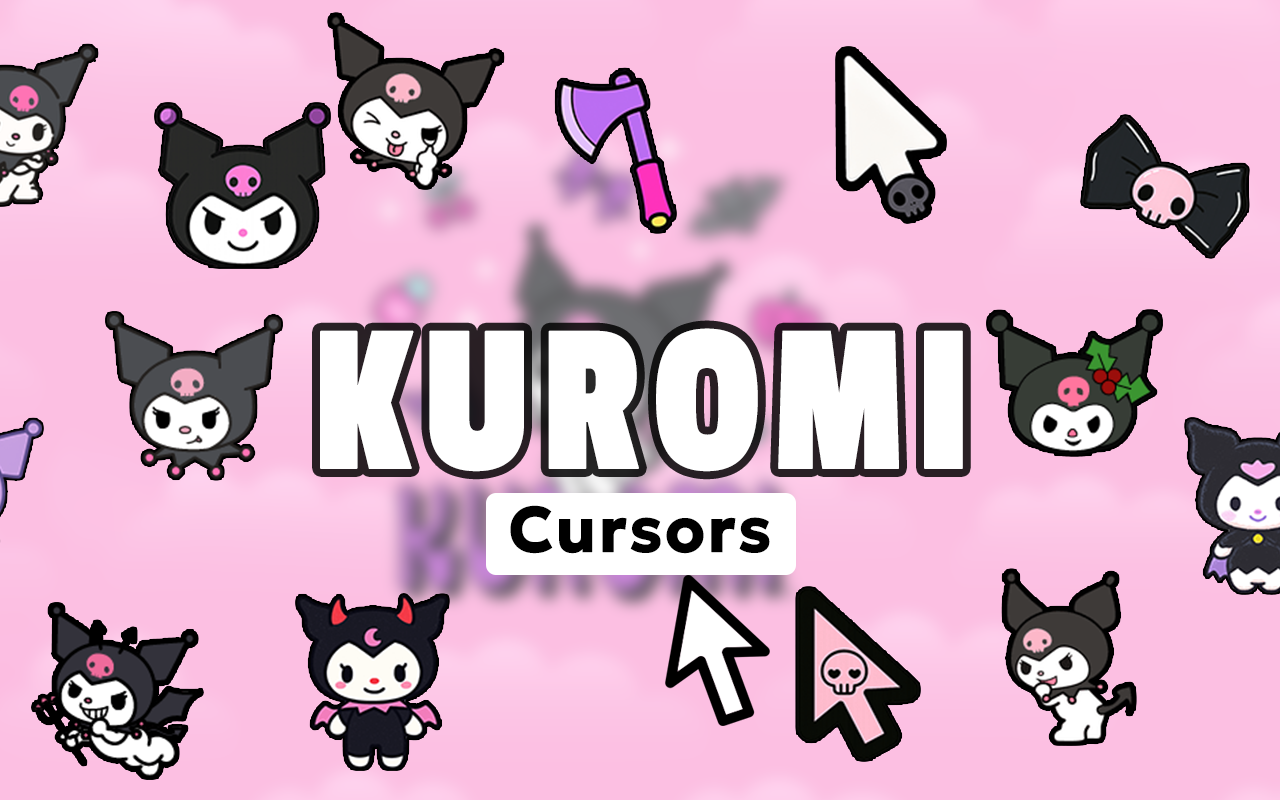
The Kuromi cursor for Chrome is a browser extension that replaces your default mouse pointer with custom-designed cursors inspired by Sanrio’s beloved gothic kawaii character, Kuromi. If you love Kuromi’s signature blend of mischief, punk attitude, and irresistible cuteness, this extension lets you carry that energy into every browsing session. Instead of a plain white arrow, your cursor becomes a dynamic representation of one of Sanrio’s most iconic alternative characters — complete with jester hats, skulls, and all the edgy details fans adore.
Key Features of the Kuromi Cursor Extension
Complete Kuromi Cursor Collection
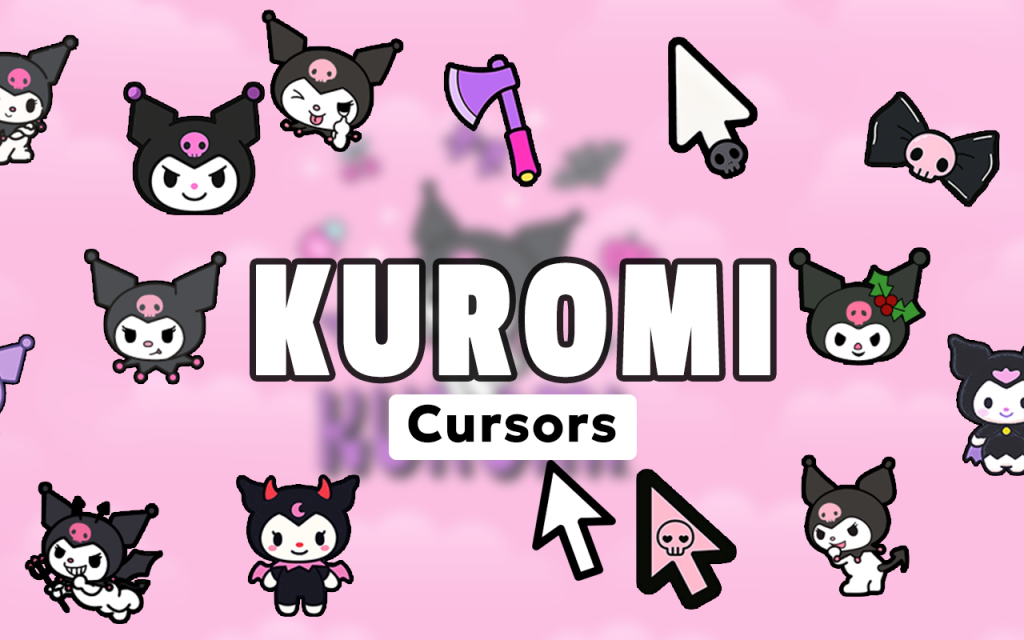
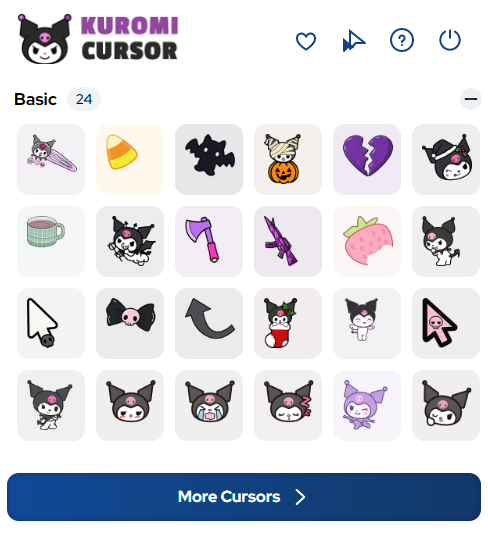
The extension includes a wide range of cursor designs featuring Kuromi in various punk and mischievous poses. You’ll find designs that incorporate her sidekick Baku the tapir, skull-and-crossbone symbols, devil tails, music notes, gothic hearts, and punk accessories — giving you plenty of options to match your mood or aesthetic at any given moment.
High-Quality Sanrio-Inspired Graphics
Every cursor is crafted with sharp, detailed visuals that accurately capture Kuromi’s distinctive look, including her iconic black jester hat with a skull emblem and pink accents. The gothic kawaii aesthetic is preserved at every cursor size, so the designs always look clean and intentional on your screen.
Customizable Cursor Size
A built-in size slider lets you adjust the cursor dimensions to fit your personal preference and display setup. Whether you want a subtle pointer or a bold, attention-grabbing cursor, you can fine-tune the size without sacrificing any of the design detail.
Favorites System
Save your go-to Kuromi cursor designs to a favorites list for quick and easy access. This is especially useful when you regularly switch between different styles depending on the site you’re browsing or the vibe you’re going for that day.
Zero Performance Impact
The extension is built to be lightweight, meaning it won’t slow down your browser or interfere with page loading times. You get the full visual experience of a custom cursor without any of the performance drawbacks that heavier extensions can cause.
Easy Toggle On and Off
Need to switch back to your default cursor temporarily? The extension includes a simple toggle that lets you turn the Kuromi cursor on or off in just one click. It’s a convenient feature for situations where a more neutral cursor is preferred, such as during work presentations or professional video calls.
How to Install the Kuromi Cursor Extension
- Open the Chrome Web Store and search for “Kuromi Cursor.”
- Click the extension listing and select “Add to Chrome.”
- Confirm the installation when prompted by clicking “Add Extension.”
- Once installed, click the Kuromi Cursor icon in your Chrome toolbar to open the extension panel.
- Browse the available cursor designs and click any one to activate it as your cursor.
- Use the size slider to adjust the cursor to your preferred dimensions.
- Save your favorite designs using the favorites feature for fast switching anytime.
Why Sanrio and Gothic Kawaii Fans Love This Extension
Kuromi has built one of the most dedicated fanbases in the Sanrio universe, attracting people who appreciate her rebellious personality and alternative aesthetic. This extension gives those fans a way to personalize their digital environment in a way that reflects their taste without requiring any technical knowledge. It’s a small but meaningful customization that makes everyday browsing feel more personal and expressive. For collectors, artists, and enthusiasts who spend a lot of time online, having a cursor that represents their favorite character adds a consistent layer of personality to their setup. The variety of designs also means the extension stays fresh — you’re not locked into one look forever.
Screenshots
Frequently Asked Questions
Does the Kuromi cursor work on all websites?
The cursor works on most standard web pages in Chrome. Some browser-level pages, such as the Chrome settings page or the new tab page, may default back to your system cursor due to browser security restrictions.
Will this extension slow down my browser?
No. The extension is designed to be lightweight and runs efficiently in the background. It has no measurable impact on browser speed or page load performance under normal usage conditions.
Can I use multiple cursor designs from the same extension?
Yes. You can switch between any of the available Kuromi cursor designs at any time through the extension panel. The favorites system also allows you to shortlist your preferred designs for even quicker access.
Is the extension free to use?
The core features of the Kuromi cursor extension are available for free. You can install it, browse the cursor collection, and start using custom designs without any upfront cost.
Does the cursor change for both the pointer and click states?
Yes. The extension typically includes designs for both the default pointer state and the active click state, so the cursor animation feels cohesive and intentional during normal browsing interactions.
If you’re ready to add some gothic kawaii attitude to your daily browsing, the Kuromi cursor extension is a simple and stylish way to do it. Search for it in the Chrome Web Store and start clicking with Kuromi’s signature rebellious charm today.





