
What Is the Labubu Cursor Extension?
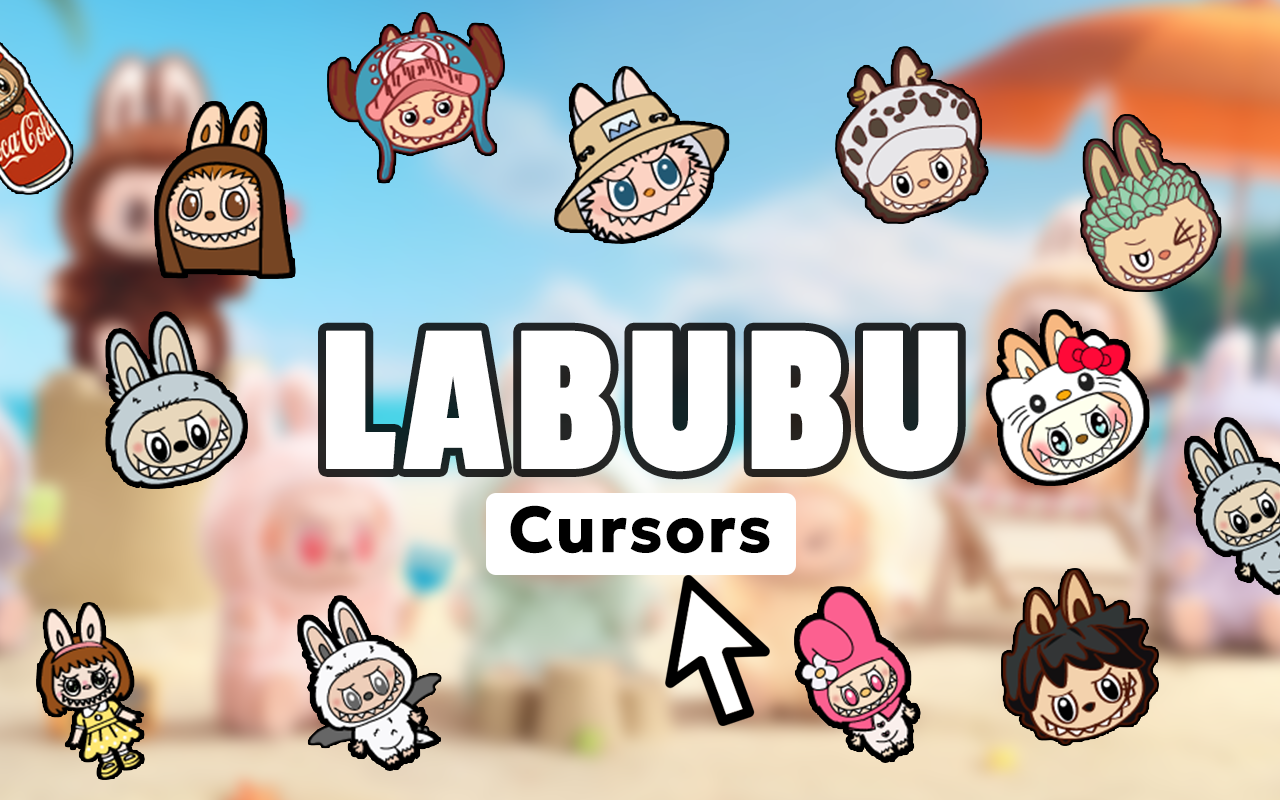
The Labubu cursor for Chrome is a browser extension that replaces your standard mouse pointer with charming, detailed designs inspired by Pop Mart’s iconic Labubu character. Whether you know Labubu from The Monsters collectible series, blind box drops, or social media unboxings, this extension brings that same whimsical energy directly to your desktop browsing. Every click, hover, and scroll becomes a small celebration of the art toy culture that millions of collectors around the world have fallen in love with.
Key Features of the Labubu Cursor Extension
Complete Labubu Cursor Collection
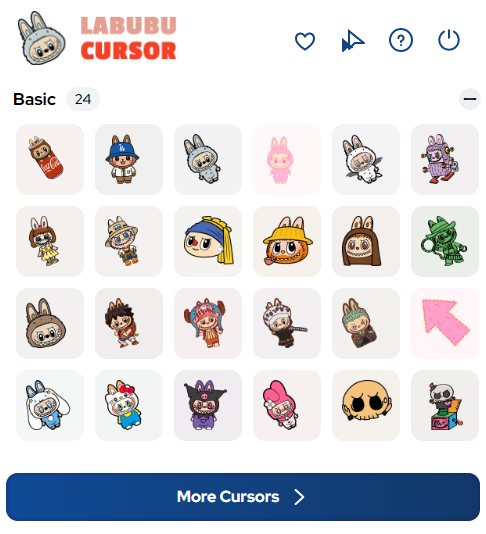
The extension includes a wide range of cursor designs featuring Labubu in different outfits, seasonal themes, and collaboration styles. You’ll find designs inspired by The Monsters family members, chase figures, and iconic Pop Mart aesthetics, so there’s always something new to set as your pointer.
Premium Art Toy Graphics
Each cursor is crafted with high attention to detail, capturing Labubu’s signature elf-like ears, wide toothy grin, and the distinctive vinyl figure aesthetic. The graphics are crisp and vibrant, ensuring your cursor stands out on any background without looking pixelated or blurry.
Adjustable Cursor Size
A built-in size slider lets you scale your Labubu cursor up or down to match your screen resolution and personal comfort. Whether you’re on a large monitor or a compact laptop display, you can fine-tune the cursor dimensions for the best visual experience.
Favorites System
Save your preferred Labubu cursor designs to a dedicated favorites list so you can switch between them instantly without scrolling through the entire collection. This is especially useful for collectors who rotate their cursors to match seasonal drops or specific themes they’re currently obsessed with.
Lightweight and Performance-Friendly
The extension is built to run efficiently in the background without slowing down your browser or eating up memory. You can keep multiple marketplace or collector community tabs open at the same time without worrying about lag or performance drops caused by the cursor extension.
Easy Toggle On and Off
A simple one-click toggle lets you switch between your custom Labubu cursor and your default system pointer whenever you need to. This makes the extension practical for both casual browsing sessions and more focused tasks where you might prefer a standard cursor.
How to Install the Labubu Cursor Extension
- Open the Chrome Web Store and search for “Labubu Cursor.”
- Click the “Add to Chrome” button on the extension listing page.
- Confirm the installation when Chrome prompts you to add the extension.
- Once installed, click the Labubu Cursor icon in your Chrome toolbar to open the extension panel.
- Browse the available cursor designs and click on any design to activate it as your pointer.
- Use the size slider to adjust the cursor to your preferred dimensions.
- Use the favorites feature to save designs you want to return to quickly.
Why Labubu Collectors and Art Toy Fans Love It
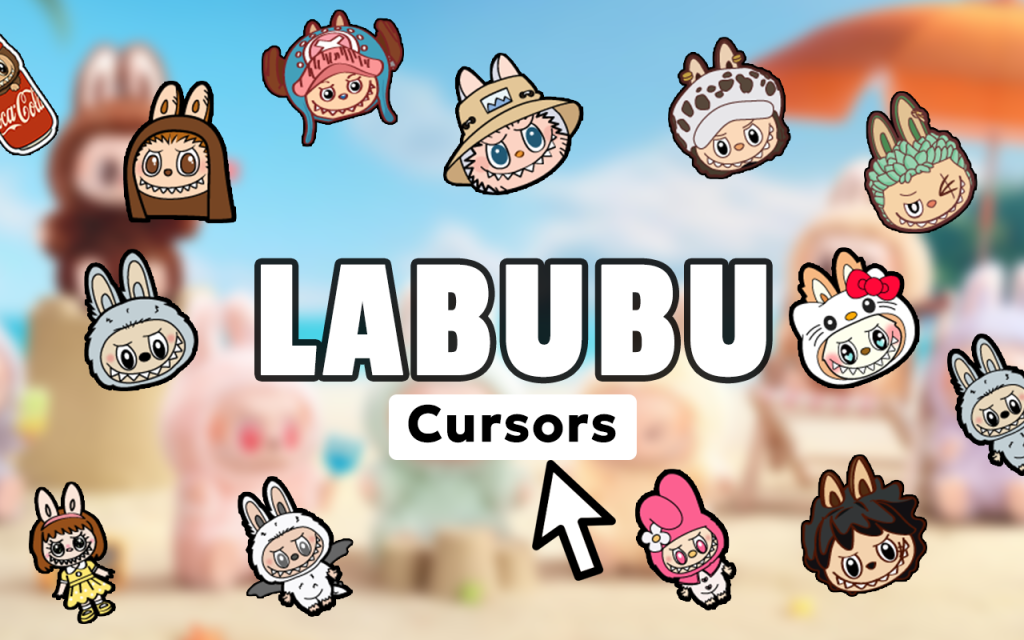
For people deeply invested in the world of designer toys and blind box culture, every detail of their digital space matters just as much as their physical collection shelf. The Labubu cursor extension gives collectors a way to express that passion in a place they spend hours every day — their browser. Whether you’re browsing resale platforms for rare variants, chatting in collector communities, or watching unboxing videos, the cursor keeps the Labubu spirit alive on screen. It’s a small touch that makes a big difference to anyone who genuinely loves these characters and the culture surrounding them. Fans of The Monsters series in particular appreciate seeing familiar faces like Labubu represented in a fresh, interactive format that goes beyond static wallpapers or profile pictures.
Screenshots
Frequently Asked Questions
Does this extension work on all websites in Chrome?
Yes, the Labubu cursor extension applies your custom pointer across virtually all websites you visit in Chrome, with the exception of certain browser system pages like the Chrome settings or new tab page where extensions have limited access.
Will the extension slow down my browser?
No. The extension is designed to be lightweight and has minimal impact on browser performance. It runs efficiently even when you have many tabs open at once.
Can I use more than one cursor design at the same time?
You can only have one active cursor at a time, but you can switch between designs instantly using the favorites system or by selecting a new one from the collection panel.
Is this extension officially affiliated with Pop Mart?
This is a fan-made browser extension created for enthusiasts of the Labubu and The Monsters art toy aesthetic. It is not officially produced or endorsed by Pop Mart.
How do I remove the extension if I no longer want it?
You can uninstall the extension by right-clicking the Labubu Cursor icon in your Chrome toolbar and selecting “Remove from Chrome,” or by going to Chrome’s extension management page and clicking the remove option there.
If you’re a Labubu fan looking to bring a little collectible magic to your daily browsing, this cursor extension is one of the easiest and most enjoyable ways to do it. Install it today and let every click reflect your love for art toys and the wonderful world of Pop Mart collectibles.





