
What Is the LEGO Cursor for Chrome?
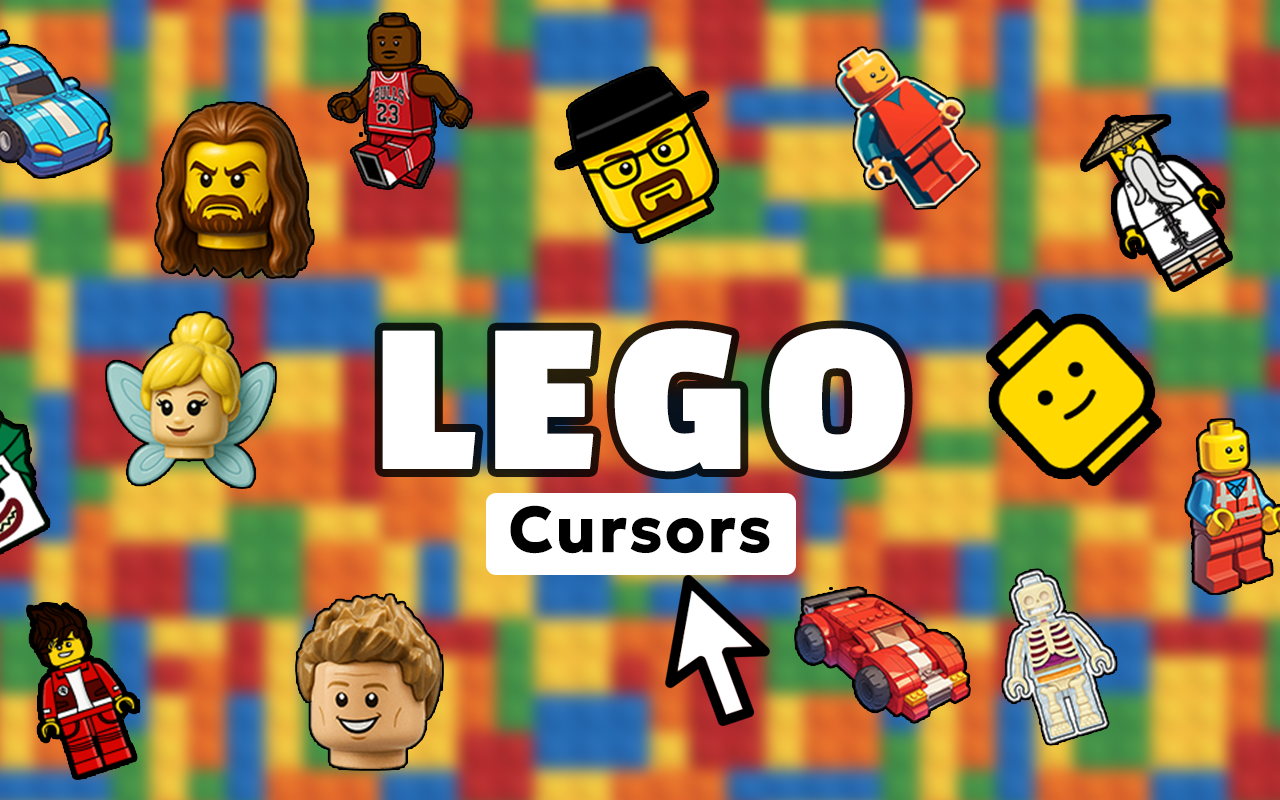
The LEGO cursor for Chrome is a browser extension that replaces your default mouse pointer with colorful designs inspired by one of the world’s most beloved toy brands. Whether you’re a lifelong fan of classic brick sets, an AFOL (Adult Fan of LEGO), or a parent introducing your kids to the joy of building, this extension brings that familiar construction aesthetic directly into your everyday browsing. From iconic studs and minifigure characters to themed elements from City, Technic, Star Wars, and Harry Potter sets, your cursor becomes a small but delightful tribute to LEGO creativity.

Key Features of the LEGO Cursor Extension
Extensive LEGO-Themed Cursor Collection
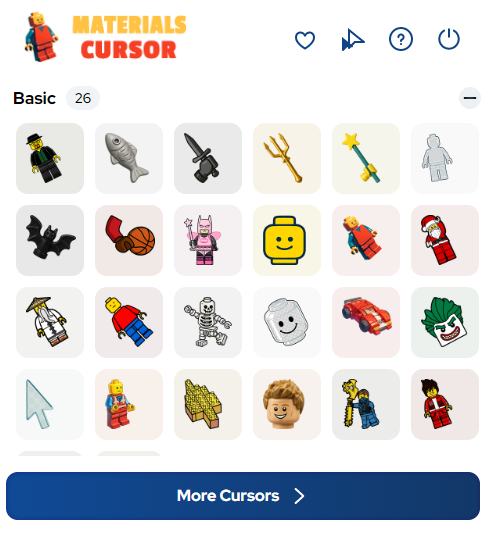
The extension includes a wide variety of cursor designs drawing from LEGO’s rich visual history. You’ll find classic bricks in multiple colors, recognizable minifigure styles, building plates, specialty pieces, and themed elements spanning decades of iconic sets — all packaged in one easy-to-use collection.
High-Quality Brick Graphics
Each cursor is designed with sharp, vibrant visuals that accurately reflect the look and feel of real LEGO elements. The proportions, colors, and that distinctive clutch-power aesthetic are all carefully preserved so every cursor feels like a genuine nod to the original product.
Adjustable Cursor Size
You can fine-tune the size of your cursor using a simple slider to match your screen size and personal preference. Whether you’re working on a compact laptop or a large desktop monitor, the cursor stays clearly visible and well-proportioned at any scale.
Favorites System
Save the cursor designs you love most and access them instantly without scrolling through the full collection each time. This is especially useful if you like to switch between different LEGO themes depending on your mood or the site you’re browsing.
Zero Performance Impact
The extension is lightweight and built to run efficiently in the background without slowing down your browser. You won’t notice any lag or resource drain — just a more fun cursor every time you move your mouse.
Easy On/Off Toggle
Switching back to your default system cursor takes a single click, making it effortless to flip between your LEGO-themed pointer and the standard arrow whenever the situation calls for it. No settings menus, no hassle.
How to Install the LEGO Cursor Extension
- Open the Chrome Web Store and search for “LEGO Cursor.”
- Click the extension listing and select “Add to Chrome.”
- Confirm the installation when prompted by your browser.
- Once installed, click the LEGO Cursor icon in your Chrome toolbar.
- Browse the cursor collection and click any design to activate it.
- Use the size slider to adjust the cursor to your preferred dimensions.
- Start browsing — your new LEGO-themed pointer is ready to go.
Why LEGO Fans and Collectors Love This Extension
LEGO enthusiasts spend a significant amount of time online — browsing set releases, reading build instructions, shopping on the official store, discussing MOC (My Own Creation) projects in community forums, and watching speed builds on video platforms. This extension turns every one of those sessions into a slightly more immersive experience. Rather than a plain arrow, your cursor reflects the passion you already bring to the hobby. It’s a small detail that AFOL communities and young builders alike have embraced as a fun way to personalize their digital space. Parents also appreciate it as a way to make browsing feel more engaging for kids who are just discovering their love of LEGO building.
Screenshots
Frequently Asked Questions
Does this extension work on all websites?
The LEGO cursor works on the vast majority of websites you visit in Chrome. A small number of browser system pages, such as the Chrome settings screen or the New Tab page (depending on your setup), may not display the custom cursor due to browser-level restrictions.
Will this extension slow down my browser?
No. The extension is optimized to use minimal system resources. It runs quietly in the background and has no measurable impact on page load times or overall browser performance.
Can I switch back to my regular cursor at any time?
Yes, absolutely. The extension includes a simple toggle that lets you revert to your default system cursor instantly. You can re-enable your LEGO cursor just as quickly whenever you want it back.
Is the cursor collection updated with new designs?
The collection is periodically expanded to include new LEGO themes and designs. Keeping the extension updated through Chrome ensures you always have access to the latest additions.
Is this extension free to use?
Yes, the LEGO cursor extension is free to install and use. The full cursor collection is available without any subscription or in-app purchases required.
If you’re a LEGO fan looking to add a personal touch to your time online, this extension is one of the easiest and most enjoyable ways to do it. Install it today and let your cursor reflect the builder in you.





