
What Is My Melody Cursor for Chrome?
The My Melody cursor for Chrome is a browser extension that replaces your default mouse pointer with adorable designs inspired by Sanrio’s beloved pink bunny character. First introduced by Sanrio in 1975, My Melody has charmed fans worldwide with her gentle personality, signature pink hood, and wholesome aesthetic. This extension brings that timeless kawaii sweetness directly to your browsing experience, so every scroll, click, and hover feels a little more magical. Whether you’re a lifelong Sanrio collector or just discovering the world of kawaii, this extension is a simple and delightful way to personalize your browser.

Key Features of the My Melody Cursor Extension
Complete My Melody Cursor Collection
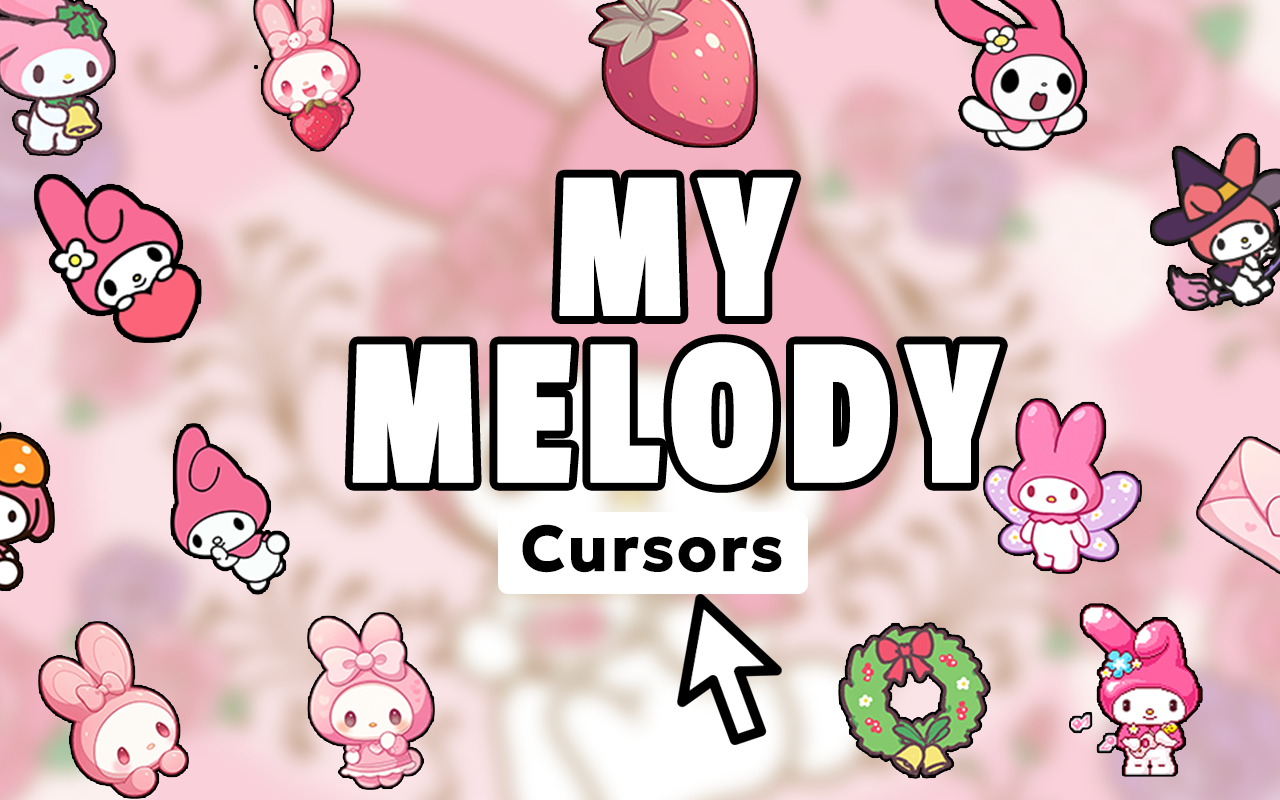
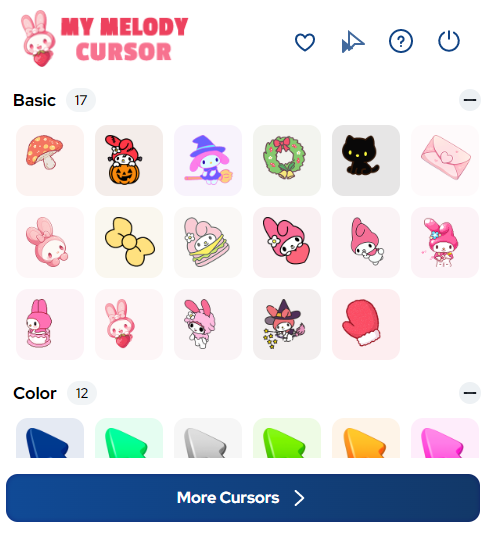
The extension includes a wide range of cursor designs featuring My Melody in various poses and themes. You’ll find her iconic hood with the signature flower detail, her lamb friend My Sweet Piano, strawberries, pastel hearts, baking scenes, forest elements, and much more — all crafted to reflect her kind and innocent character.
High-Quality Sanrio-Inspired Graphics
Each cursor is designed with soft lines, pastel colors, and fine detail that stay true to the classic Sanrio art style. The graphics are crisp at any size, so your cursor always looks polished whether you’re on a small laptop screen or a large desktop monitor.
Customizable Cursor Size
A built-in size slider lets you adjust the cursor dimensions to suit your comfort and screen setup. Whether you prefer a subtle small pointer or a bold larger icon, the extension adapts without any loss of quality or charm.
Favorites System
Mark your most-loved My Melody cursor designs as favorites so you can access them instantly without scrolling through the full collection. This is especially handy if you like switching between different themes to match your mood or the season.
Zero Performance Impact
The extension is lightweight and built to run quietly in the background without slowing down your browser. Pages load just as fast, tabs stay responsive, and your system resources are barely touched — all so the only thing you notice is the cuteness.
Easy Toggle On and Off
Need to switch back to your default cursor for a presentation or a specific task? The on/off toggle makes it quick and effortless. You can flip between your My Melody cursor and the standard pointer in seconds, then switch right back when you’re ready.
How to Install the My Melody Cursor Extension
- Open the Chrome Web Store and search for “My Melody Cursor.”
- Click the extension listing and select “Add to Chrome.”
- Confirm the installation when prompted by your browser.
- Once installed, click the My Melody Cursor icon in your Chrome toolbar.
- Browse the cursor collection and select your favorite design.
- Use the size slider to adjust the cursor to your preferred dimensions.
- Start browsing and enjoy the kawaii sweetness with every click.
Why Sanrio and Kawaii Fans Love This Extension
My Melody has a dedicated fanbase that spans decades and generations. Fans who grew up with her plush toys, stationery, and animated series now want to carry that affection into their digital lives. This extension gives them a simple, non-intrusive way to do exactly that. Kawaii culture enthusiasts also appreciate how the pastel designs and soft aesthetic create a calming, pleasant visual experience during long browsing sessions. It’s a small customization with a big emotional payoff — the kind of thing that makes your computer feel genuinely yours. Collectors, anime fans, and anyone who values thoughtful design will find real joy in having My Melody at their fingertips throughout the day.
Screenshots
Frequently Asked Questions
Does the My Melody cursor work on all websites?
The cursor works on the vast majority of websites you visit in Chrome. A small number of browser system pages or certain secured web environments may revert to the default pointer, but these exceptions are rare in everyday browsing.
Will this extension slow down my browser?
No. The extension is intentionally built to be lightweight. It uses minimal memory and CPU, so your browsing speed and overall browser performance are not affected during normal use.
Can I use more than one cursor design?
You can switch between any of the available designs whenever you like. The favorites system also makes it easy to bookmark your top choices and rotate between them quickly without hunting through the full collection each time.
Is the extension free to use?
The core cursor functionality is available for free. Some additional premium designs or advanced features may require an upgrade, but you can start enjoying My Melody cursors right away without any cost.
Does the extension collect any personal data?
The extension does not collect personal information or track your browsing activity. It functions purely as a visual customization tool and operates locally within your browser.
If you’re ready to add a touch of Sanrio sweetness to your daily browsing, the My Melody cursor extension is waiting for you. Install it today and let every click carry a little more kindness.






it didn’t work..
Lovely just don’t know how to download it lol!
Download Links will be added in few week.