
What Is the Peanuts Cursor Extension?
The Peanuts cursor for Chrome is a browser extension that replaces your default mouse pointer with hand-crafted cursor designs inspired by Charles M. Schulz’s beloved comic strip. From Snoopy and Charlie Brown to Woodstock, Lucy, and Linus, every cursor in the collection celebrates the timeless characters and moments that have made Peanuts a cultural institution for over seventy years. Whether you grew up reading the Sunday strips or rediscovered the gang through holiday specials, this extension is a simple, joyful way to bring that nostalgia into your daily browsing.

Key Features of the Peanuts Cursor
Complete Peanuts Character Collection
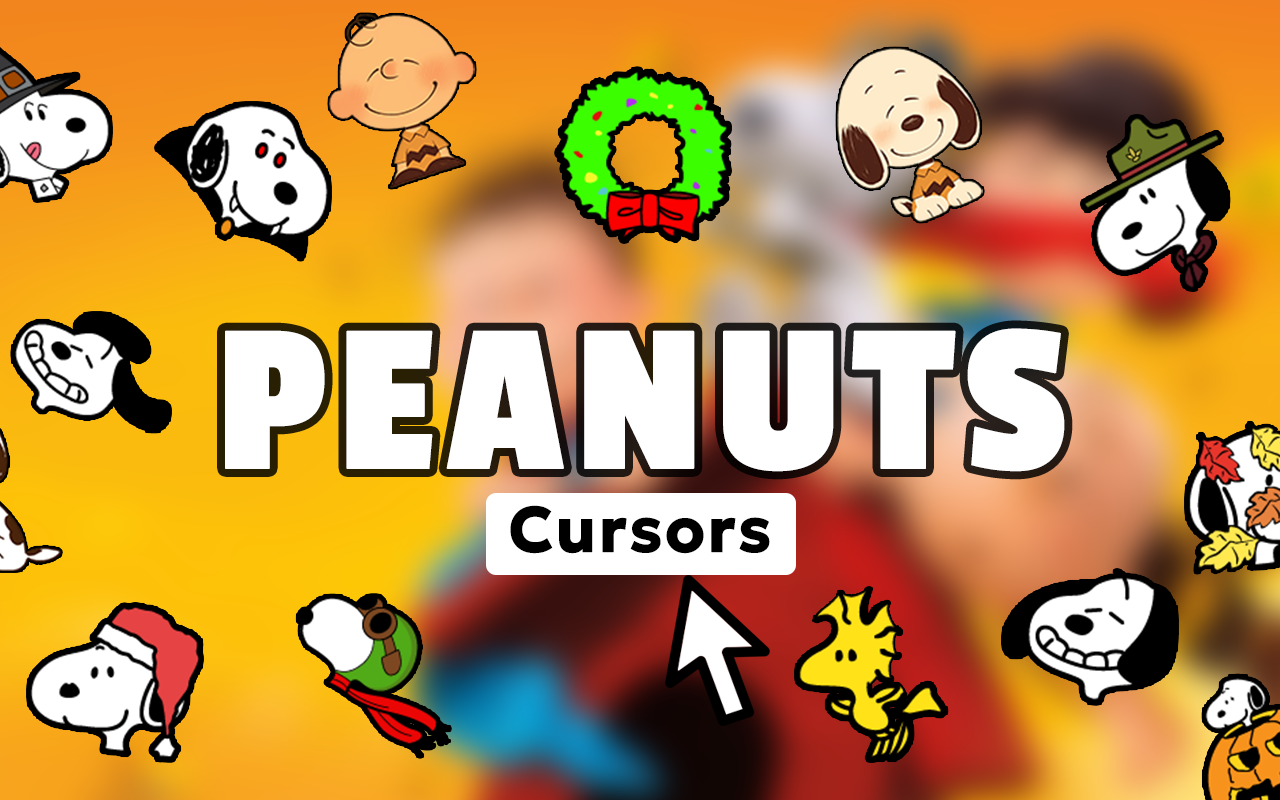
The extension includes a wide range of cursor designs covering the full cast of Peanuts characters. You’ll find Snoopy in multiple personas — including the World War I Flying Ace and Joe Cool — alongside Charlie Brown in his iconic zigzag shirt, Woodstock, Lucy at her psychiatric booth, Linus clutching his blanket, Schroeder’s piano, and many more beloved references from the strip’s long history.
Authentic Comic Strip Art Style
Each cursor is designed to reflect Schulz’s distinctive minimalist linework and clean character silhouettes. The graphics stay true to the original comic aesthetic rather than using modern reinterpretations, making these cursors feel genuinely nostalgic rather than generic.
Adjustable Cursor Size
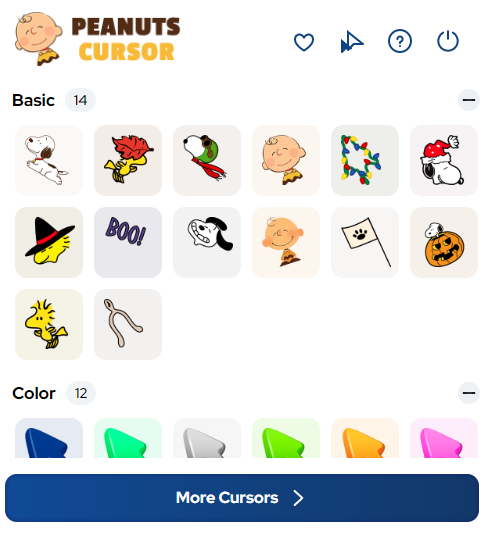
A built-in size slider lets you scale your cursor up or down to suit your screen resolution and personal comfort. This is especially useful if you’re browsing on a large monitor or prefer a more prominent pointer while reading digital content.
Favorites System
You can mark your preferred cursor designs as favorites for quick access without scrolling through the entire collection each time. This makes switching between characters fast and convenient, whether you want Snoopy on Mondays and Charlie Brown on Fridays.
Zero Performance Impact
The extension is built to be lightweight and runs without slowing down your browser or consuming noticeable memory. You won’t experience lag, crashes, or background processes — just a clean visual upgrade to your cursor.
Easy On/Off Toggle
Switching back to your default system cursor takes a single click from the extension toolbar icon. This makes it easy to disable the custom cursor temporarily when you need a more neutral environment, such as during work presentations or video calls.
How to Install the Peanuts Cursor
- Open the Chrome Web Store and search for Peanuts Cursor.
- Click the Add to Chrome button on the extension listing page.
- Confirm the installation prompt when Chrome asks for permission.
- Once installed, click the Peanuts Cursor icon in your browser toolbar.
- Browse the cursor collection and click any design to activate it immediately.
- Use the size slider to adjust the cursor to your preferred scale.
- Mark your favorites for easy access and enjoy your classic comic browsing experience.
Why Peanuts Fans Love This Extension
For long-time fans of the comic strip, this extension is a small but meaningful way to keep Peanuts present in everyday life. The characters carry real emotional weight — Charlie Brown’s resilience, Snoopy’s imagination, Linus’s quiet wisdom — and seeing them as part of your browser interface is a genuine source of comfort and nostalgia. Collectors, educators who use Peanuts in classrooms, and anyone who simply grew up with the strip will find this extension a charming and unobtrusive addition to their Chrome setup. It requires no configuration beyond the initial install and stays out of the way while still adding personality to every page you visit.
Screenshots
Frequently Asked Questions
Is the Peanuts Cursor extension free to use?
Yes, the extension is available for free from the Chrome Web Store. You can access the full collection of cursor designs without any paid subscription or in-app purchases.
Will this extension slow down my browser?
No. The extension is intentionally lightweight and has no measurable impact on browser speed or memory usage. It runs passively in the background without executing complex scripts.
Can I use this cursor on any website?
The custom cursor works across virtually all websites you visit in Chrome. In rare cases, certain web applications may override custom cursors with their own interface settings, but this is uncommon.
How many cursor designs are included?
The collection features multiple designs spanning the major Peanuts characters and iconic strip moments. New designs may be added in future updates to the extension.
Does the extension work on Chromebooks?
Yes, since the extension runs within the Chrome browser itself, it is fully compatible with Chromebooks as well as Windows and macOS devices running Chrome.
If you’re a Peanuts fan looking for a fun, low-effort way to personalize your browser, the Peanuts Cursor extension is well worth adding to your Chrome setup. Search for it in the Chrome Web Store and give your mouse pointer a little classic comic character.





