
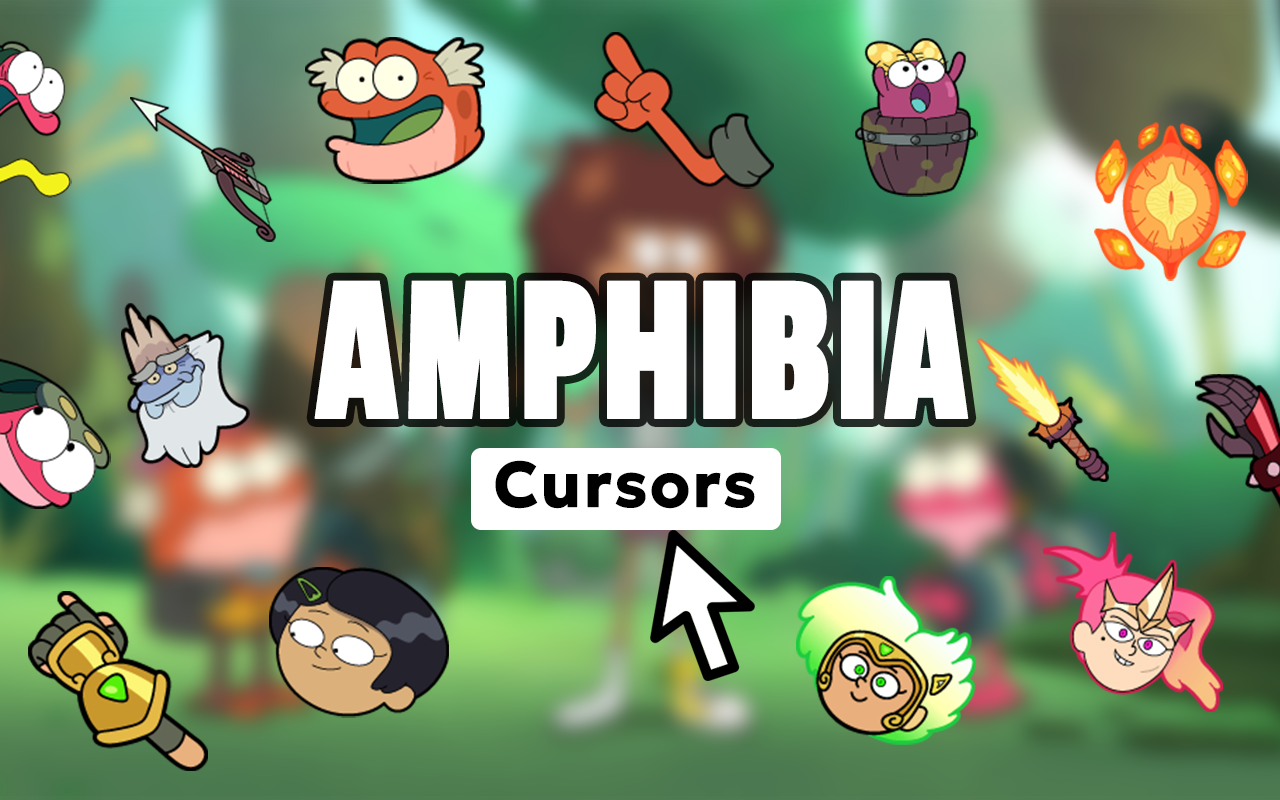
The Amphibia cursor for Chrome lets you replace your default mouse pointer with vibrant, character-themed designs straight from Disney’s beloved animated series. Whether you’re a longtime fan of Anne Boonchuy’s frog-world adventures or just discovered the show, this extension adds a fun and personal touch to every browsing session.
What Is the Amphibia Cursor Extension?
The Amphibia Cursor is a Chrome browser extension that swaps your standard mouse pointer with custom-designed cursors featuring characters and elements from Disney’s Amphibia. The show follows Anne Boonchuy, a teenager transported to a world of talking frogs and magical mysteries, and this extension brings that colorful world directly to your screen. It works silently in the background, replacing your cursor across every tab without affecting browser speed or performance.
Key Features of the Amphibia Cursor Extension
Large Library of Amphibia Cursor Designs
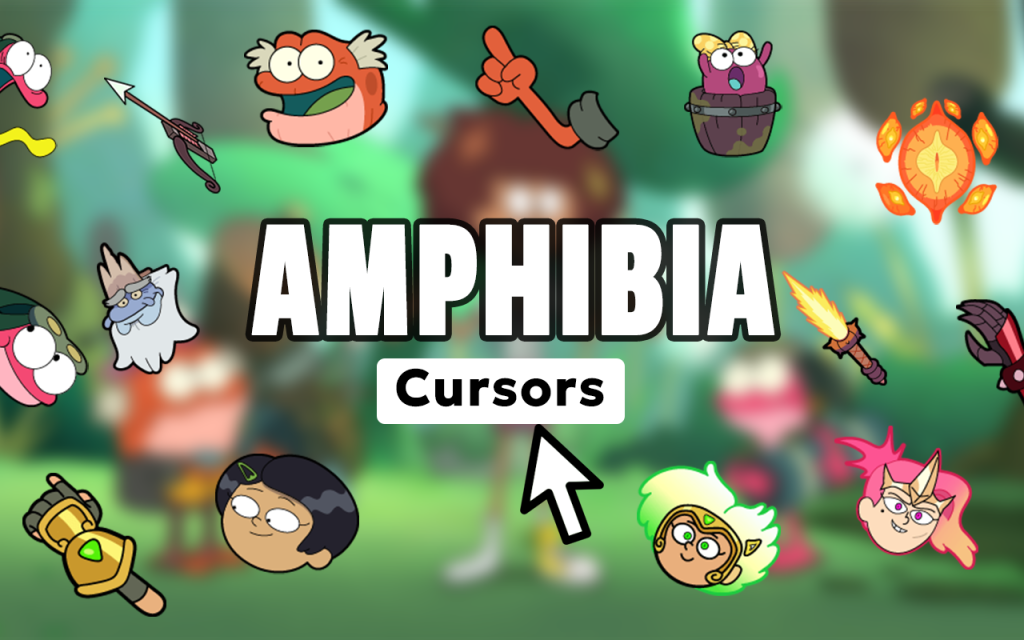
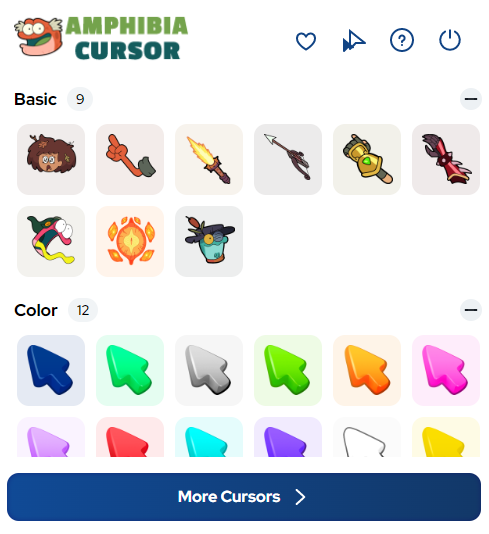
The extension includes a wide selection of cursor styles featuring fan-favorite characters such as Anne Boonchuy, Sprig Plantar, Polly Plantar, Hop Pop, Marcy Wu, and Sasha Waybright. You’ll also find swamp-themed cursors, magical gem designs, and frog-inspired artwork that captures the show’s unique visual identity. There’s something for every type of Amphibia fan in the collection.
High-Definition Artwork
Each cursor is crafted in sharp, high-resolution detail that stays crisp on any screen size or display type. The color palette and linework closely match the show’s distinctive animation style, so the designs feel authentic rather than like generic fan art. These aren’t rough sketches — they’re polished visuals worth showing off.
Adjustable Cursor Size
A built-in size slider lets you scale your cursor up or down to fit your preferences and screen setup. Larger cursors are easier to track on wide monitors, while smaller ones suit users who prefer a cleaner, more minimal look. The adjustment takes effect instantly without needing to reload any pages.
Favorites System
Mark your most-used cursor designs as favorites so they’re always just one click away. This is especially handy if you like switching between a few different characters depending on your mood or the time of day. The favorites panel keeps your top picks organized and easy to access without scrolling through the full library.
Zero Browser Slowdown
The extension is built to be lightweight, meaning it won’t consume extra memory or cause lag while you browse. It runs quietly in the background and has no noticeable effect on page load times or Chrome’s overall performance. You get full customization without any trade-offs in speed.
Easy On/Off Toggle
Sometimes you need your default cursor back — for a presentation, a video call, or just a preference change. The extension includes a simple toggle that switches between your Amphibia cursor and the system default in seconds. No settings menus, no reinstalling — just a quick click.
How to Install the Amphibia Cursor Extension
- Open the Chrome Web Store and search for “Amphibia Cursor.”
- Click the “Add to Chrome” button on the extension page.
- Confirm the installation when prompted by Chrome.
- Once installed, click the Amphibia Cursor icon in your browser toolbar.
- Browse the cursor library and click any design to activate it.
- Use the size slider to adjust your cursor to your preferred dimensions.
- Start browsing with your new Amphibia-themed cursor active across all tabs.
Why Amphibia Fans Love This Extension
Fans of the show appreciate small ways to keep the Amphibia world present in their everyday life, and this extension delivers exactly that. Rather than just rewatching episodes or following fan accounts, you get a subtle but constant reminder of the series every time you move your mouse. It’s especially popular among younger viewers, Disney Channel fans, and animation enthusiasts who enjoy personalizing their digital space. The character variety also means you can match your cursor to your favorite part of the show — whether that’s the main trio, the Plantars, or the magical gem storyline.
Screenshots
Frequently Asked Questions
Does the Amphibia cursor work on all websites?
Yes, the custom cursor is active across all standard websites you visit in Chrome. A small number of browser pages like the Chrome settings screen may revert to the system cursor, but this is a Chrome limitation and not specific to this extension.
Will this extension slow down my browser?
No. The extension is designed to be lightweight and runs with minimal resource usage. Most users report no difference in browsing speed after installing it.
Can I use multiple cursor designs?
You can only have one cursor active at a time, but switching between designs is quick. Using the favorites feature makes it easy to cycle between your preferred options without searching the full library each time.
Is the extension free to use?
The core cursor library is free to access after installation. Some collections may include premium designs depending on updates, but the majority of Amphibia cursors are available at no cost.
Does it work on all versions of Chrome?
The extension is compatible with modern versions of Chrome on Windows, macOS, and Chromebook. Keeping your browser updated ensures the best experience and access to the latest cursor designs.
If you’re an Amphibia fan looking for a simple, fun way to personalize your browser, the Amphibia Cursor extension is worth adding to your Chrome setup. Install it today and bring a little swamp magic to every click.





