What Is the Tokidoki Cursor for Chrome?
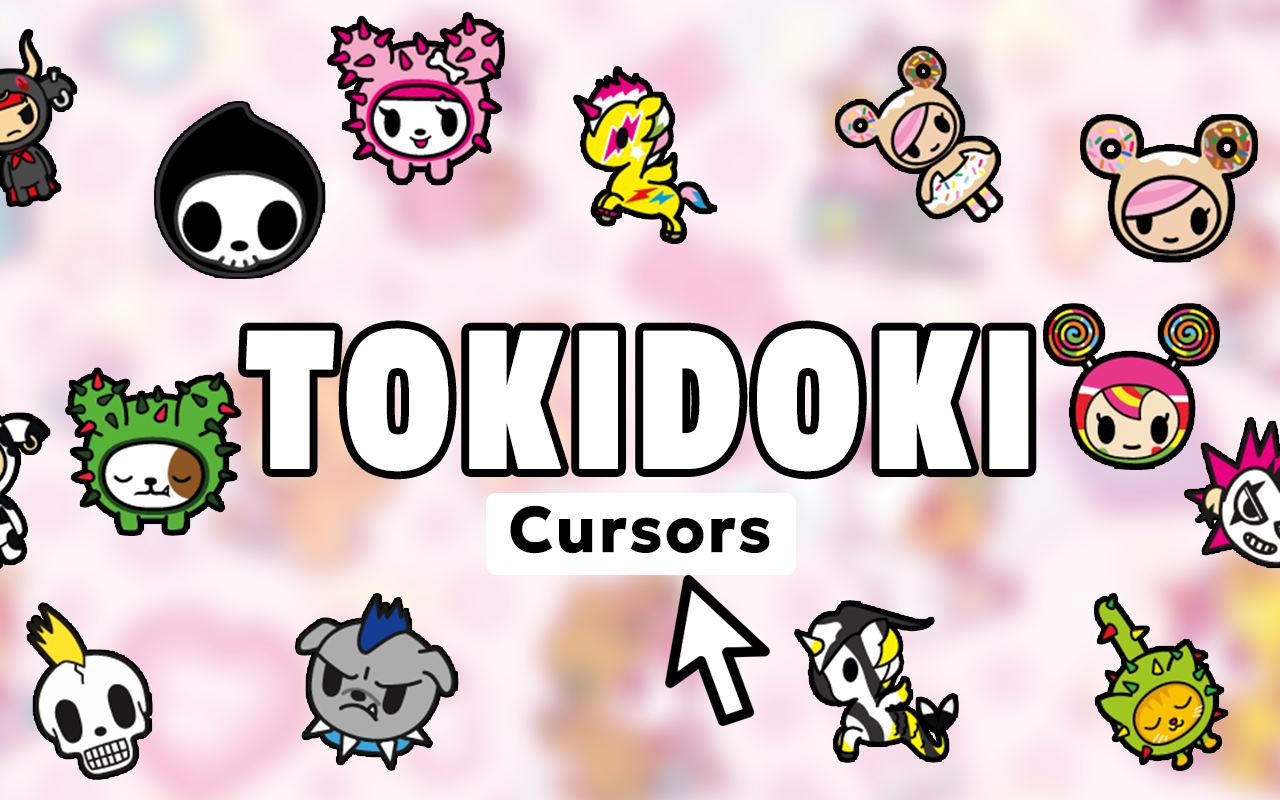
The Tokidoki cursor for Chrome is a browser extension that replaces your default mouse pointer with whimsical, character-driven designs inspired by Simone Legno’s globally beloved Tokidoki universe. From Stellina the mermaid unicorn to Donutella, Unicorno, Cactus Friends, and Moofia milk cartons, this extension brings the distinctive Italian-Japanese kawaii fusion art style directly to your everyday browsing experience. Whether you’re a longtime collector, a designer toy enthusiast, or simply someone who appreciates bold, colorful character art, this extension is built for you.

Key Features of the Tokidoki Cursor Extension
Complete Tokidoki Character Collection
The extension includes a wide range of cursor designs pulled from across the Tokidoki brand universe. You’ll find fan-favorite characters like Unicorno with rainbow manes, SANDy the beach bear, Mermicorno ocean unicorns, Sushi characters, and many more, alongside iconic design elements like lightning bolts, stars, and hearts that define the Tokidoki aesthetic.
Crisp, Designer-Quality Graphics
Each cursor is rendered with sharp, vibrant visuals that faithfully capture the bold color palettes and distinctive line work associated with Tokidoki’s art style. The designs look clean across all screen resolutions, so you get a polished look whether you’re on a standard HD display or a high-DPI monitor.
Adjustable Cursor Size
Not everyone prefers the same cursor dimensions, so the extension lets you scale your pointer to a comfortable size. This is especially useful if you’re using a larger display or simply want the character artwork to be more visible while navigating pages.
Favorites System for Quick Switching
With multiple cursor options available, the favorites system lets you pin your top picks for instant access. Instead of browsing through the full collection every time, you can save a shortlist of your preferred characters and swap between them in just a couple of clicks.
Lightweight with Zero Performance Impact
The extension is built to run efficiently in the background without slowing down your browser or consuming excessive memory. You get a fully personalized browsing experience without any noticeable impact on page load times or system resources.
Easy On/Off Toggle
There are moments when you need to switch back to your standard cursor, whether for professional settings or specific tasks. The toggle feature makes it simple to disable and re-enable the Tokidoki cursor instantly without uninstalling or adjusting any settings manually.
How to Install the Tokidoki Cursor Extension
- Open the Chrome Web Store and search for “Tokidoki Cursor.”
- Click the extension listing and select “Add to Chrome.”
- Confirm the installation when prompted by your browser.
- Once installed, click the Tokidoki Cursor icon in your Chrome toolbar to open the extension panel.
- Browse the full character collection and click on any design to set it as your active cursor.
- Use the size slider to adjust your cursor dimensions and save your favorites for quick access later.
Why Tokidoki Fans and Kawaii Art Lovers Enjoy This Extension
Tokidoki has built a passionate global fanbase over nearly two decades by combining Japanese kawaii sensibilities with an Italian art perspective that feels unlike anything else in the designer toy and lifestyle brand space. For fans who collect Unicorno blind boxes, follow Tokidoki collaborations, or simply love the brand’s visual identity, this cursor extension is a small but satisfying way to keep that love present throughout your daily browsing. It works seamlessly whether you’re shopping for new collectibles, organizing wishlists, or scrolling through community fan pages. The extension transforms an overlooked part of your interface — the cursor — into something that actually reflects your personality and interests.
Screenshots
Frequently Asked Questions
Is the Tokidoki Cursor extension free to use?
Yes, the extension is available as a free download from the Chrome Web Store. You can access the full character collection and core features without any paid subscription or in-app purchases.
Does this extension work on all websites?
The custom cursor works across virtually all websites you visit in Chrome. In rare cases, certain browser pages or system-level Chrome interfaces may display the default cursor instead, but standard web browsing is fully supported.
Will this extension slow down my browser?
No. The extension is designed to be lightweight and has a minimal footprint on browser performance. Most users will not notice any difference in browsing speed or responsiveness after installation.
Can I use multiple cursor designs or switch between them?
Absolutely. The extension lets you switch between any cursor in the collection at any time. You can also save favorites so your most-used designs are always just one click away.
Is the Tokidoki Cursor extension officially affiliated with the Tokidoki brand?
This extension is a fan-made tribute created to celebrate the Tokidoki universe and is not officially affiliated with or endorsed by Tokidoki LLC or Simone Legno.
If you’re ready to bring a little kawaii magic into your daily browsing routine, the Tokidoki Cursor for Chrome is a simple, fun, and completely free way to do it. Install it today and let your favorite characters follow you across the web.