The Toca Boca cursor extension for Chrome lets you replace your plain mouse pointer with vibrant, playful designs inspired by the beloved Toca Life universe. Whether you are a parent browsing kids’ content, a young fan of the games, or simply someone who loves colorful and creative digital experiences, this extension brings a touch of imaginative fun to every click and scroll.
What Is the Toca Boca Cursor Extension?
The Toca Boca Cursor is a lightweight Chrome browser extension that swaps your default cursor with custom-designed pointers inspired by the world of Toca Boca. The extension draws from the iconic visual style of Toca Life World, featuring recognizable characters, locations, items, and creative elements from across the Toca Boca app universe. It is designed to be simple enough for kids to use independently while offering enough variety to keep things fresh and fun over time.
Key Features
Complete Toca Boca Cursor Collection
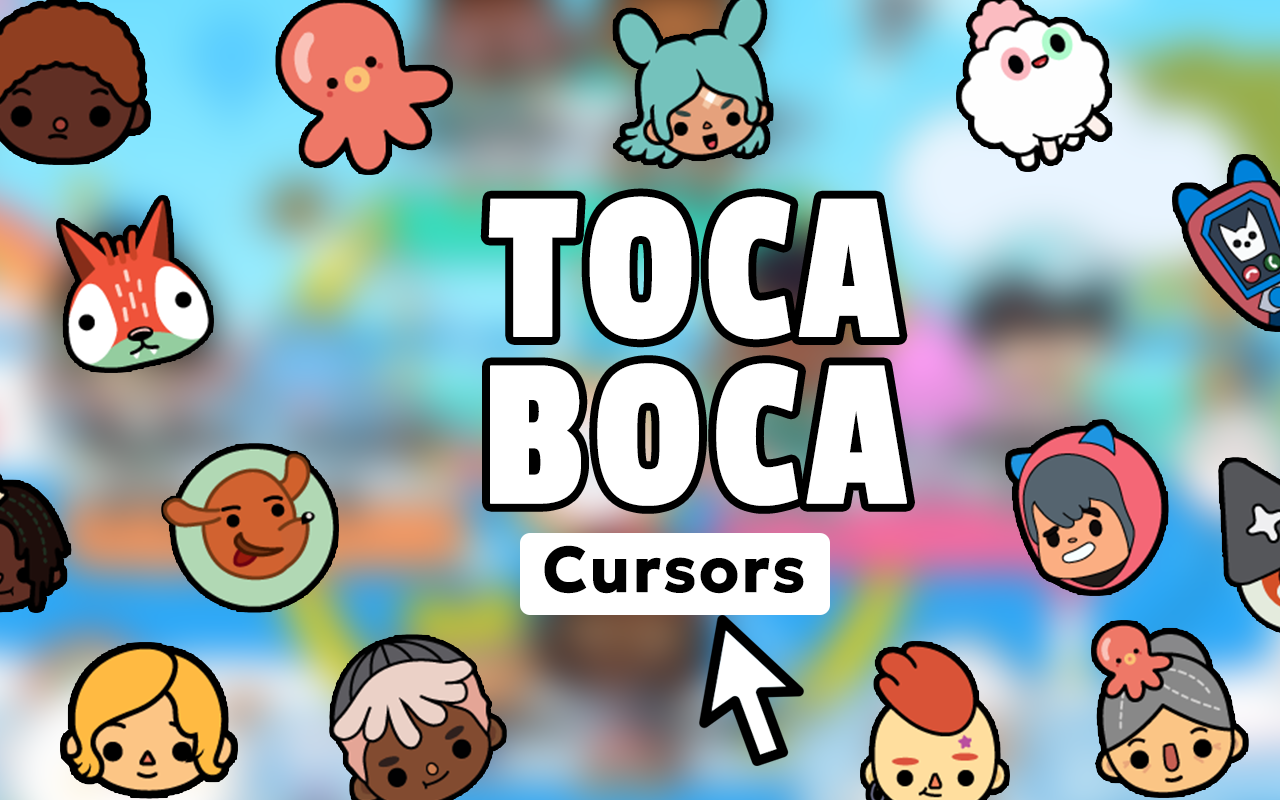
The extension includes a wide range of cursor designs featuring diverse Toca Life characters, iconic in-game locations like the hair salon, city, and hospital, plus items such as food, pets, clothing, and accessories. Every major corner of the Toca universe is represented, giving fans plenty of options to match their mood or favorite part of the game.
Colorful Kid-Friendly Graphics
Each cursor is crafted in the distinctive, inclusive art style that made Toca Boca a household name in children’s digital entertainment. The crisp, vibrant visuals look great on all screen sizes and stay true to the original character designs that millions of kids around the world recognize and love.
Adjustable Cursor Size
A built-in size slider lets you scale your cursor up or down to suit your screen resolution or personal preference. This is especially helpful for younger users who benefit from a larger, easier-to-track pointer during everyday browsing.
Favorites System
Mark your most-loved cursor designs as favorites so you can switch between them quickly without scrolling through the full collection every time. This feature is perfect for users who like rotating between a few go-to designs depending on what they are doing online.
Zero Performance Impact
The extension is built to be lightweight, meaning it will not slow down your browser or interfere with other tabs and extensions. It runs quietly in the background so you can enjoy a smooth browsing experience alongside your custom cursor.
Easy Toggle On and Off
A simple one-click toggle in the Chrome toolbar lets you instantly switch between the Toca Boca cursor and your system default. This is useful when you need precision for tasks like photo editing or when sharing your screen with others.
How to Install the Toca Boca Cursor
- Search for the Toca Boca Cursor extension in the Chrome Web Store.
- Click the Add to Chrome button and confirm the installation when prompted.
- Once installed, click the Toca Boca Cursor icon in your Chrome toolbar.
- Browse the cursor collection and click on any design to activate it.
- Use the size slider to adjust the cursor to your preferred dimensions.
- Star your favorite designs to save them for quick access later.
Why Kids and Toca Boca Fans Love It
Toca Boca has built its reputation on giving children a safe, open-ended space to explore and create without pressure or judgment. This cursor extension carries that same spirit into the browser. Kids feel a sense of ownership and personalization when their favorite character follows their every move on screen, and parents appreciate that the extension is simple, safe, and entirely cosmetic with no in-app purchases or data collection concerns. For older fans and creative gaming enthusiasts, it is a small but satisfying way to show appreciation for a brand that shaped a generation of digital play.
Screenshots
Frequently Asked Questions
Does the Toca Boca Cursor work on all websites?
The cursor works on the vast majority of websites you visit in Chrome. Some browser-internal pages such as the New Tab page or Chrome settings may not display the custom cursor, but all standard web pages are fully supported.
Is this extension safe for children to use?
Yes. The extension is purely cosmetic and does not collect personal data, require account creation, or include any external links within the interface. It is designed with a family-friendly audience in mind.
Can I use multiple cursor designs at the same time?
Only one cursor design can be active at a time, but switching between saved favorites takes just a single click, making it easy to change things up whenever you like.
Will the cursor slow down my browser?
No. The extension is optimized to have minimal impact on browser performance. It uses very little memory and does not run background processes that would affect your browsing speed.
Does it work on Chromebooks?
Yes, the Toca Boca Cursor extension is compatible with Chromebooks running the Chrome browser, making it a great option for kids who use Chromebooks at home or school.
If you are ready to add some Toca Boca magic to your everyday browsing, this cursor extension is a quick and easy way to do it. Install it today and let your favorite Toca Life characters lead the way across every page you visit.