What Is the Powerpuff Girls Cursor?
The Powerpuff Girls cursor is a free Chrome extension that replaces your default mouse pointer with custom-designed cursors inspired by the iconic Cartoon Network series. From Blossom and Bubbles to Buttercup and the villainous Mojo Jojo, every cursor design captures the bold, colorful animation style that made Craig McCracken’s creation a beloved classic for over two decades. Whether you grew up watching the original series or discovered it through reruns and reboots, this extension is a fun way to bring a touch of Townsville to your everyday browsing.
The Powerpuff Girls Cursor

Key Features of the Powerpuff Girls Cursor Extension
Complete Character Cursor Collection
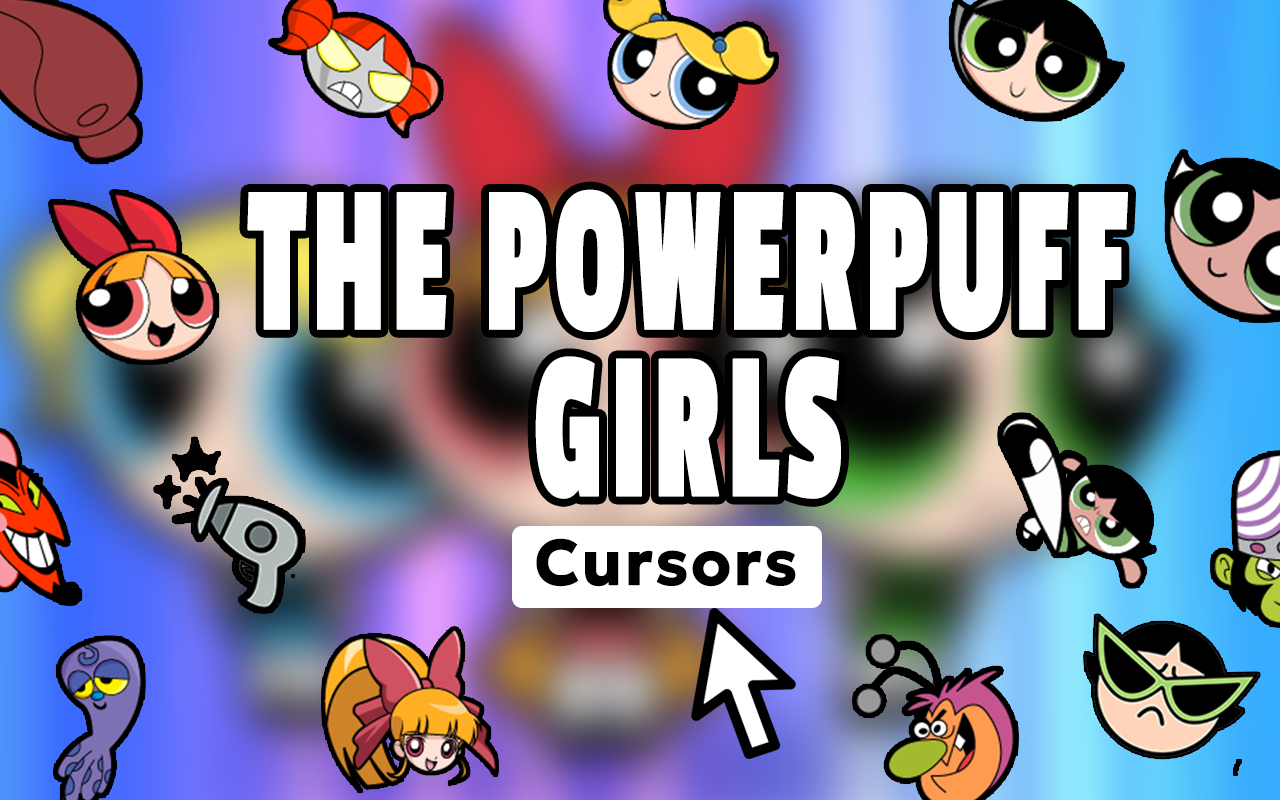
The extension includes cursor designs featuring the full cast of the series — Blossom the leader, Bubbles the sweetheart, Buttercup the fighter, Professor Utonium, Mojo Jojo, HIM, Fuzzy Lumpkins, Princess Morbucks, and more. You also get cursors inspired by iconic elements like Chemical X, the Townsville skyline, and memorable action poses from the show. There is something for every type of fan, whether you prefer the heroes or the villains.
Vibrant, True-to-Series Artwork
Each cursor is designed to match the distinctive thick-outlined, flat-color animation style that defines The Powerpuff Girls’ visual identity. The artwork is crisp and recognizable even at small sizes, so your cursor always looks sharp no matter what website you’re visiting.
Adjustable Cursor Size
You can resize the cursor to fit your personal preference or display setup. Larger sizes work great on high-resolution monitors, while smaller sizes keep things subtle without losing the character detail that makes each design special.
Favorites System for Quick Switching
The built-in favorites system lets you save your go-to cursor designs so you can switch between them instantly without browsing the full collection every time. This is especially handy if you like rotating between your favorite characters throughout the day.
Lightweight with Zero Browser Slowdown
The extension is built to be lightweight, meaning it runs quietly in the background without consuming significant memory or CPU resources. Your browser performance stays unaffected, so you get all the fun with none of the technical headaches.
Easy Toggle On and Off
A simple on/off toggle lets you switch back to your default system cursor whenever you need to. This makes the extension practical for everyday use, not just casual browsing sessions when you feel like showing off your Powerpuff Girls fandom.
How to Install the Powerpuff Girls Cursor
- Open the Chrome Web Store and search for the Powerpuff Girls Cursor extension.
- Click the “Add to Chrome” button and confirm the installation prompt.
- Once installed, click the Powerpuff Girls Cursor icon in your Chrome toolbar to open the extension.
- Browse the cursor collection and click any design to activate it immediately.
- Use the favorites feature to save designs you want to return to quickly.
- Toggle the extension on or off anytime using the switch inside the extension panel.
Why Powerpuff Girls Fans Love This Extension
Fans of the series appreciate this extension because it goes beyond a single novelty cursor — it offers a full collection that respects the source material. The character lineup covers not just the three main girls but also the supporting cast and recurring villains that made the show memorable. For people who collect Powerpuff Girls merchandise, follow fan communities, or simply rewatch the series regularly, having themed cursors is a small but genuinely satisfying way to keep the show present in daily life. The girl power message at the heart of the series also resonates strongly with users who connect with its themes of strength, teamwork, and confidence.
Screenshots
Frequently Asked Questions
Is the Powerpuff Girls cursor extension free to use?
Yes, the extension is completely free to install and use from the Chrome Web Store. No subscription or account is required to access the cursor collection.
Will this extension work on all websites?
The cursor works across most websites you visit in Chrome. On certain browser system pages, the custom cursor may not appear due to Chrome’s built-in restrictions, but this is a standard limitation for all cursor extensions.
Can I use multiple cursor designs or just one at a time?
You can only have one cursor active at a time, but switching between designs is quick and easy. The favorites system makes it simple to toggle between your preferred characters without searching through the full collection repeatedly.
Does the extension collect any personal data?
The extension is designed purely for cosmetic customization and does not collect, store, or transmit any personal browsing data. It functions entirely within your browser without requiring any login or permissions beyond basic cursor display.
Is this compatible with other Chrome extensions?
In most cases, the Powerpuff Girls cursor works alongside other Chrome extensions without any conflicts. If you use another cursor or theme extension simultaneously, you may need to disable one to avoid overlap.
If you are a fan of Blossom, Bubbles, Buttercup, or the wider Powerpuff Girls universe, this cursor extension is a simple and enjoyable way to personalize your Chrome browser. Install it today and bring a little Townsville heroism to every click.