
What Is the Brainrot Memes Cursor?
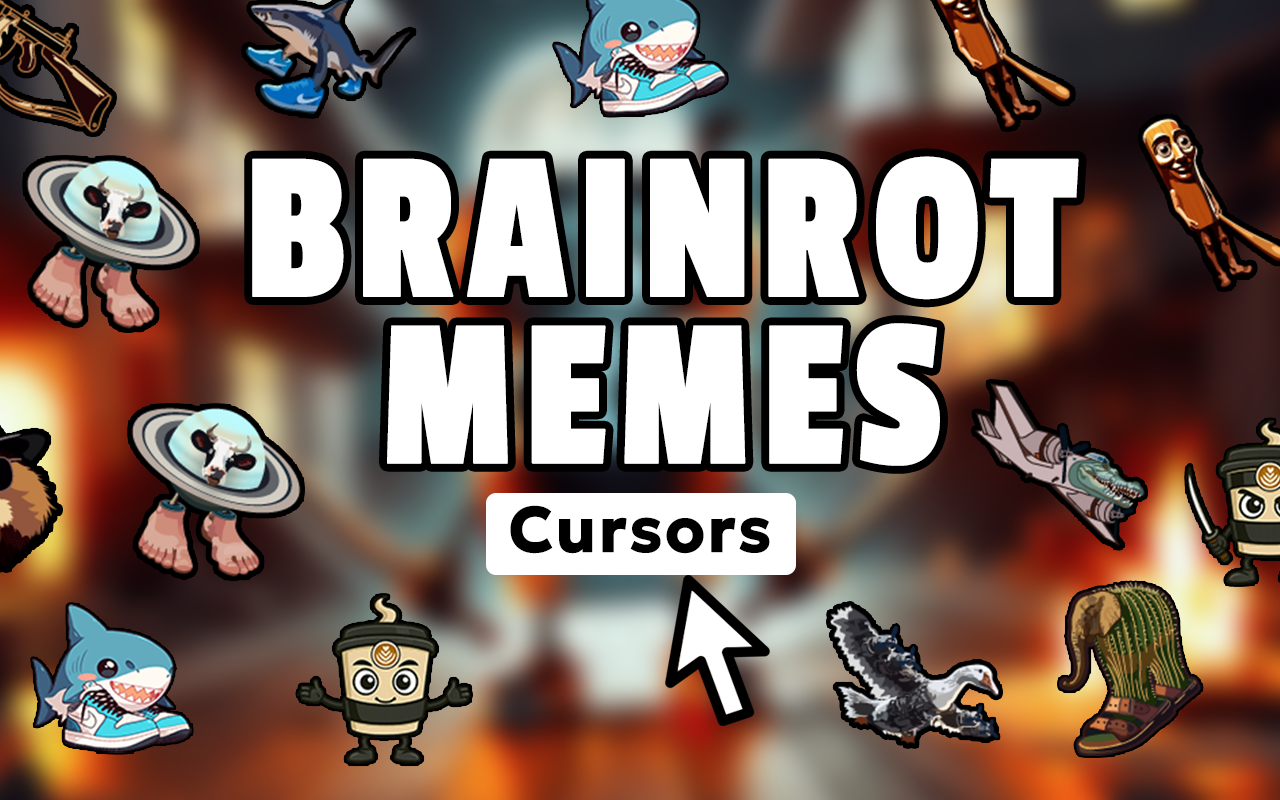
The brainrot memes cursor is a Chrome extension that replaces your default mouse pointer with chaotic, internet-culture-inspired designs drawn from the most viral meme trends online. Developed by TabPlugins, this extension brings skibidi toilet, sigma grindset, Ohio memes, NPC wojaks, fanum tax references, and other chronically online content directly to your cursor. If your screen time report has ever made you pause and reflect, this extension was made for you.
Key Features of the Brainrot Memes Cursor Extension
Massive Brainrot Cursor Collection
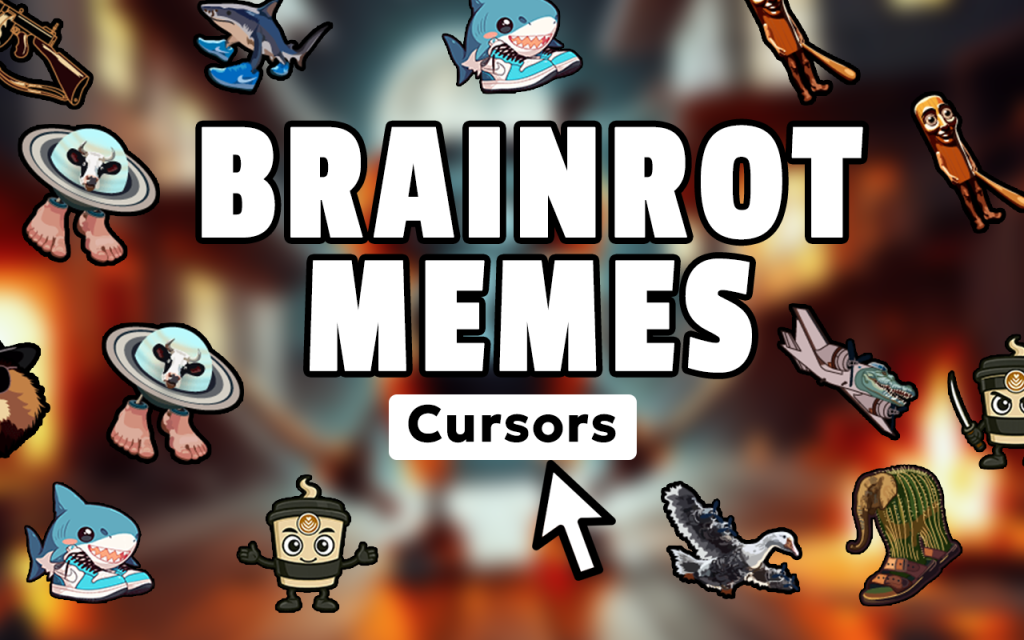
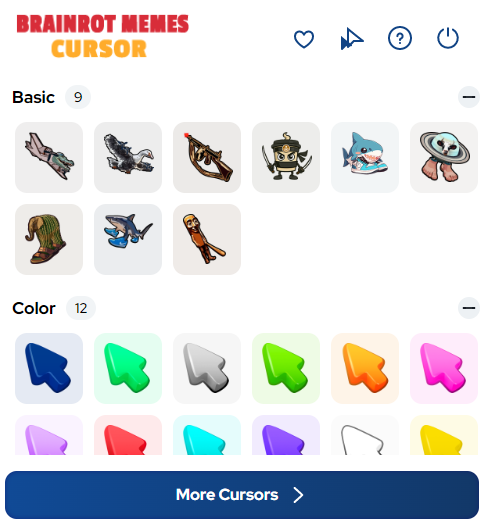
The extension includes a wide library of cursor designs built around the memes and cultural moments that define the current internet era. You’ll find everything from skibidi toilet and grimace shake references to gyatt reactions, rizz indicators, and sigma male symbols — all rendered as usable cursors you can actually browse with.
High-Quality Cursor Graphics
Every cursor in the collection is designed with crisp, clean visuals so the meme references remain recognizable at standard browsing sizes. The artwork captures the chaotic spirit of viral internet culture without sacrificing legibility or detail on your screen.
Adjustable Cursor Size
A built-in size slider lets you scale your cursor up or down depending on your screen resolution and personal preference. Whether you’re on a large monitor or a compact laptop display, you can dial in exactly how prominent your brainrot energy should be.
Favorites System for Quick Switching
Save your preferred cursor designs to a favorites list so you can switch between them instantly without scrolling through the full collection each time. This is especially useful if you rotate between different cursor moods depending on what you’re doing online.
Zero Performance Impact
The extension is built to be lightweight, meaning it runs in the background without slowing down your browser or interfering with page load speeds. You get the full meme experience without sacrificing any of your Chrome’s usual performance.
Easy Toggle On and Off
A simple on/off toggle lets you disable the cursor instantly whenever the situation calls for a more conventional appearance. Switching back to your default cursor takes a single click and works immediately without requiring a browser restart.
How to Install the Brainrot Memes Cursor
- Search for the Brainrot Memes Cursor extension in the Chrome Web Store and click the install button.
- Once installed, click the extension icon that appears in your Chrome toolbar.
- Browse the full cursor collection and preview the available designs.
- Click on any cursor to set it as your active pointer.
- Use the size slider to adjust the cursor dimensions to your liking.
- Add your favorites to the saved list for faster access during future sessions.
Why Chronically Online Users Love This Extension
This extension resonates with a specific kind of internet user — one who is deeply embedded in meme culture and treats viral content as a second language. Discord moderators, Twitch chat regulars, Reddit browsers, TikTok power users, and anyone who has ever unironically used the word “rizz” in a sentence will feel right at home. The cursor collection acts as a form of digital self-expression, letting users signal their internet fluency through something as small and ever-present as a mouse pointer. It also serves as a conversation starter during screen shares, streams, or any time someone catches a glimpse of your setup.
Screenshots
Frequently Asked Questions
Does the brainrot memes cursor work on all websites?
Yes, the cursor replacement is applied globally across Chrome, so it will display on virtually every website you visit. A small number of browser-level pages may not support custom cursors due to Chrome’s default restrictions.
Will this extension slow down my browser?
No. The extension is optimized for minimal resource usage and runs efficiently in the background. Most users will notice no difference in browser speed after installing it.
Can I use multiple cursors and switch between them?
Yes. You can save multiple cursors to your favorites list and switch between them at any time directly from the extension panel without needing to reinstall or reset anything.
Is this extension free to use?
The Brainrot Memes Cursor extension is available as a free download from the Chrome Web Store with no subscription or payment required to access the core cursor collection.
How do I go back to my normal cursor?
Simply open the extension panel and use the toggle switch to turn the custom cursor off. Your browser will immediately revert to the default system cursor without any additional steps.
If you’ve been looking for a way to inject some unhinged internet energy into your daily browsing, the Brainrot Memes Cursor extension is one of the most direct ways to do it. Install it, pick your cursor, and let every click speak fluent Gen-Z.






