
What Is Electric Cursor?
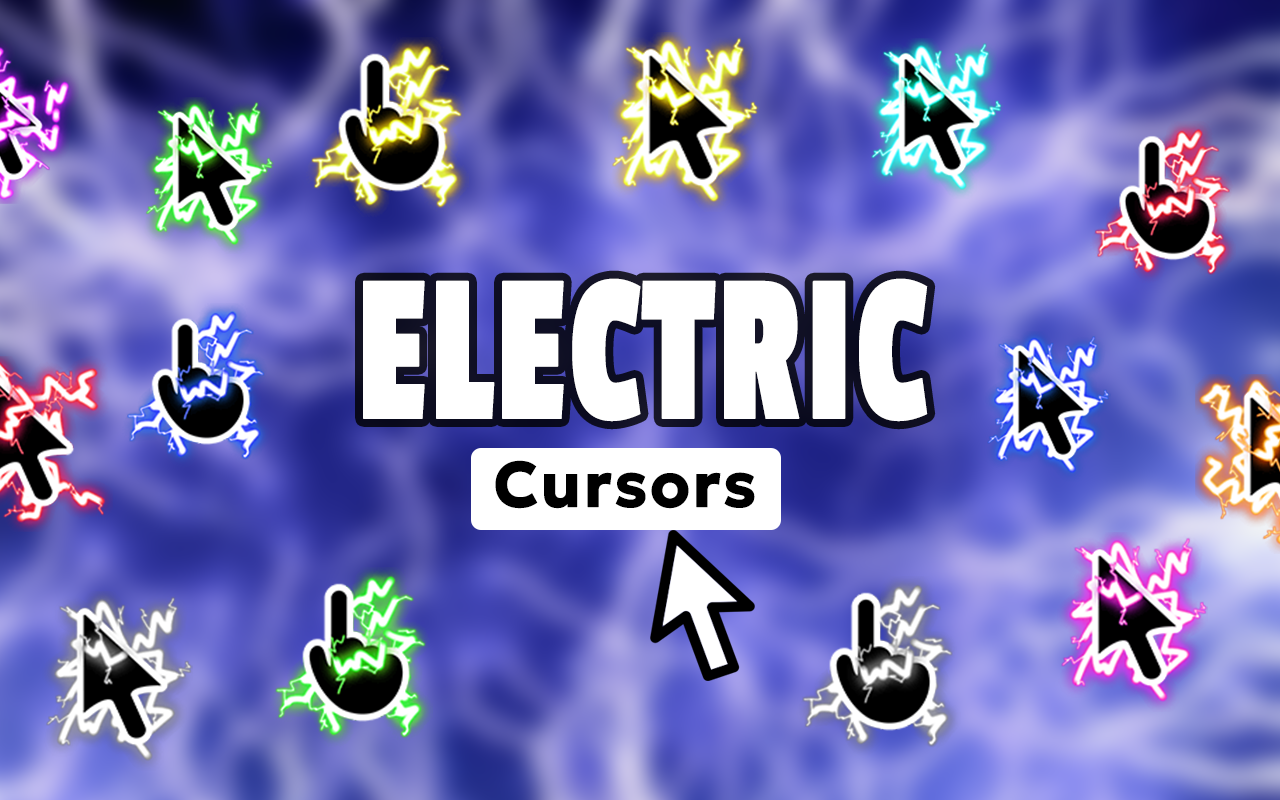
Electric Cursor for Chrome is a browser extension that replaces your default mouse pointer with high-voltage, energy-themed cursor designs. Whether you are into lightning bolts, plasma arcs, neon glows, or circuit-inspired visuals, this extension brings an electrifying aesthetic to every movement you make online. It is built for gamers, tech enthusiasts, streamers, and anyone who wants their browser to feel as dynamic as they are.
Key Features of the Electric Cursor Extension
Dynamic Electric Cursor Collection
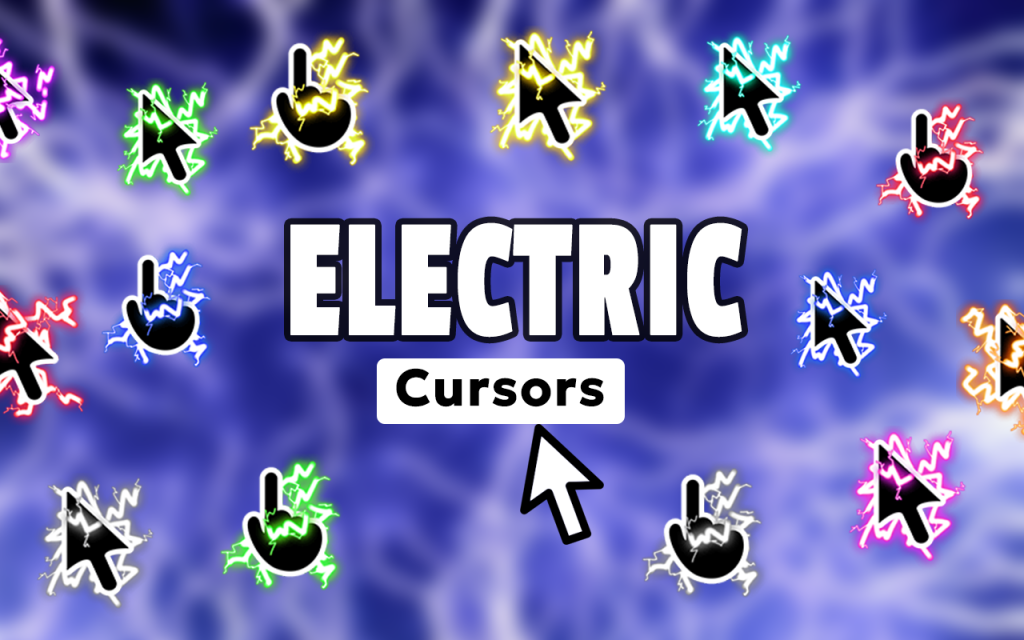
The extension includes a wide library of energy-themed designs featuring lightning bolts, electric arcs, Tesla coil sparks, neon trails, plasma effects, and glowing power symbols. Each cursor is crafted in vivid, high-contrast colors that make your pointer stand out on any background or application.
Stunning Visual Quality
Every cursor in the collection is designed with sharp detail and brilliant glow effects that hold up at any screen resolution. The visuals are consistent across tabs, meaning your electric aesthetic never fades mid-session.
Customizable Cursor Size
Use the built-in size slider to scale your cursor up or down depending on your screen size, resolution, or personal preference. Whether you want a subtle spark or a bold lightning strike dominating your display, the control is entirely yours.
Favorites System
Mark your preferred cursor designs as favorites so you can switch between them instantly without searching the full library each time. This is especially useful if you like rotating between different color schemes or styles depending on what you are working on.
Zero Performance Impact
The extension is built with a lightweight architecture that keeps your browser running at full speed. You get the full visual experience without any lag, memory drain, or slowdown — even when multiple tabs are open.
Easy Toggle On and Off
A single click on the extension icon lets you switch back to your default system cursor at any time. This makes it practical for professional settings where you may need a standard pointer temporarily.
How to Install Electric Cursor
- Open the Chrome Web Store and search for Electric Cursor.
- Click the Add to Chrome button and confirm the installation prompt.
- Once installed, click the Electric Cursor icon in your Chrome toolbar to open the extension panel.
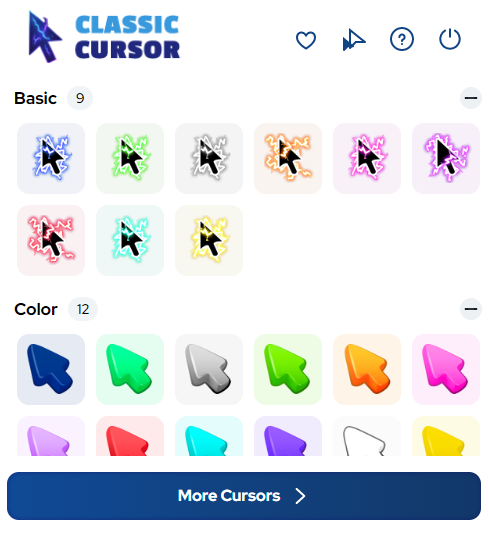
- Browse the full collection of electric and neon cursor designs.
- Click any design to apply it instantly as your active cursor.
- Use the size slider to adjust the scale of your cursor to your liking.
- Use the favorites button to save designs you want to return to quickly.
Why Gamers and Tech Enthusiasts Love It
This extension resonates strongly with PC gamers who want their entire setup — including their browser — to match a high-energy aesthetic. Streamers use it to reinforce their brand personality during live sessions and screen recordings. Graphic designers working on cyberpunk or sci-fi projects find it keeps them in the right creative headspace. EDM fans, cyberpunk enthusiasts, and anyone building a futuristic digital identity will feel right at home with the electric visual language this extension speaks. Beyond aesthetics, the extension is genuinely easy to use and stays out of your way when you need it to.
Screenshots
Frequently Asked Questions
Does the electric cursor work on all websites?
The cursor replacement works across most standard web pages in Chrome. Some browser-specific pages such as the Chrome settings or the new tab page may display the default system cursor due to browser security restrictions.
Will this extension slow down my browser?
No. The extension is optimized to consume minimal system resources. It runs quietly in the background and does not interfere with page loading speed or browser performance.
Can I use more than one cursor design at a time?
You can only have one active cursor at a time, but the favorites system lets you save multiple designs and switch between them with a single click whenever you want a change.
Is the Electric Cursor extension free to use?
Yes, the core collection of electric cursor designs is available for free after installing the extension from the Chrome Web Store.
Does it work on Windows and Mac?
Since it is a Chrome browser extension, it works on any operating system that supports Chrome, including Windows, macOS, and Linux.
If you are ready to bring high-voltage energy to your daily browsing, the Electric Cursor extension is a fast, free, and visually impressive way to do it. Install it today and let every click crackle with intensity.






Zenitsu. Yellow cursor.