
What Is the Frogs Cursor Extension?
The Frogs Cursor extension is a free Chrome customization tool that replaces your default mouse pointer with fun, nature-inspired frog designs. If you love amphibians and want a unique frogs cursor for Chrome, this extension brings tree frogs, tadpoles, lily pads, dragonflies, and other pond-themed elements directly to your cursor. It is designed for anyone who wants to add a touch of wildlife charm to their everyday browsing without affecting browser performance.
From herpetology students to pet frog owners and wildlife enthusiasts, this extension turns an ordinary browsing session into a nature-inspired experience with every mouse movement.
Key Features of the Frogs Cursor Extension
Diverse Frog Cursor Collection
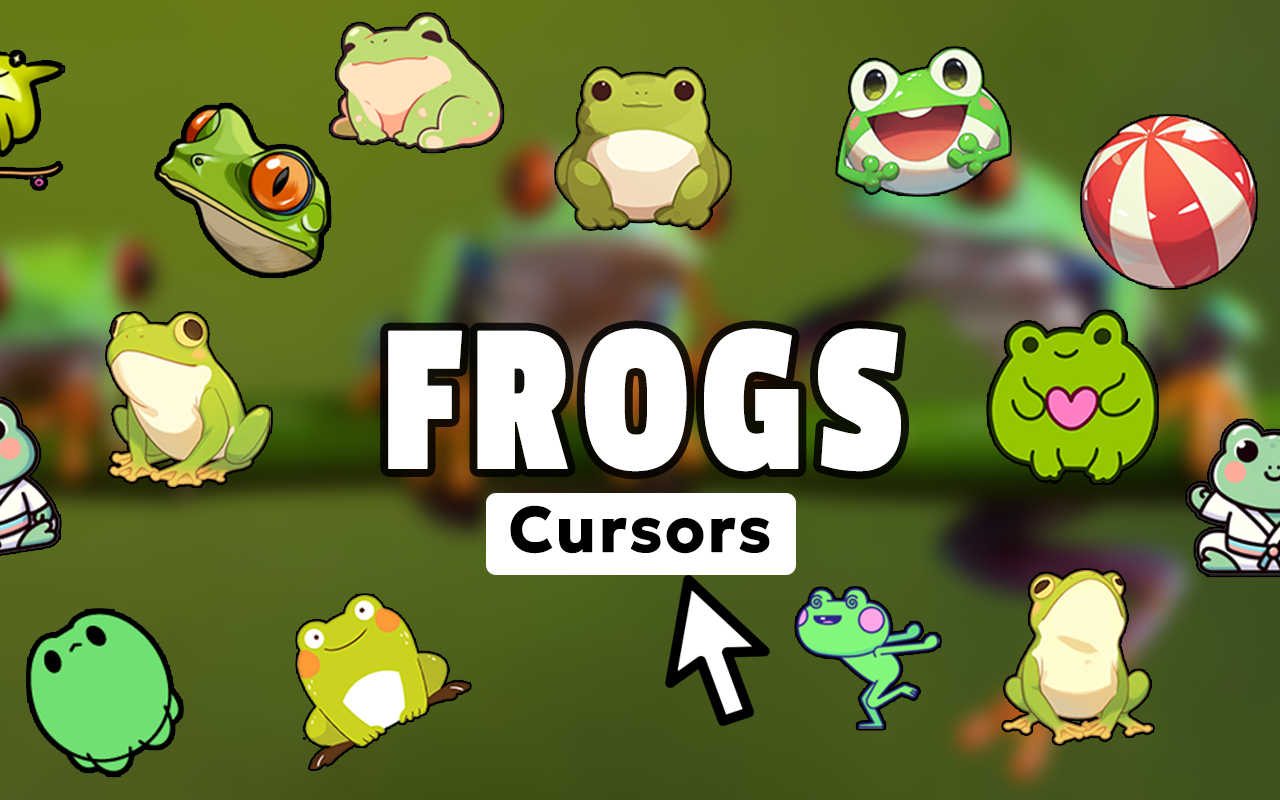
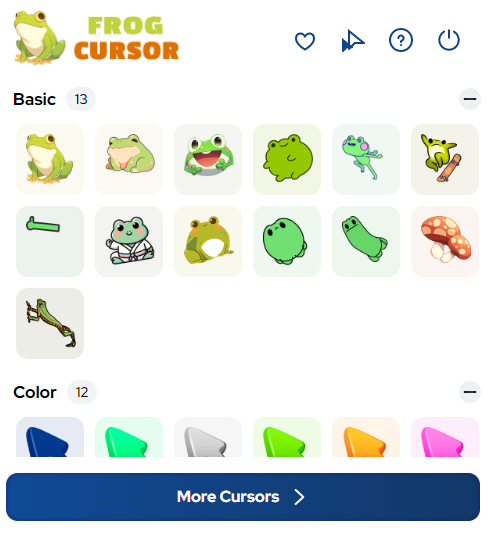
The extension includes a wide variety of cursor designs featuring different frog species and pond elements such as tree frogs, bullfrogs, poison dart frogs, lily flowers, water ripples, and tadpoles. Each design captures the natural color and character of amphibian life, giving you plenty of options to match your mood or interests.
Vibrant High-Definition Graphics
Every cursor in the collection is rendered in high definition with rich, accurate colors and fine details. The crisp graphics ensure your chosen frog cursor looks sharp and clear across all screen sizes and display resolutions.
Customizable Cursor Size
A built-in size slider lets you adjust the cursor dimensions to suit your screen and personal preference. Whether you prefer a subtle small pointer or a larger, more visible cursor, the extension adapts to your comfort level easily.
Favorites System for Quick Access
Save your preferred frog cursor designs to a favorites list so you can switch between them quickly without scrolling through the full collection each time. This feature is especially useful if you like to rotate between different species or pond-themed styles throughout the day.
Zero Performance Impact
The extension is built with a lightweight architecture that runs efficiently in the background without slowing down your browser. You get a fully customized cursor experience without any lag, memory bloat, or interference with your normal Chrome activity.
Easy Toggle On and Off
Switching between your custom frog cursor and the default Chrome pointer is instant with the on/off toggle built into the extension popup. This makes it simple to revert to your standard cursor whenever a specific website or task requires it.
How to Install the Frogs Cursor Extension
- Open the Chrome Web Store and search for “Frogs Cursor.”
- Click the “Add to Chrome” button on the extension page.
- Confirm the installation when prompted by clicking “Add Extension.”
- Once installed, click the Frogs Cursor icon in your Chrome toolbar to open the popup.
- Browse the available frog and pond-themed cursor designs and click one to activate it.
- Use the size slider to adjust the cursor to your preferred dimensions.
- Save your favorites for quick access and enjoy your new amphibian-inspired browsing experience.
Why Nature Lovers and Amphibian Enthusiasts Love It
This extension resonates with a wide audience because it combines genuine love for nature with practical browser customization. Biology teachers use it to add personality to their classroom screens. Wildlife photographers and environmental conservationists appreciate the subtle nod to amphibian habitats. Children who love animals find the colorful frog designs engaging and fun. Pet frog owners enjoy seeing their favorite creatures represented on screen throughout the day.
Beyond hobbyists, the extension also appeals to anyone going through an amphibian phase, studying pond ecosystems, or simply tired of the same generic arrow cursor. It is a small but meaningful way to personalize your digital environment with something that actually reflects your interests.
Screenshots
Frequently Asked Questions
Does the Frogs Cursor extension work on all websites?
The extension works on most standard web pages in Chrome. On certain browser-restricted pages such as the Chrome settings page or the Chrome Web Store itself, custom cursors may not appear due to browser security policies.
Will this extension slow down my browser?
No. The extension is designed to be lightweight and has no measurable impact on Chrome’s speed or memory usage. It runs quietly in the background while you browse normally.
Can I use more than one cursor design at a time?
You can only have one active cursor at a time, but the favorites system lets you save multiple designs and switch between them instantly through the extension popup.
Is the Frogs Cursor extension free to use?
Yes, the extension is free to install and use. All cursor designs in the collection are accessible without any subscription or payment.
How do I remove the extension if I no longer want it?
Right-click the Frogs Cursor icon in your Chrome toolbar and select “Remove from Chrome.” Your browser will immediately revert to the default cursor, and the extension will be fully uninstalled.
If you are ready to give your browser a fresh, nature-inspired look, the Frogs Cursor extension is a simple and satisfying way to do it. Add it to Chrome today and bring a little pond life to every click.





