
What Is the Hotel Transylvania Cursor Extension?
The Hotel Transylvania cursor is a Chrome browser extension that replaces your default mouse pointer with fun, character-themed cursors inspired by Sony Pictures Animation’s beloved monster comedy franchise. Whether you’re a fan of Count Dracula’s overprotective dad humor, Mavis’s adventurous spirit, or Johnny’s lovable cluelessness, this extension lets you bring those characters to life on every webpage you visit. It’s a simple, lightweight way to personalize your browsing experience with the colorful world of Hotel Transylvania.
Key Features of the Hotel Transylvania Cursor
Full Character Cursor Collection
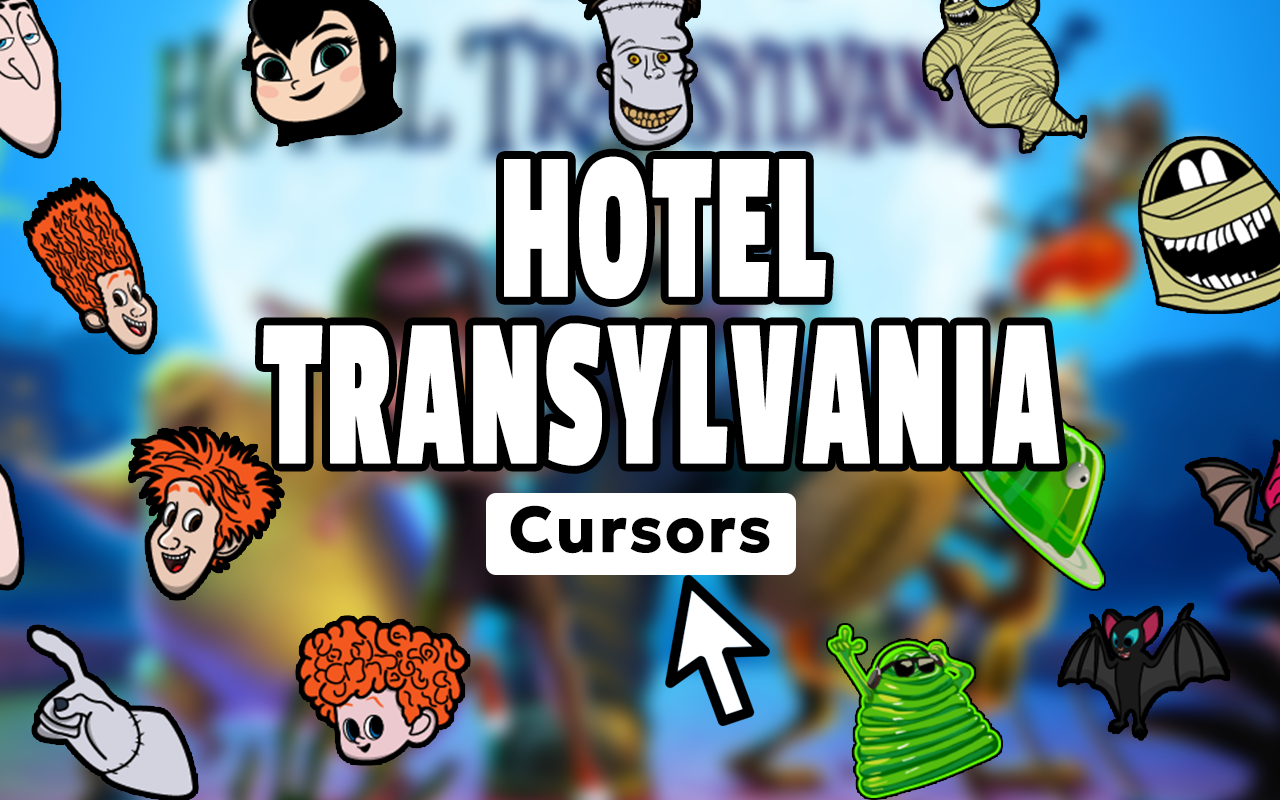
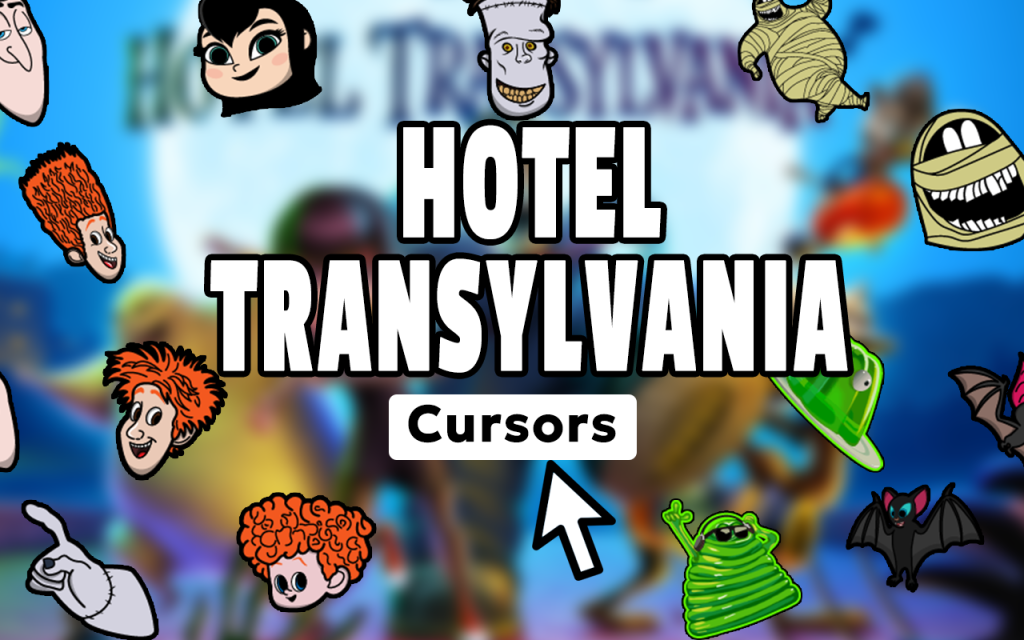
The extension includes a wide range of cursor designs featuring the franchise’s most iconic characters — Count Dracula, Mavis, Johnny, Frankenstein, Wayne and Wanda Werewolf, Murray the Mummy, Griffin the Invisible Man, Blobby, and little Dennis. Each cursor is crafted to reflect the unique personality and visual style of the character it represents, giving fans plenty of variety to choose from.
High-Quality Animation-Style Graphics
Every cursor design is built with vibrant colors and clean artwork that matches the expressive, exaggerated animation style of the Hotel Transylvania films. The visuals stay sharp and recognizable at any cursor size, so your browsing experience always looks polished rather than pixelated.
Adjustable Cursor Size
Not everyone uses the same screen size or display resolution, which is why this extension includes a slider to adjust your cursor dimensions. Whether you prefer a subtle small pointer or a larger, more visible one for presentations or larger monitors, the size control makes it easy to find your sweet spot.
Favorites System for Quick Switching
If you can’t decide between Dracula and Mavis — or simply rotate your favorites depending on your mood — the built-in favorites system lets you save and quickly switch between your preferred cursor designs. It eliminates the need to scroll through the full collection every time you want a change.
Zero Performance Impact
The extension is designed to run as a lightweight background process that doesn’t interfere with your browser’s speed or stability. You won’t notice any slowdowns, tab delays, or memory spikes — just a customized cursor every time you move your mouse.
Easy Toggle On and Off
Sometimes you need your standard cursor back — for work, for a presentation, or just a break from monster madness. The on/off toggle in the extension toolbar lets you switch back to your default cursor instantly without uninstalling anything.
How to Install the Hotel Transylvania Cursor
- Search for the Hotel Transylvania Cursor extension in the Chrome Web Store.
- Click the “Add to Chrome” button and confirm the installation prompt.
- Once installed, click the extension icon in your Chrome toolbar to open the cursor menu.
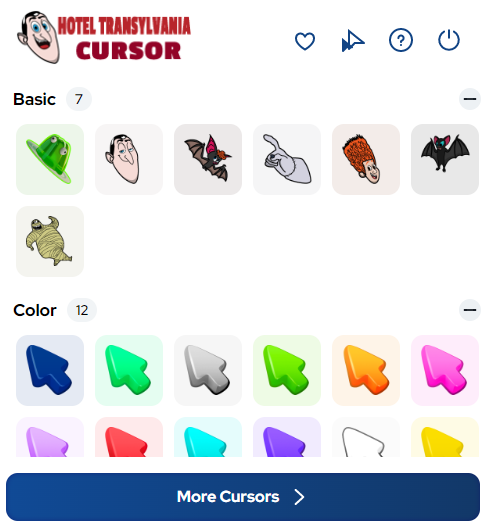
- Browse the available Hotel Transylvania character cursors and click any design to activate it.
- Use the size slider to adjust the cursor to your preferred dimensions.
- Save your favorites for quick access, and use the toggle to turn the extension on or off as needed.
Why Hotel Transylvania Fans Love This Extension
For fans of the franchise, this extension is more than just a cosmetic change — it’s a small daily reminder of characters and stories they genuinely enjoy. Parents who’ve watched the films a dozen times with their kids, teenagers who grew up with the series, and animation enthusiasts who appreciate the franchise’s visual style all find something to love here. It’s also a great conversation starter when screen-sharing or streaming, since the custom cursor is always visible to others on the call. Unlike phone wallpapers or desktop themes that you rarely notice, your cursor is something you interact with constantly — making this one of the more effective ways to keep a favorite franchise close at hand during everyday browsing.
Screenshots
Frequently Asked Questions
Does this extension work on all websites?
Yes, the Hotel Transylvania cursor works across virtually all websites you visit in Chrome. There are a small number of browser-restricted pages, such as the Chrome settings page or the Chrome Web Store itself, where custom cursors cannot be applied due to browser security rules.
Will this extension slow down my browser?
No. The extension is built to be lightweight and efficient. It runs quietly in the background and has no noticeable effect on page load times, tab switching speed, or overall browser performance.
Can I use more than one cursor design?
You can only have one active cursor at a time, but you can switch between designs freely. The favorites system makes it quick to toggle between your most-used characters without browsing the entire collection each time.
Is this extension safe to install?
Yes. The extension does not collect personal data, does not track your browsing activity, and does not require any unusual permissions. It is a straightforward cursor customization tool with a minimal footprint.
Does it work on Windows, Mac, and Chromebook?
Since it’s a Chrome browser extension, it works on any device that runs Google Chrome — including Windows PCs, Macs, and Chromebooks. The experience is consistent across all platforms.
If you’re a Hotel Transylvania fan looking for a fun, low-effort way to personalize your browser, this cursor extension is worth trying. Install it, pick your favorite monster, and let every click feel a little more like a stay at the world’s most entertaining hotel.





