
What Is the Pikmin Cursor for Chrome?
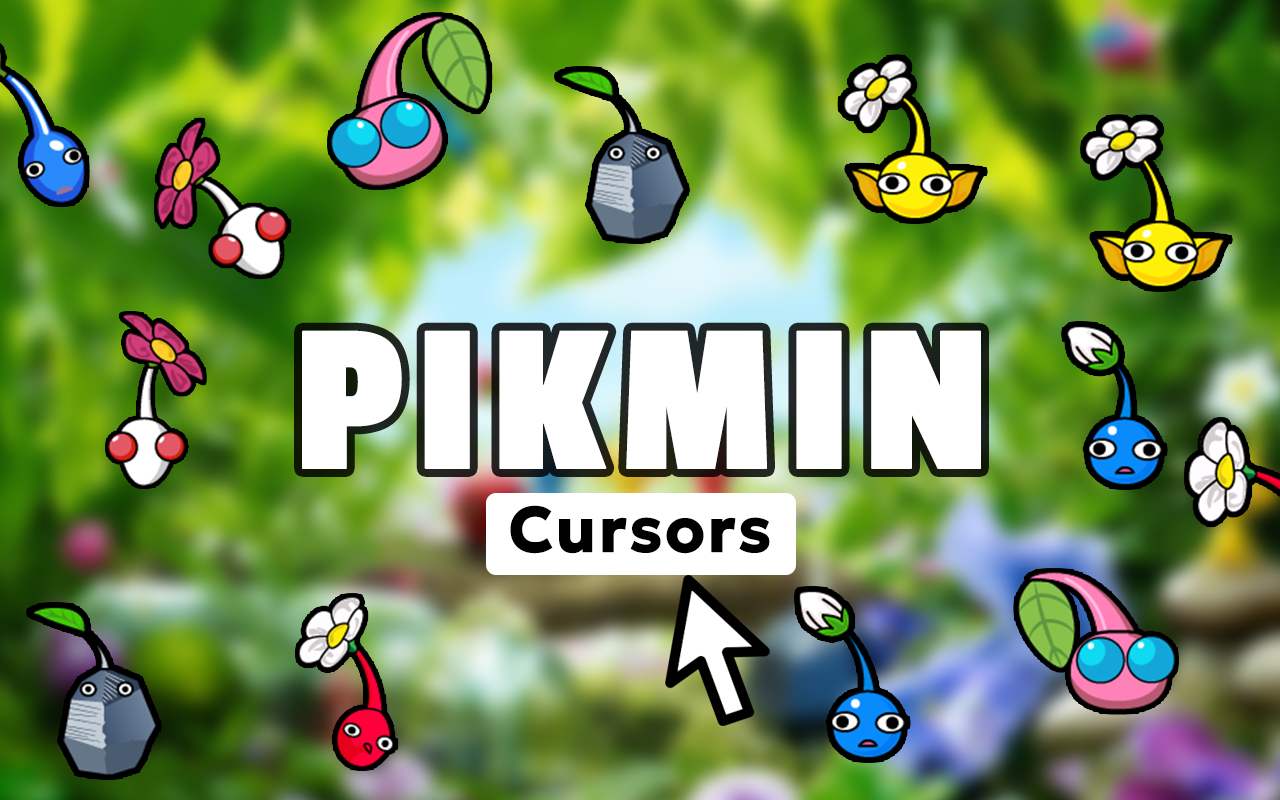
The Pikmin cursor for Chrome is a lightweight browser extension that replaces your default mouse pointer with charming designs inspired by Nintendo’s beloved strategic adventure series. From Captain Olimar and his trusty Pikmin squad to enemy creatures, treasure items, and iconic game elements, every detail is crafted to bring the colorful world of Pikmin directly to your browsing experience. Whether you’re a longtime fan since the original 2001 GameCube release or discovered the series through later entries, this extension is a delightful way to show your love for one of Nintendo’s most creative franchises.
Key Features of the Pikmin Cursor Extension
Complete Pikmin Character Collection
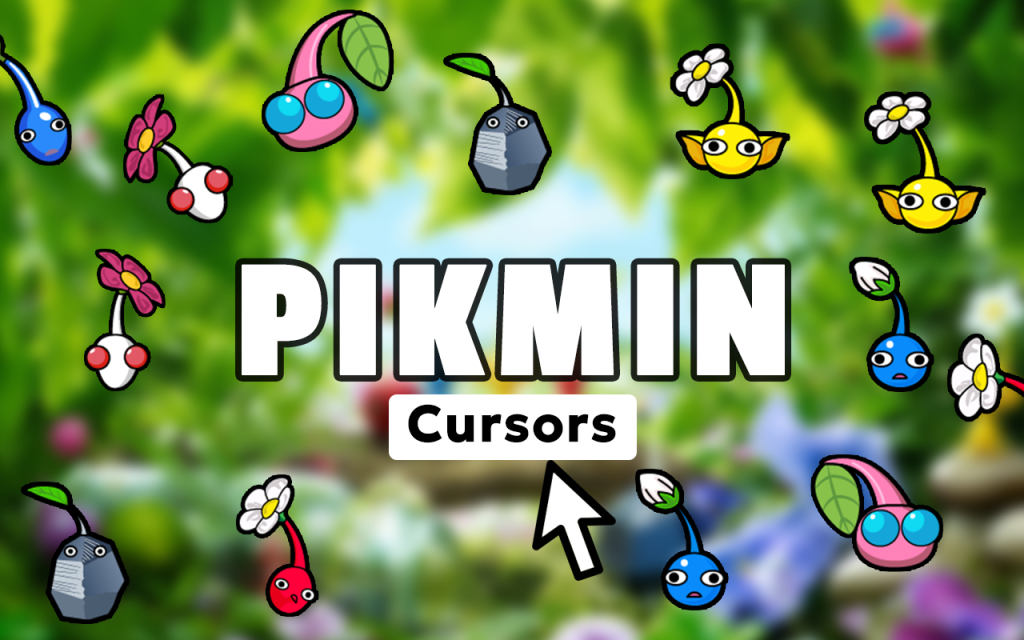
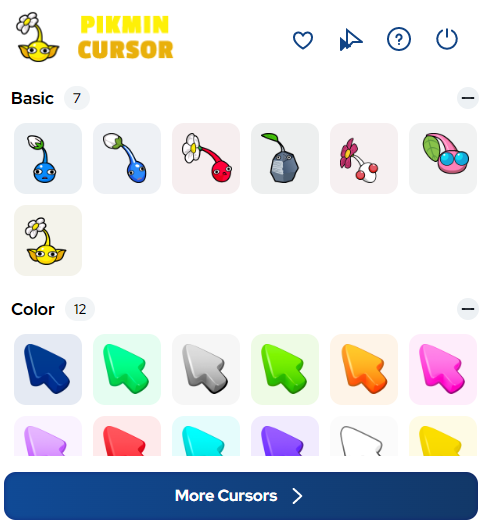
The extension includes cursor designs covering the full roster of Pikmin types — Red, Yellow, Blue, Purple, White, Rock, and Winged — along with Captain Olimar, Louie, Bulbmin, Onion ships, sprouting Pikmin, flower blooms, pellets, and treasures. Every iconic element from across the series is represented, giving fans an extensive library to explore and enjoy.
High-Quality Game-Accurate Graphics
Each cursor is designed with crisp, vibrant artwork that faithfully captures the distinctive visual style Nintendo established across the Pikmin series. The charming, rounded character designs and rich color palette translate beautifully at cursor scale, keeping everything sharp and recognizable no matter your display resolution.
Adjustable Cursor Size
A built-in size slider lets you scale your cursor up or down to suit your personal preferences and screen setup. This is especially useful on larger monitors or high-DPI displays where a slightly larger cursor improves visibility without sacrificing the look of your chosen design.
Favorites System for Quick Switching
Save your preferred Pikmin cursor designs to a dedicated favorites list so you can switch between them instantly. If you like cycling between different Pikmin types throughout the day or matching your cursor to whatever game content you’re watching, the favorites system makes that effortless.
Zero Performance Impact
The extension is built to be lightweight and unobtrusive, running in the background without consuming noticeable memory or CPU resources. Your browser stays fast and responsive whether you’re streaming videos, browsing fan wikis, or multitasking across multiple tabs.
Easy On/Off Toggle
A single click on the extension icon lets you switch between your Pikmin cursor and the system default pointer whenever you need to. This is handy for professional settings, screen sharing, or any situation where a custom cursor isn’t ideal.
How to Install the Pikmin Cursor Extension
- Open the Chrome Web Store and search for “Pikmin Cursor.”
- Click the extension listing and select “Add to Chrome.”
- Confirm the installation prompt when it appears.
- Once installed, click the Pikmin Cursor icon in your Chrome toolbar.
- Browse the full cursor collection and select your favorite design.
- Use the size slider to adjust the cursor to your preferred dimensions.
- Start browsing — your new Pikmin cursor is active immediately.
Why Nintendo and Strategy Game Fans Love It
Pikmin has always stood apart in the Nintendo lineup thanks to its blend of real-time strategy, puzzle-solving, and genuinely endearing characters. Fans who grew up guiding Pikmin squads through alien worlds tend to feel a real affection for the series, and this extension gives them a small but meaningful way to carry that passion into everyday browsing. It’s the kind of detail that makes your browser feel personal — something that reflects your taste rather than blending into the background. For content creators, streamers, and wiki editors who spend hours in Pikmin-related spaces online, having a matching cursor adds a layer of immersion that’s hard to put a price on.
Screenshots
Frequently Asked Questions
Which Pikmin types are included in the cursor collection?
The collection covers all mainline Pikmin variants including Red, Yellow, Blue, Purple, White, Rock, and Winged Pikmin, along with characters like Captain Olimar and Louie, plus items, enemies, and environmental elements from across the series.
Will this extension slow down my browser?
No. The extension is intentionally lightweight and has been optimized to run without any measurable impact on browser speed or system performance.
Can I use multiple cursor designs or am I limited to one?
You can switch between designs at any time using the extension panel, and the favorites system lets you save the ones you use most often for quick access.
Does the cursor work on all websites?
The custom cursor works across standard web pages in Chrome. Certain browser-restricted pages, such as the Chrome settings or Web Store itself, may display the default system cursor instead.
Is the Pikmin Cursor extension free to use?
Yes, the extension is available as a free download from the Chrome Web Store with no subscription or payment required.
If you’re a Pikmin fan looking to add a touch of Nintendo charm to your daily browsing, the Pikmin Cursor extension is a simple, polished way to do exactly that. Search for it in the Chrome Web Store and start exploring the full collection today.





