
What Is the Rainbow Friends Cursor Extension?
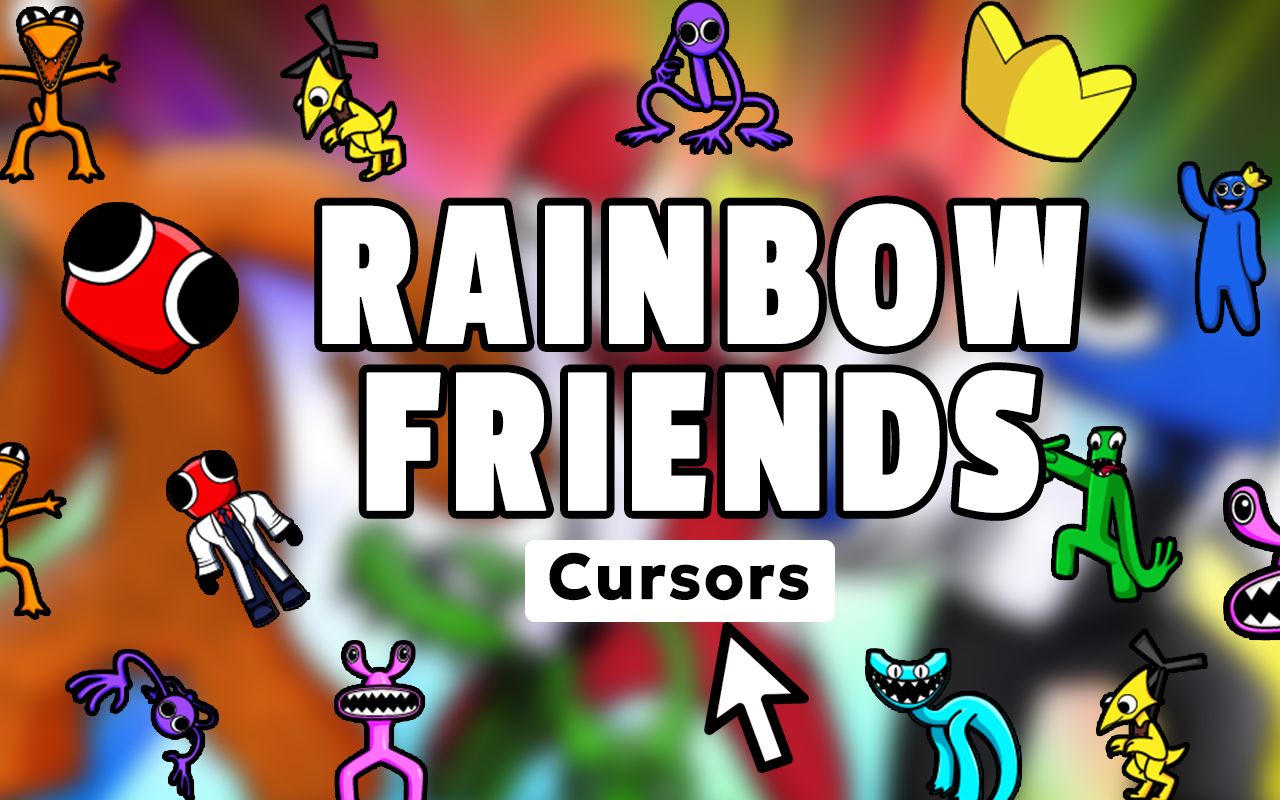
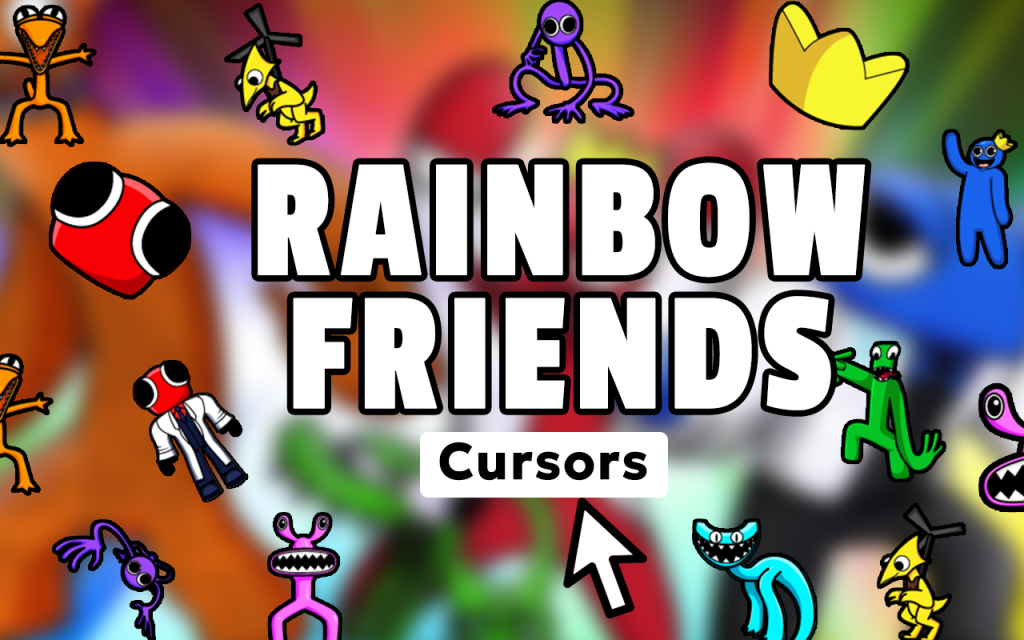
The Rainbow Friends Cursor is a free Chrome extension that replaces your default mouse pointer with custom cursor designs inspired by the hit Roblox horror survival game. Featuring Blue, Green, Orange, Purple, Red, Yellow, and other iconic colorful monsters from Fragment Games’ fan-favorite title, this extension lets you carry the eerie atmosphere of Odd World into every tab you open. Whether you are watching gameplay videos, browsing fan wikis, or chatting about survival strategies, your cursor becomes part of the Rainbow Friends experience.
Key Features of the Rainbow Friends Cursor
Complete Monster Cursor Collection
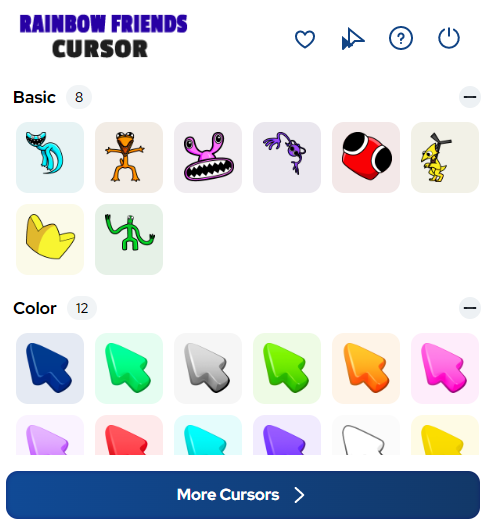
The extension includes cursor designs for every major character in the game — Blue with his towering frame, Green the sightless stalker, Orange the pterodactyl-like predator, Purple the vent crawler, Red the door guardian, and Yellow the airborne threat. Beyond the monsters, you will find cursors representing in-game items, collectibles, Odd World locations, and survival tools that hardcore fans will immediately recognize.
Vibrant Yet Eerie Artwork
Each cursor is crafted to reflect the game’s signature art style — bright, saturated colors paired with unsettling character designs. The graphics are crisp and clearly rendered at standard cursor sizes, so the detail on each monster comes through without looking blurry or pixelated during normal browsing.
Adjustable Cursor Size
Not everyone wants the same cursor size, and this extension gives you a simple slider to scale your pointer up or down. Larger sizes are great for presentations or streaming, while smaller sizes keep things subtle during everyday browsing or when reading long articles about Rainbow Friends lore.
Favorites System
With so many cursor options available, the built-in favorites system lets you pin your most-used designs for quick access. Instead of scrolling through the full collection every time you want to switch, your saved favorites appear at the top for instant one-click changes between different monsters or chapter-themed cursors.
Lightweight and Zero Performance Impact
The extension is engineered to run quietly in the background without consuming noticeable memory or slowing down page loads. You get all the visual personality of a themed cursor without any of the browser lag that heavier extensions can cause, even when multiple tabs are open.
Easy Toggle On and Off
Life sometimes calls for a plain cursor — during work calls, formal browsing, or sharing your screen. The toggle switch in the extension popup lets you flip back to your default system cursor instantly and switch right back to Rainbow Friends mode whenever you are ready.
How to Install the Rainbow Friends Cursor
- Search for the Rainbow Friends Cursor extension in the Chrome Web Store.
- Click the “Add to Chrome” button and confirm the installation prompt.
- Once installed, click the Rainbow Friends Cursor icon that appears in your Chrome toolbar.
- Browse the full collection of monster and game-themed cursor designs inside the popup.
- Click any cursor design to activate it immediately in your browser.
- Use the size slider to adjust the cursor dimensions to your liking.
- Star your favorite designs to save them for quick access later.
Why Roblox Horror Fans Love This Extension
Rainbow Friends built its massive following by combining vivid, cartoon-like visuals with genuine survival horror tension — a combination that feels fresh every time a new chapter drops. This cursor extension captures that same duality perfectly. Fans who spend hours playing through chapters, creating fan art, or theorizing about the Odd World lore now have a way to keep that passion visible during the rest of their online day. It is a small but satisfying detail that makes every scroll and click feel connected to the game they love. Streamers and content creators especially appreciate it as a visual signature that shows up on screen and reinforces their Rainbow Friends brand without requiring any complicated setup.
Screenshots
Frequently Asked Questions
Does this extension work on all websites?
The Rainbow Friends Cursor works across virtually all standard web pages in Chrome. There are a small number of browser-restricted pages, such as the Chrome settings page and the New Tab page in certain configurations, where custom cursors cannot be applied due to browser security rules.
Will this extension slow down my browser?
No. The extension is intentionally kept lightweight so it has no measurable effect on browser performance. It does not run background scripts that consume CPU or RAM beyond what is needed to display the cursor graphic.
Can I use more than one cursor design at a time?
You can only have one active cursor at a time, but switching between designs is instant. The favorites system makes it easy to rotate between your preferred monsters or game-themed cursors without digging through the full library each time.
Is the Rainbow Friends Cursor free to use?
Yes, the extension is completely free. There are no subscriptions, no paywalls, and no premium tiers — every cursor design in the collection is available to all users at no cost.
Does it work on Chromebook?
Yes. Because it is a standard Chrome extension, it installs and functions on Chromebooks the same way it does on Windows and macOS devices running the Chrome browser.
If you are a Rainbow Friends fan who wants to bring a touch of Odd World into your daily browsing, this cursor extension is an easy, free way to do exactly that. Install it today and let Blue, Green, and the rest of the colorful crew follow your every click.





