
What Is the Chiikawa Cursor Extension?
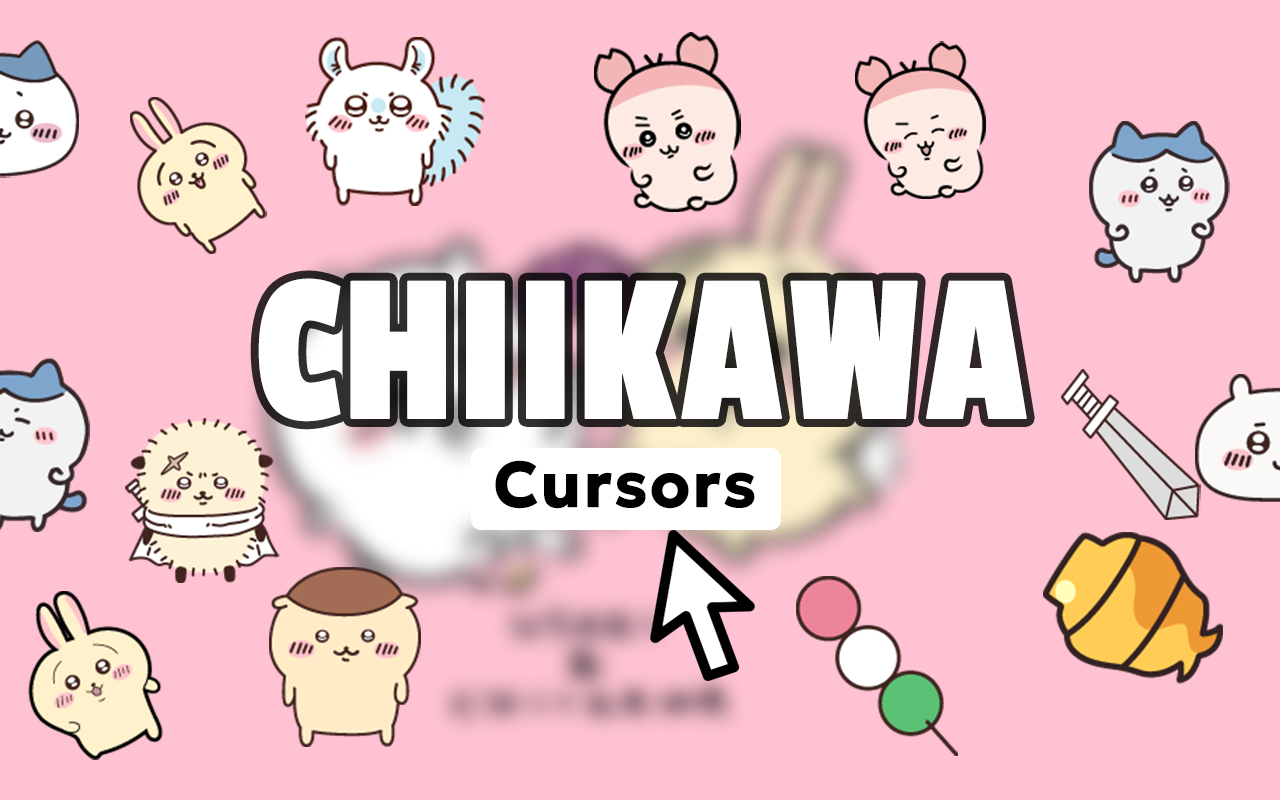
The Chiikawa cursor extension is a free Chrome browser add-on that replaces your default mouse pointer with charming, hand-crafted designs inspired by the hit Japanese webcomic and anime series Chiikawa. Fans of the series will instantly recognize beloved characters like Chiikawa, Hachiware, Usagi, and Momonga rendered in their signature soft, gentle art style. If you spend hours browsing the web and want every click to feel a little warmer, this extension delivers exactly that kind of everyday delight.
Key Features of the Chiikawa Cursor Extension
Complete Chiikawa Character Collection
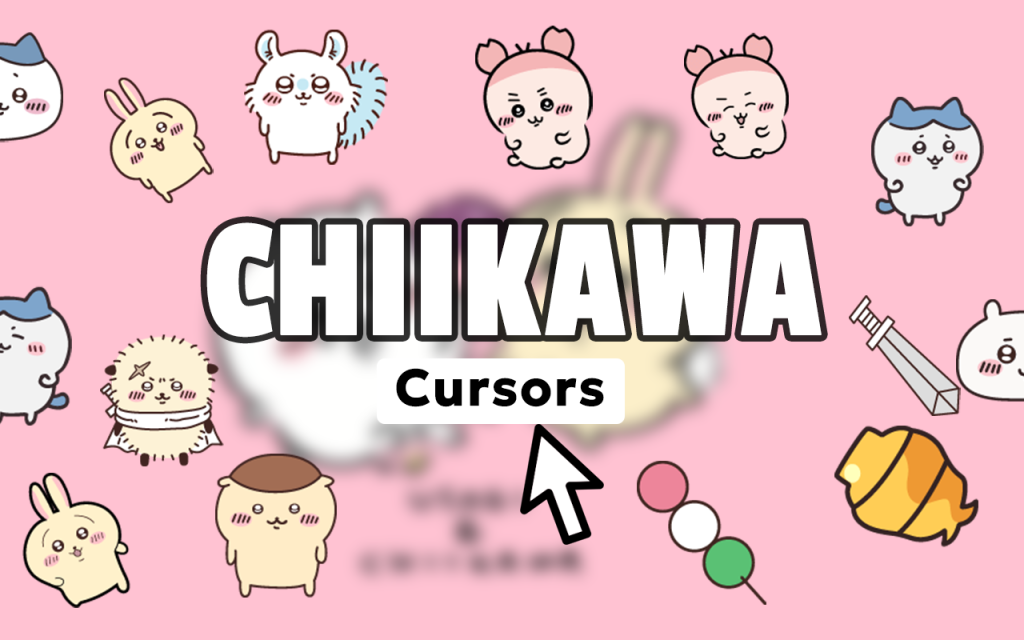
The extension includes multiple cursor designs spanning the full cast of Chiikawa characters, from the tiny round protagonist to the laid-back rabbit Usagi and the flying squirrel Momonga. Beyond character portraits, the collection also features cute thematic elements like tiny food items, expressions, and iconic scenes from the series, giving you plenty of variety to match your mood.
Premium Quality Artwork
Each cursor is crafted to accurately reflect Chiikawa’s distinctive visual identity — soft lines, muted pastel tones, and expressive faces that feel true to the original source material. The high-resolution designs stay crisp and clear at any cursor size, so the artwork never looks blurry or pixelated on modern high-DPI screens.
Adjustable Cursor Size
A built-in size slider lets you scale the cursor up or down to fit your display and personal preference. Whether you’re on a compact laptop screen or a large external monitor, you can dial in the perfect balance between visibility and cuteness without sacrificing either.
Favorites System
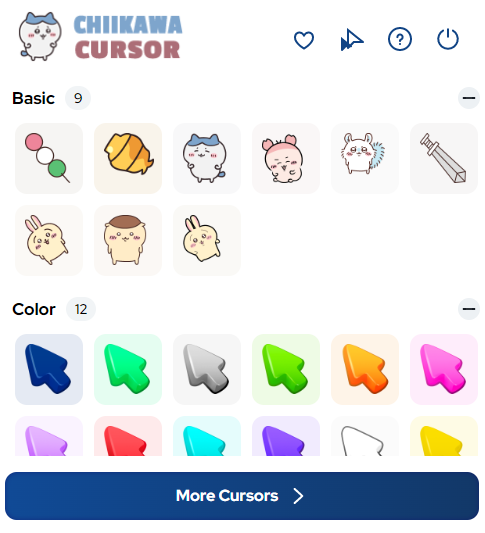
Found a cursor design you keep coming back to? The favorites system lets you bookmark your preferred Chiikawa cursors for instant access directly from the extension popup. Switching between characters or seasonal designs takes only a single click, making it easy to refresh your setup whenever inspiration strikes.
Zero Performance Impact
The extension is built to be featherlight, meaning it runs quietly in the background without consuming noticeable memory or slowing down your browser. You get a fully personalized cursor experience without any compromise to page load times or Chrome’s overall responsiveness.
Easy Toggle On and Off
Life sometimes calls for a more neutral browsing environment — during presentations, work calls, or screen sharing sessions. The on/off toggle in the extension popup lets you instantly revert to your system’s default cursor and switch back to Chiikawa mode just as quickly when you’re ready.
How to Install the Chiikawa Cursor Extension
- Open the Google Chrome browser on your desktop or laptop computer.
- Visit the Chrome Web Store and search for “Chiikawa Cursor” in the extensions section.
- Click the “Add to Chrome” button on the extension listing page and confirm the installation prompt.
- Once installed, click the Chiikawa Cursor icon that appears in your Chrome toolbar to open the popup.
- Browse the available cursor designs and click any design to set it as your active cursor immediately.
- Use the size slider inside the popup to adjust the cursor to your preferred dimensions.
- Star your favorite designs to save them in the favorites panel for easy future access.
Why Kawaii and Anime Fans Love This Extension
Chiikawa has built a devoted international following thanks to its unique combination of pure, childlike cuteness and surprisingly emotional storytelling. Fans who follow the series on social media, watch the anime shorts, or collect official merchandise find this cursor extension a natural extension of that affection — a small but meaningful way to keep the characters present in daily life. It appeals equally to longtime fans who discovered Chiikawa from its earliest webcomic days and newcomers who fell in love with the animated series. For kawaii culture enthusiasts, Japanese pop culture collectors, and anyone who simply appreciates thoughtful character design, the Chiikawa cursor is a genuinely enjoyable daily companion.
Screenshots
Frequently Asked Questions
Is the Chiikawa cursor extension free to use?
Yes, the extension is completely free to install and use. All cursor designs included in the collection are accessible without any purchase or subscription required.
Will this extension work on all websites?
The custom cursor works across virtually all standard web pages you visit in Chrome. On certain browser-restricted pages, such as the Chrome Web Store itself or Chrome’s internal settings pages, custom cursors are blocked by the browser for security reasons and will not display.
Does the extension collect any personal data?
The Chiikawa Cursor extension does not collect, store, or transmit any personal browsing data. It operates entirely within your browser to replace the cursor graphic and nothing more.
Can I use multiple cursor designs at the same time?
Only one cursor design can be active at a time, but switching between designs is instant. The favorites system makes it simple to rotate through your preferred characters throughout the day.
Is this extension officially affiliated with the Chiikawa franchise?
This is a fan-made cursor extension created for personal enjoyment and is not an official product of the Chiikawa franchise or its rights holders.
If you’re a fan of Chiikawa and want to bring a touch of kawaii joy to your everyday browsing, this cursor extension is one of the simplest and most charming ways to do it. Install it today and let your favorite tiny characters join you on every click.





