
What Is the Dog Man Cursor Extension?
The Dog Man cursor for Chrome is a free browser extension that replaces your standard mouse pointer with characters and artwork from Dav Pilkey’s wildly popular Dog Man graphic novel series. From the moment you install it, your cursor transforms into a piece of comic book art — whether that’s Dog Man himself, the scheming Petey the Cat, the lovable Li’l Petey, the robotic 80-HD, or any number of fan-favorite characters from the series. It’s a small change that adds a big splash of personality to every browsing session.
Key Features of the Dog Man Cursor Extension
Full Dog Man Character Collection
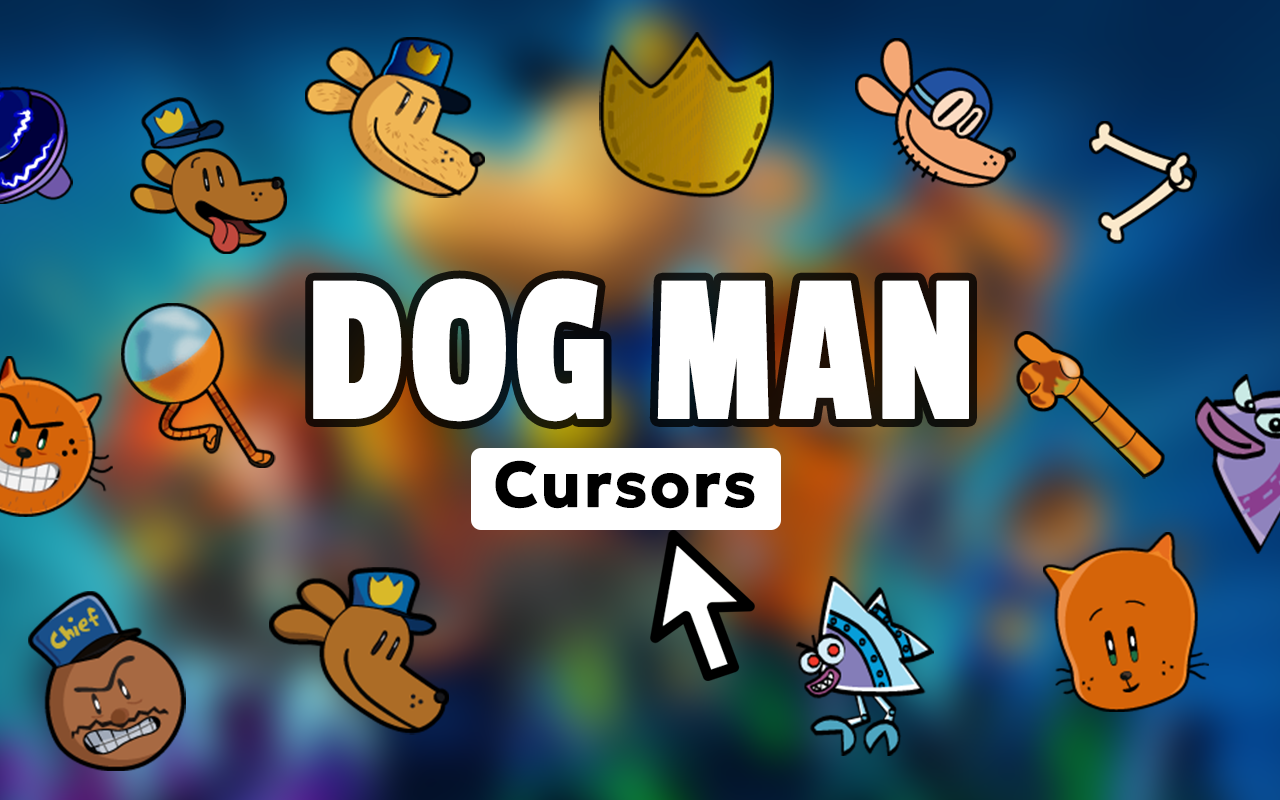
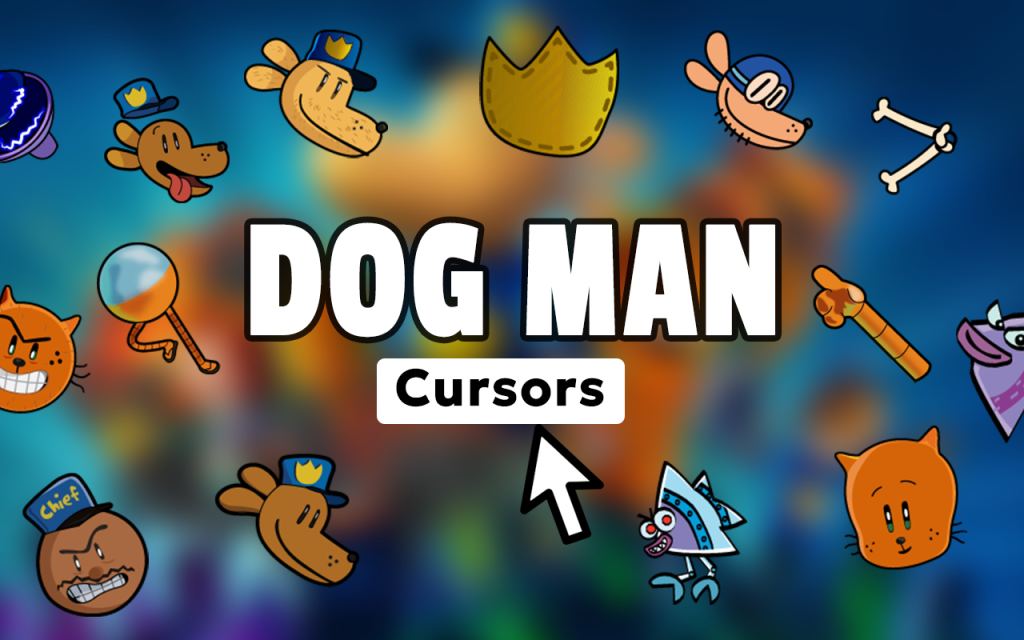
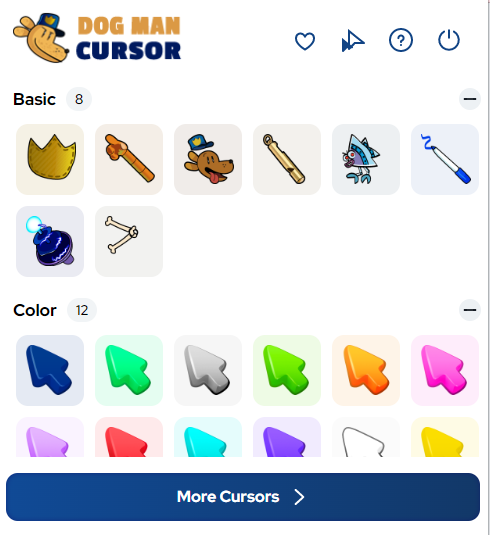
The extension includes a wide range of cursor designs pulled straight from the Dog Man universe. You’ll find Dog Man, Petey, Li’l Petey, Chief, Sarah Hatoff, 80-HD, Flippy the bionic fish, the FLEAS, and iconic comic book action elements. There’s enough variety to match any mood or favorite character, and the collection covers both major protagonists and fan-favorite side characters.
High-Quality Comic Book Graphics
Each cursor is designed to faithfully capture Dav Pilkey’s bold, energetic illustration style. The colors are vibrant, the lines are clean, and the designs look sharp on screens of all resolutions. Whether you’re on a laptop or a large desktop monitor, the artwork holds up and keeps that authentic Dog Man comic book feel.
Adjustable Cursor Size
Not everyone wants the same cursor size, which is why the extension includes a built-in size slider. You can scale your cursor up or down to suit your screen size, display resolution, or personal comfort. This makes the extension practical for younger readers on smaller screens and for adults who want a bit more visibility.
Favorites System for Quick Switching
If you find yourself switching between a handful of favorite designs, the Favorites system lets you bookmark them for instant access. Instead of scrolling through the full collection every time, your saved cursors are always one click away. It’s a small feature that makes a real difference in daily usability.
Lightweight and Performance-Friendly
The extension is engineered to have zero noticeable impact on Chrome’s performance. It runs quietly in the background without hogging memory or slowing down page loads. Your browser stays fast and responsive, so you get the fun of custom cursors without any of the technical downsides.
Easy On/Off Toggle
Sometimes you need your default cursor back — for a presentation, a video call, or just a change of pace. The extension includes a simple toggle that switches between your Dog Man cursor and the standard pointer in one click. No need to disable or uninstall anything; just flip the switch and flip it back whenever you’re ready.
How to Install the Dog Man Cursor Extension
- Search for the Dog Man Cursor extension in the Chrome Web Store.
- Click the “Add to Chrome” button and confirm the installation prompt.
- Once installed, click the Dog Man Cursor icon in your Chrome toolbar to open the extension panel.
- Browse the full character collection and click any cursor design to activate it.
- Use the size slider to adjust the cursor to your preferred dimensions.
- Optionally, save your favorite designs using the Favorites feature for easy access later.
Why Dog Man Fans Love This Chrome Extension
Dog Man has built an enormous and passionate readership among elementary and middle school students, but the series has plenty of adult fans too — parents who read alongside their kids, teachers who use the books to build classroom enthusiasm for reading, and longtime graphic novel enthusiasts who appreciate Dav Pilkey’s humor and heart. This extension gives all of them a way to carry that enthusiasm into their everyday internet use. It’s not just a novelty; it’s a genuinely enjoyable way to personalize your browser with something you actually care about. For young readers especially, seeing their favorite characters pop up on screen can make screen time feel a little more connected to the books they love.
Screenshots
Frequently Asked Questions
Does the Dog Man cursor work on all websites?
Yes, the cursor applies across virtually all websites you visit in Chrome. A small number of browser pages, like the Chrome settings page, may not support custom cursors due to browser restrictions, but standard websites work without issue.
Is the extension free to use?
The Dog Man cursor extension is free to install and use. You get access to the full character collection and all features without any subscription or payment required.
Will this extension slow down my browser?
No. The extension is built to be lightweight and runs with minimal resource usage. It won’t slow down page loading, affect video playback, or interfere with other Chrome extensions you have installed.
Can I use this extension on a school Chromebook?
That depends on your school’s device management settings. Many schools restrict which extensions can be installed on managed Chromebooks. Check with your teacher or school IT administrator if you’re unsure.
How many cursor designs are included?
The extension includes a diverse collection covering the main Dog Man characters, supporting cast members, and comic book action elements. The variety is broad enough that most fans will find multiple designs they want to use regularly.
If you’re a Dog Man fan looking for a fun and easy way to customize your Chrome browsing experience, this extension is worth trying. Install it, pick your favorite character, and bring a little comic book magic to every click.





