
What Is the Gudetama Cursor Extension?
The Gudetama cursor for Chrome is a browser extension that replaces your standard mouse pointer with animated and illustrated designs featuring Gudetama — Sanrio’s famously unmotivated lazy egg character. If you’ve ever felt too tired to function but still had to browse the internet, this extension perfectly captures that energy. Every click and scroll becomes a tiny tribute to the world’s most relatable egg, complete with his signature blank stare and complete lack of enthusiasm for anything.
Gudetama was created by Sanrio in 2013 and quickly became a global phenomenon precisely because so many people saw themselves in his droopy, apathetic existence. This cursor extension takes that connection and brings it directly into your daily browsing routine.

Key Features of the Gudetama Cursor Extension
Complete Gudetama Cursor Collection
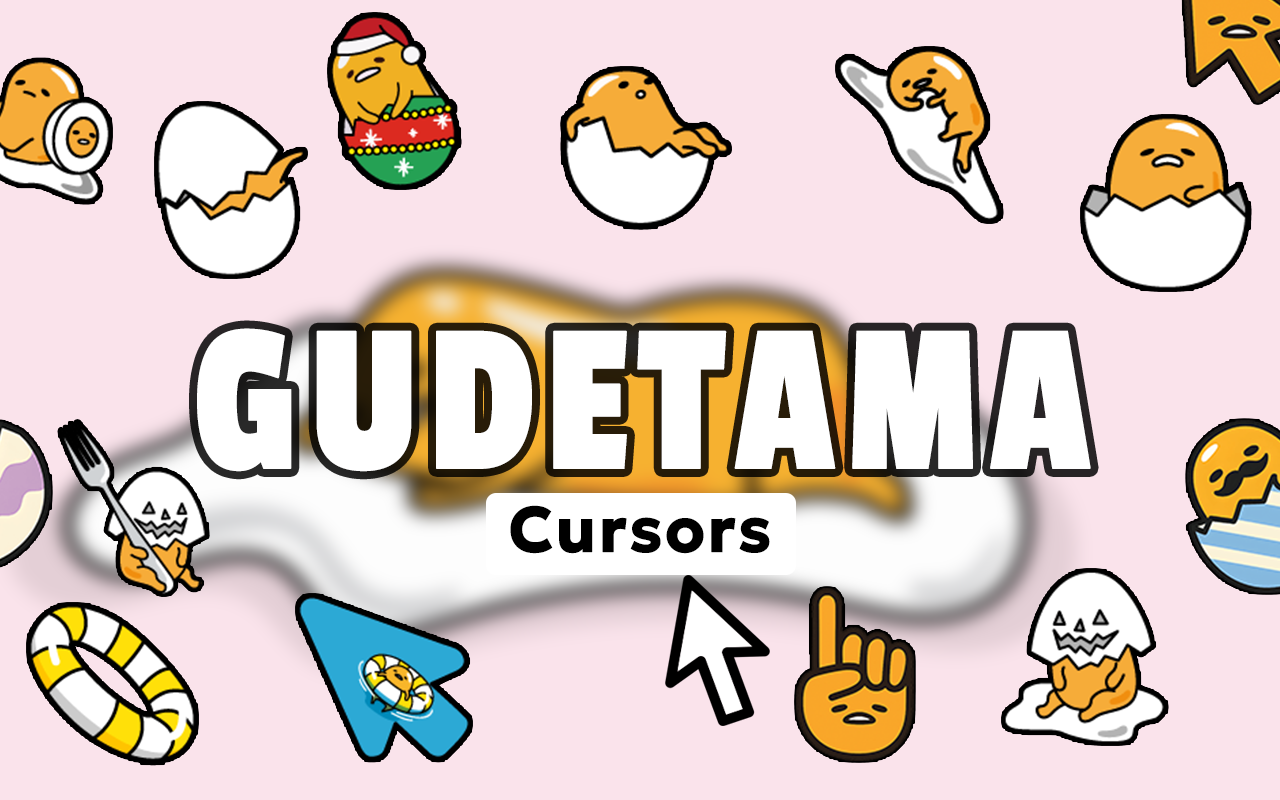
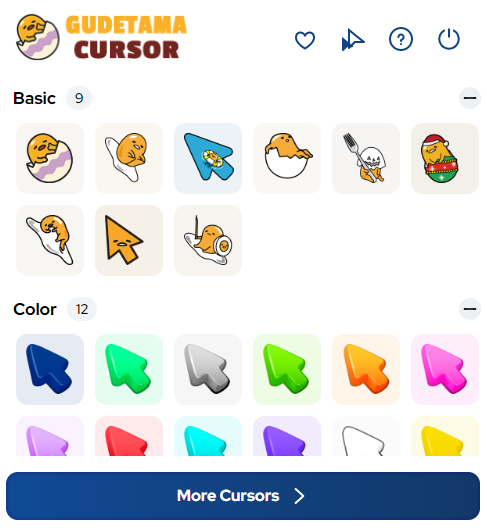
The extension includes a wide variety of cursor designs showcasing Gudetama in his many iconic lazy states — lying on bacon, hiding under an egg shell, wrapped in a blanket, hanging out with Shakipiyo the baby chick, and plenty more. Each design captures a different flavor of his legendary apathy, so you can match your cursor to your current mood level.
High-Quality Sanrio-Style Graphics
Every cursor is crafted to reflect Gudetama’s authentic visual style, with clean lines, soft colors, and the kind of expressive minimalism that made him famous. The artwork is sharp and detailed at any screen resolution, so your cursor always looks polished even while representing peak laziness.
Adjustable Cursor Size
You can resize the cursor to suit your display setup and personal preference using a simple slider in the extension panel. Whether you want a subtle small cursor or a larger version that really commands the screen, the controls are straightforward and require almost no effort — which feels very on-brand for Gudetama.
Favorites System
Found a Gudetama pose that perfectly represents your current state of exhaustion? Save it to your favorites for quick access whenever you need it. The favorites system makes it easy to build a personal collection of your most-used cursors and switch between them without having to scroll through the full library each time.
Lightweight and Performance-Friendly
The extension is built to run quietly in the background without slowing down your browser or consuming unnecessary resources. Chrome stays fast and responsive, which means Gudetama gets to be lazy so your browser doesn’t have to be.
Easy Toggle On and Off
Switching between the Gudetama cursor and your default system pointer takes a single click from the toolbar icon. This is useful when you need to switch to a more professional setup during video calls or presentations, then return to your lazy egg lifestyle immediately after.
How to Install the Gudetama Cursor Extension
- Open the Chrome Web Store and search for the Gudetama Cursor extension.
- Click the “Add to Chrome” button on the extension listing page.
- Confirm the installation when Chrome asks for permission.
- Once installed, click the Gudetama Cursor icon in your browser toolbar to open the extension panel.
- Browse the cursor collection and click any design to activate it as your pointer.
- Use the size slider to adjust the cursor dimensions if needed.
- Start browsing with your new lazy egg cursor active on every page.
Why Sanrio Fans and Tired Humans Love This Extension
Gudetama has built a devoted following among people who appreciate humor, honesty about exhaustion, and the kind of cute-but-cynical aesthetic that Sanrio perfected with this character. Students pulling late nights, remote workers on their fourth video call of the day, and anyone who has ever looked at their to-do list and physically could not — all of them find something deeply satisfying about having Gudetama represent their cursor movements.
Beyond the humor, the extension is also genuinely well-made. The cursor designs are varied enough to stay interesting, the controls are intuitive, and the overall experience feels like a small but meaningful way to personalize your browser. For Sanrio collectors and character merchandise fans, it’s also a low-effort way to represent your love for the franchise every time you use Chrome.
Screenshots
Frequently Asked Questions
Does this extension work on all websites?
The Gudetama cursor works across most standard web pages in Chrome. There may be occasional exceptions on certain browser system pages or extensions pages where Chrome restricts custom cursor behavior by default.
Will the Gudetama cursor slow down my browser?
No. The extension is designed to be lightweight and has minimal impact on browser performance. It runs efficiently in the background without affecting your browsing speed or memory usage.
Can I use multiple Gudetama cursor designs?
Yes. You can save multiple designs to your favorites and switch between them at any time through the extension panel. Only one cursor is active at a time, but switching is quick and easy.
Is this an official Sanrio product?
This is a fan-made cursor extension inspired by the Gudetama character. It is not an officially licensed Sanrio product, but it is created with care for the character’s aesthetic and fan community.
Can I turn off the custom cursor temporarily?
Yes. The toggle feature in the extension toolbar lets you instantly switch back to your default system cursor whenever needed, and re-enable the Gudetama cursor just as quickly.
If you’re ready to add a little lazy egg energy to your daily browsing, the Gudetama Cursor extension is an easy and enjoyable way to do it. Search for it in the Chrome Web Store and bring Sanrio’s most exhausted character along for every click.





