
What Is the Hockey Cursor for Chrome?
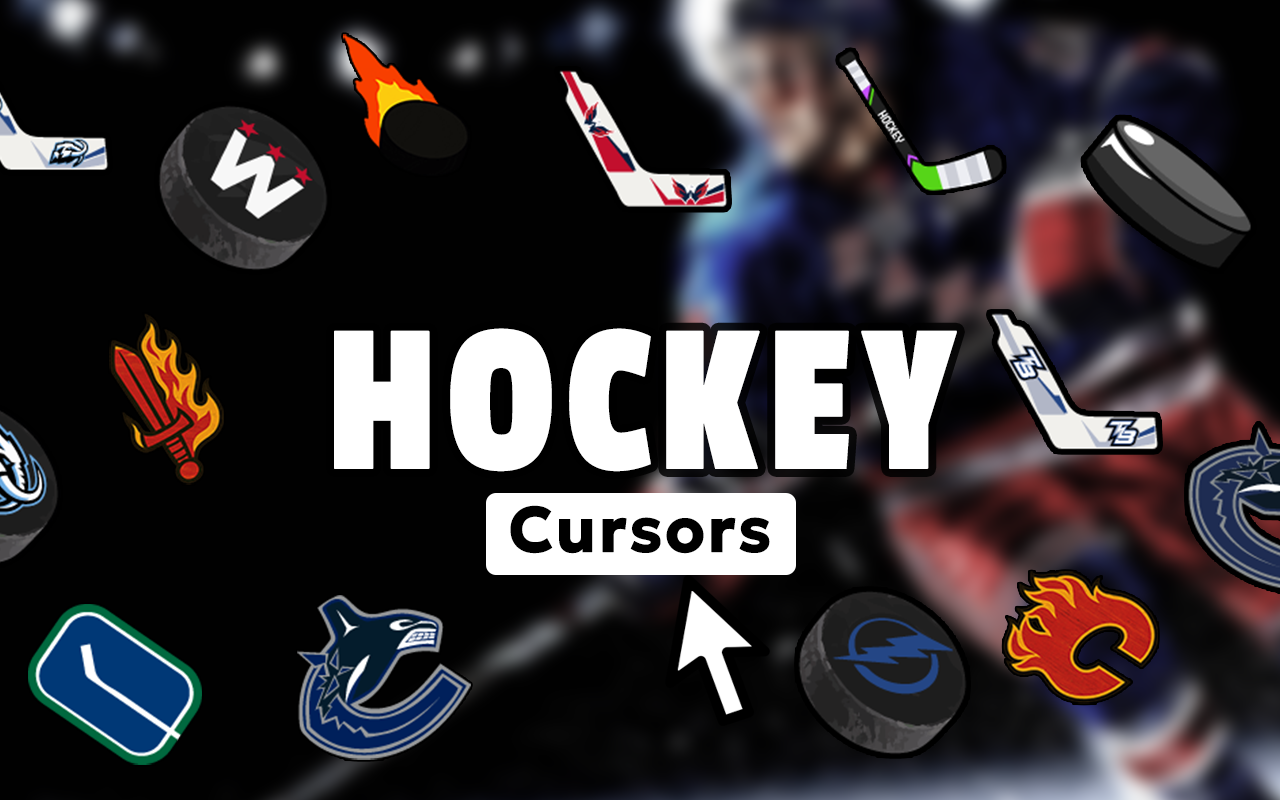
The Hockey Cursor for Chrome is a browser extension that replaces your default mouse pointer with dynamic, hockey-themed cursor designs. Whether you’re a die-hard NHL fan, a youth league player, or someone who simply loves the speed and intensity of ice hockey, this hockey cursor for Chrome lets you bring that passion to every click, scroll, and hover. From hockey pucks and sticks to goalie masks and zamboni icons, the collection covers every iconic element of the game.
Installing this extension takes only seconds, and once it’s active, your browsing experience gets an instant upgrade that reflects your love for the fastest sport on ice.

Key Features of the Hockey Cursor Extension
Complete Hockey-Themed Cursor Collection
The extension offers a wide range of cursor designs built around authentic hockey imagery. You’ll find designs featuring hockey pucks, ice skates, goalie masks, Stanley Cup icons, face-off circles, hockey nets, penalty box symbols, and team jersey elements — all crafted to capture the real spirit of the sport, whether at the professional or amateur level.
Premium HD Graphics
Every cursor in this collection is rendered in high definition with sharp detail and authentic textures. The graphics reflect real hockey equipment and ice rink aesthetics, giving your browser a polished, professional look that casual icon packs simply can’t match.
Adjustable Cursor Size
Not all screens are the same, and neither are user preferences. The built-in size slider lets you scale your cursor up or down so it remains clearly visible whether you’re on a compact laptop or a wide desktop monitor during a fantasy hockey session.
Favorites System for Quick Switching
Found a design you love? Save it to your favorites for instant access without scrolling through the entire collection. The favorites system is especially useful when you want to quickly switch between different hockey themes depending on your mood or the game day lineup.
Zero Browser Performance Impact
The extension is built with a lightweight, optimized architecture that runs smoothly in the background. You won’t notice any slowdown during streaming, stat-checking, or overtime-length browsing sessions — it just works quietly while looking great.
Easy Toggle On and Off
Life doesn’t always call for a hockey-themed cursor, and that’s understood. The extension includes a simple toggle that lets you switch between your custom hockey pointer and the default system cursor in a single click, so you’re always in control.
How to Install the Hockey Cursor Extension
- Open the Chrome Web Store and search for “Hockey Cursor.”
- Click the extension listing and select “Add to Chrome.”
- Confirm the installation when prompted by your browser.
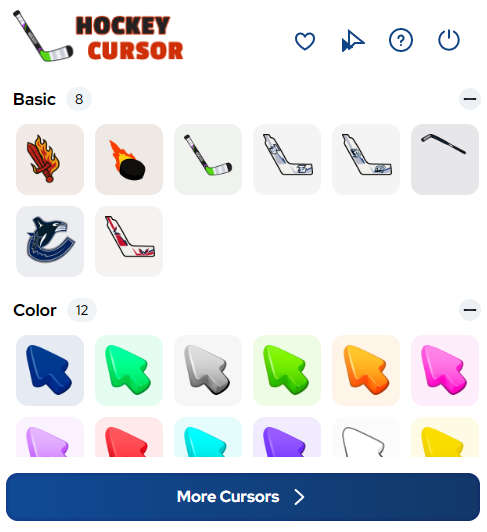
- Once installed, click the Hockey Cursor icon in your Chrome toolbar.
- Browse the full collection of hockey-themed cursor designs.
- Click any design to set it as your active cursor immediately.
- Use the size slider to adjust the cursor to your preferred dimensions.
- Save your favorites for quick access whenever you want to switch things up.
Why Hockey Fans and Ice Sports Enthusiasts Love It
This extension resonates with a wide community — from NHL fans who follow every playoff series, to beer league regulars who live for weekend games, to youth hockey coaches and parents who want to express team pride beyond the rink. Fantasy hockey managers especially appreciate having a themed workspace that matches their obsession with the sport.
It’s also a conversation starter. When you’re screen-sharing or streaming your browser, a custom hockey cursor is a small but memorable detail that shows real dedication. It’s not just a novelty — it becomes part of how you interact with the web during the hockey season and beyond.
Unlike generic sports extensions, this one is built specifically around hockey culture. The cursor designs are thoughtful, the graphics are high quality, and the overall experience feels tailored to people who actually know and love the game.
Screenshots
Frequently Asked Questions
Does the Hockey Cursor work on all websites?
Yes, the custom cursor is active across virtually all websites you visit in Chrome. A small number of browser-restricted pages, such as the Chrome settings page or the Web Store itself, may revert to the default system cursor due to browser security policies.
Will this extension slow down my browser?
No. The extension is designed to be extremely lightweight. It runs efficiently in the background without consuming significant memory or CPU resources, even during extended browsing sessions.
Can I use multiple cursor designs?
You can only have one active cursor at a time, but you can switch between designs instantly from the extension panel. Saving your top picks to the favorites list makes switching between looks quick and effortless.
Is the Hockey Cursor extension free?
The extension is free to install and use. You get access to the full cursor collection without any mandatory purchases or subscriptions.
Does it work on Windows and Mac?
Yes. Since the extension runs inside the Chrome browser, it works on any operating system that supports Chrome, including Windows, macOS, and ChromeOS.
If you’re ready to take your browser from ordinary to ice-level intense, the Hockey Cursor for Chrome is the perfect addition to your extension lineup. Install it today and let every click celebrate the game you love.





