
What Is the Hypebeast Cursor for Chrome?
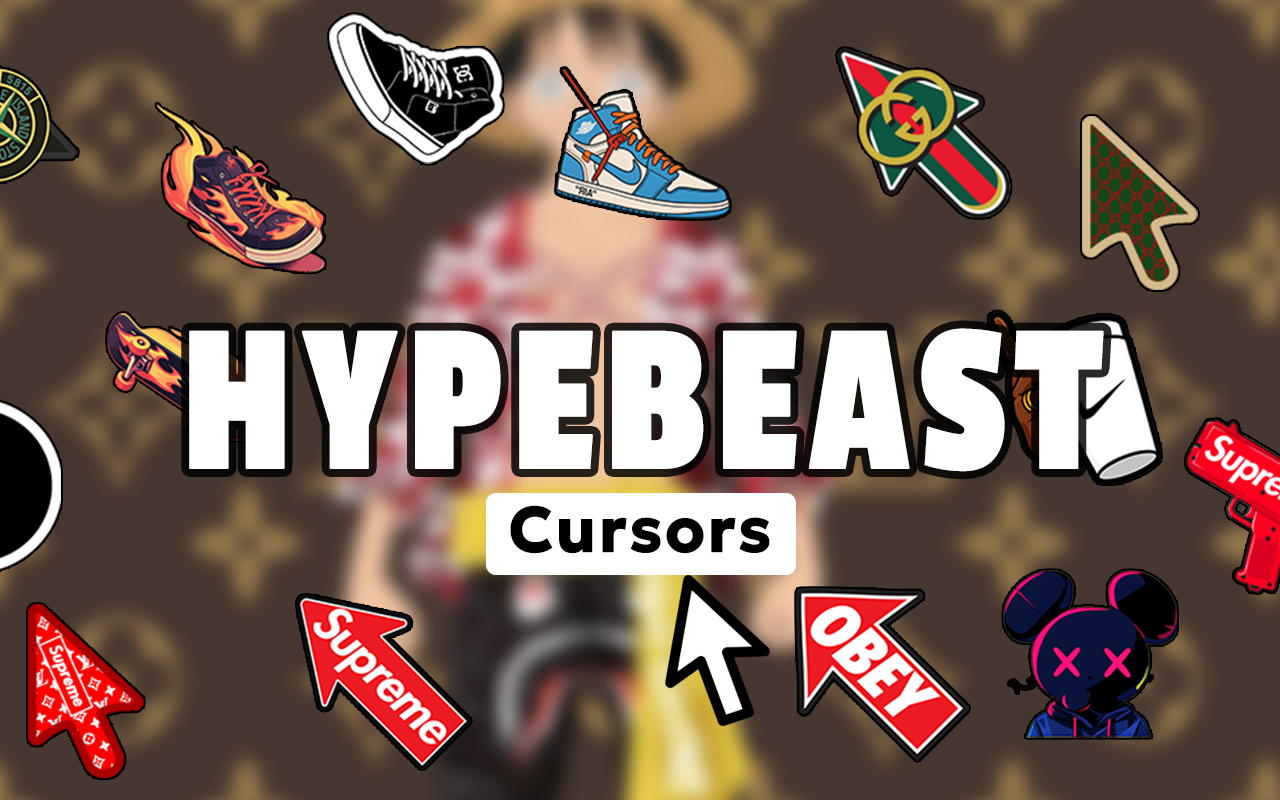
The Hypebeast Cursor for Chrome is a browser extension that replaces your default mouse pointer with custom cursor designs inspired by streetwear culture, sneaker fashion, and hypebeast aesthetics. If you live and breathe Supreme drops, limited-edition sneakers, and urban fashion, this extension lets you bring that energy into your everyday browsing. Instead of a plain arrow, your cursor reflects the style you actually care about — from iconic sneaker silhouettes to streetwear brand symbols and drip-inspired graphics.
Key Features of the Hypebeast Cursor Extension
Exclusive Streetwear Cursor Collection
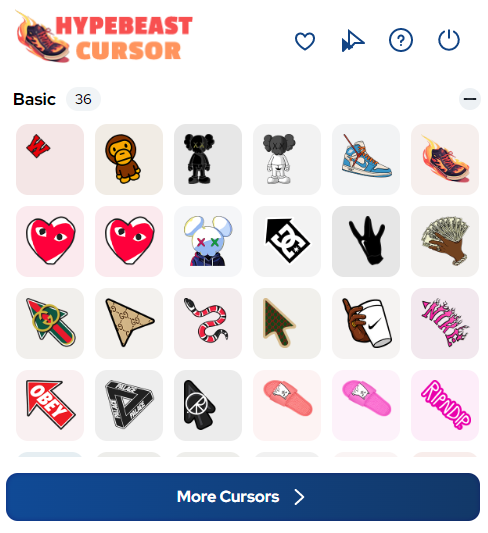
The extension includes a curated library of cursor designs built around hypebeast culture. You’ll find sneaker silhouettes, hype logos, limited-edition references, fashion accessories, and urban street elements that genuinely capture the visual language of modern streetwear — not just generic clipart.
High-Quality Cursor Graphics
Every cursor design is built with clean, sharp visuals that hold up at any screen resolution. The aesthetic stays crisp whether you’re on a standard monitor or a high-DPI display, so your setup always looks polished.
Adjustable Cursor Size
Use the built-in size slider to dial in exactly how large or subtle you want your cursor to appear. This is especially useful if you’re switching between different screen sizes or just want your cursor to stand out a little more while browsing lookbooks or drop pages.
Favorites System
Mark your go-to cursor designs as favorites so you can switch between them quickly without scrolling through the full collection every time. It’s a small feature that makes a real difference when you’re rotating between different brand themes or seasonal drops.
Zero Performance Impact
The extension is optimized to run in the background without slowing down your browser. You won’t notice any lag, memory bloat, or interference with how pages load — it just works quietly while keeping your cursor fresh.
Easy Toggle On and Off
Switch your hypebeast cursor off instantly when you need to switch contexts — like hopping on a work call or sharing your screen. One click from the toolbar icon toggles the extension on or off without any fuss.
How to Install the Hypebeast Cursor Extension
- Open the Chrome Web Store and search for “Hypebeast Cursor.”
- Click the “Add to Chrome” button on the extension page.
- Confirm the installation when Chrome prompts you.
- Once installed, click the Hypebeast Cursor icon in your browser toolbar.
- Browse the cursor collection and select a design that fits your style.
- Use the size slider to adjust the cursor to your preference.
- Start browsing — your new streetwear cursor is active immediately.
Why Sneakerheads and Streetwear Fans Love It
This extension resonates with a specific crowd: people who treat fashion as a lifestyle, not just clothing. Sneaker collectors appreciate seeing silhouettes they recognize every time they move their mouse. Fashion bloggers and resale traders who spend hours browsing drop calendars, StockX listings, and brand pages find it adds a layer of personality to an otherwise generic browsing experience. It’s a small detail, but for people deep in streetwear culture, details matter. The extension doesn’t try to appeal to everyone — it’s built for the community that gets it.
Screenshots
Frequently Asked Questions
Does the Hypebeast Cursor work on all websites?
The cursor works across most websites you visit in Chrome. Some browser pages like the Chrome settings screen or the Web Store itself may not display the custom cursor due to browser restrictions, but standard websites and web apps will show it without issues.
Will this extension slow down my browser?
No. The extension is lightweight and designed to have minimal impact on browser performance. It runs efficiently in the background and won’t interfere with page loading speeds or memory usage during tasks like copping drops or streaming content.
Can I use multiple cursor designs?
Yes. The extension lets you switch between any design in the collection at any time. You can also save favorites for quick access, making it easy to rotate between different looks depending on your mood or the site you’re browsing.
Is the extension free to use?
The core features of the Hypebeast Cursor extension are available for free. You can browse the collection, select a cursor, and adjust the size without any payment required.
How do I remove the extension if I want to go back to my default cursor?
You can either use the toggle in the extension toolbar to temporarily disable it, or go to Chrome’s Extensions settings page and remove it entirely. Both options take just a few seconds.
If you’re ready to match your browser setup to your streetwear lifestyle, the Hypebeast Cursor extension is one of the easiest ways to do it. Search for it in the Chrome Web Store and add it to your browser today.





