
What Is the Pizza Tower Cursor Extension?
The Pizza Tower cursor extension replaces your default Chrome mouse pointer with custom designs inspired by the hit indie platformer developed by Tour De Pizza. From Peppino Spaghetti mid-sprint to The Noise mid-chaos, this extension pulls the game’s iconic cast and art style directly into your browser. If you’ve sunk hours into chasing P-ranks or just love the game’s frenetic cartoon energy, this is a small but satisfying way to carry that enthusiasm into your everyday browsing.
Key Features of the Pizza Tower Cursor
Complete Character and Element Collection
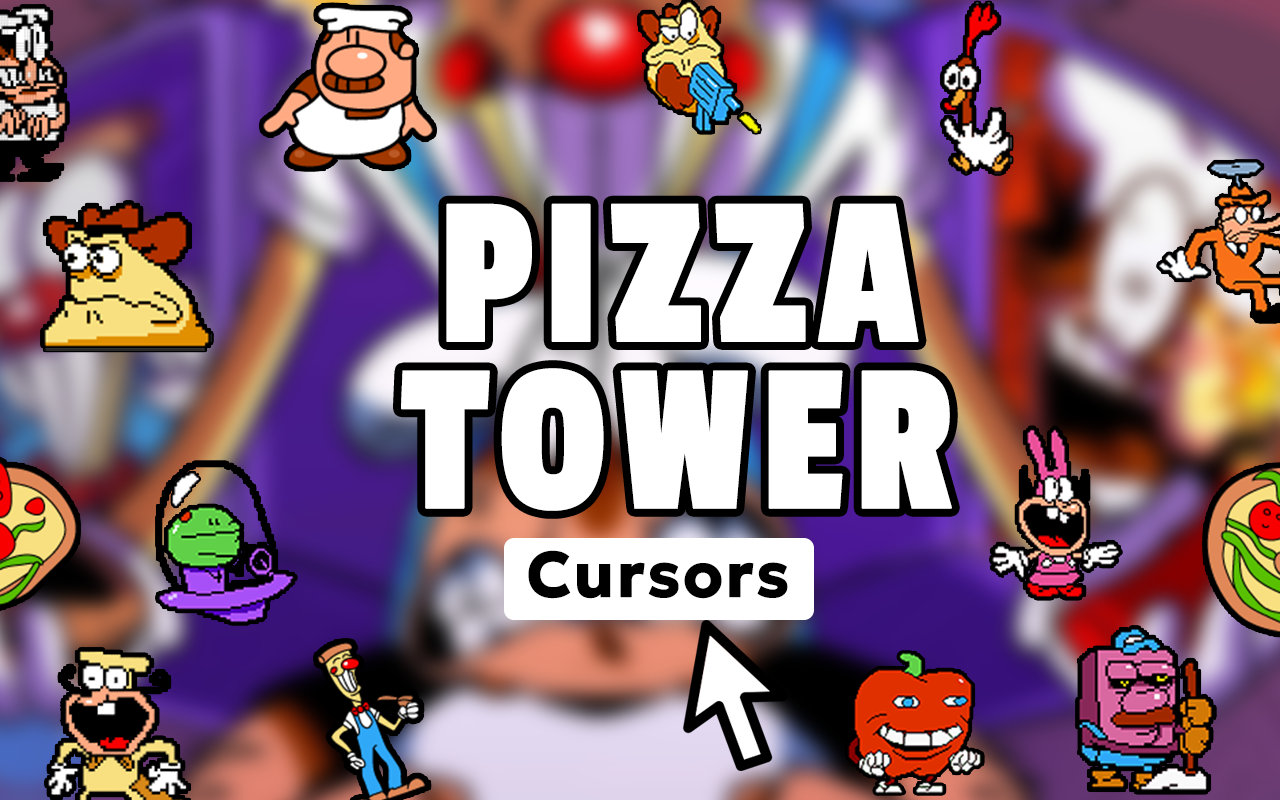
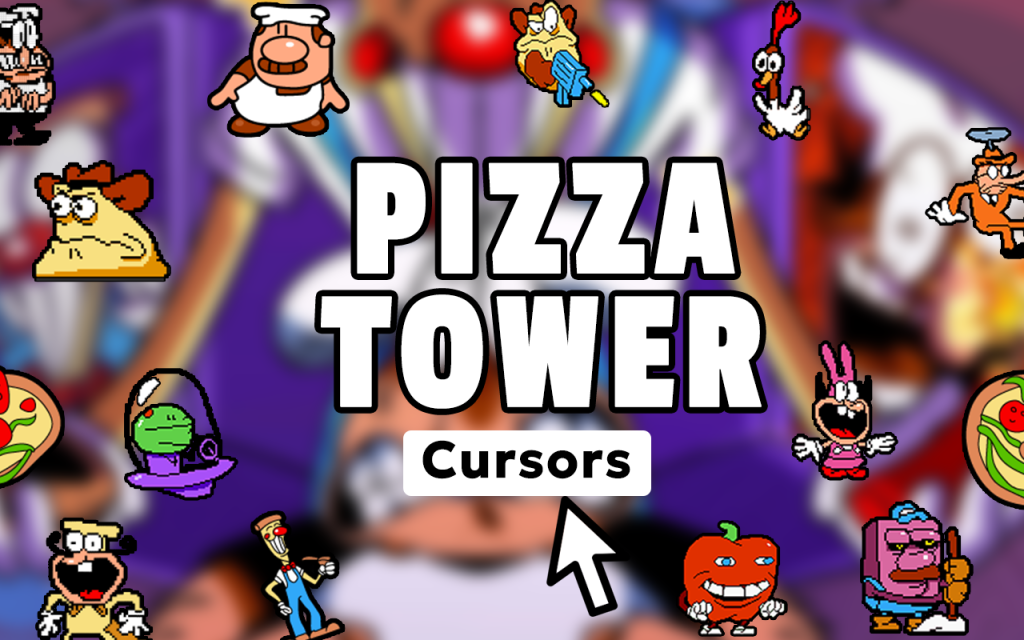
The extension includes cursor designs covering the full roster of Pizza Tower characters — Peppino in various emotional states, Gustavo and Brick, Pizzaface, Mr. Stick, The Noise, and more. Beyond characters, you’ll also find cursors based on pizza toppings, collectible Toppins, rank letters, and other recognizable game elements. There’s enough variety to switch things up depending on your mood or current obsession with the game.
Authentic Retro-Inspired Artwork
Every cursor design is crafted to reflect Pizza Tower’s distinctive late-’90s cartoon aesthetic — expressive, slightly unhinged, and full of personality. The art style stays true to the original game’s visual language, so each cursor feels like it was ripped straight from a level rather than assembled from generic fan art.
Adjustable Cursor Size
A built-in size slider lets you scale the cursor up or down to suit your display setup and personal comfort. Whether you prefer a subtle pointer or something that takes up a bit more real estate on screen, you can dial it in without digging through browser settings.
Favorites System for Fast Switching
Save your preferred cursor designs to a favorites list so you can jump back to them without scrolling through the entire collection each time. It’s a practical touch that makes switching between Peppino, The Noise, or a specific Toppin fast and effortless.
Lightweight with No Browser Slowdown
The extension is built to run without consuming noticeable memory or CPU resources. Your browser stays responsive whether you’re watching speedrun footage, reading wiki pages, or multitasking across a dozen tabs — no lag, no frame drops, no compromise.
Easy Toggle On and Off
A single click on the extension icon lets you switch back to your default cursor instantly. This makes it simple to flip between the custom Pizza Tower pointer and your standard cursor whenever you need to without disabling the extension entirely.
How to Install the Pizza Tower Cursor
- Search for the Pizza Tower Cursor extension in the Chrome Web Store.
- Click the Add to Chrome button and confirm the installation prompt.
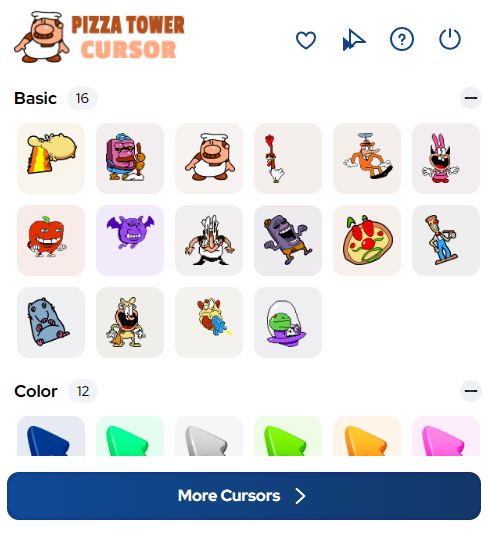
- Once installed, click the extension icon in your Chrome toolbar to open the cursor picker.
- Browse the collection and click any design to set it as your active cursor.
- Use the size slider to adjust the cursor to your preferred scale.
- To save a cursor, click the favorite icon so it appears in your saved list for quick access later.
Why Indie Game Fans Love This Extension
Pizza Tower built its reputation on momentum, expression, and a visual style that feels completely distinct from anything else in the indie space. Fans of the game tend to be deeply invested — tracking world records, dissecting level design, and creating community content. This cursor extension doesn’t try to do too much; it’s a clean, well-executed nod to a game that clearly means a lot to the people who play it. Having Peppino on your cursor while you browse the subreddit or rewatch a favorite run adds a layer of personality to an otherwise ordinary part of your screen. It’s a small thing, but small things done well are exactly what Pizza Tower is about.
Screenshots
Frequently Asked Questions
Does the cursor work on all websites?
The cursor works on most standard web pages in Chrome. Some browser-managed pages like the New Tab page or Chrome settings may not display the custom cursor due to browser restrictions, but it functions normally across typical websites.
Can I use multiple cursor designs, or am I locked to one at a time?
You can only have one active cursor at a time, but switching is instant. The favorites system makes it easy to toggle between your top picks without having to re-browse the full collection each session.
Will this extension slow down my computer?
No. The extension is deliberately lightweight and has minimal impact on browser performance. It is designed to run quietly in the background without affecting page load times or responsiveness.
Is this extension officially affiliated with Tour De Pizza or the Pizza Tower game?
This is a fan-made extension and is not officially affiliated with or endorsed by the Pizza Tower development team. It is created independently as a tribute for fans of the game.
Can I uninstall it easily if I change my mind?
Yes. Like any Chrome extension, you can remove it at any time through Chrome’s extension manager without leaving behind any residual files or settings.
If you’re a Pizza Tower fan looking for a fun, low-effort way to bring the game’s energy into your browser, this cursor extension is worth adding to your setup. Install it, pick your favorite character, and let every click carry a little bit of that chaotic platforming spirit.





